


Surveys
Easily collect valuable user feedback to improve your product and enhance user satisfaction.

Understand user needs
Improve with insights
Drive product decisions
Quickhunt is the ultimate AI-powered product feedback management tool that helps SaaS teams collect customer feedback, build a roadmap, share changelogs, and engage users with in-app messages — all with no code needed.

.svg "Activity Image")

.png "rivyo")
.png "wishlist")


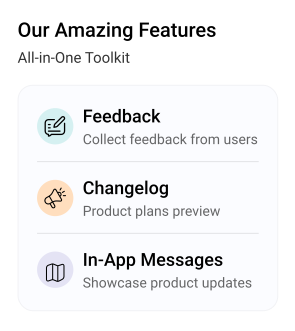
A simple step to collect feedback, build roadmaps, and announce product updates.

Capture ideas, suggestions, and bug reports directly inside your app.

Organize and prioritize user ideas based on value, demand, and feasibility.

Notify users about new features, improvements, and bug fixes with clear updates.

Collect customer feedback inside your product
Organize feedback for better product decisions
Turn customer feedback into a clear product roadmap
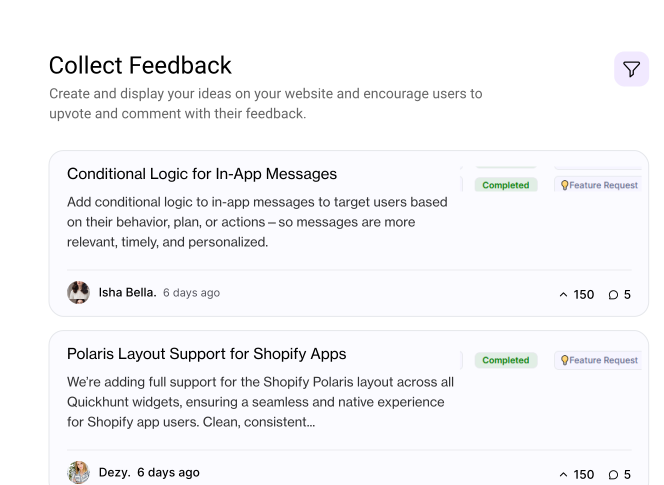
Prioritize ideas by demand, value, and feasibility
Filter by customer segments or development stages
Build and share product roadmaps from idea to execution in one place
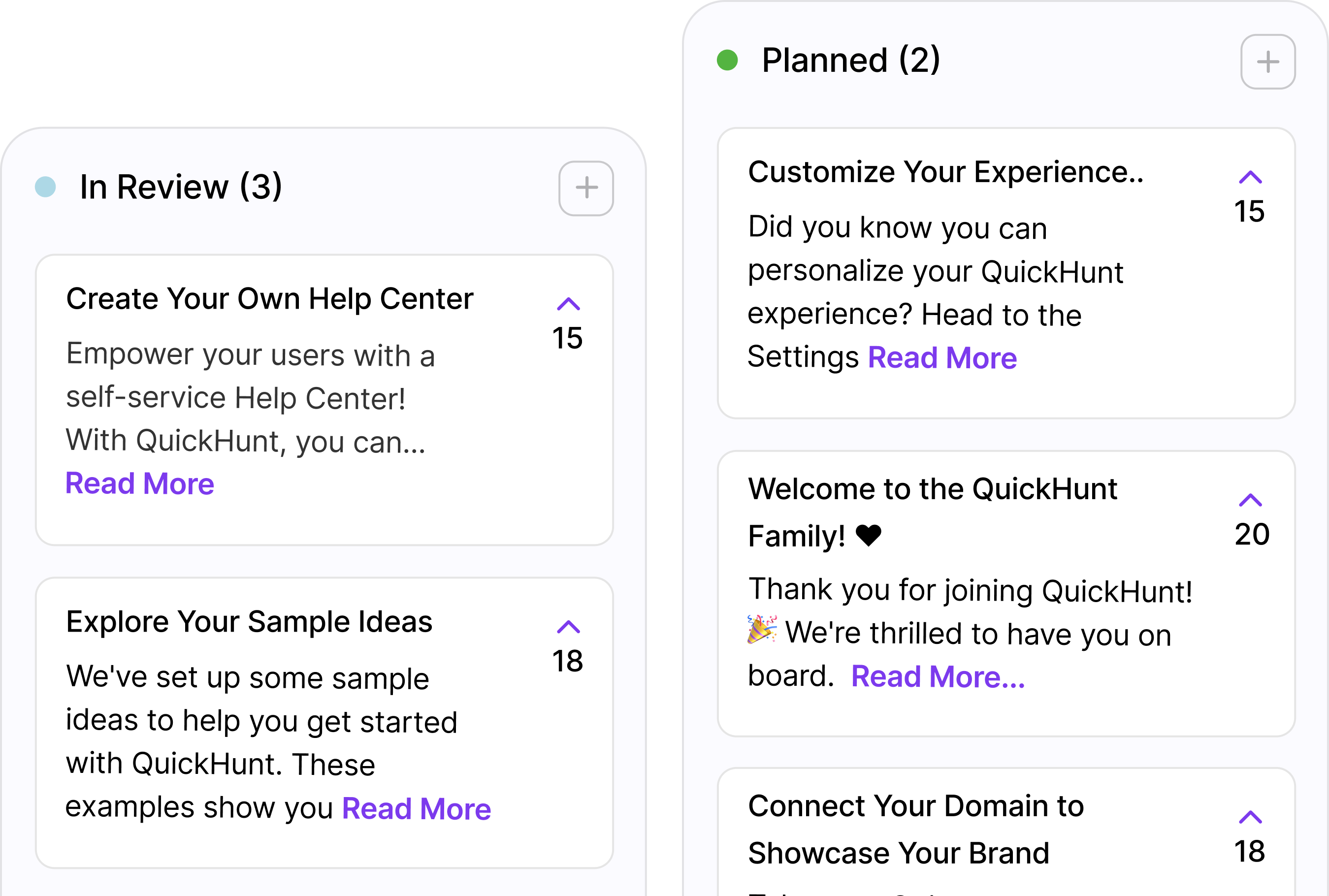
Publish changelogs and release notes via banners, popups, or in-app messages.
Highlight changes visually to drive engagement
Track user reactions and engagement metrics

Engage users in-app with messages, banners, and surveys
Guide user journeys with interactive checklists
Validate ideas and collect feedback seamlessly

Centralized knowledge base for users
Reduce support tickets with searchable help docs.
Organize guides by category or use case.
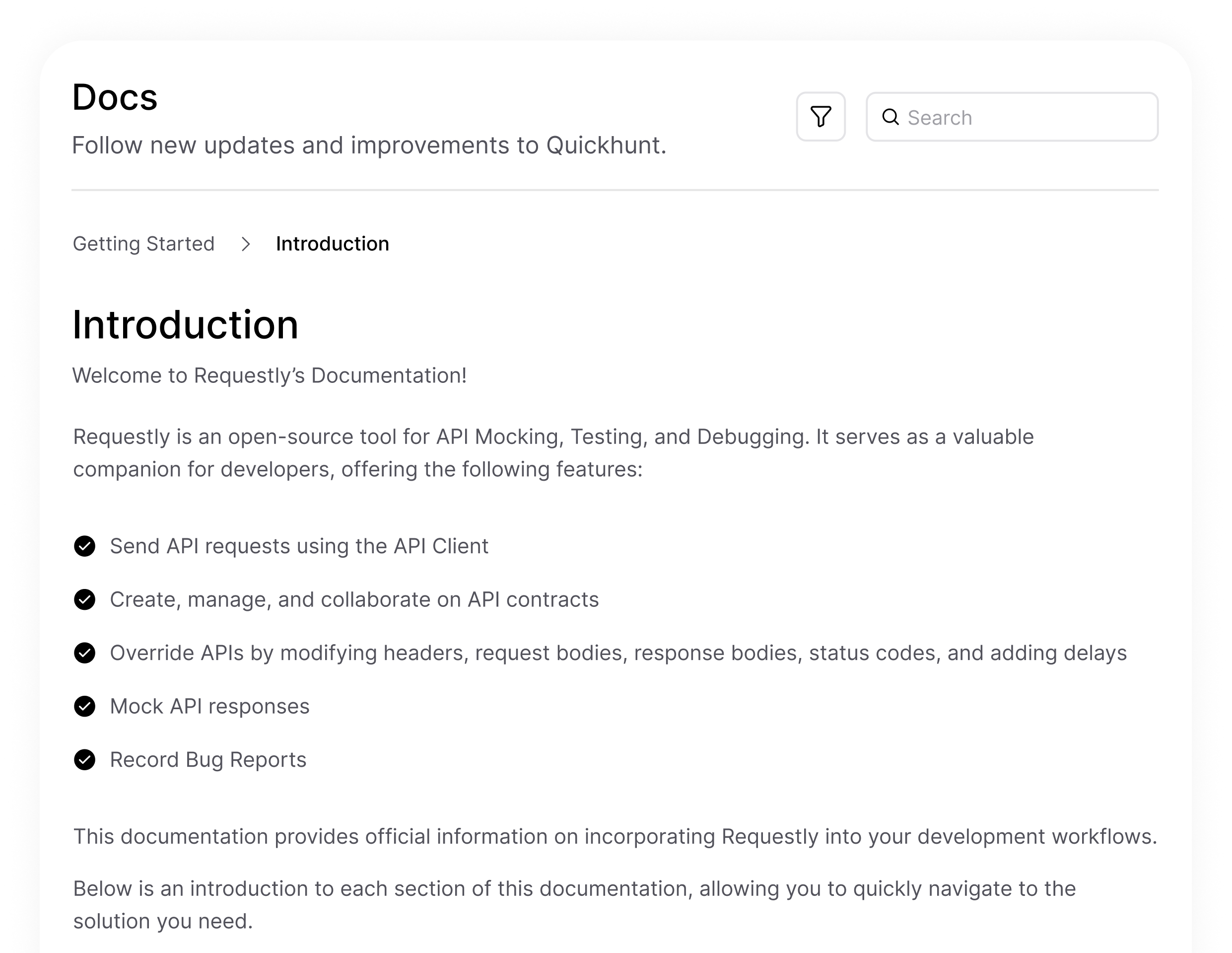
Quickhunt helps SaaS teams collect feedback, plan product improvements, and share updates through one simple platform. It works as a complete customer feedback management tool, giving you everything you need to move your product forward. From gathering insights to creating a product roadmap and publishing new feature changelogs, every workflow stays connected.
.svg "Time Line Icon")
Quickhunt lets users submit ideas, issues, and requests directly inside your product through a clean in-app widget. It gives you structured customer insights without relying on chat or email.

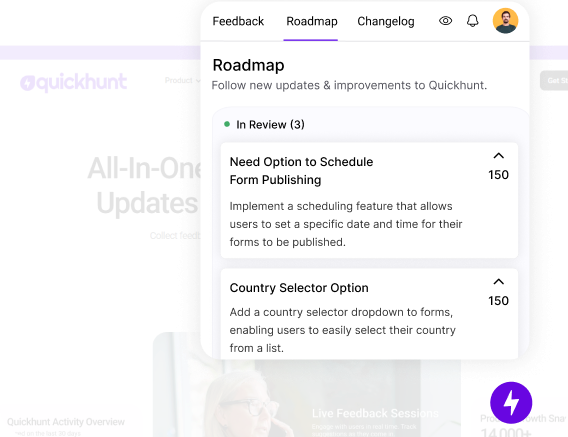
A feedback management tool turns feedback into a clear visual product roadmap that helps you prioritize what to build next. Create agile, project, or long-term development roadmaps in one place.

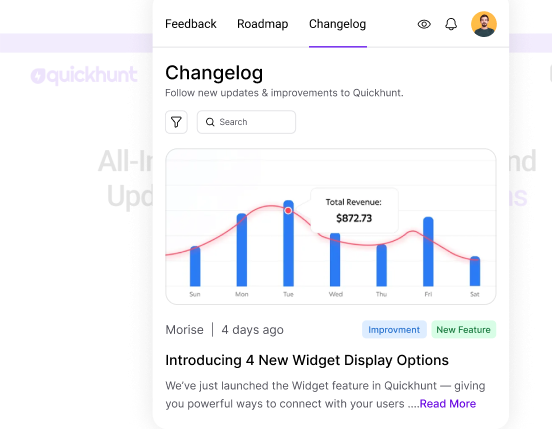
A feedback tool helps you publish new releases, fixes, and improvements through a simple public changelog. Users stay informed and connected to your product’s progress.

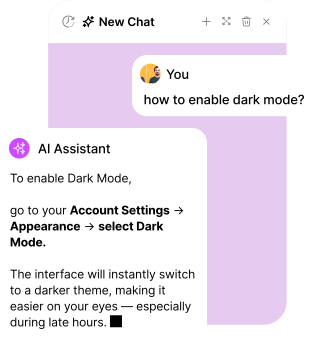
Quickhunt lets you announce features, updates, and surveys inside your product. It helps users understand changes instantly and boosts engagement.

Quickhunt allows you to create guides, FAQs, and helpful articles through a no-code knowledge base. Users get fast answers, and your product feels easier to use.
Use Quickhunt’s in-app messages to share product updates, announce features, and keep users informed without interrupting their workflow.
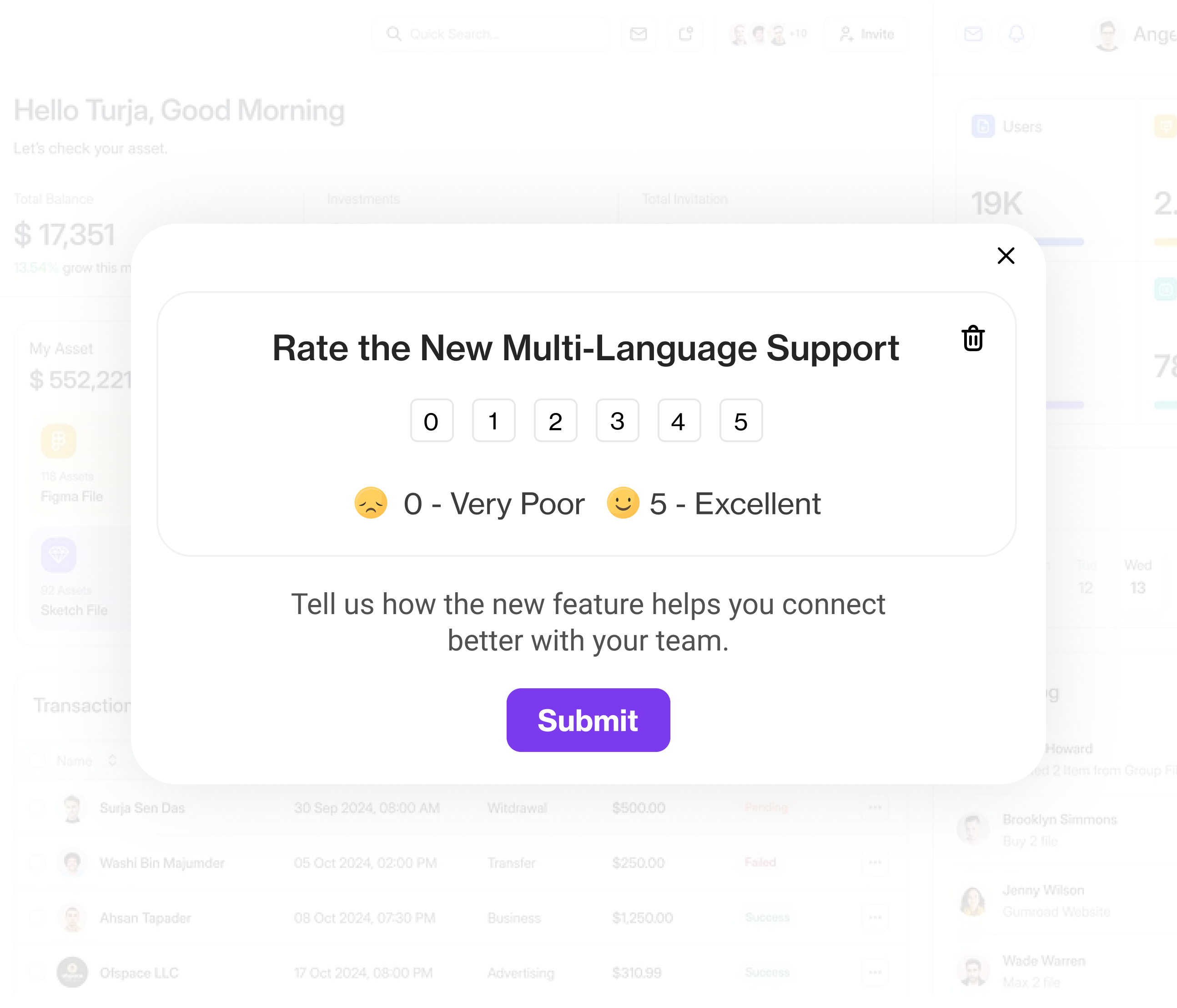
Easily collect valuable user feedback to improve your product and enhance user satisfaction.
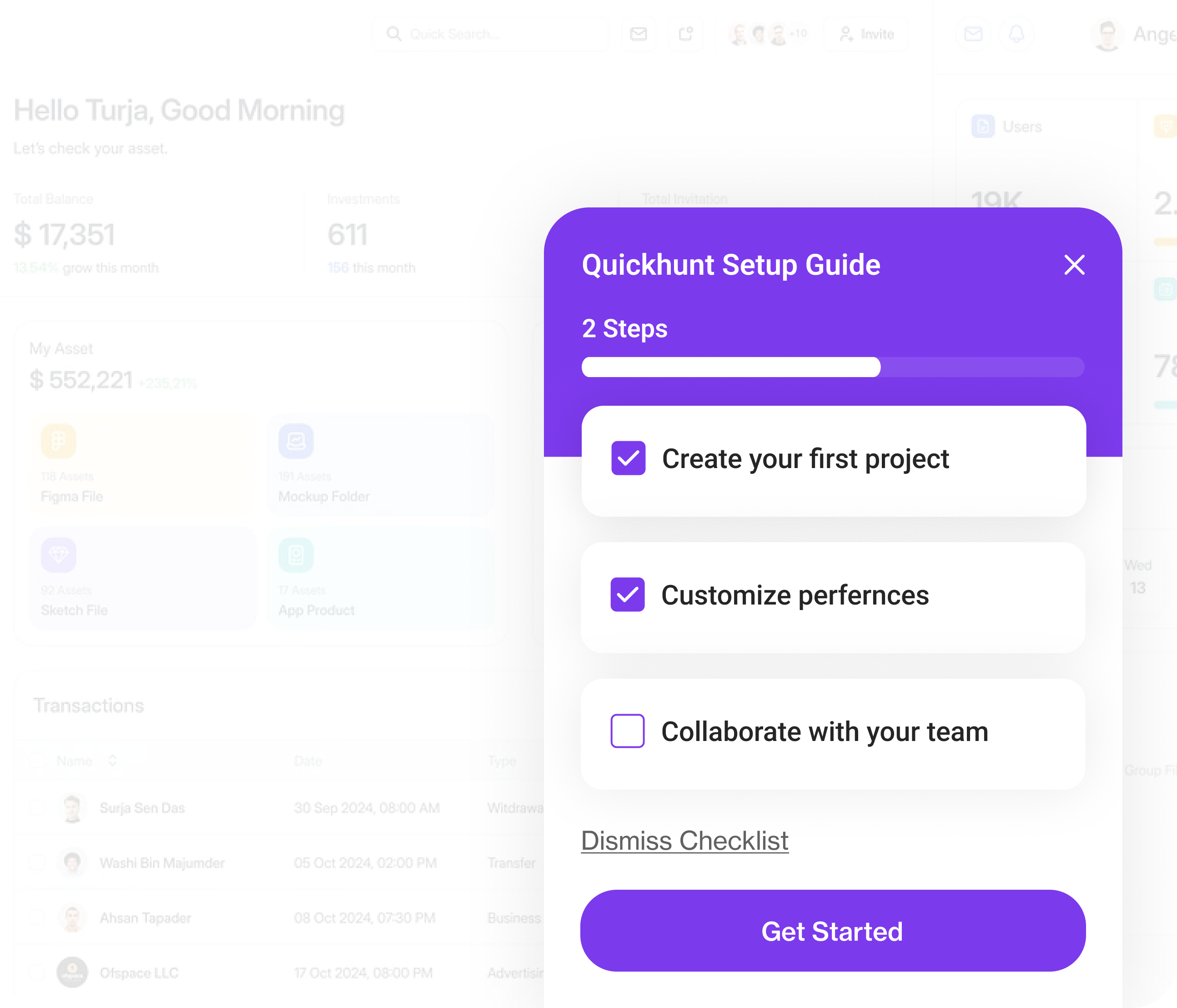
Help users complete important tasks with an interactive and organized checklist.
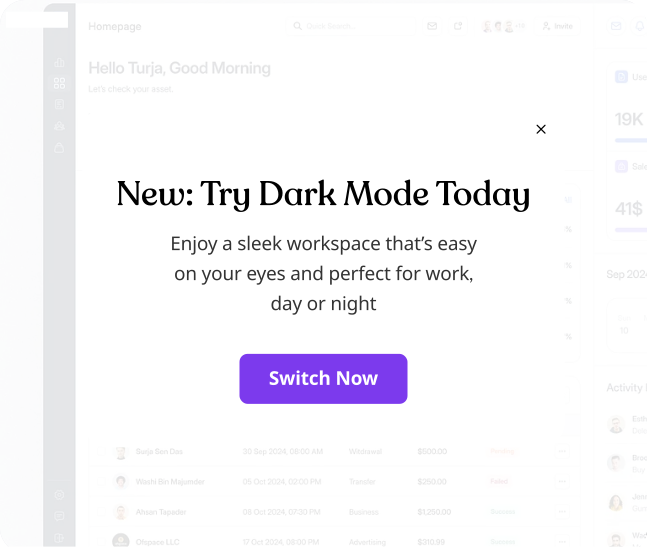
Share important updates or news directly with your users to keep them informed and engaged.
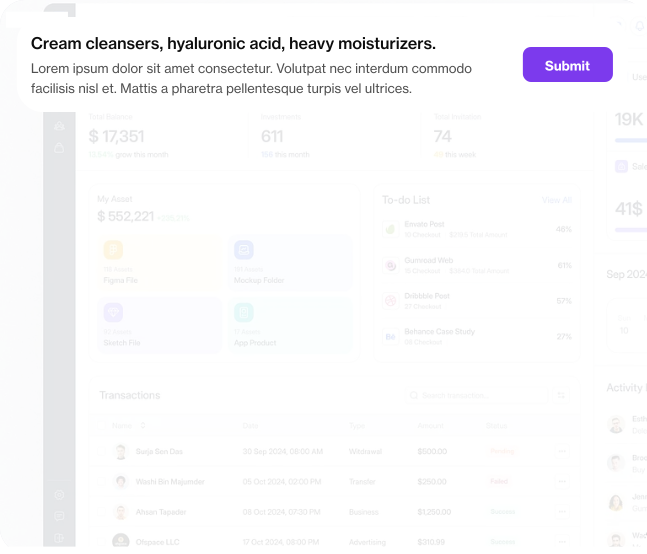
Showcase announcements and promotions prominently within your app to capture attention instantly.
Quickhunt helps you track user engagement, embed feedback tools, and support users all from one powerful dashboard.
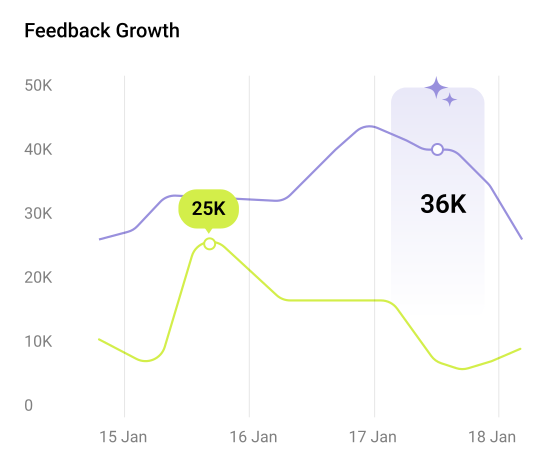
See how many users gave feedback, reacted to updates, or viewed your content using our customer feedback tool.
.webp "Users Follow")
Quickhunt lets your team and users comment and react to make feedback more actionable.
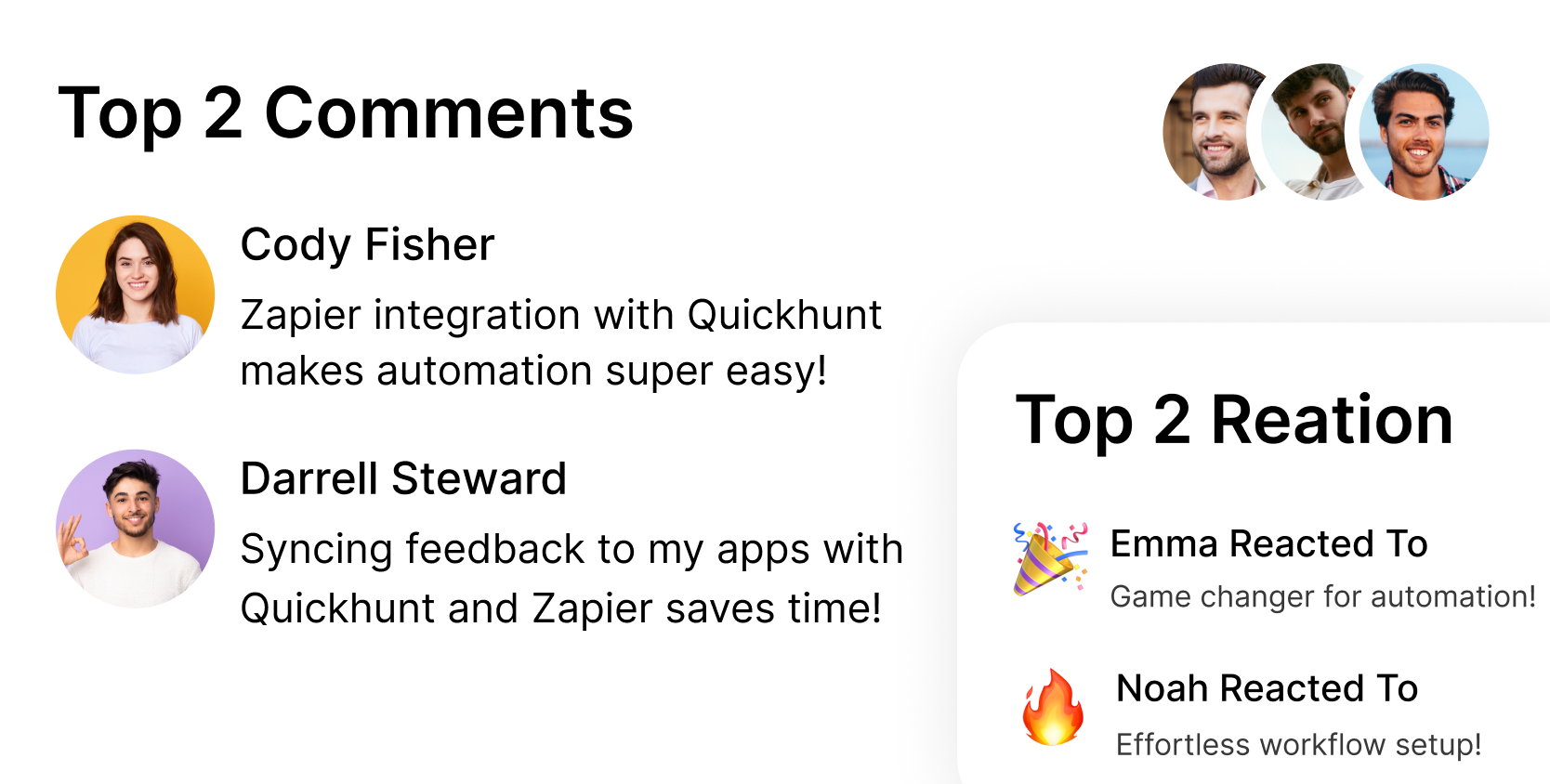
Track views, clicks, and reactions to understand which updates or ideas resonate most with your users.
.png "App Information")
Add FAQs, guides, and help articles that users can access anytime. Reduce support requests with an easy-to-use knowledge base.

Match your docs with your product’s look and feel no code required.
Easily update content in real-time to keep users informed with the latest info.

.png "Embed Image")
SaaS founders and product managers love Quickhunt for its simplicity, speed, and impact on user engagement.
Product-led businesses across the globe use Quickhunt to collect feedback, align teams, and ship updates that matter.
From feature requests to bug reports Quickhunt helps teams turn raw feedback into action with zero manual effort.
Quickhunt connects with Slack, Intercom, Jira, HubSpot, and more. You can collect feedback, assign tasks, and respond to users all without changing your workflow.

I’m not super technical, but I got our feedback board live without asking anyone for help. It’s one of the easiest tools I’ve used.

Instead of sending emails or jumping on calls, we just send updates inside the app. It’s faster, and users read them.

Quickhunt replaced our feedback tracker, roadmap board, changelog tool, and help docs. It’s just simpler to manage everything in one place.

Quickhunt makes it easy to update users and track feature ideas. Our customers actually feel heard now, and we can prioritize with confidence.
.png "Author Image")
Quickhunt connects with Slack, Intercom, Jira, HubSpot, and more. You can collect feedback, assign tasks, and respond to users all without changing your workflow.

Transparency, organization, and speed Quickhunt ticks all the boxes. Our team loves it.

Quickhunt has streamlined our feedback loop like never before. We're building what actually matters to users.
We cut our feature decision time in half after switching to Quickhunt. It’s now a core part of our product workflow.
From bug reports to feature requests, everything is in one place. Our team finally has clarity.
Our users feel heard, and our roadmap has never looked better. Quickhunt just makes sense.
Quickhunt is lightweight yet powerful. We got set up in minutes and started collecting valuable insights instantly.
Transparency, organization, and speed — Quickhunt ticks all the boxes. Our team loves it.
%201.svg)

Quickhunt is a powerful customer feedback tool that lets users submit feature requests, bug reports, or product suggestions directly within your app.
Yes, Quickhunt lets you categorize and tag customer feedback by type, including “Feature Request,” “Bug Report,” or “Improvement.”
Absolutely. With Quickhunt, you can enable anonymous customer feedback submissions to gather honest input from users who prefer privacy.
Quickhunt helps you prioritize product feedback using upvotes, tags, and internal notes.
Yes, you can engage users by replying in comment threads or updating feedback statuses.
A visual roadmap of your product development journey is provided by Quickhunt's product roadmap, which highlights planned, ongoing, and finished features or updates. This road mapping tool was created to help users and teams stay on the same page regarding plans.
Yes, Quickhunt allows you to rename stages and reorder or add custom stages based on your workflow.
Users can view updates, comment on features, and vote on their favorites, giving you real-time feedback to build a product roadmap that reflects user priorities.
Yes. Each item in your technology roadmap can be linked directly to relevant user feedback, bug reports, or new product announcements, creating a transparent and connected product development roadmap.
Quickhunt combines simplicity with power, whether you're creating a product roadmap, managing feedback, or showcasing updates. It’s a great alternative to tools like Aha! Roadmap, Jira Roadmap, or other roadmap generators, offering clarity without the complexity.
Changelogs are used to share product updates, new feature launches, bug fixes, and important news with users.
They can appear on your public changelog page or directly inside your app using a widget.
Yes, you can schedule changelogs to go live at a specific date and time.
Yes, Quickhunt provides engagement analytics for each changelog to help you measure visibility and impact.
Absolutely. You can customize the layout, add media or icons, and use markdown for styling.
These are notifications shown inside your app to onboard users, announce updates, request feedback, or drive actions.
In-app messages are triggered based on your settings—you can add a delay before showing the message and set a start and end date to control when it appears.
You can set messages to be dismissible, timed, or require user interaction to close them.
Currently, A/B testing isn't native, but you can create different versions and track engagement manually.
Absolutely! They’re great for product tours, tooltips, and onboarding workflows.
It’s a centralized hub for FAQs, guides, and help articles that help your users find answers without needing support.
Articles are grouped into categories and sections for easy browsing and searchability.
Yes, a smart search bar is included to help users quickly find relevant content.
Yes, Quickhunt provides an embeddable widget or standalone page link.
Yes, rich content support lets you embed media, code samples, and more for better explanations.
AI live chat software lets your website reply to visitors instantly. It uses AI to understand questions and give quick, helpful answers.
You can install AI live chat by adding a simple code snippet or using integrations. Setup takes only a few minutes.
Yes. You can collect feedback directly from live chat conversations and use it to improve your product or service.
Yes. You can customize the live chat widget with your brand colors, icons, and welcome messages.
Yes. AI live chat works 24/7 and helps customers even when your team is offline.
Still curious about how Quickhunt fits into your workflow? Here are the answers to the most common questions.
Use Quickhunt to collect customer feedback, plan your product roadmap, and share updates with built-in changelog tools. No coding is needed, just simple steps and fast value.

.svg "footer-logo")
Quickhunt helps SaaS teams collect feedback, manage ideas, plan roadmaps, and share updates through announcements and interactive in-app messages like surveys and checklists.
.svg "fecebook")
.svg "linkdin")
.svg "twitter")




We use cookies to ensure a smooth and customized experience for you. Feel free to adjust your preferences, but please be aware that limiting cookies might impact your access to certain features and services. Learn More.

.png "Modal Image")