


Table of content
Teams love Notion for notes and ideas. Many teams still need more speed, more control, and more structure. A strong knowledge base needs a clear flow. A strong knowledge base needs fast search. A strong knowledge base needs clean space for guides, help docs, and product details. Many Notion competitors give this flow in a better way.
Notion gives freedom. Freedom feels good for a small team. A big team works in a different way. Pages grow fast. Editors lose track. Users ask for quick answers. Support teams rush during busy hours. Drafts sit in long lists. Guides mix with random notes. Teams hunt for perfect order and lose time.
Many teams move to Notion alternatives for a simple reason: they want smooth docs and easy updates. They want docs in one place. They want a clear home for product guides. They want fast work for editors. They want instant answers for users.
What Makes a Good Knowledge Base Tool?
A strong knowledge base tool gives teams a clear structure and fast search. Writers create guides with ease, and readers find answers in seconds. Smooth layout, simple editing, quick loading, and tight control help teams grow without chaos. A tool with smart flow keeps content clean and fresh. Many teams move toward a Notion alternative because they need more order, more speed, and more clarity than apps like Notion can offer.
Teams explore alternatives to Notion, apps similar to Notion, websites like Notion, and other Notion competitors to get better support for docs. Many also search for the best Notion alternatives or even a free Notion alternative to keep budgets low. Strong tools give clear permissions, easy updates, and solid connections with other apps. A good knowledge base tool helps teams guide users, reduce support pressure, and keep information simple.
Limitations of Notion for Knowledge Base Management
Teams pick Notion for quick docs and fast notes. Many users love the clean layout. Many users also reach tough limits as the team grows. A knowledge base needs order, strong search, and clear space for readers. Notion gives freedom, but freedom creates issues for support teams, product teams, and new users.
1. Weak structure for large knowledge hubs
A small set of guides runs smoothly in Notion. A large set breaks the flow. Pages spread across many folders. Editors jump across many layers. New users fail to find the right page. Support teams lose time, and product teams give extra effort to keep order. Tools built for heavy docs solve this need.
2. Slow search for big teams
Search feels fine in the early days. Growth hits speed. Pages load slowly. Links take long. Search shows too many results. Readers lose interest. A strong system needs fast search and clean filters.
3. No clear version control for guides
A knowledge base needs fresh and correct information. Teams updates guides many times. Notion gives no strong history flow for team-wide edits. Editors lose track of old changes. The wrong text stays in place. New readers face confusion. This pain forces many teams to try a free Notion alternative with a stronger edit flow.
4. Limited reader experience
Readers need a simple layout, clear categories, and a smooth read. Notion gives pages, blocks, and embeds. Readers face long scrolls. Pages look mixed. Guides lose shape on mobile. Many users search for similar tools to Notion with stronger reader views.
5. No built-in feedback flow
A knowledge base works well only with fresh input from real users. Notion gives no easy way for readers to react, suggest edits, or leave quick thoughts. Teams guess user issues. Product teams lose insight. This gap pushes teams toward the best Notion alternatives with built-in feedback tools.
6. Hard scale for support teams
Support teams move fast. They handle high volume. They need a strong tool with tags, categories, clear sorting, and quick access. Notion needs heavy manual upkeep. Pages float everywhere. Teams lose speed.
Best 10 Notion Alternatives for a Knowledge Base
Teams grow fast. New members join. New users ask more questions. Products ship fresh updates every week. Information moves in many directions. A strong knowledge base brings order in the middle of this rush. Many teams start with Notion, but the space turns crowded over time. Editors scroll through long page lists. Readers lose time in long menus. Search slows down. Structure fades. This moment creates the need for a stronger Notion alternative.
A clean knowledge base gives users quick answers. A clean tool also keeps internal teams aligned. You gain clear structure, quick navigation, and simple editing. You also gain peace in daily work. Below, you can explore ten strong tools. Each one offers a fresh approach, easy layouts, and clear flow.
1. Quickhunt
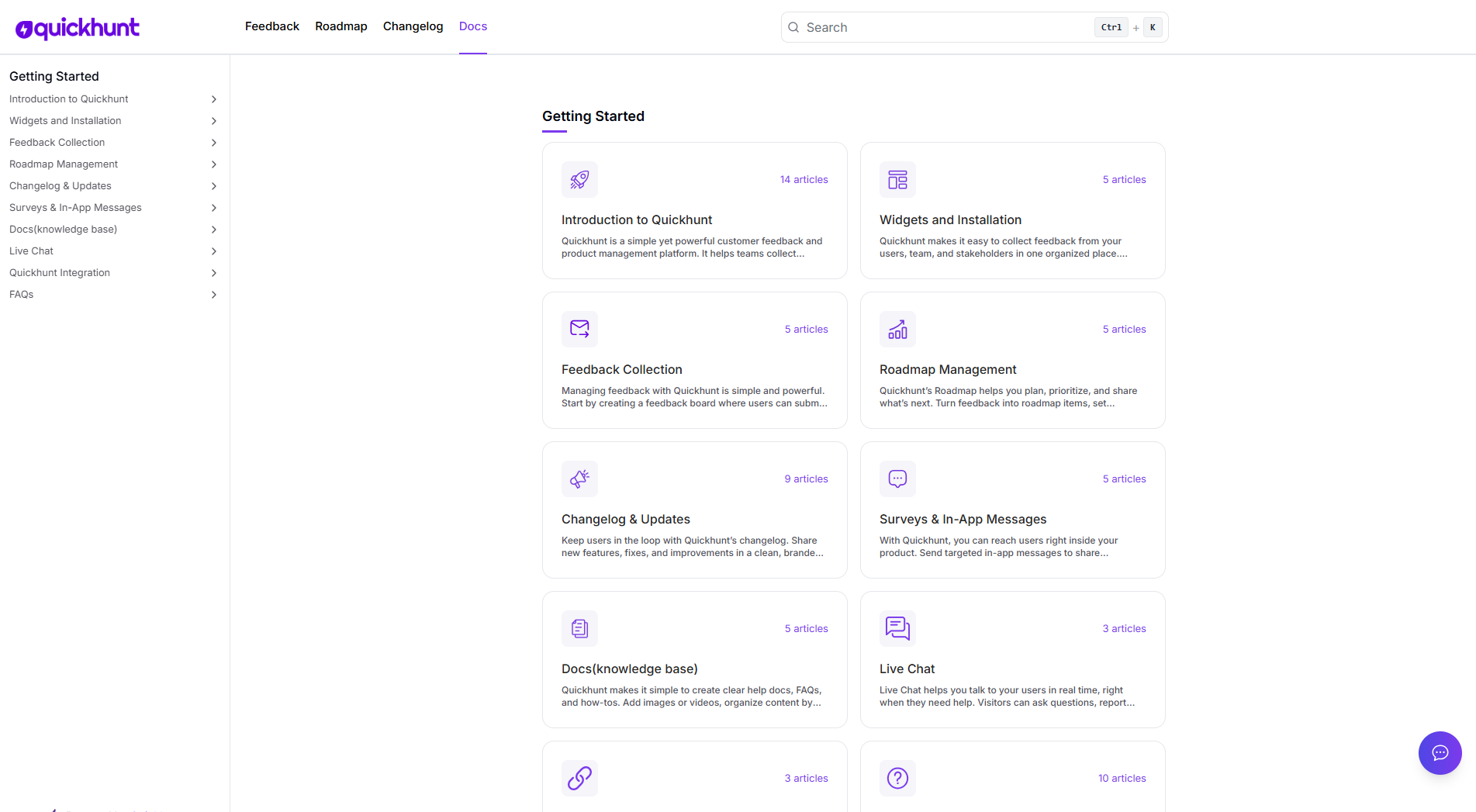
Quickhunt gives teams a smooth space for help docs, guides, FAQs, and product notes. The editor feels light. AI support adds speed. Each page sits inside clean categories. The search responds instantly. Users access answers without confusion. Teams also use changelog, roadmap, feedback, and in-app messages in the same workspace. This mix removes tool fatigue. Founders call Quickhunt one of the strongest Notion competitors because the system removes clutter and brings clarity for both small and large teams.
Quickhunt also brings a smart AI Assistant inside the knowledge base. Users open the help center and ask questions in plain language. The AI Assistant reads all your docs and gives answers in seconds. The tone stays friendly and clear. Support teams save many hours because users find answers on their own. Product teams enjoy this flow because the AI Assistant reduces support load during new launches.
Key Features
- Clean page layout with strong category menus
- Fast real-time search
- AI writing support for quick docs
- Roadmap and feedback tools in the same workspace
- Easy sharing and publishing
Best For: Product teams, SaaS founders, support teams, early-stage and mid-stage startups.
2. Confluence
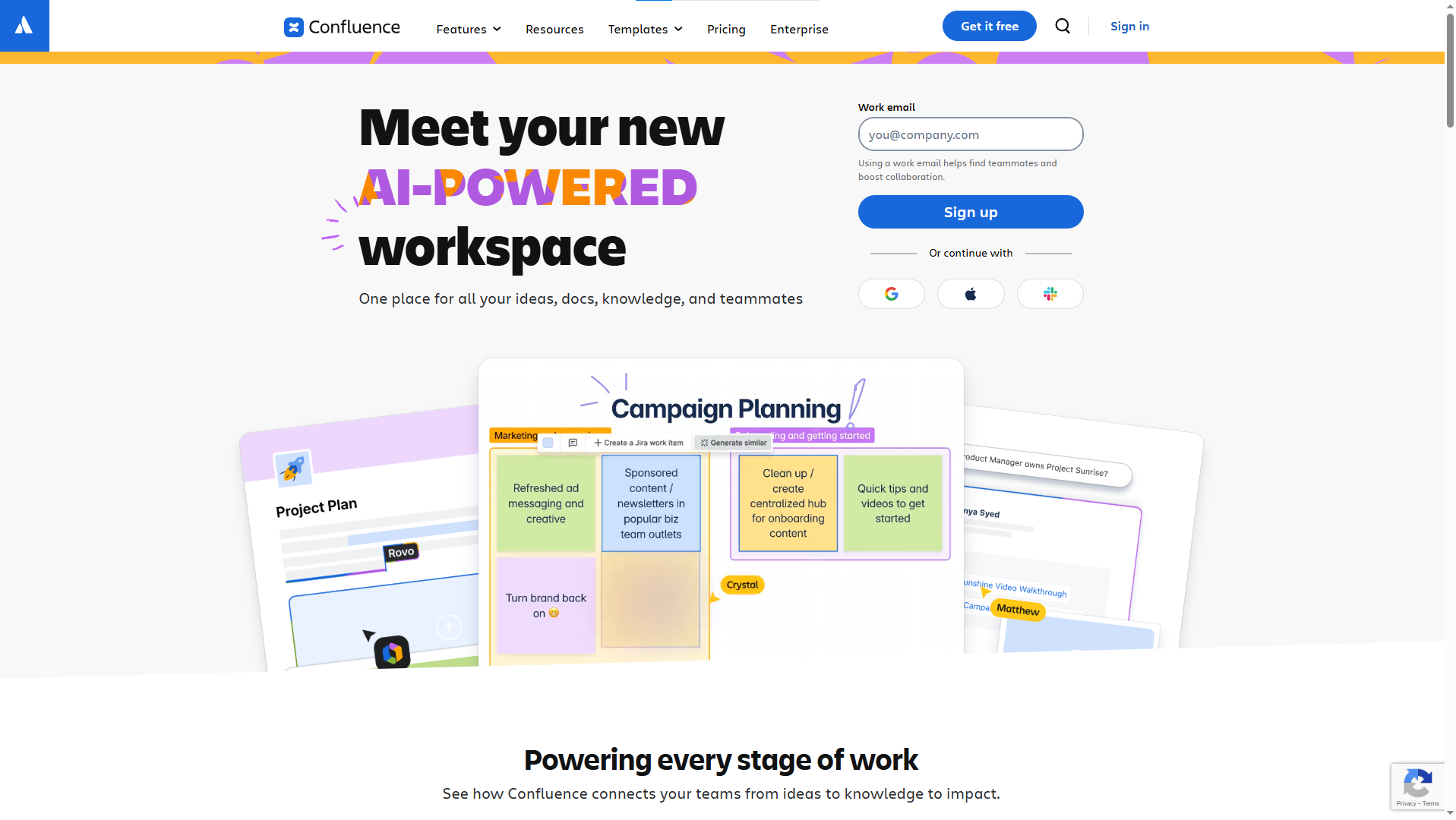
Confluence offers deep structure. Editors create spaces for each team. Pages link in neat flows. Templates speed up writing. Big teams love this system because the organization stays tight and clear. Confluence stands strong as a long-time Notion competitor with a more rigid format.
Key Features
- Organized spaces for teams and projects
- Built-in templates for guides and process notes
- Page linking and hierarchy view
- Commenting and team discussions
- Integration with Jira and other tools
Best For: Enterprise teams, corporate environments, compliance-heavy teams.
3. HelpDocs
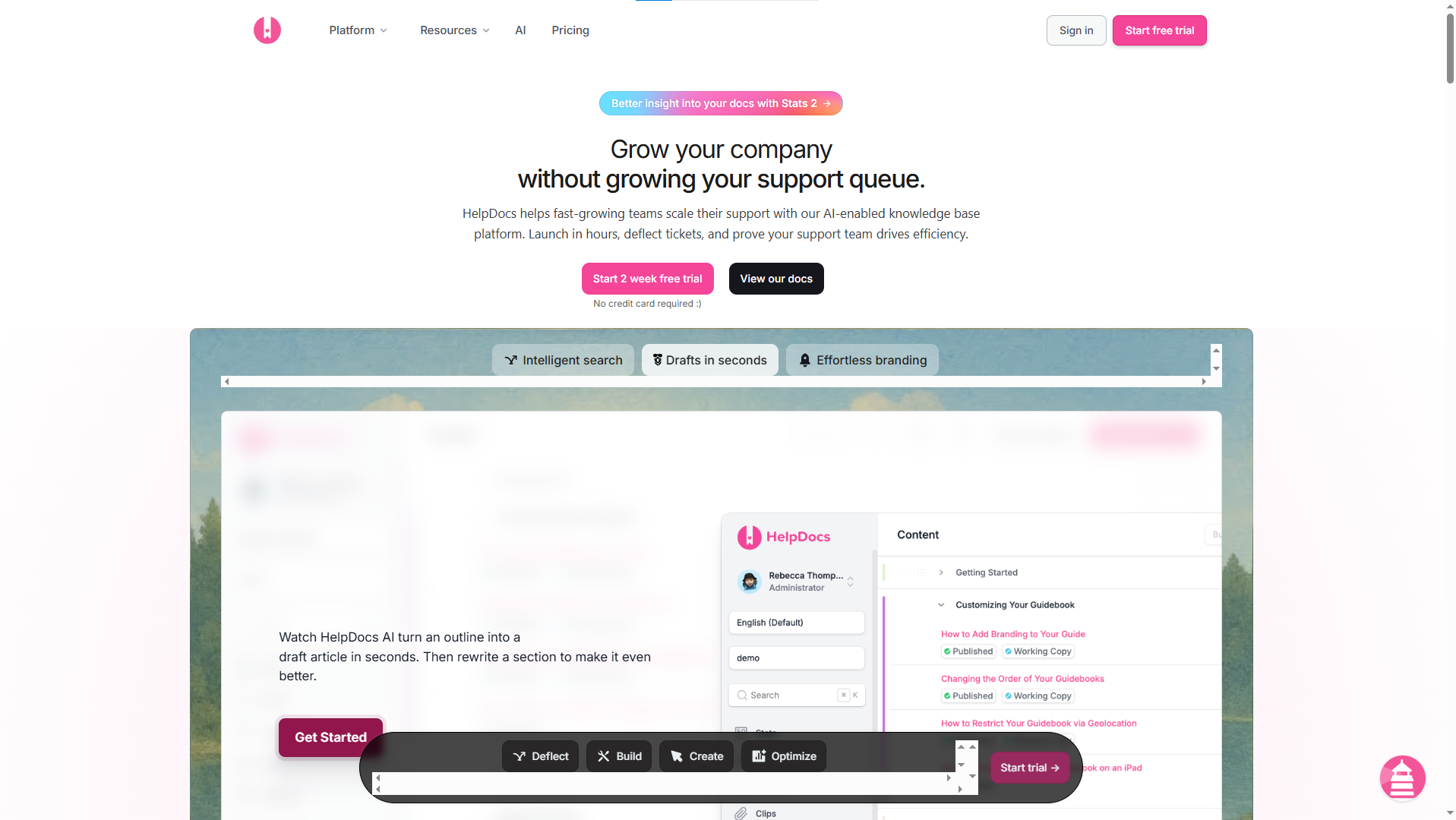
HelpDocs gives teams a pure, focused knowledge base. The layout stays simple. The design looks clean. Users find answers fast through strong search. Support teams enjoy this tool because it removes noise. Many teams place HelpDocs high on their list of apps like Notion for help centers.
Key Features
- Clean public-facing help center
- Fast search optimized for end users
- Article analytics to find gaps
- Category layouts and tags
- Simple editor with formatting tools
Best For: Customer support teams, SaaS help centers, self-serve knowledge bases.
4. Document360
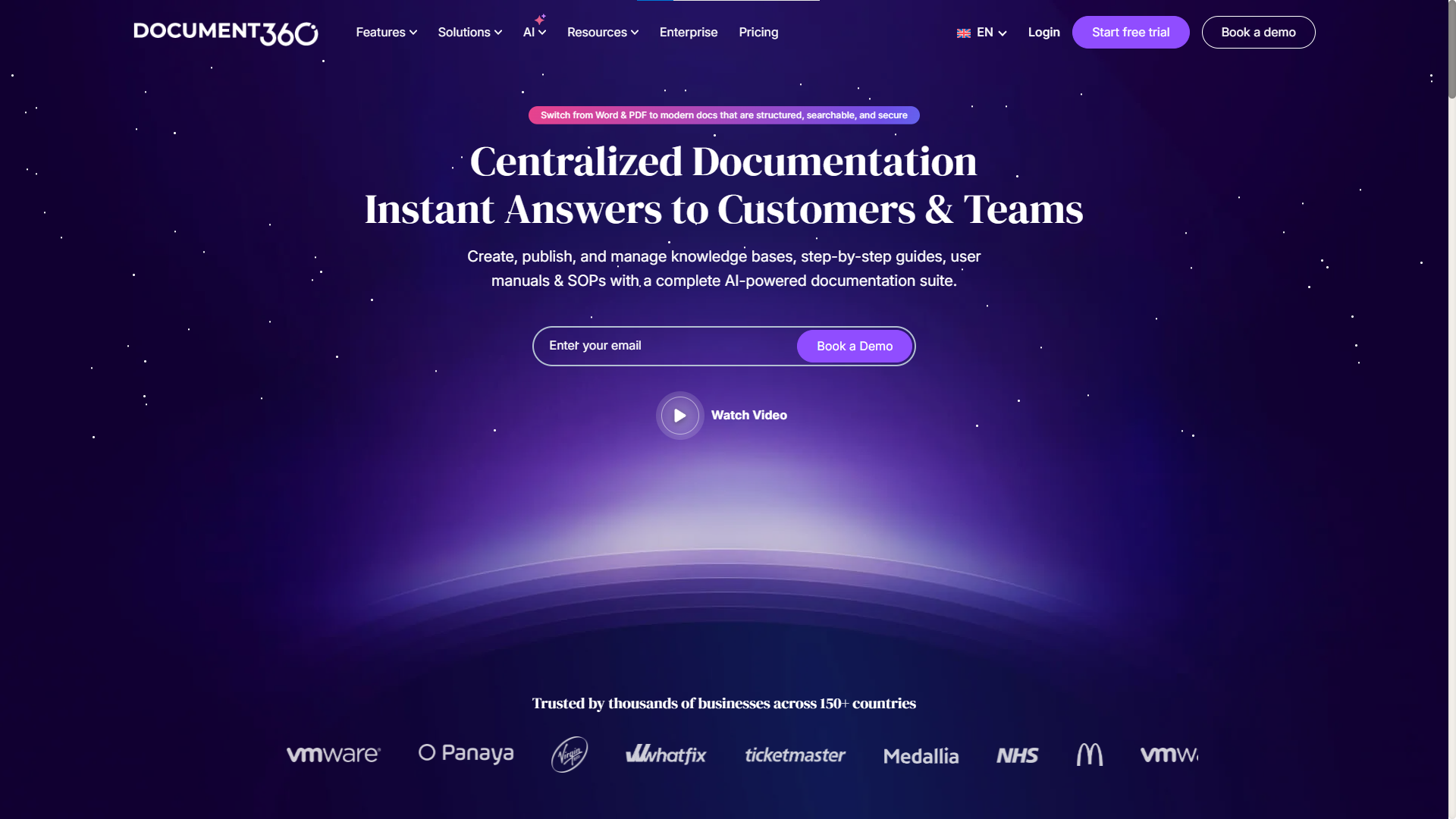
Document360 offers organized navigation with tags, categories, and clean sidebars. Editors enjoy deep control. Teams with many products and many guides love this layout. The tool fits well inside lists of applications like Notion for long-term documentation.
Key Features
- Category and section hierarchy
- Tag filtering for users
- Versioning for documentation history
- Rich markdown and WYSIWYG editor
- SEO settings and custom domains
Best For: Mid-size SaaS, global teams, multi-product companies.
5. Slab
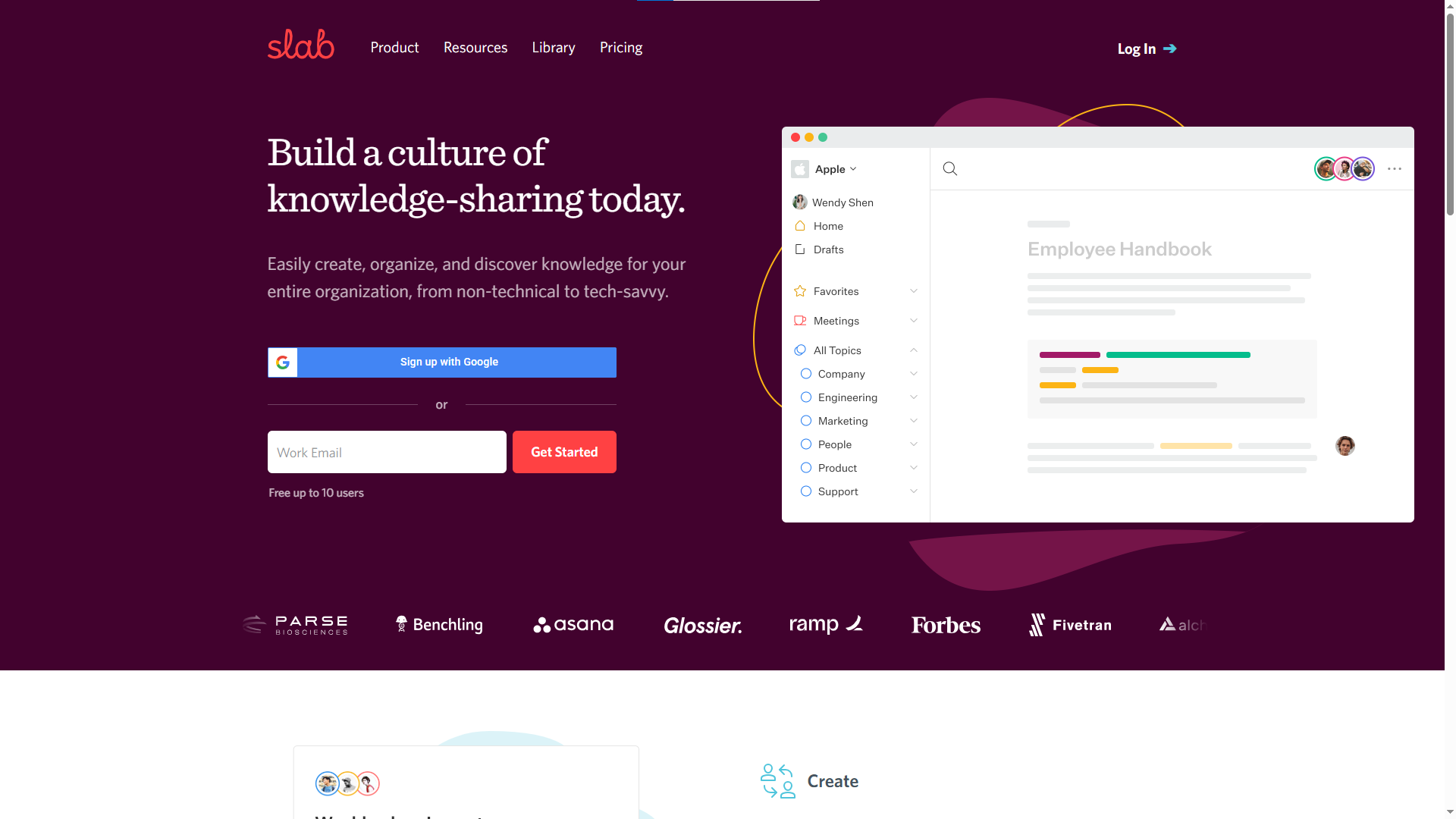
Slab brings a soft, minimal design. The editor feels modern. The search engine runs at high speed. Teams use Slab for onboarding, internal playbooks, and process notes. Many small teams explore Slab as one of the most polished apps similar to Notion, with a strong focus on internal knowledge.
Key Features
- Unified workspace for notes and docs
- Instant search for pages and terms
- Team sharing and permissions
- Simple editor with rich text blocks
- Integrations with Slack, GitHub, and others
Best For: Internal knowledge sharing, people teams, fast-moving startups.
6. GitBook
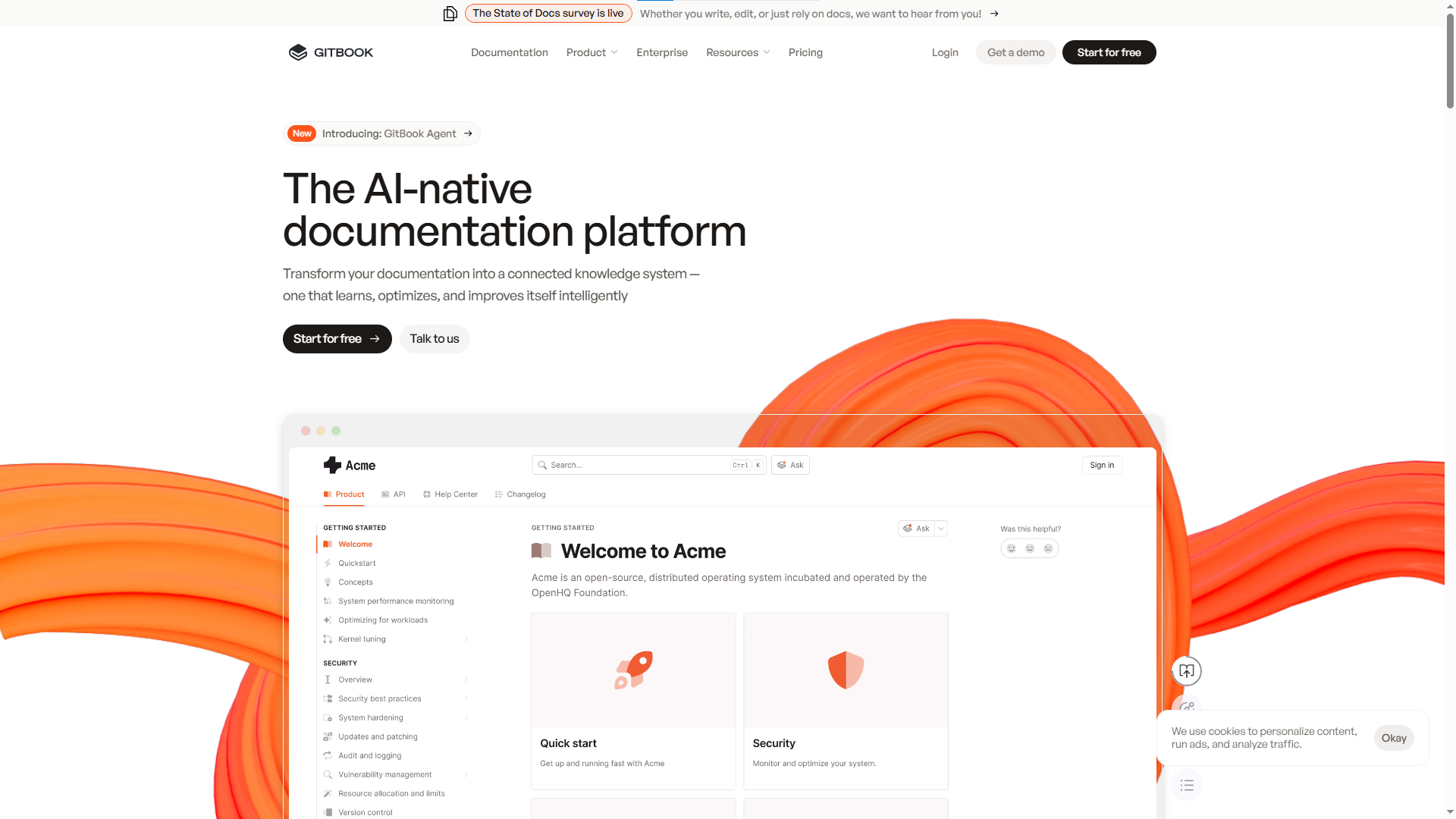
GitBook serves engineering teams with a clean editor and Git sync. The space feels natural for API docs, release notes, and developer guides. Many dev teams see GitBook as a simple tool similar to Notion, but with more structure for technical teams.
Key Features
- Git sync for version control
- Clean documentation viewer
- Markdown editor with live preview
- Table of contents and sidebar navigation
- Table of contents and sidebar navigation
Best For: Developers, engineering teams, API docs, and technical writing.
7. Nimbus
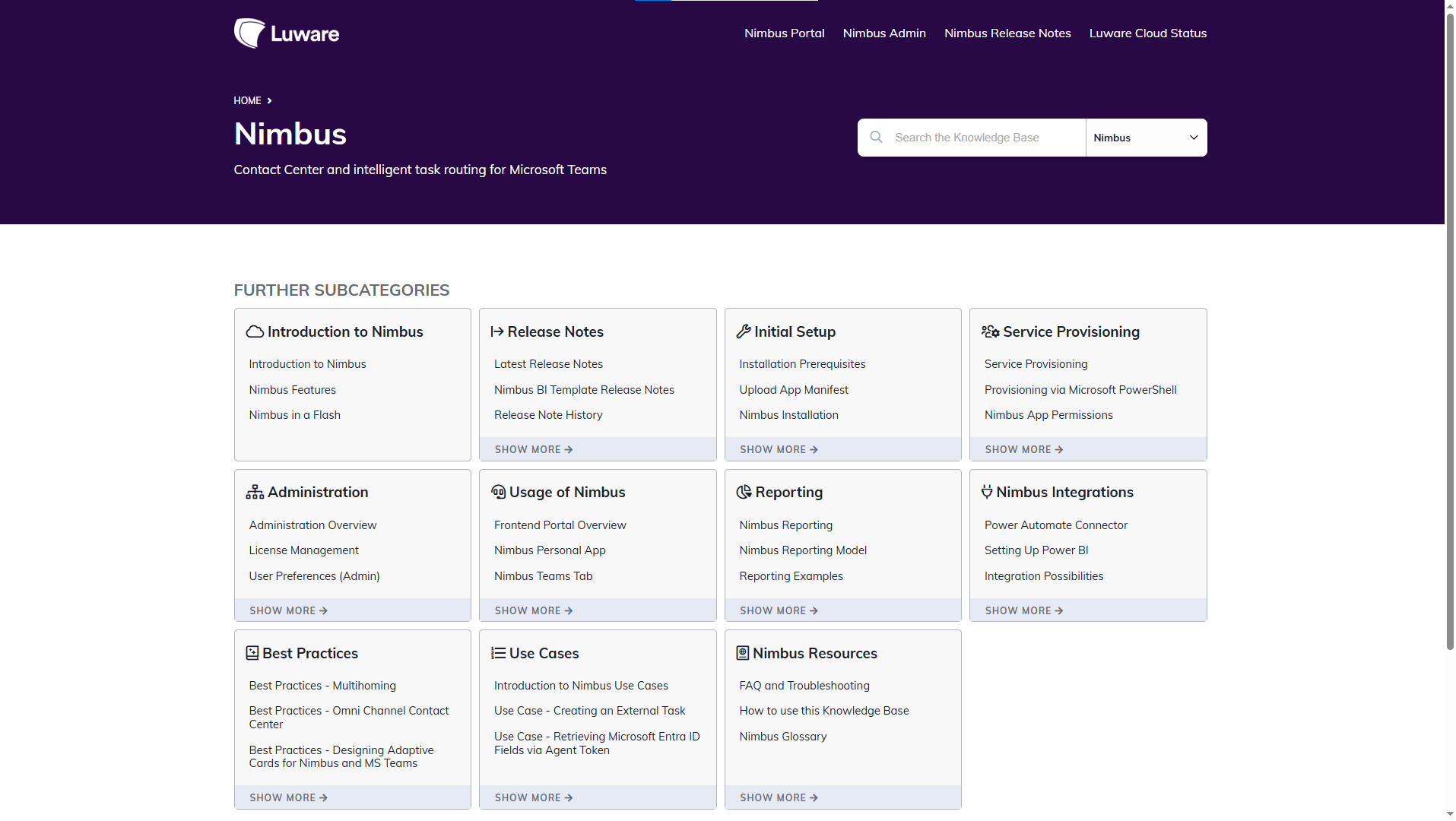
Nimbus blends notes, wikis, and guides in one system. Editors enjoy smooth organization. The layout feels clear and friendly. Remote teams like Nimbus because the interface removes friction. Nimbus also stands as one of the best Notion alternatives for simple document flow.
Key Features
- All-in-one workspace for docs and projects
- Blocks and pages with drag-and-drop
- Custom templates for workflow
- Integrations with calendars and tools
- Team permissions and sharing
Best For: Remote teams, small teams, lightweight documentation.
8. BookStack
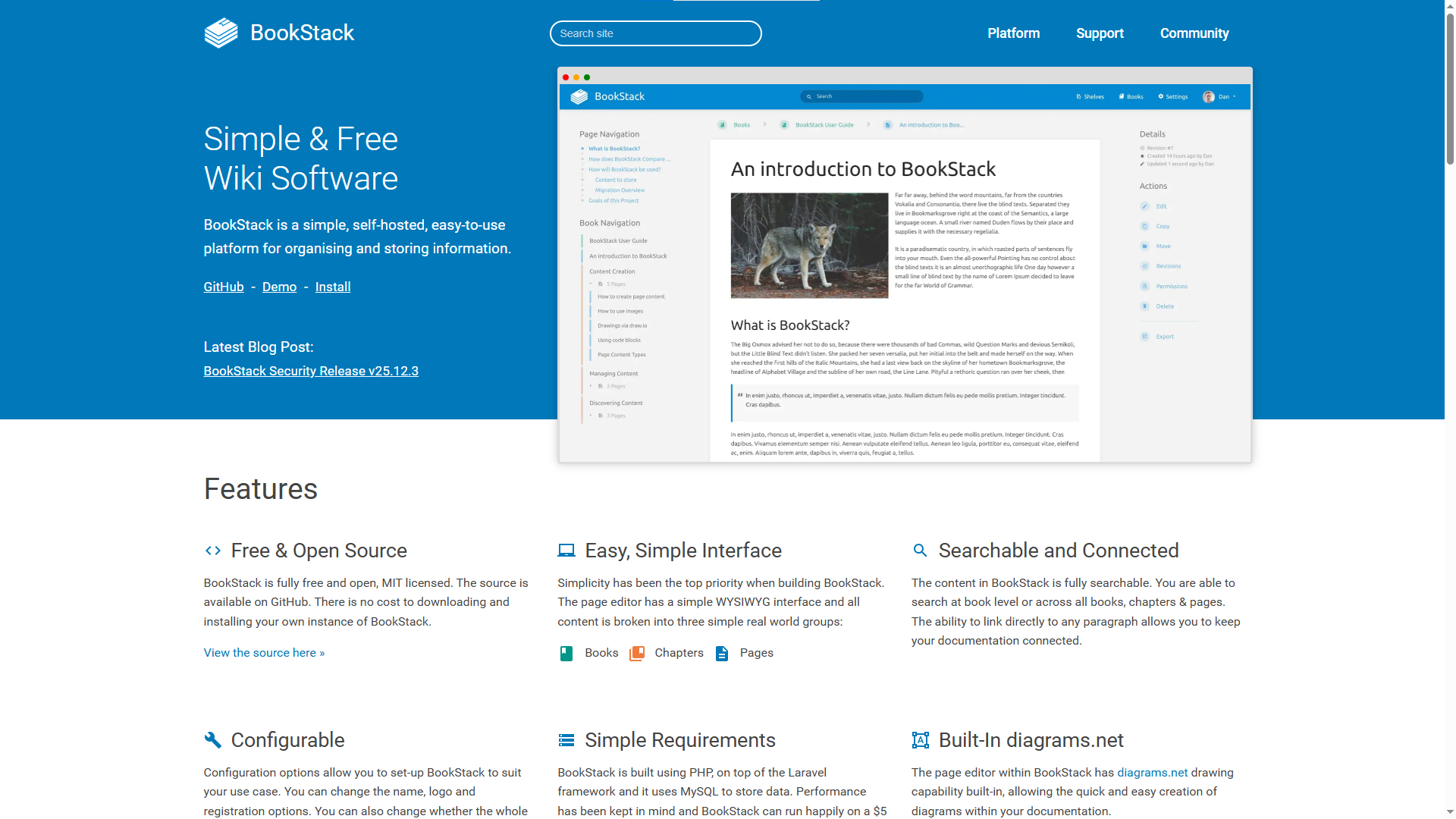
BookStack offers an open-source setup. Editors create content inside books, chapters, and pages. Many teams enjoy the rigid structure, especially for large knowledge collections. BookStack fits well inside the group of Notion-like apps for structured writing.
Key Features
- Book, chapter, and page layout
- Role-based access control
- Simple public or private sites
- Clean text editor
- Tagging and search tools
Best For: Open-source users, budget-focused teams that need structured knowledge.
9. AppFlowy
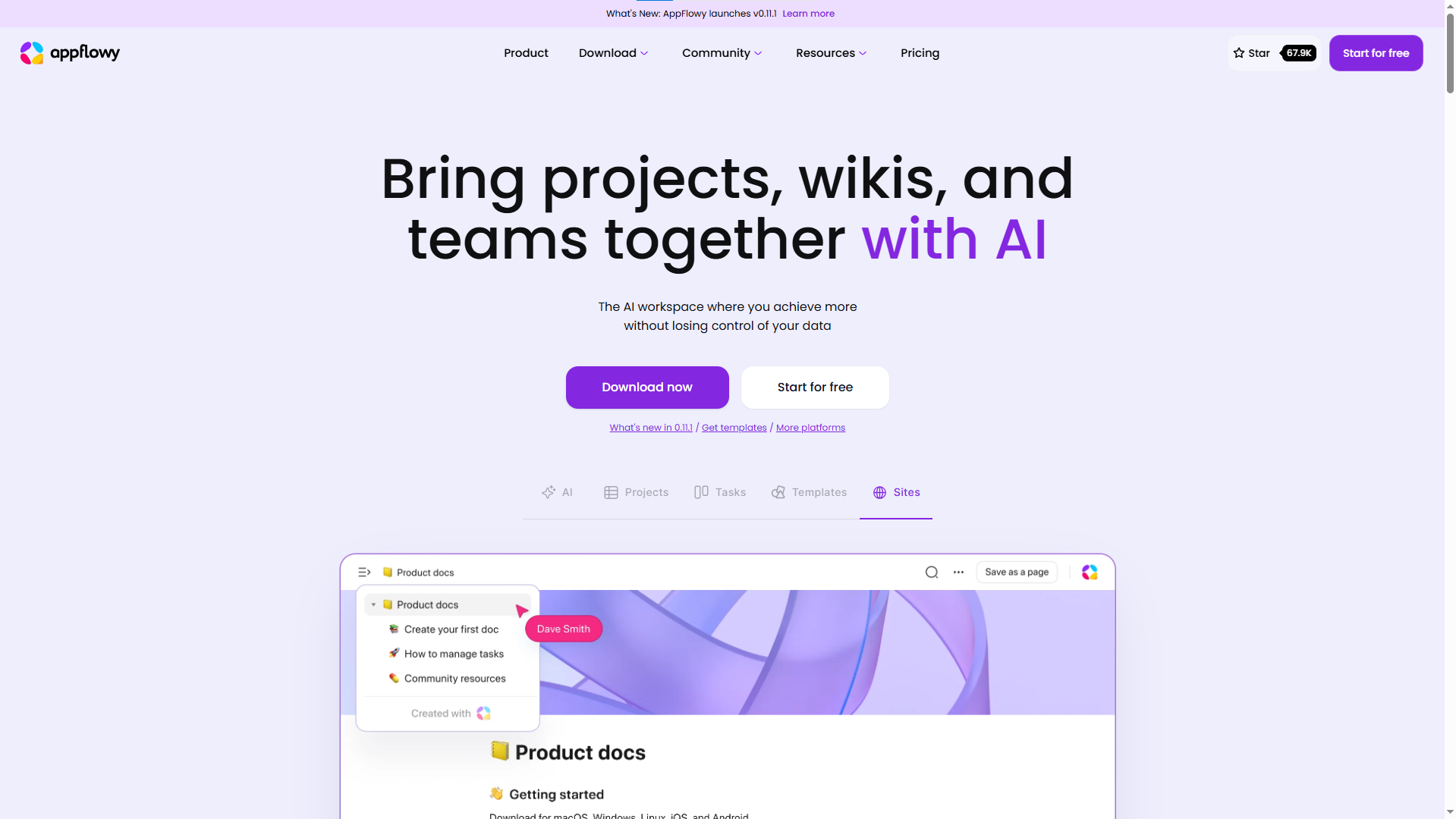
AppFlowy brings full open-source freedom. Editors gain local control and strong privacy. Teams with technical roots enjoy this tool as a free Notion alternative. AppFlowy grows fast as community developers shape new features each month.
Key Features
- Full data ownership
- Block-style editor
- Private local storage options
- Plugin system for custom features
- Free and community-driven
Best For: Developers, privacy-focused teams, open-source lovers, and teams searching for a free Notion alternative.
10. Obsidian Publish

Obsidian gives deep linking through markdown. Writers enjoy a smooth flow of notes. The Publish feature turns pages into a live knowledge base with a few clicks. Many creators enjoy Obsidian as a free alternative to Notion for small docs and public notes.
Key Features
- Markdown editor with networked links.
- Local vault for personal control
- Visual graph view of connections
- Publish pages to a live site
- Fast search and backlinks
Best For: Solo creators, indie teams, technical writers, simple public docs.
How to Choose the Right Knowledge Base Software for Your Team
Your team grows every month. New members join the workflow. Users ask many questions. Updates move fast. A strong knowledge base gives your team calm, order, and speed. The right tool also saves long hours for support teams and product teams.
Here is a clear way to choose the right software for your team:
1. Look at team size and team style
Small teams need simple tools. Large teams need structure and deep control. A clear view of your team size helps you pick a tool that fits your flow. If your team moves fast, you need a light editor. If your team handles large amounts of content, you need strong organization.
2. Check the editing experience
Writers move through long pages every day. A smooth editor saves time. A slow editor kills energy. Pick a tool with simple layouts, clean spacing, and fast loading. Your writers will stay calm and focused.
3. Check search quality
Users come to your docs for quick answers. Strong search gives them those answers in seconds. Test search speed. Test search accuracy. Your tool must show the right pages without delay.
4. Check structure and navigation
Readers need a clear flow. Clean categories help them move across pages with ease. A tool with clear menus, tags, and categories lifts the whole reading experience.
5. Look for AI help
AI saves time for writers and readers. AI helps writers create content faster. AI also helps users find answers through smart suggestions or an AI Assistant. A tool with strong AI gives your team extra speed every day.
6. Check how your team works across many tools
Your team moves across feedback, updates, support, and docs every day. A tool with more features gives your team fewer distractions. If your team handles many tasks, choose a tool that mixes docs, feedback, roadmap, and updates inside one space.
7. Look at growth plans
Your content grows every month. You need a tool with room for new pages, new categories, and new teammates. Pick a tool that supports long-term scale.
The Last Line
Teams grow fast, and knowledge grows with them. Clear docs save time, reduce confusion, and support users at every step. A strong knowledge base creates smooth work for support teams, product teams, and new members.
Notion helps small teams in the early stage, but large workspaces need more structure, faster search, and a clean flow. Each tool in this list offers a fresh way to manage guides, FAQs, and product info. Quickhunt brings AI power, a simple layout, and one space for docs, feedback, roadmap, and updates. Other tools offer deep structure, friendly design, or open-source freedom.
Your team can look at your style of work, your size, and your speed. You can pick one tool from this list and build a clear, easy, and strong knowledge base for your users and your team.
FAQs
1. How do I pick the best Notion alternative for a knowledge base?
You can check your team size, your content volume, and your speed of updates. You can test each tool and see which one gives the smoothest flow for writing, search, and user support.
2. How do I move my docs from Notion to another tool?
You can export pages from Notion in markdown or HTML. You can upload the files inside your new tool and arrange them in clear categories.
3. Which tool works best as the best Notion alternative for a knowledge base?
Quickhunt gives the strongest mix of clean docs, fast search, AI writing help, and an AI Assistant for users. Many teams move to Quickhunt for a smooth setup and clear structure.
4. How do I keep my knowledge base clean as my team grows?
You can set clear owners for sections. You can review pages every month. You can merge old pages into fresh versions. You can remove pages with no value.
5. How do I use AI inside a knowledge base?
You can use tools like Quickhunt. Quickhunt gives you an AI Assistant. Users ask questions in simple words, and the AI Assistant gives quick answers from your docs.


.svg "footer-logo")




.svg "fecebook")
.svg "linkdin")
.svg "twitter")



.png)