🔥 Black Friday 25% OFF all plans with the code QUICKHUNTBFCM25
Offer Ends
00
Days
00
Hours
00
Minutes
00
Seconds
Get The Discount!
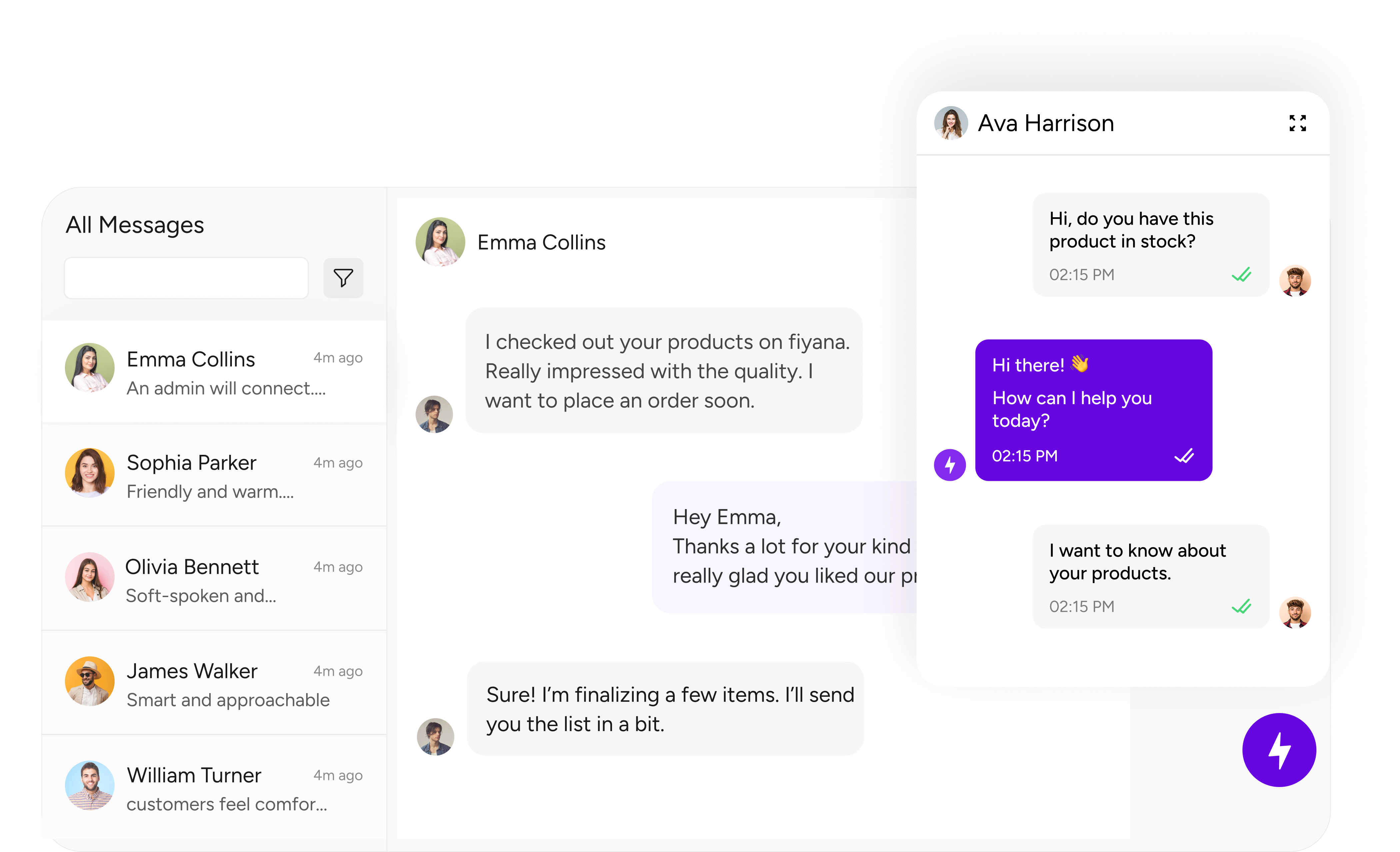
Try Quickhunt, smart AI live chat software for websites. Provide 24/7 support, reply to users instantly, and improve customer service with the best live chat tool.

.png "rivyo")
.png "wishlist")


.svg)
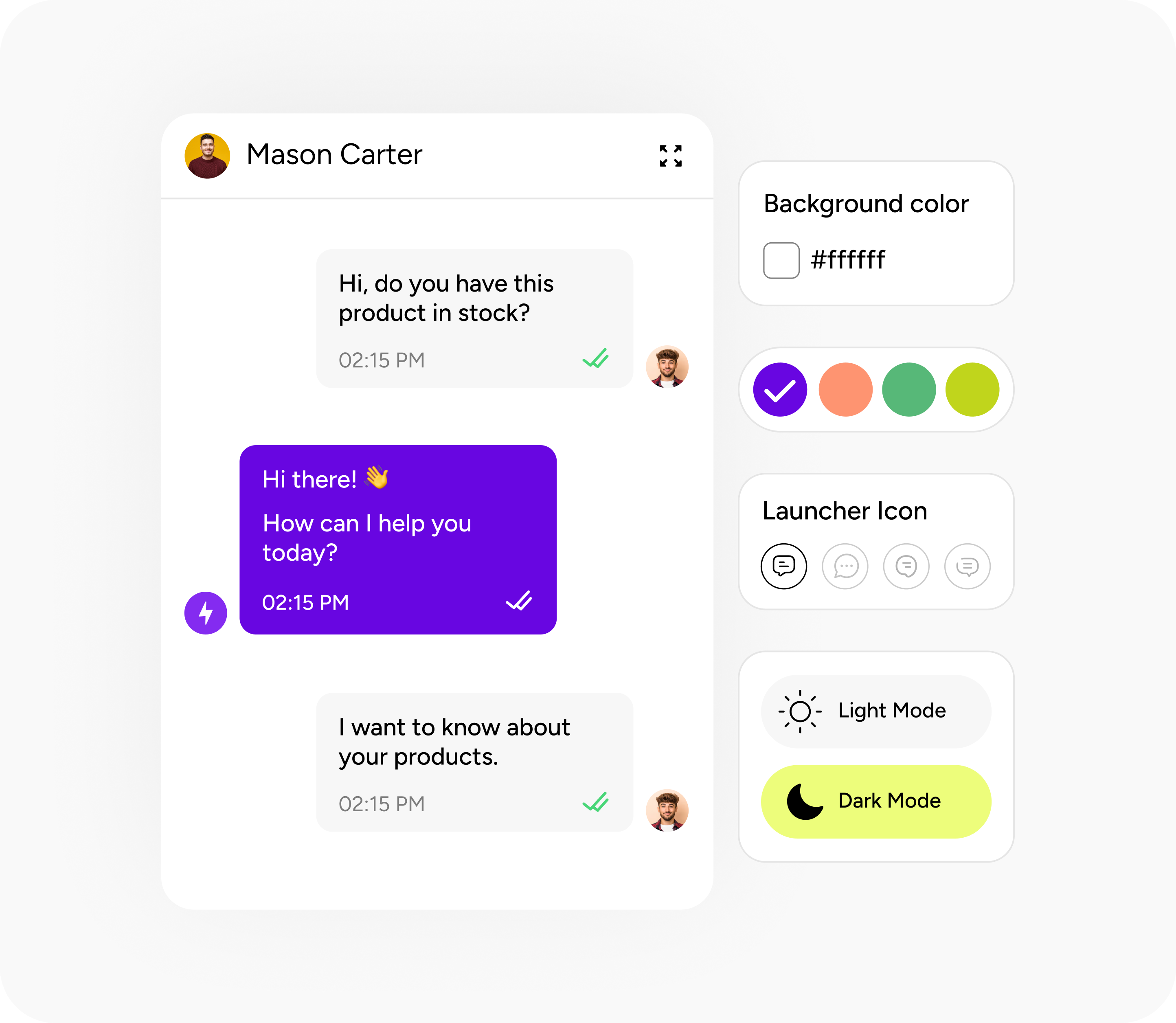
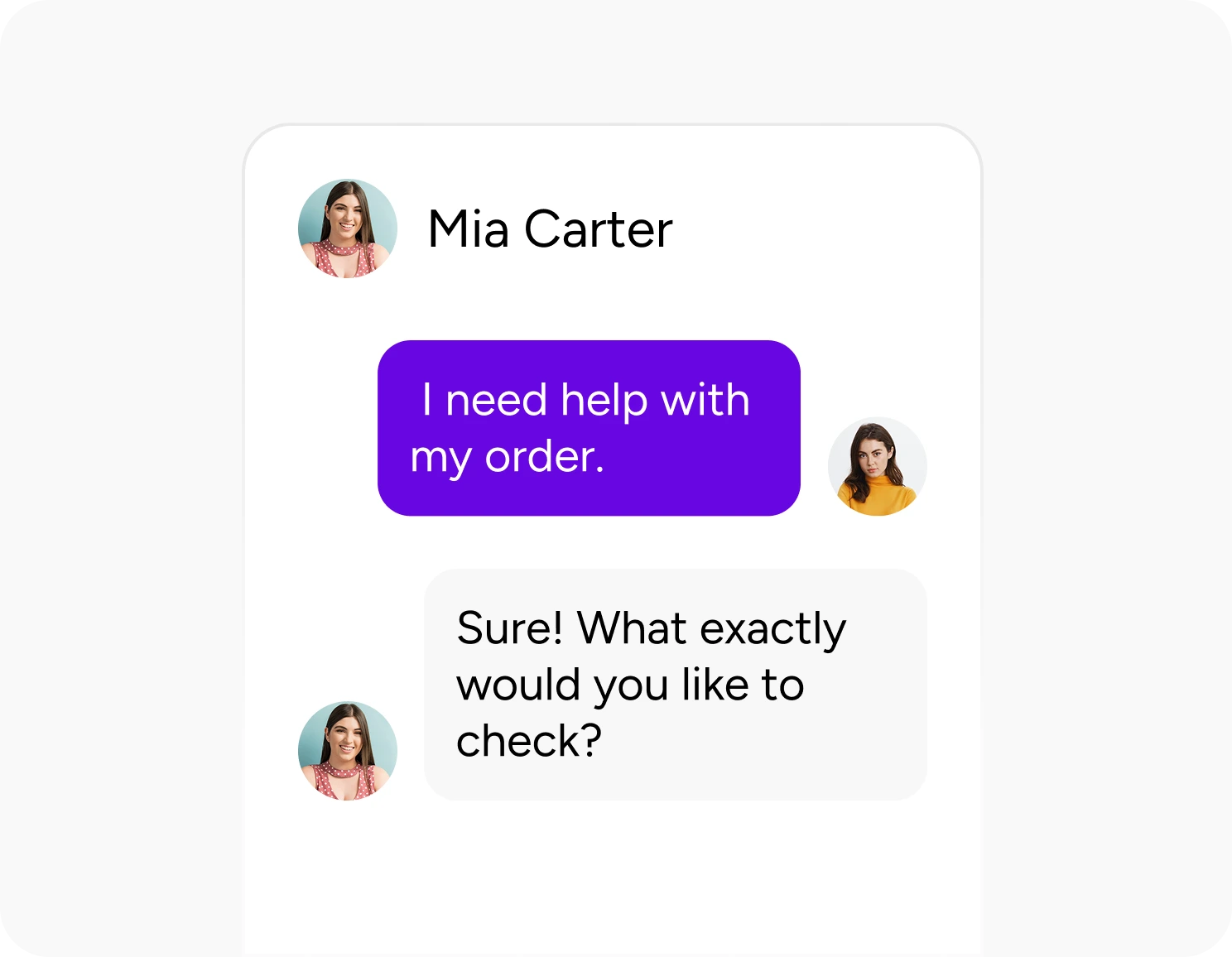
Live chat gives fast replies and solves problems before users leave your website.

Quick replies help build trust and keep users coming back.
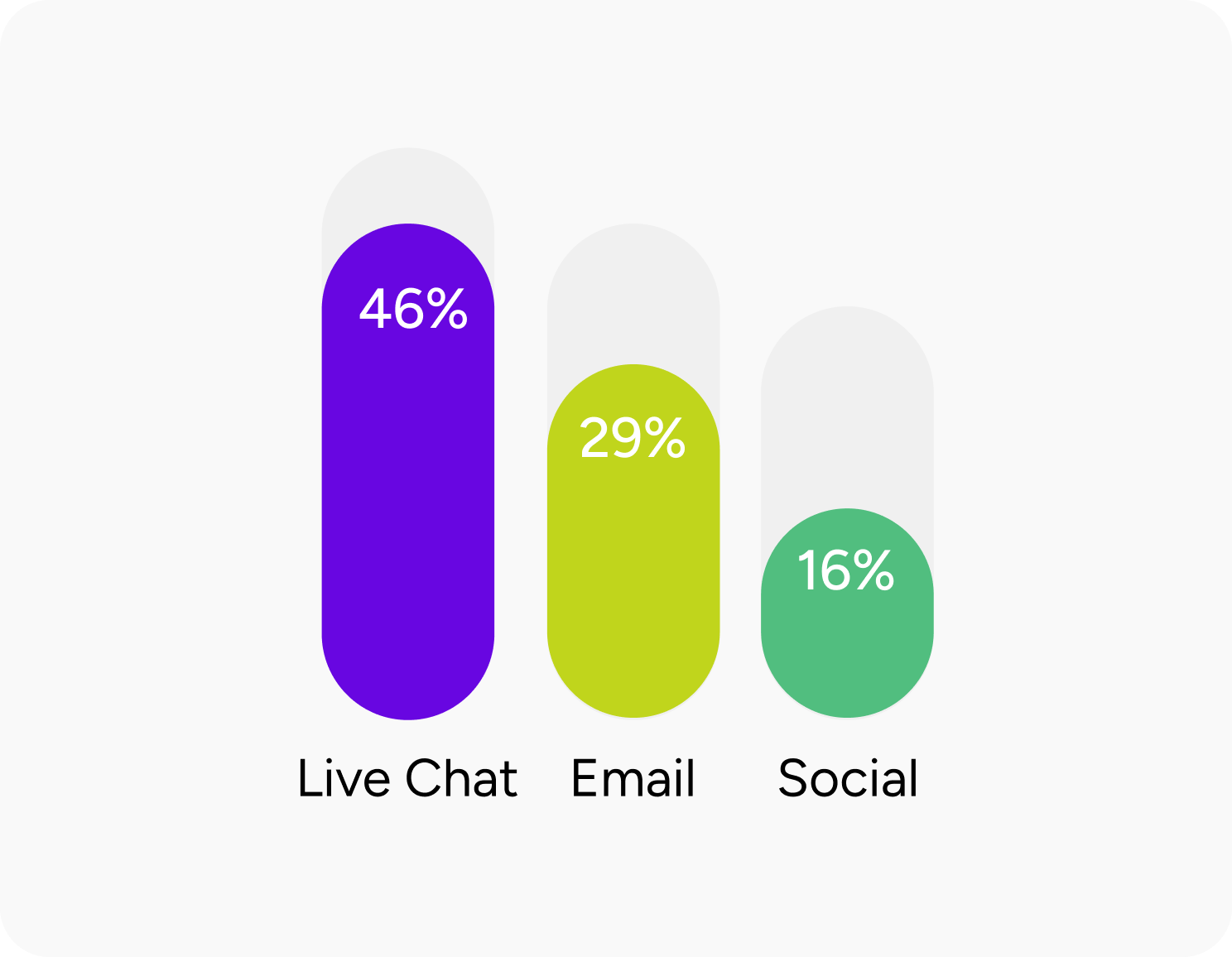
Clear doubts quickly and help users decide faster. Live chat turns visitors into buyers.
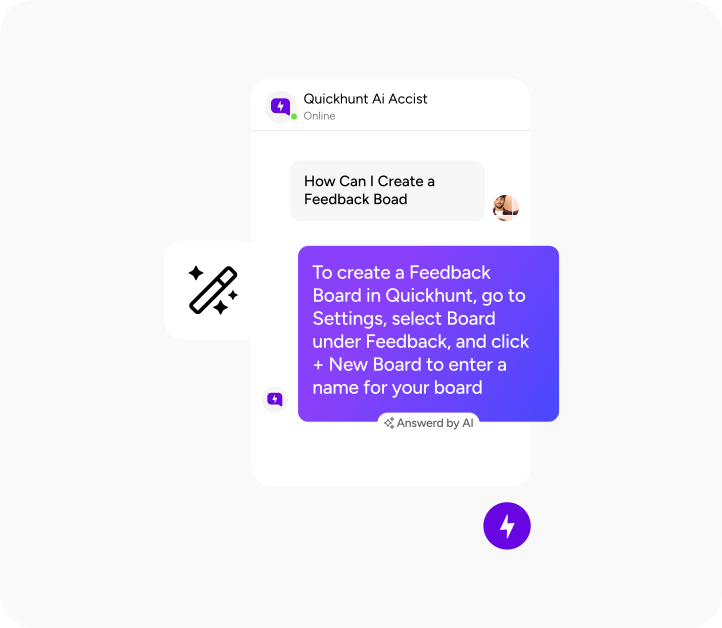
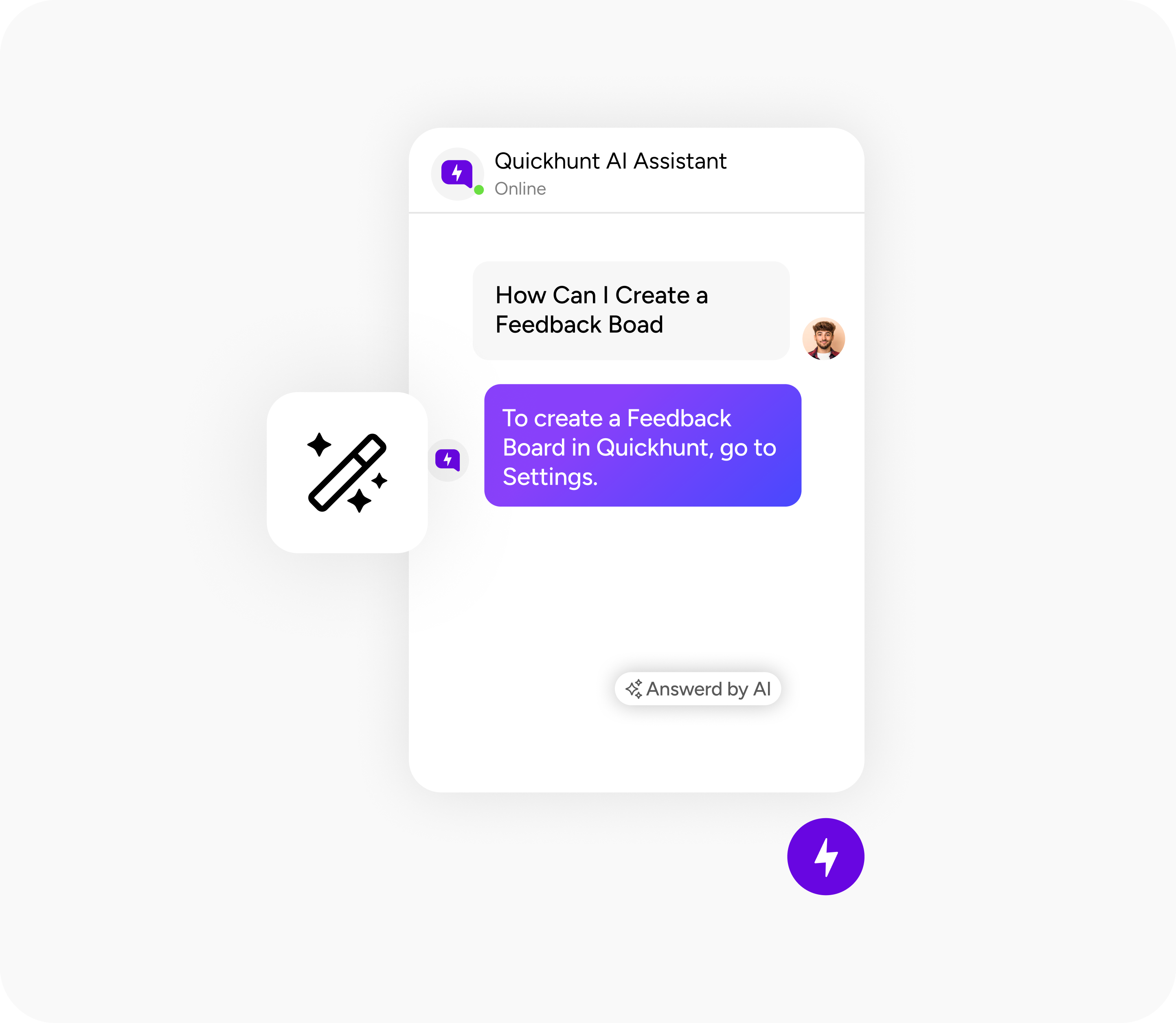
Turn your docs into instant support. AI Assistant searches your knowledge base and replies with helpful solutions.
Learn More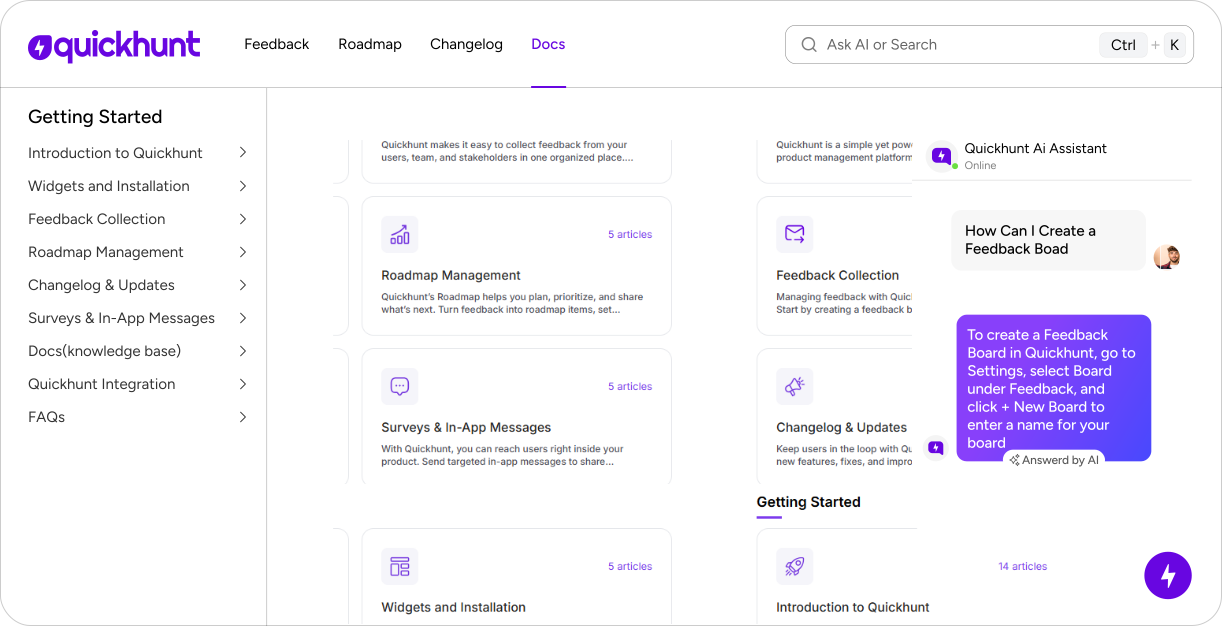
Bring your help articles to Quickhunt easily and keep your help center working without breaks.
%201.svg)

Quickhunt is a powerful customer feedback tool that lets users submit feature requests, bug reports, or product suggestions directly within your app.
Yes, Quickhunt lets you categorize and tag customer feedback by type, including “Feature Request,” “Bug Report,” or “Improvement.”
Absolutely. With Quickhunt, you can enable anonymous customer feedback submissions to gather honest input from users who prefer privacy.
Quickhunt helps you prioritize product feedback using upvotes, tags, and internal notes.
Yes, you can engage users by replying in comment threads or updating feedback statuses.
A visual roadmap of your product development journey is provided by Quickhunt's product roadmap, which highlights planned, ongoing, and finished features or updates. This road mapping tool was created to help users and teams stay on the same page regarding plans.
Yes, Quickhunt allows you to rename stages and reorder or add custom stages based on your workflow.
Users can view updates, comment on features, and vote on their favorites, giving you real-time feedback to build a product roadmap that reflects user priorities.
Yes. Each item in your technology roadmap can be linked directly to relevant user feedback, bug reports, or new product announcements, creating a transparent and connected product development roadmap.
Quickhunt combines simplicity with power, whether you're creating a product roadmap, managing feedback, or showcasing updates. It’s a great alternative to tools like Aha! Roadmap, Jira Roadmap, or other roadmap generators, offering clarity without the complexity.
Changelogs are used to share product updates, new feature launches, bug fixes, and important news with users.
They can appear on your public changelog page or directly inside your app using a widget.
Yes, you can schedule changelogs to go live at a specific date and time.
Yes, Quickhunt provides engagement analytics for each changelog to help you measure visibility and impact.
Absolutely. You can customize the layout, add media or icons, and use markdown for styling.
These are notifications shown inside your app to onboard users, announce updates, request feedback, or drive actions.
In-app messages are triggered based on your settings—you can add a delay before showing the message and set a start and end date to control when it appears.
You can set messages to be dismissible, timed, or require user interaction to close them.
Currently, A/B testing isn't native, but you can create different versions and track engagement manually.
Absolutely! They’re great for product tours, tooltips, and onboarding workflows.
It’s a centralized hub for FAQs, guides, and help articles that help your users find answers without needing support.
Articles are grouped into categories and sections for easy browsing and searchability.
Yes, a smart search bar is included to help users quickly find relevant content.
Yes, Quickhunt provides an embeddable widget or standalone page link.
Yes, rich content support lets you embed media, code samples, and more for better explanations.
AI live chat software lets your website reply to visitors instantly. It uses AI to understand questions and give quick, helpful answers.
You can install AI live chat by adding a simple code snippet or using integrations. Setup takes only a few minutes.
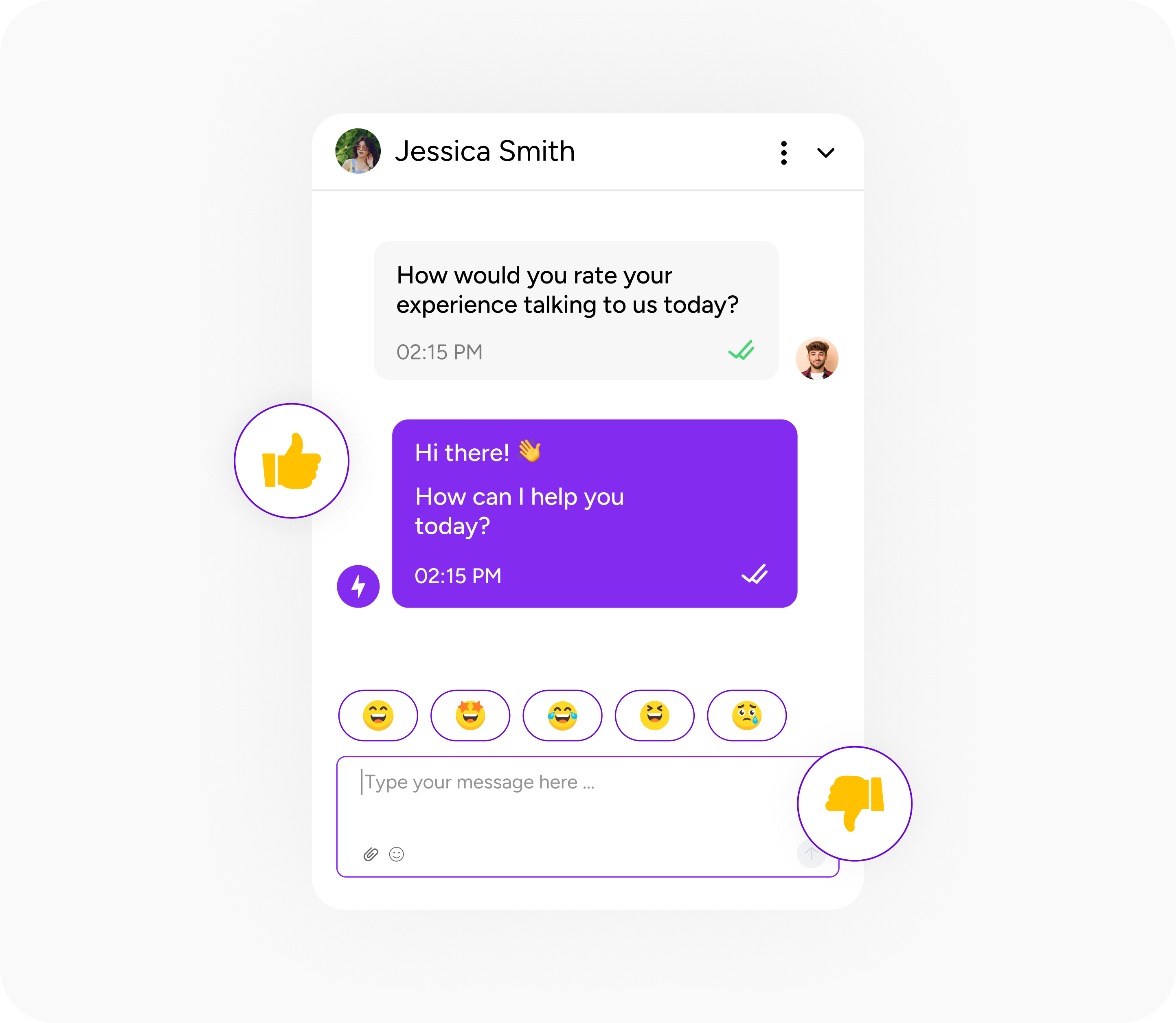
Yes. You can collect feedback directly from live chat conversations and use it to improve your product or service.
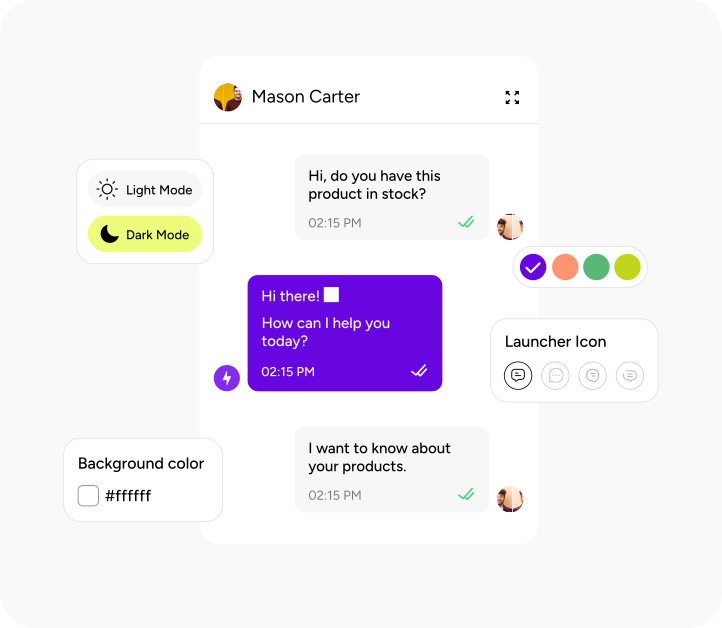
Yes. You can customize the live chat widget with your brand colors, icons, and welcome messages.
Yes. AI live chat works 24/7 and helps customers even when your team is offline.
The AI Assistant helps users get instant answers using your help docs, FAQs, and product content. It understands questions and responds with accurate, context-aware answers inside your product or help center.
The AI Assistant learns from the content you connect, such as help docs, blogs, guides, and knowledge base articles. It uses this information to generate reliable answers instead of generic responses.
Yes. You can connect your existing help docs and resources, including imported help centers, so the AI assistant uses your current content without extra work.
You can place the AI Assistant widget anywhere you need help—inside your product, on support pages, onboarding screens, or your help center.
Yes. You can easily import your help center content into Quickhunt and continue managing it from one place.
Still curious about how Quickhunt fits into your workflow? Here are the answers to the most common questions.
Use Quickhunt to collect customer feedback, plan your product roadmap, and share updates with built-in changelog tools. No coding is needed, just simple steps and fast value.

.svg "footer-logo")





Quickhunt helps SaaS teams collect feedback, manage ideas, plan roadmaps, and share updates through announcements and interactive in-app messages like surveys and checklists.
.svg "fecebook")
.svg "linkdin")
.svg "twitter")



.png)