

Table of content
In-app messaging helps teams talk to users inside the product, right at the moment it matters most. Users no longer want long emails or delayed support. Instead, they expect clear guidance, quick updates, and helpful tips while they use an app. Because of this shift, in-app messaging now plays a major role in user engagement.
In 2026, successful products focus on real-time communication. They guide new users, highlight features, and collect feedback without breaking the user flow. In-app messaging makes this possible. It helps teams build better experiences, reduce confusion, and keep users active for longer.
This blog explores the top 10 in-app messaging tools that help teams engage users effectively in 2026. It also explains why in-app messaging matters, the common message types, and best practices you can apply right away. If you want stronger engagement and happier users, this guide will help you choose the right direction.
What Is In-App Messaging?
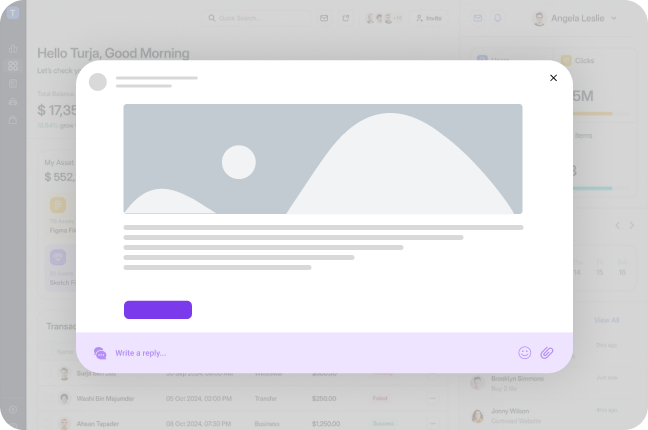
In-app messaging means sending messages inside a product or app while users actively use it. Teams use in-app messaging to guide users, share updates, offer help, and encourage action at the right moment.
In-app messages appear directly on screens users already view. They show as banners, popups, tips, or small messages near features. Because users stay inside the app, they notice messages faster and act sooner.
In-app messaging helps users learn a product step by step. New users see helpful tips during onboarding. Existing users discover new features during real usage. Support teams answer questions without forcing users to leave the app.
This type of messaging feels natural and timely. Users receive help exactly where they need it. As a result, products feel easier to use and more engaging.
In-app messaging also reduces noise. Emails often go unread. Push notifications feel disruptive. In-app messages stay relevant because they appear during active use.
In short, in-app messaging creates clear communication inside a product. It improves guidance, boosts engagement, and helps users succeed without confusion.
Why In-App Messaging Matters for Engagement
- Users expect help inside the product, not in emails or long help pages. In-app messaging meets users exactly where they work.
- In-app messaging guides users at the right moment. It shows tips, updates, or reminders while users take action.
- Teams reduce confusion by explaining features clearly inside the app. Users understand value faster and move forward with confidence.
- In-app messaging increases feature usage. When users see messages during real use, they try features more often.
- Products feel more personal and human. Messages change based on user behavior, plans, or actions.
- Onboarding becomes smoother. New users learn step by step instead of guessing what to do next.
- Teams share updates without interrupting users. Banners and small messages keep users informed without annoyance.
- In-app surveys collect feedback while users stay engaged. Users share thoughts more easily inside the product.
- Support load drops because users find answers instantly. Fewer users leave the app to ask questions.
- Faster engagement leads to better retention. Users stay longer when the product talks to them clearly.
- AI-powered in-app messaging improves timing and relevance. Messages appear when users actually need help.
- In 2026, users ignore generic messages. In-app messaging delivers focused and useful communication that users trust.
Types of In-App Messages
In-app messaging helps teams talk to users at the right time inside the product. Different message types serve different goals. Below are four common and effective types that teams use to engage users clearly and quickly.
Post
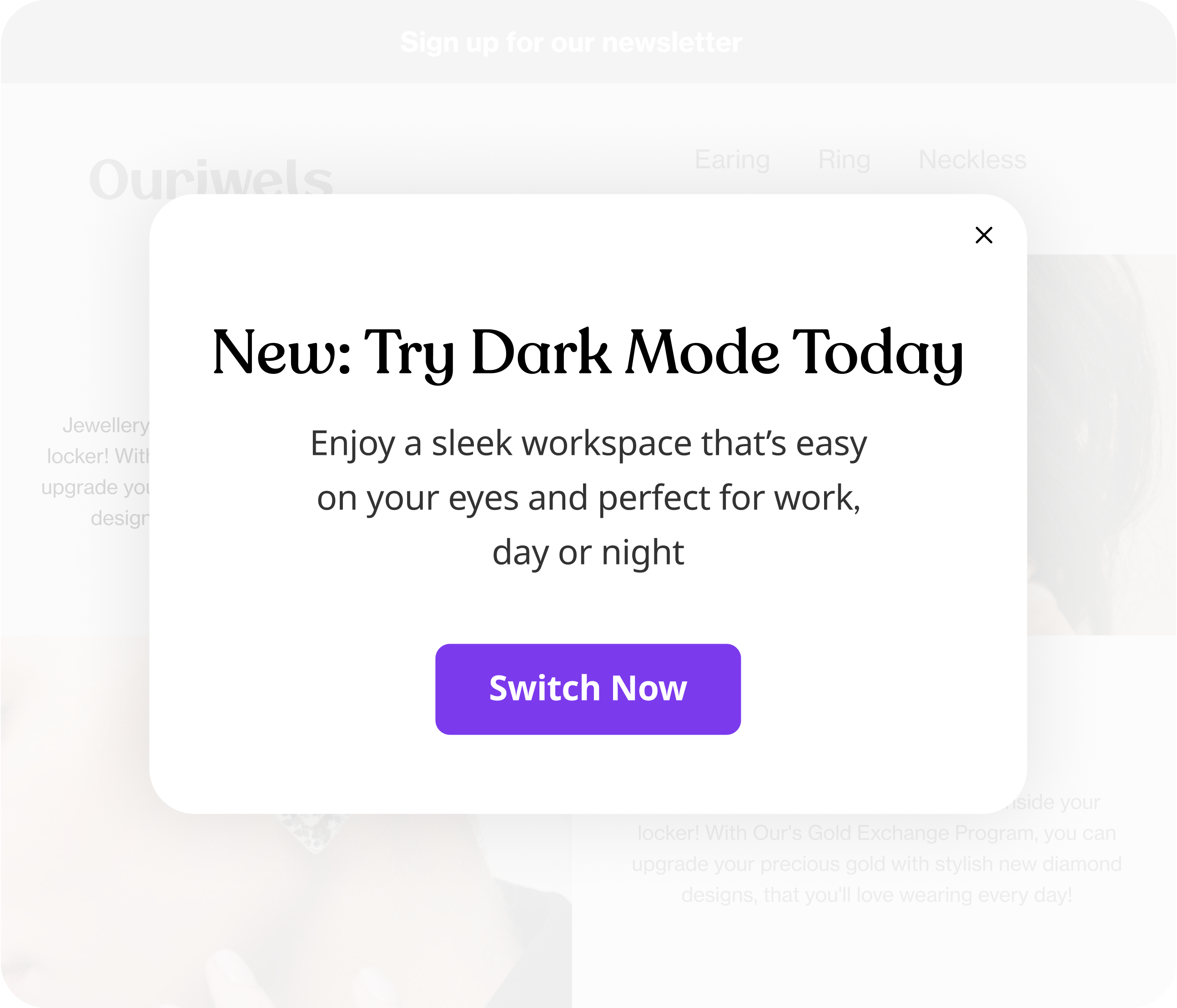
Posts help teams share updates, tips, or feature news directly inside the app. Teams use posts to explain new releases, highlight improvements, or guide users toward important actions. This message type keeps users informed without pulling them out of the product. As a result, users stay engaged and aware while they continue their work.
Survey
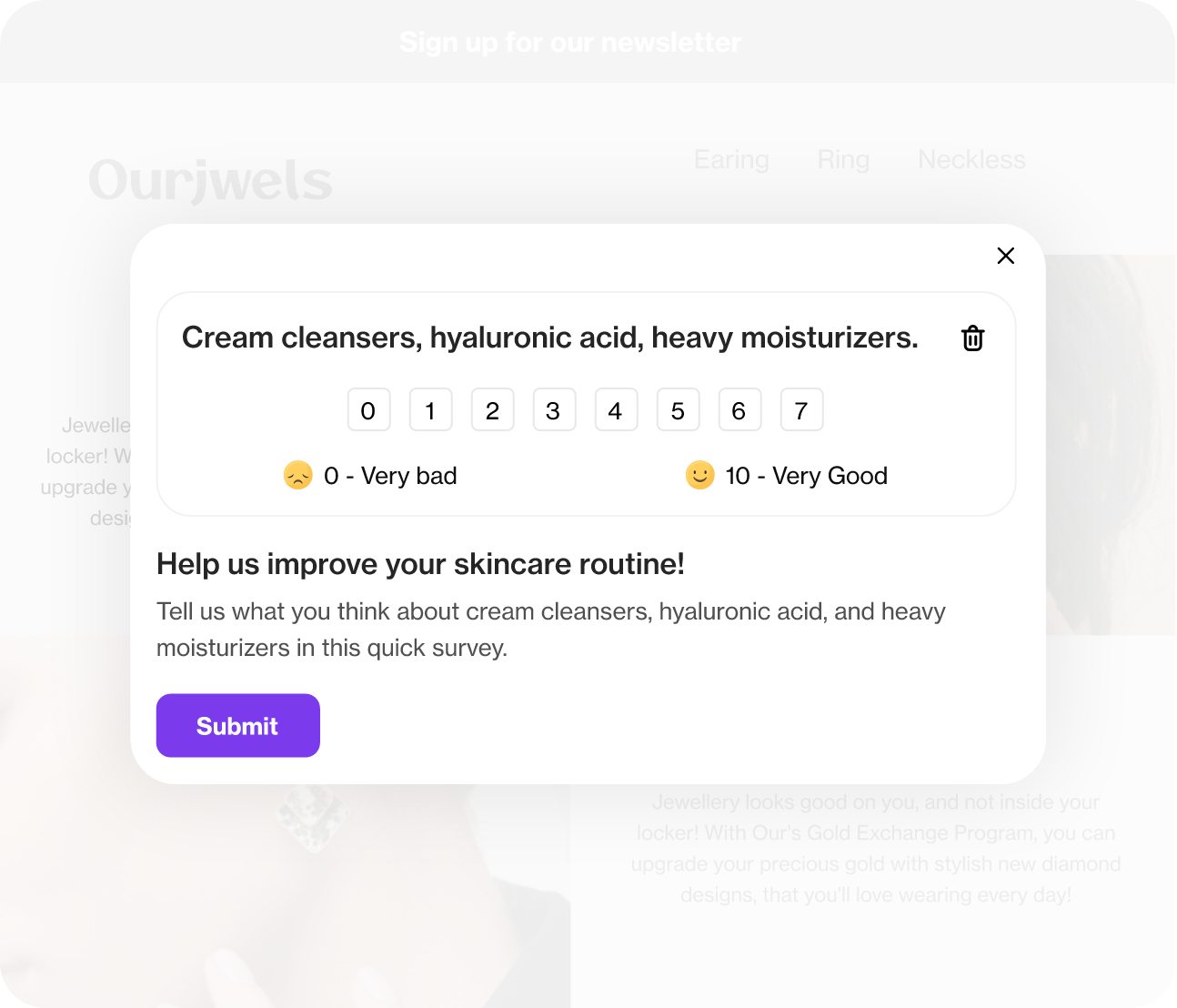
Surveys let teams collect feedback at the right moment. Teams ask short questions inside the app while users actively use features. This approach increases response rates and captures honest opinions. Over time, surveys help teams improve decisions and build better product experiences.
Banner
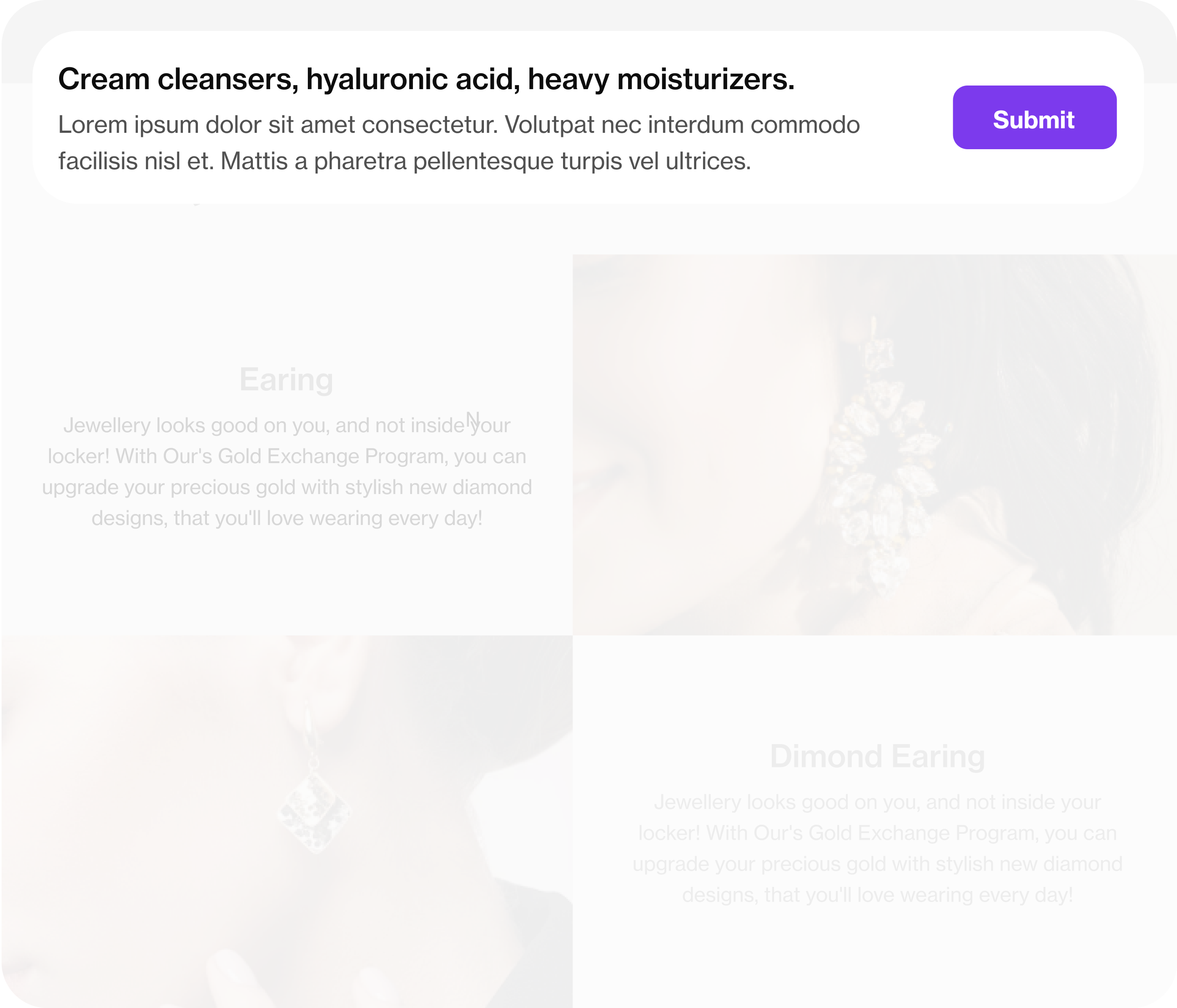
Banners show short messages at the top or bottom of the screen. Teams use banners to announce updates, promotions, or alerts. Banners stay visible without blocking user actions. Because of this, users notice important information quickly and continue using the app smoothly.
Checklist
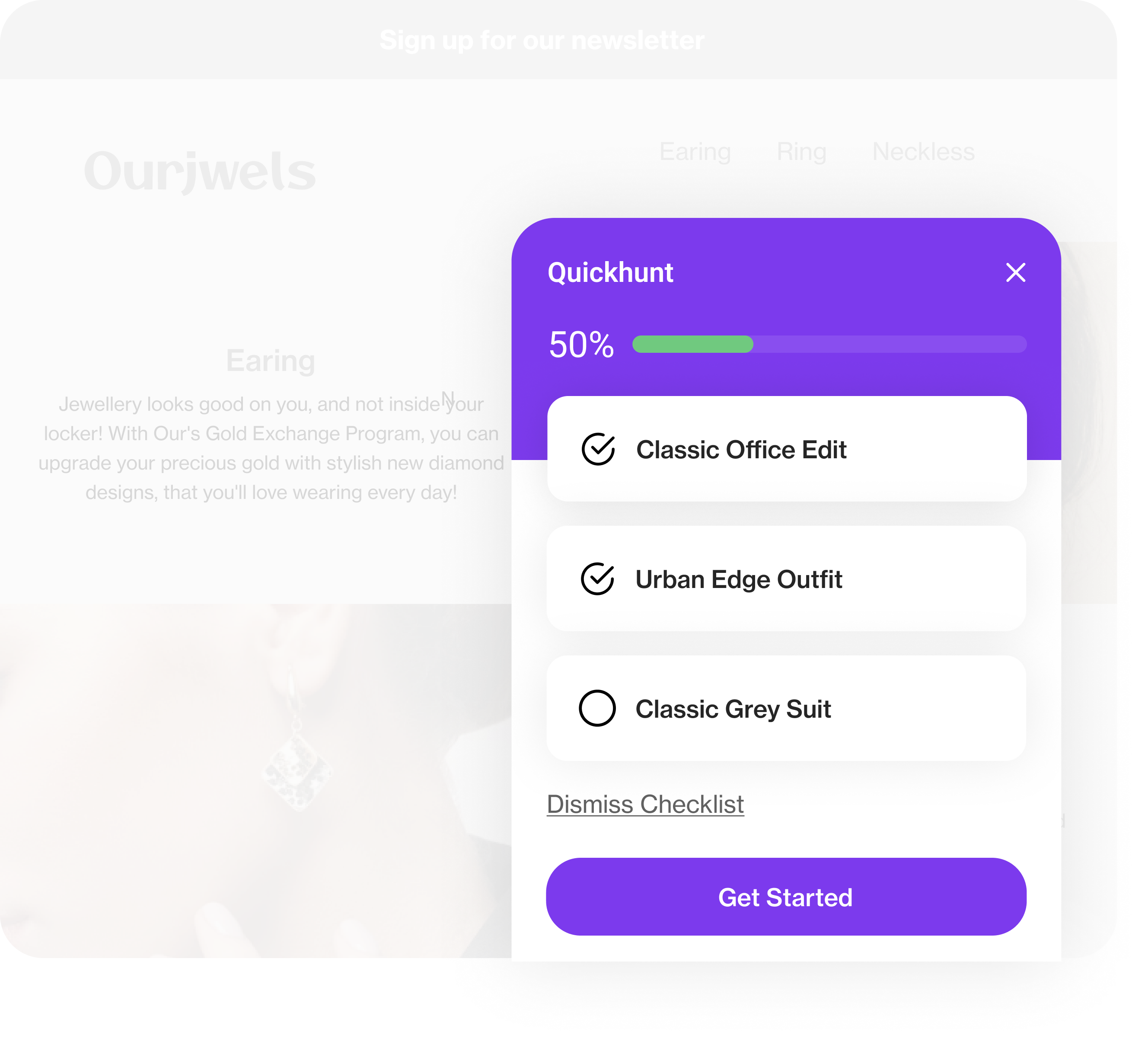
Checklists guide users through key steps inside the product. Teams use checklists during onboarding or feature setup. Each completed task builds momentum and confidence. As a result, users reach value faster and feel progress with every step.
Top 10 In-App Messaging Tools in 2026
Below is a clear and simple breakdown of the top 10 in-app messaging tools in 2026.
1. Quickhunt
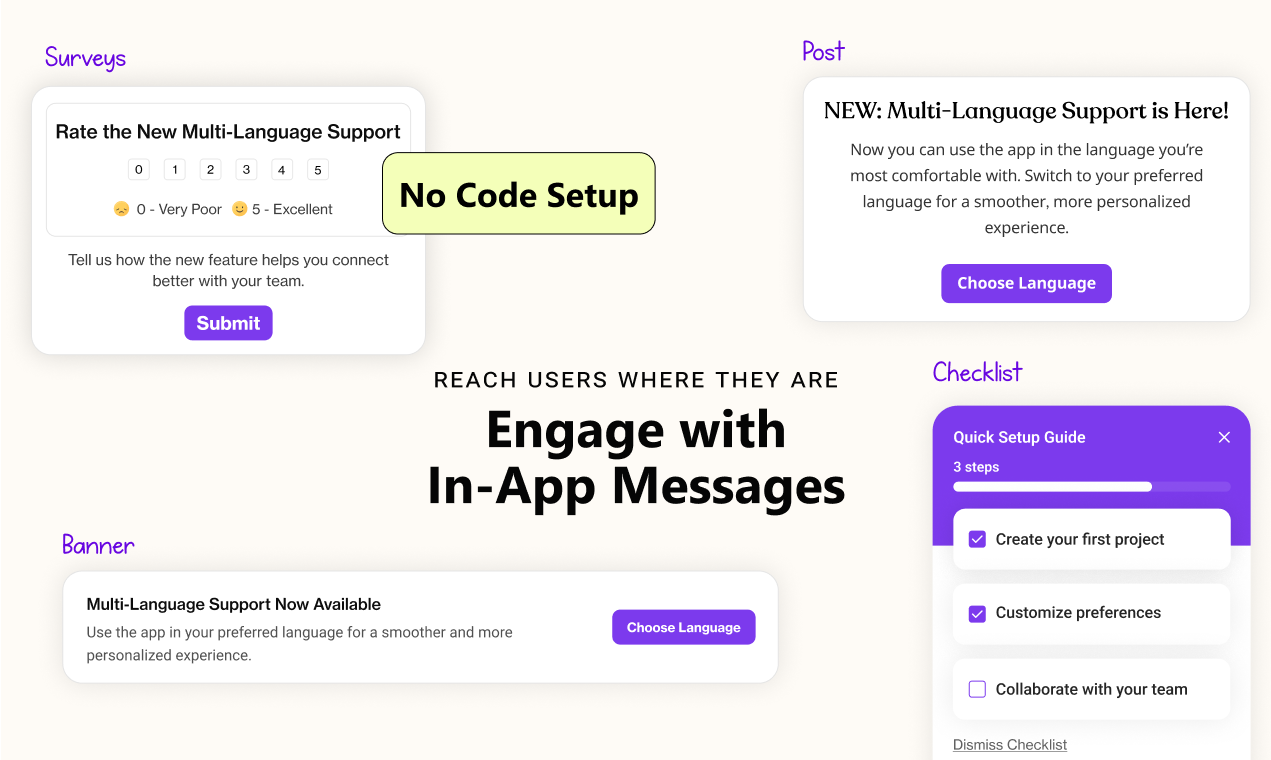
Quickhunt helps teams talk to users inside the product at the right time. It combines in-app messaging, feedback, roadmaps, changelogs, AI help docs, and live chat in one tool. Teams avoid tool switching and move faster.
Quickhunt’s key features
- Send in app banners, popups, and announcements
- Run in-app surveys without code
- Trigger messages based on user actions
- Show onboarding messages for new users
- Connect messages with feedback and roadmap
- Use live chat and AI help docs in the same workspace
Pricing
Quickhunt offers a free plan. Paid plans start at affordable, startup-friendly pricing and scale with team needs.
2. Userpilot
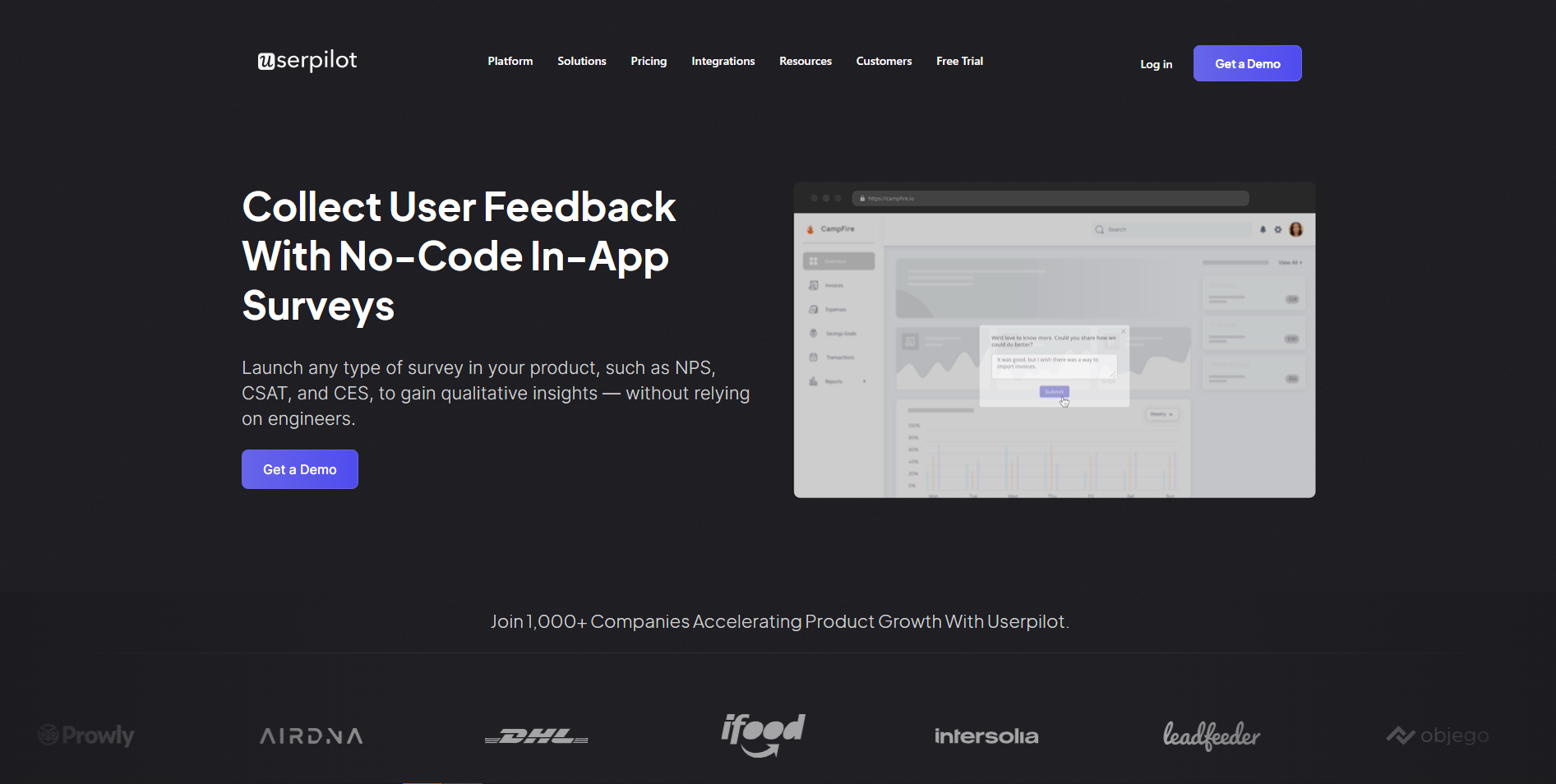
Userpilot focuses on onboarding and feature adoption. Product teams guide users with visual flows and clear in-app messages.
Userpilot’s key features
- Create tooltips and walkthroughs
- Build onboarding flows without code
- Segment users by behavior
- Track feature usage and engagement
- Launch in-app messages fast
Pricing
Userpilot starts at a higher price range, mainly for growing SaaS teams.
3. Pendo
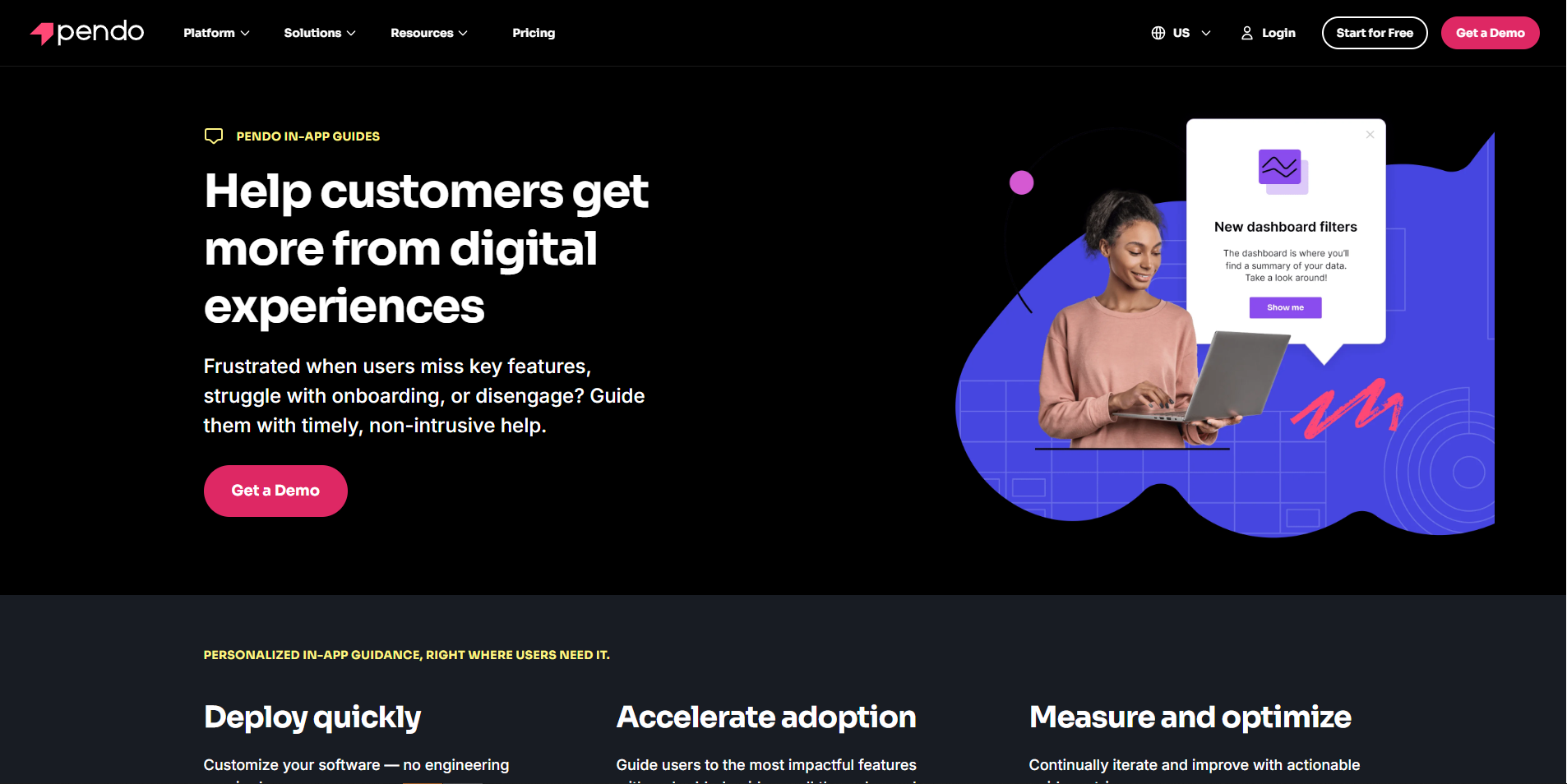
Pendo helps product teams understand user behavior and communicate inside the app. Teams combine analytics with in-app messaging.
Pendo’s key features
- Send in-app guides and announcements
- Analyze product usage in real time
- Target messages to specific user groups
- Support web and mobile apps
- Measure engagement impact
Pricing
Pendo offers custom pricing based on product size and usage.
4. Airship
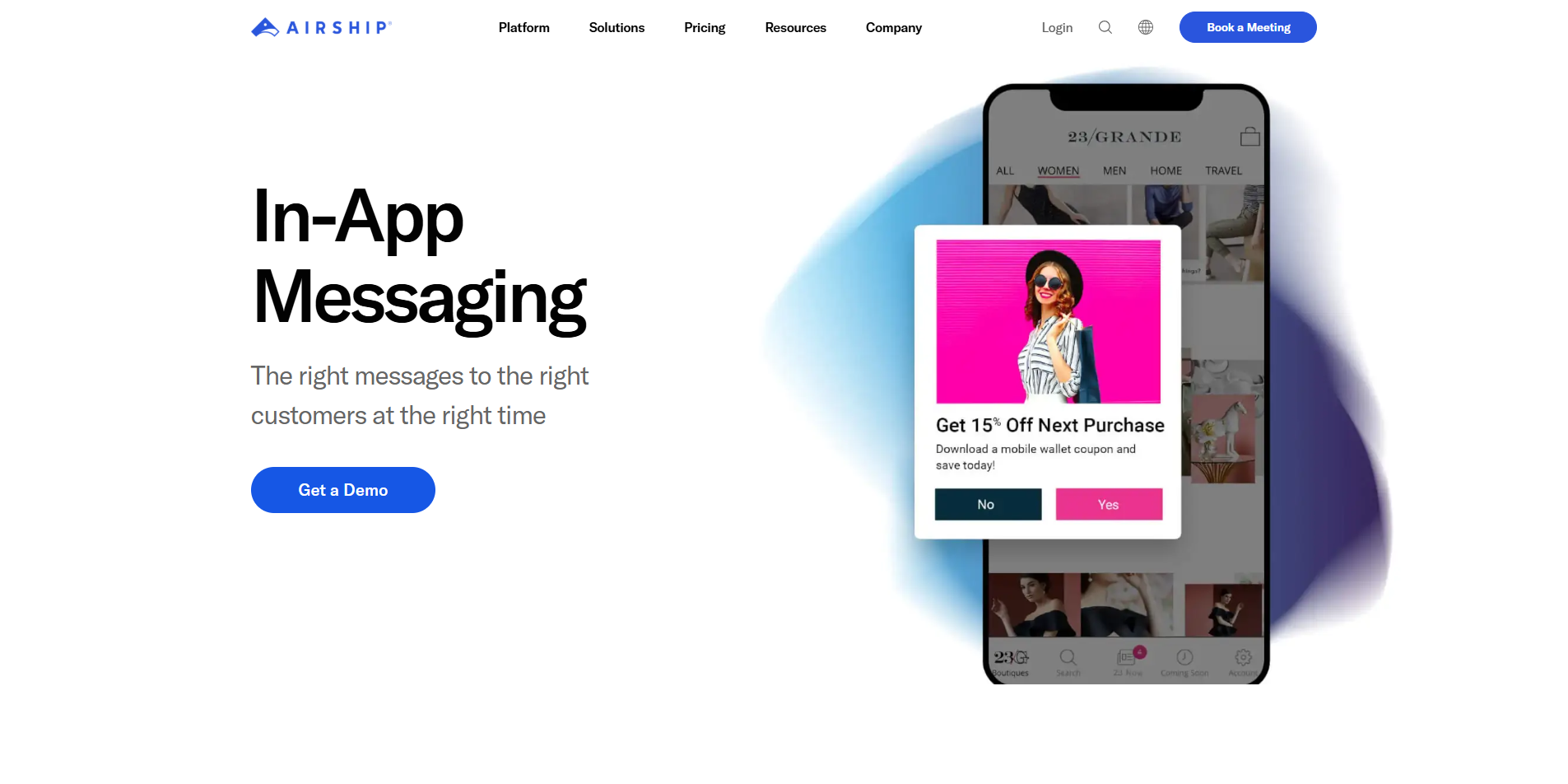
Airship supports advanced messaging for mobile-first businesses. Teams focus on real-time engagement across channels.
Airship’s key features
- Send rich in-app messages
- Use automation for user journeys
- Personalize messages by behavior
- Support mobile and web apps
- Combine in-app, push, and SMS
Pricing
Airship follows enterprise-level pricing with custom plans.
5. CleverTap
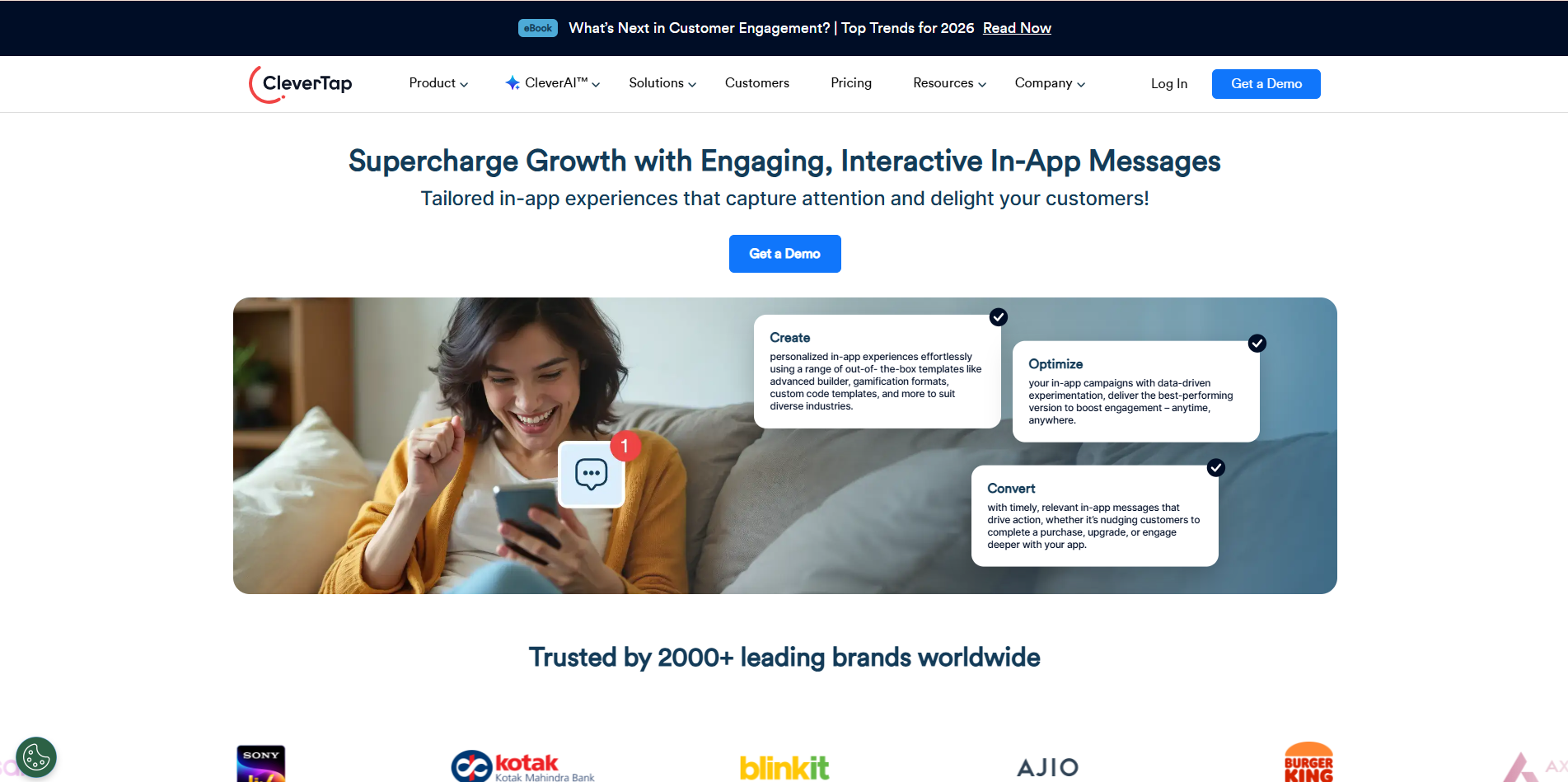
CleverTap helps brands retain users through behavior-based messaging. Teams drive engagement using data and automation.
CleverTap’s key features
- Trigger in-app messages by user actions
- Segment users with real-time data
- Run campaigns across lifecycle stages
- Track retention and engagement metrics
- Support mobile and web platforms
Pricing
CleverTap provides tier-based pricing depending on usage.
6. MoEngage
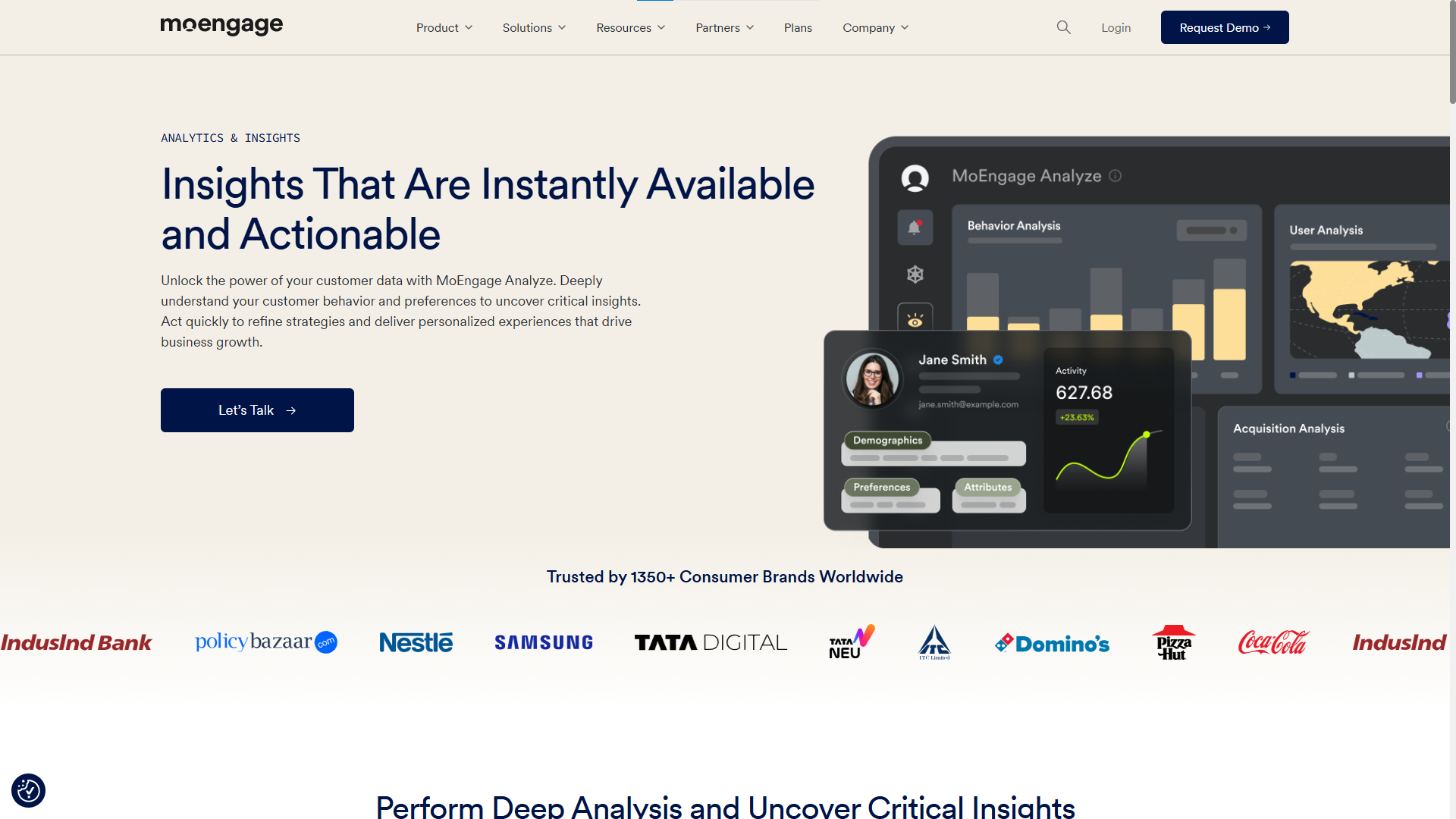
MoEngage helps teams create personalized user journeys. It focuses on mobile- and app-first engagement.
MoEngage’s key features
- Deliver contextual in-app messaging
- Personalize content using user data
- Automate engagement flows
- Analyze campaign performance
- Support global user bases
Pricing
MoEngage offers custom pricing based on scale and features.
7. Braze
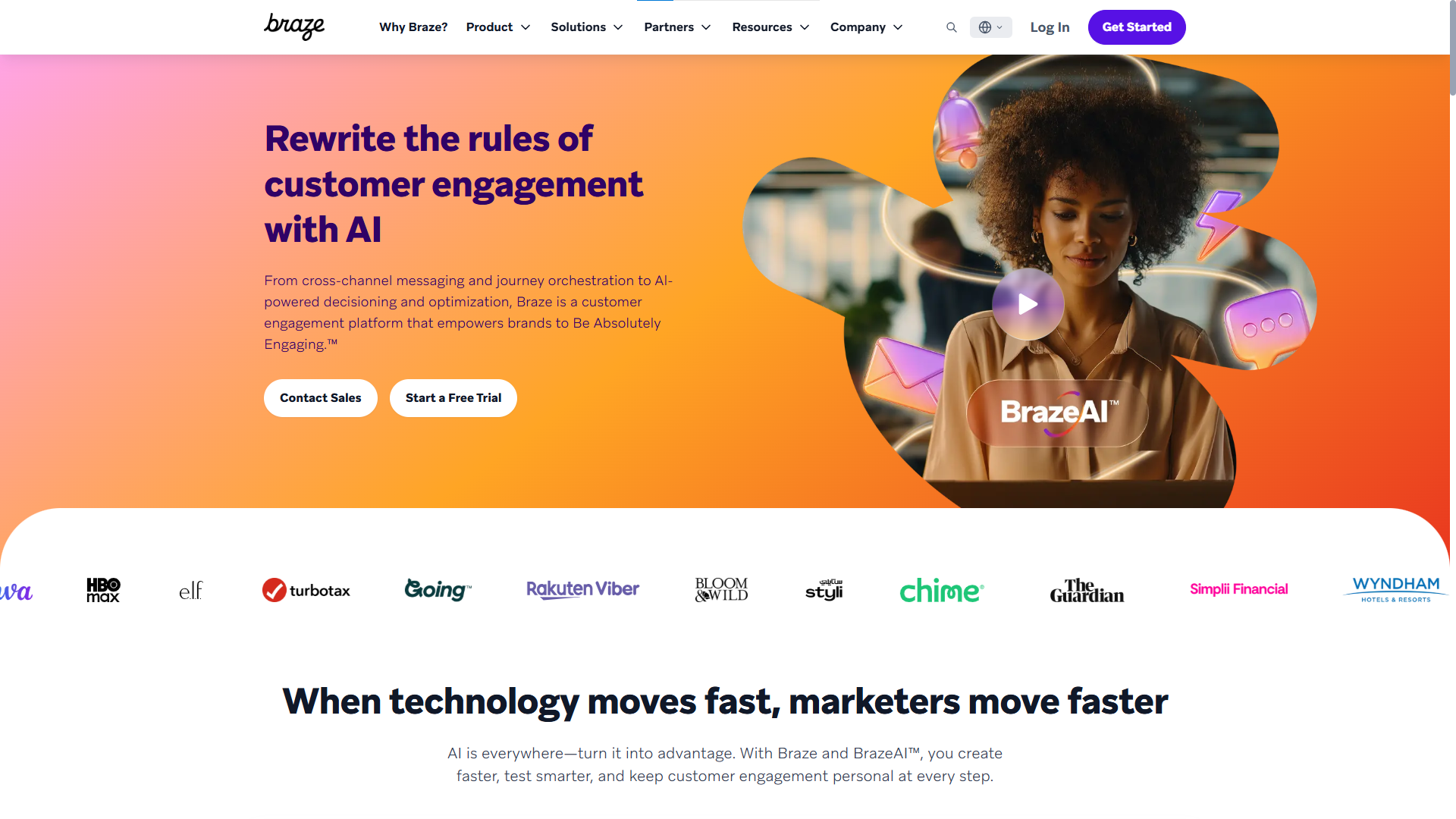
Braze supports large teams that need deep personalization. It handles complex engagement strategies with ease.
Braze’s key features
- Send targeted in-app messages
- Build cross-channel campaigns
- Use real-time personalization
- Track user engagement deeply
- Scale messaging for large audiences
Pricing
Braze follows enterprise-focused pricing.
8. OneSignal
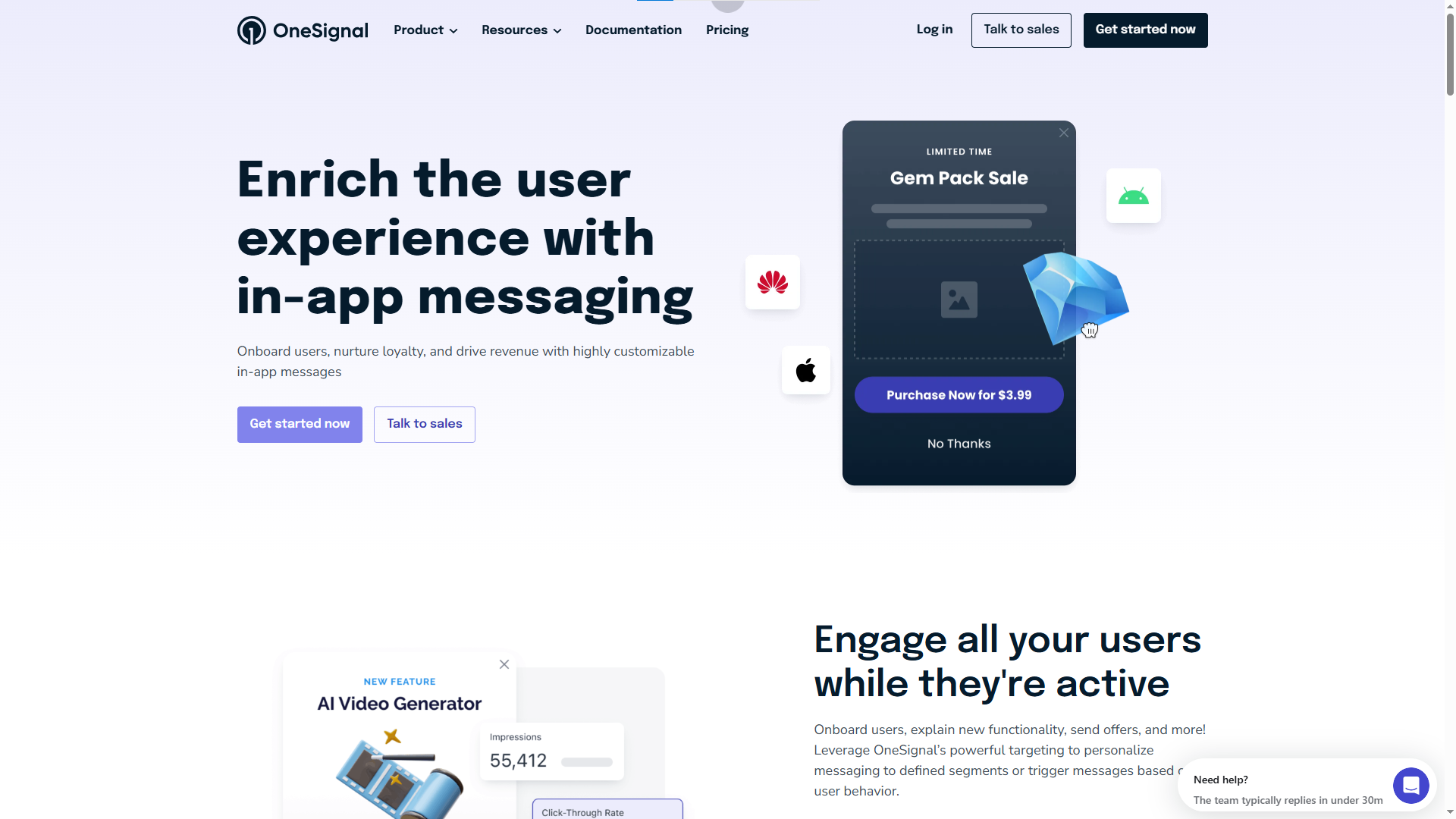
OneSignal offers simple and reliable messaging for web and mobile apps. Teams start quickly with minimal setup.
OneSignal’s key features
- Send in-app messages and pop-ups
- Deliver push notifications
- Segment users easily
- Track message performance
- Support developers and non-tech teams
Pricing
OneSignal provides a free plan. Paid plans stay budget-friendly.
9. Appcues
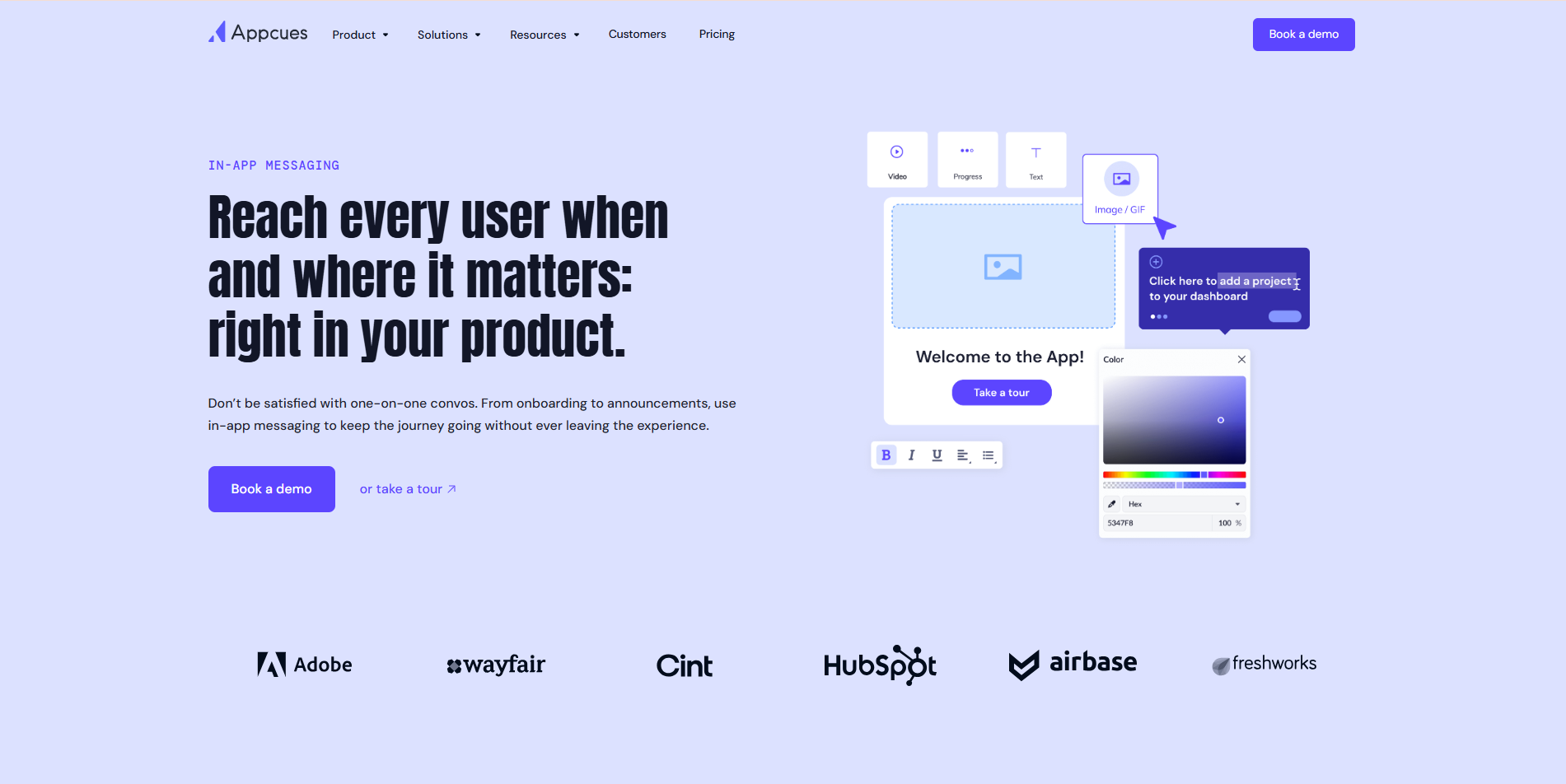
Appcues helps teams improve onboarding and feature adoption. It focuses on user education through in-app messaging.
Appcues’ key features
- Build onboarding flows visually
- Show in-app prompts and tips
- Target users by behavior
- Improve product adoption
- Measure engagement results
Pricing
Appcues offers mid-to-high range pricing for SaaS teams.
10. UserGuiding
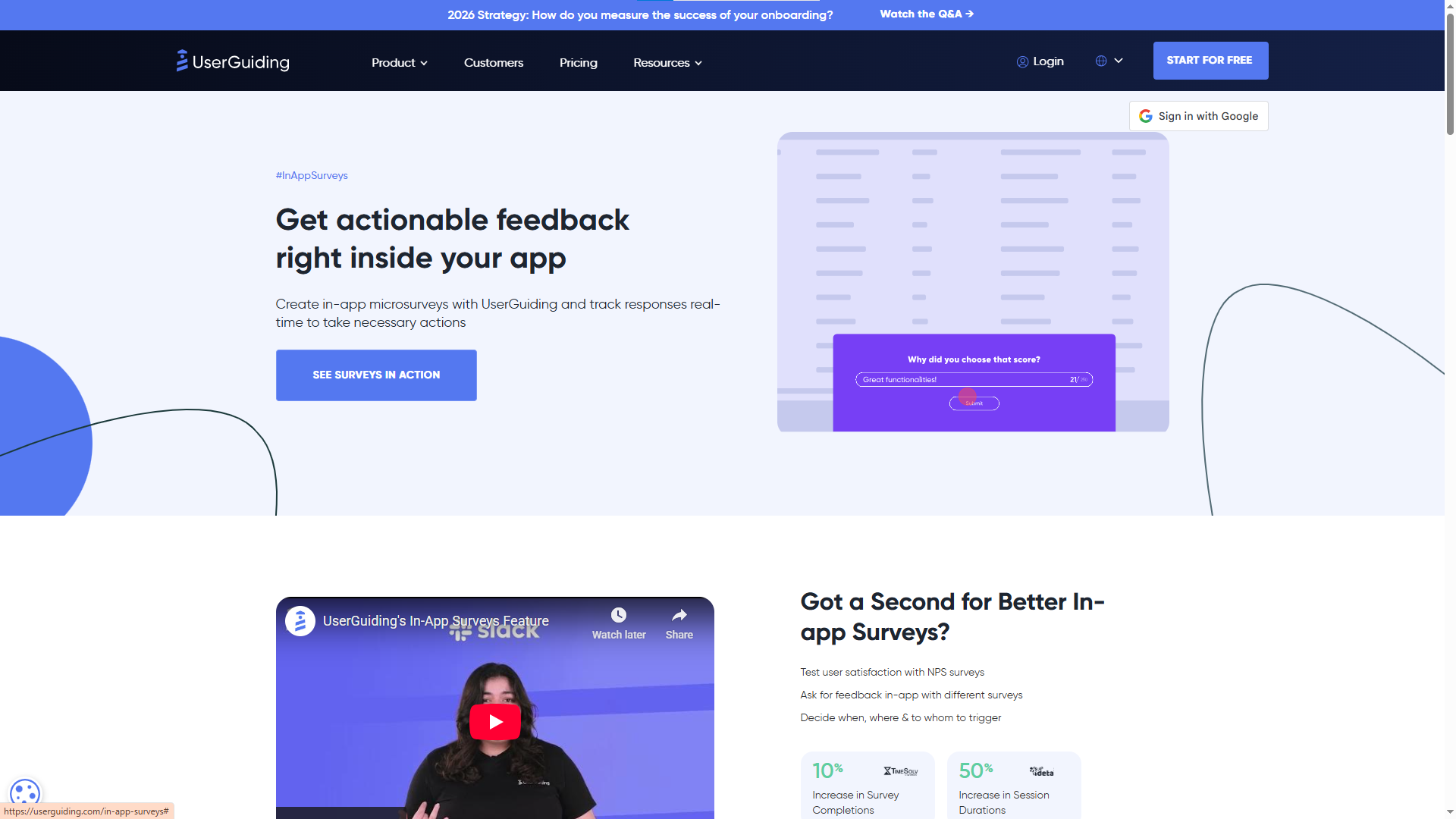
UserGuiding helps small and midsize teams guide users inside the product. It keeps setup simple and fast.
UserGuiding’s key features
- Create tooltips and guide
- Launch in-app messages without code
- Add onboarding checklists
- Track user progress
- Improve activation rates
Pricing
UserGuiding offers affordable plans for startups and SMBs.
Best Practices for In-App Messaging
Strong in-app messaging helps users move faster, understand features better, and stay engaged longer. However, messages work only when teams use them the right way. Below are proven best practices that help you get real results in 2026.
Keep messages short and clear
Users skim content inside apps. Therefore, use simple words and short sentences. Say one thing at a time. Avoid long explanations. Clear messages drive faster action.
Send messages at the right moment
Timing matters more than volume. Show messages when users take a related action. For example, guide users during onboarding or announce a feature when they reach that screen. Right timing improves engagement instantly.
Match the message to user behavior
Not all users need the same message. Segment users based on actions, plan type, or usage level. Then show messages that fit their needs. Personalized in-app messaging feels helpful, not annoying.
Focus on one goal per message
Each message should guide one action. Do not mix updates, tips, and promotions in a single pop-up. A focused message helps users decide faster and reduces confusion.
Use the right message type
Choose the format that fits the goal. Use tooltips for guidance. Use banners for updates. Use modals for important actions. The right format keeps the experience smooth.
Avoid interrupting key workflows
Respect the user’s flow. Do not block critical tasks with pop-ups. Instead, place messages where users expect help. A respectful approach builds trust.
Test and improve continuously
Track clicks, dismissals, and completions. Learn which messages perform well. Then adjust copy, timing, or placement. Regular testing keeps your in-app messaging effective.
Keep the design clean and consistent
Use brand colors, readable text, and clear buttons. A clean design improves trust and readability. Consistent styling also makes messages feel native to the product.
Let users take action easily
Every message should include a clear next step. Use buttons like “Try feature,” “Give feedback,” or “Learn more.” Clear actions increase conversion.
Do not over-message users
Too many messages create noise. Limit how often users see popups. Quality always beats quantity in in-app messaging.
Conclusion
In-app messaging plays a key role in user engagement in 2026. Teams connect with users inside the product at the right time and guide them without friction. Clear and timely messages help users understand features, take action, and stay longer.
Strong in-app messaging builds better onboarding, faster adoption, and higher retention. Teams that focus on simple words, clear goals, and smart timing create better user experiences. They also reduce confusion and support requests.
The right tool makes this process easier. Tools like Quickhunt and others in this list help teams plan, launch, and improve in-app messaging without complexity. When teams choose the right platform and follow best practices, in-app messaging becomes a growth driver instead of a distraction.
In 2026, products that speak clearly inside the app win user trust and long-term loyalty.
FAQs
1. What are in-app messaging tools?
In-app messaging tools help teams send messages directly inside a product or app while users are active. These tools display banners, popups, tooltips, surveys, and checklists to guide users, share updates, and improve engagement.
2. Why are in-app messaging tools important in 2026?
Users expect instant guidance and real-time communication inside products. In-app messaging tools help teams reduce confusion, improve onboarding, increase feature adoption, and boost user retention without relying only on emails or push notifications.
3. What types of messages can in-app messaging tools create?
Most in-app messaging tools support several formats, including onboarding checklists, feature announcements, banners, tooltips, surveys, and modal popups. Each type helps achieve different goals like education, feedback collection, or promotion.
4. How do in-app messaging tools improve user onboarding?
These tools guide new users step by step inside the product. They show tips, walkthroughs, and task checklists that help users reach value faster and understand how the product works without confusion.
5. Which is the best in-app messaging tool for startups?
Many startups look for tools that are easy to use and budget-friendly. Platforms like Quickhunt, OneSignal, and UserGuiding offer simple setup, useful messaging features, and pricing that works well for early-stage teams.


.svg "footer-logo")




.svg "fecebook")
.svg "linkdin")
.svg "twitter")



.png)