

Table of content
Teams move fast today. Users ask for clear help in seconds. They look for support inside apps, across websites, and on many devices. Support agents deal with long queues, long hours, and long lists of repeated questions. Pressure grows on every side.
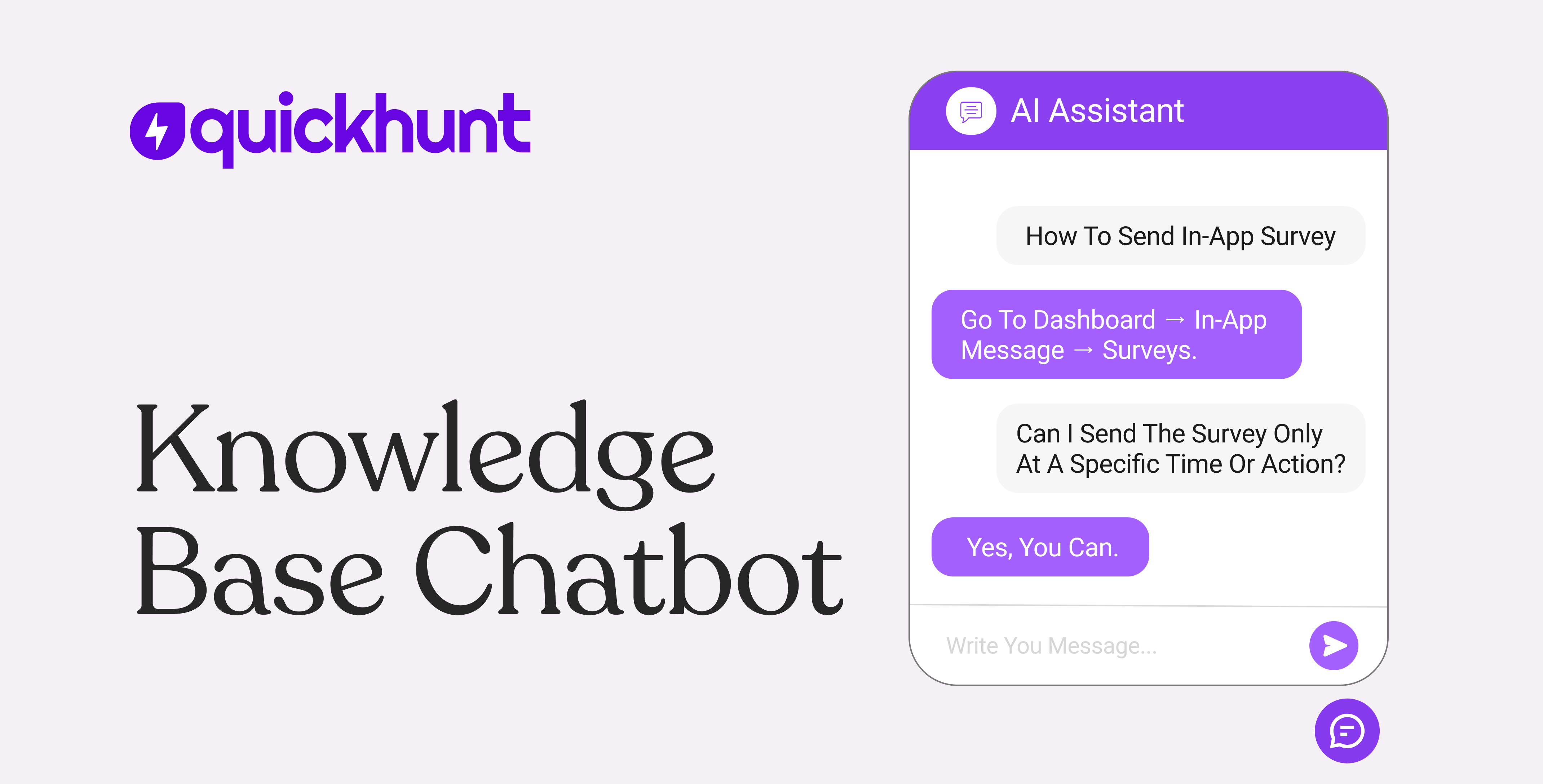
A knowledge base chatbot solves this pain. It gives users quick answers inside your product. The bot reads your guides. The bot pulls info from your docs. The bot replies in simple words. So users stay calm and finish their tasks with ease. Teams work with more focus. Product growth stays strong. Everyone enjoys a smoother experience.
What Is a Knowledge Base Chatbot?
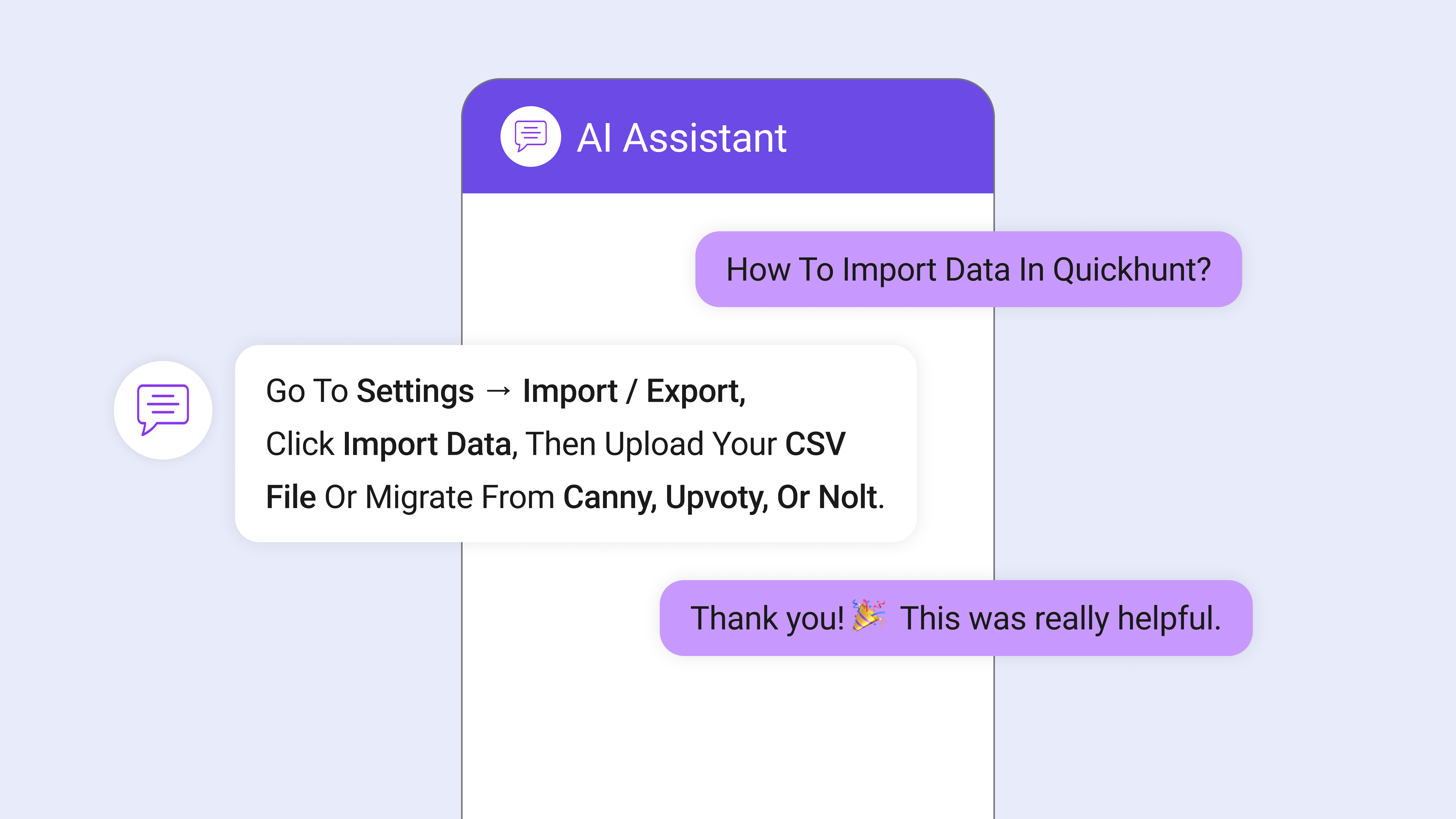
A knowledge base chatbot works as a smart guide inside your product. Users ask for help, and the bot replies with clear answers. The bot reads your docs, FAQs, and guides. The bot understands user intent in simple words. The bot shows the exact steps users need. The bot offers quick help inside the same screen, so users stay in flow.
This bot acts like a support teammate. It speaks in a friendly tone. It removes the long search work. It cuts long wait times. It keeps users calm during tricky moments. The bot also uses fresh info from your docs, so guidance always stays correct.
Teams enjoy more freedom because the bot handles simple questions. Support agents focus on deeper issues. Product teams improve the user experience with less effort. A knowledge base chatbot turns your entire help content into a fast, direct, and always-ready support system.
How a Knowledge Base Chatbot Works
A knowledge base chatbot follows a clear flow and guides users with simple steps. Users enter the chat box, share a question, and get instant help inside your product. The bot reads every message, checks your docs, and delivers the right answer in seconds. The process stays smooth, fast, and easy for every user.
Users Open the Chat Box
Users click the chat icon inside your product. The chat window opens in one step. The flow starts right away.
Users Type a Clear Question
Users write a simple question in their own words. The chat box supports free-form text. The bot reads every word with full focus.
The Bot Understands the Intent
The bot studies the meaning behind the question. The bot identifies the goal of the user. The bot prepares a search path based on that goal.
The Bot Scans Your Knowledge Base
The bot checks your docs, FAQs, guides, tutorials, and help pages. The bot scans every source with strong accuracy. The bot builds a list of answers that match the user’s need.
The Bot Picks the Best Answer
The bot selects the most helpful answer. The bot chooses the content with the clearest steps. The bot checks all info to make sure users get the right guidance.
The Bot Sends a Simple Reply
The bot writes a short and direct message. The message includes steps, links, and tips. Users understand the answer right away. Users continue their task with confidence.
The Bot Learns From New Questions
Users ask new questions every day. The bot studies these patterns. The bot grows smarter with each conversation. The bot improves future replies with more accuracy.
The Bot Supports Many User Flows
Users explore features. Users need setup help. Users face errors. Users try new tools. The bot handles every case inside the same chat window. The experience stays smooth and stress-free.
Teams Get Insight From User Questions
Support teams track common issues. Product teams spot missing clarity. Doc teams update outdated info. Every update enters the bot’s system right away.
The Entire Support Flow Becomes Faster
Users get instant help. Teams focus on real challenges. Docs stay fresh. The whole support system feels fast, clean, and easy.
Key Benefits of Using a Knowledge Base Chatbot
A knowledge base chatbot brings strong value to every team. Users move fast today, and they expect quick support inside the product. The chatbot gives users simple and clear answers right away. Teams feel huge relief, and users enjoy a smooth flow. Here are the key benefits in detail.
- Faster Answers for Every User: Users open the chatbot and ask a question in their own words. The bot replies in seconds. No wait time. No long search. No delay in support. Users stay calm because they get help during the task. This speed improves trust and keeps frustration away.
- More Self-Service in Every Step: Users enjoy freedom with self-service. They solve many issues without calling support or opening tickets. The chatbot gives guidance at the exact moment users need help. Users complete their tasks with more control. This level of support builds a strong user experience.
- Clear and Simple Communication: The chatbot speaks with clear and simple words. Users follow each step without confusion. Each reply holds short lines, direct meaning, and easy examples. This reduces misunderstandings. It also helps new users learn your product with comfort.
- Higher Productivity for Support Teams: Support agents deal with many repeated questions each day. Those questions take time and energy. The chatbot handles those simple cases with ease. Agents focus on tough issues and deeper needs. Teams feel more energy for real problem-solving. Workflows move faster. Team morale stays high.
- Smooth Onboarding for New Users: New users need guidance during their first few days. They explore features, try new flows, and face small blocks. The chatbot helps them right inside the app. It gives instant answers for each step. New users move with confidence. This leads to faster product adoption.
- Strong Customer Satisfaction: Instant help creates happy users. People feel supported at every moment. They see quick replies. They feel comfort inside the product. This builds trust, loyalty, and long-term connection. Users return more often and stay longer.
- Rich Insights for Product Teams: The chatbot collects real user questions in one place. Teams read those patterns. They understand user pain. They update the docs with clarity. They improve product features with confidence. This loop drives smarter decisions. Each update lifts the entire user experience.
- Lower Support Costs: Support tasks shrink when the chatbot answers simple questions. Fewer tickets reach agents. Less time is spent on repeated work. Teams save money and energy. The support system becomes lean and efficient.
A knowledge base chatbot brings power, clarity, and speed to your product. It lifts team performance. It supports users at every moment. It keeps the full support system strong and ready for growth.
Why a Knowledge Base Chatbot Is Better Than a Traditional Help Center
Users move fast today. They look for quick help inside the product. They want answers in seconds. A traditional help center slows this flow. Users scroll through long pages. They jump between links. They try to guess the right article. Many users feel tired. Many users leave without answers. Support teams deal with more tickets because users give up.
Introducing Quickhunt’s AI Knowledge Base Assistant
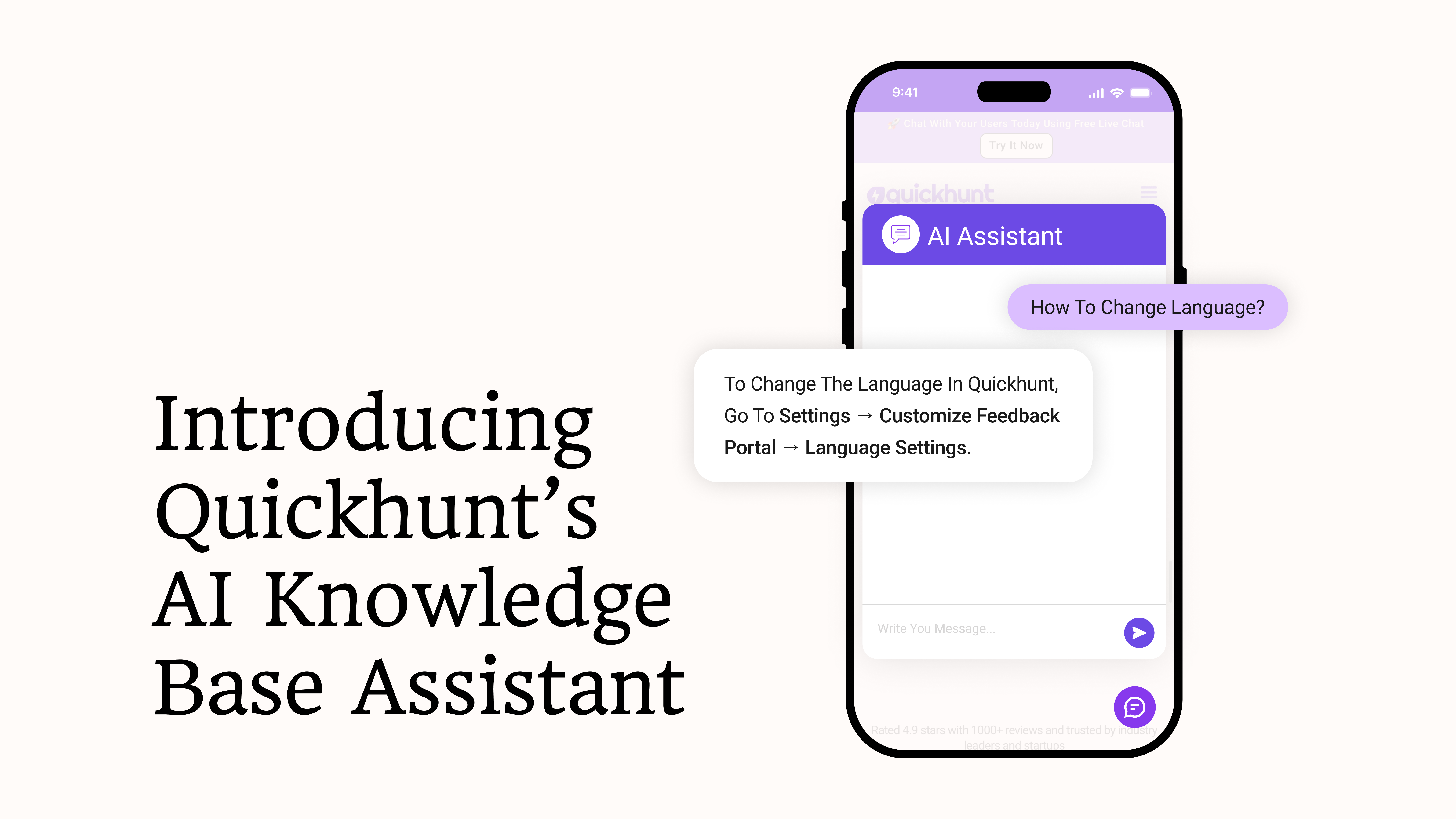
Quickhunt brings a next-gen knowledge base chatbot for modern teams. The AI assistant reads your docs and answers user questions instantly. It uses simple language. Users get help right inside your product. Updates appear immediately after you add new content.
The bot understands real user questions. It gives clear answers with zero delay. Users find guidance without leaving the app. Teams save time and reduce support load.
Setup stays fast and easy. Connect your documentation. The bot scans everything. It starts helping users in minutes.
The AI assistant uses product context to give accurate advice. Users follow the steps with confidence. Every answer becomes more relevant and helpful.
Quickhunt links the chatbot to your resources like help centers, blogs, or any page URL. Users can access articles, tutorials, and guides directly from the chat. This keeps support seamless and users engaged.
Quickhunt turns your knowledge base into a live support engine. Your team works smarter. Users get instant, reliable guidance. This tool boosts product experience and overall satisfaction.
How to Connect the Chatbot to Your Knowledge Base
Follow these simple steps to connect your chatbot to your knowledge base:
Step 1: Create a Knowledge Base in Quickhunt
Start by creating a knowledge base inside Quickhunt. Add guides, FAQs, tutorials, and articles directly in the platform. You can organize content into categories for easy navigation.
Step 2: Gather All Resources
Collect guides, FAQs, articles, tutorials, blogs, and any help center or page URLs you want the chatbot to access.
Step 3: Open Quickhunt Settings
Log in to Quickhunt and go to Settings in the left menu. Click Customize Feedback Portal. Scroll down to the Documents section. This is where you enable AI assistance.
Step 4: Link Knowledge Sources
Add all collected resources to the chatbot. Quickhunt scans each page and organizes the content for easy access.
Step 5: Test the Chatbot
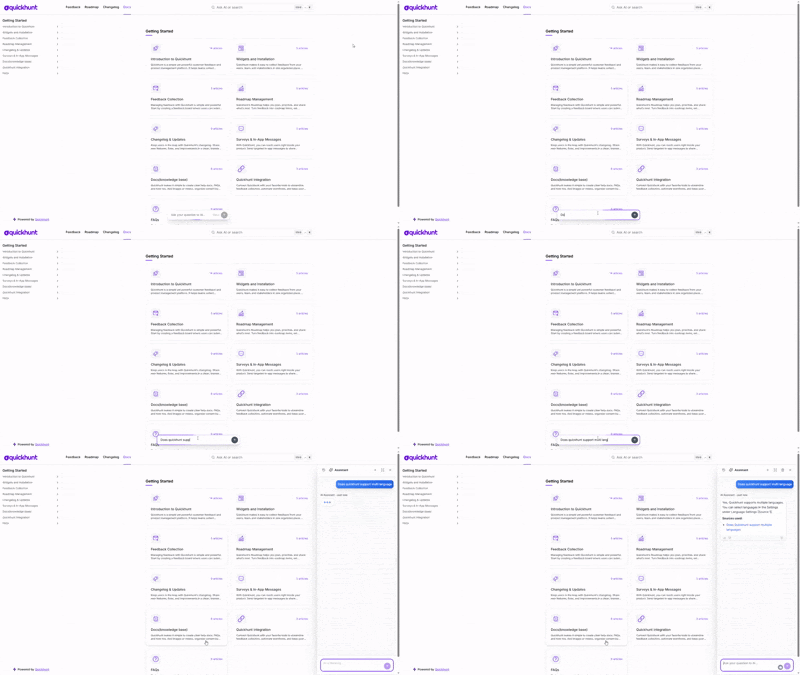
Ask common questions to see if the bot finds the right answers. Make adjustments if some answers need improvement.
Step 6: Keep Content Updated
Whenever you add new guides or articles, update the linked resources. The chatbot immediately uses the latest content.
Step 7: Monitor Performance
Check user interactions and feedback. Use insights to improve your documentation and make answers even clearer.
Following these steps gives users instant access to help. Support teams spend less time on repeated questions. Users enjoy a faster, smoother experience.
Conclusion
A knowledge base chatbot gives users fast help at every moment. It answers questions in seconds, shows clear steps, and keeps people inside the product. Users feel confident because they get simple and direct help without searching through long pages. This smooth flow builds trust and keeps users happy throughout their journey.
Quickhunt’s AI Knowledge Base Assistant takes this experience to the next level. It reads your docs, understands questions, and gives accurate answers right away. You update your content, and the bot uses it instantly. Your team saves time, your support load drops, and your product delivers a clean, smart, and guided experience for every user.
FAQs
1. What does a knowledge base chatbot do?
It reads your guides, FAQs, and articles. It answers user questions with clear and instant replies right inside your product.
2. How does a knowledge base chatbot help my team?
It handles common questions, so your support team works on deeper issues. This saves time and reduces workload.
3. Can I connect any type of content to the chatbot?
Yes. You can link guides, FAQs, blogs, help center pages, and public URLs.
4. Does the chatbot update when I change my docs?
Yes. You update your content, and the bot uses the new info right away.


.svg "footer-logo")




.svg "fecebook")
.svg "linkdin")
.svg "twitter")



.png)