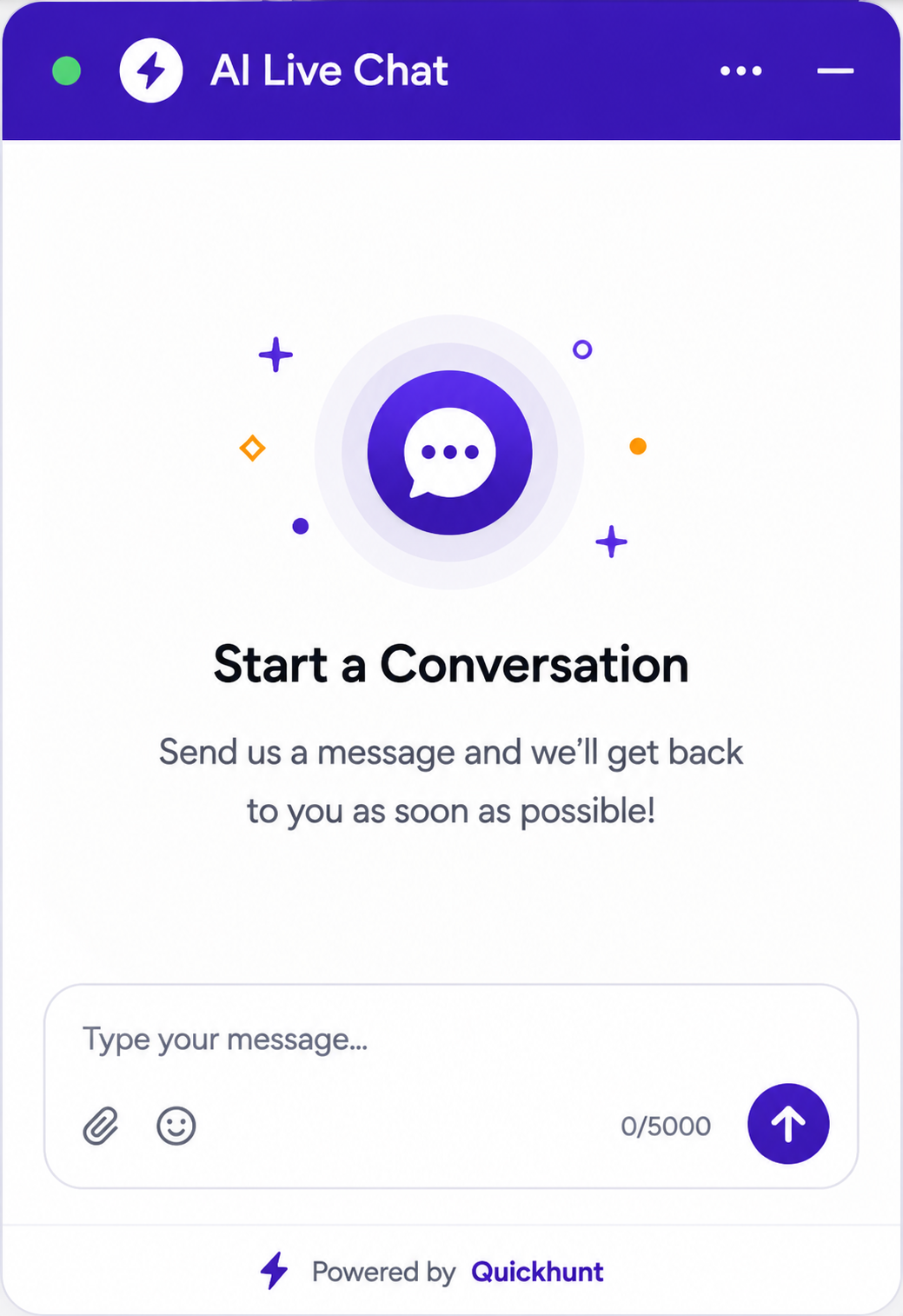

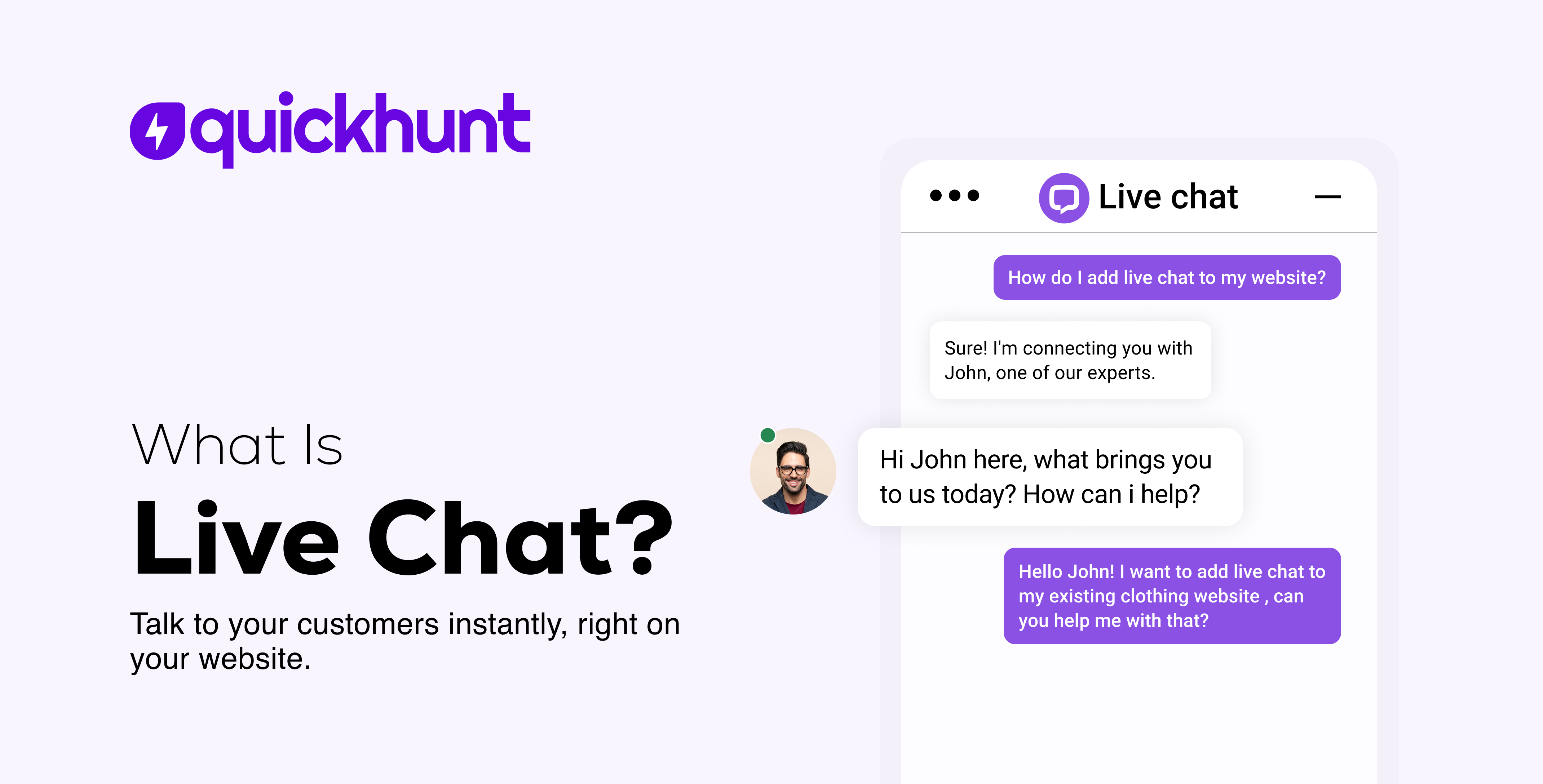
Table of content
Live chat helps online businesses talk with users in real time. Businesses use live chat for fast support and quick replies. A live chat system starts instant conversations on websites, web apps, and Shopify apps. Users send messages and receive replies in seconds. Live chat gives users a simple, fast, and friendly experience.
Support teams use live chat tools to answer questions, guide visitors, and solve problems while users browse the website. Businesses use live chat customer service to improve user experience and build trust. Users avoid long email waits and support tickets. They get help during their visit. Fast support helps businesses increase customer satisfaction and sales.
Many startups and small businesses choose a free live chat tool to start customer support without extra cost. Free plans help teams support users from day one. Growing businesses choose the best live chat software for websites to manage more chats, organize conversations, and add AI replies. Good live chat software keeps conversations clear, smooth, and easy for users and support teams.
Live chat improves modern customer support. Businesses connect with users faster and create better customer experiences from the first message.
What Is Live Chat?
Live chat gives businesses a way to talk with users in real time through a chat box on a website or app. Users send messages and receive quick replies while they stay on the page. Live chat gives users fast help and a better experience.
A live chat tool helps support teams answer questions, guide users, and solve problems without emails or phone calls. Many businesses use live chat customer service for sales questions, account setup help, and daily support in one place. Live chat saves time and keeps conversations simple and clear.
Many tools offer free live chat plans for startups and small businesses. Free plans help teams start customer support without extra cost. Growing businesses choose the best live chat software for websites to manage more chats, organize conversations, add AI replies, and track user messages. Good live chat software also connects easily with websites, SaaS products, and Shopify apps.
Live chat improves customer support, user experience, and customer trust. Businesses stay connected with users and grow through real conversations.
How Live Chat Works and Why Customers Love It
Live chat starts fast conversations between businesses and customers. It runs in the background and gives users a smooth experience. Customers trust live chat and choose it instead of slow support channels.
A live chat tool connects with your website, web app, or Shopify app. You add the chat widget once, and visitors can use it on selected pages. You choose the design, colors, position, and welcome message. Your chat matches your brand and feels natural inside your product.
Customers love live chat because it removes extra steps. They do not install apps. They do not create accounts. They do not download files. They visit your site, click the chat icon, and start chatting instantly.
The Live Chat Experience From a Customer’s Side
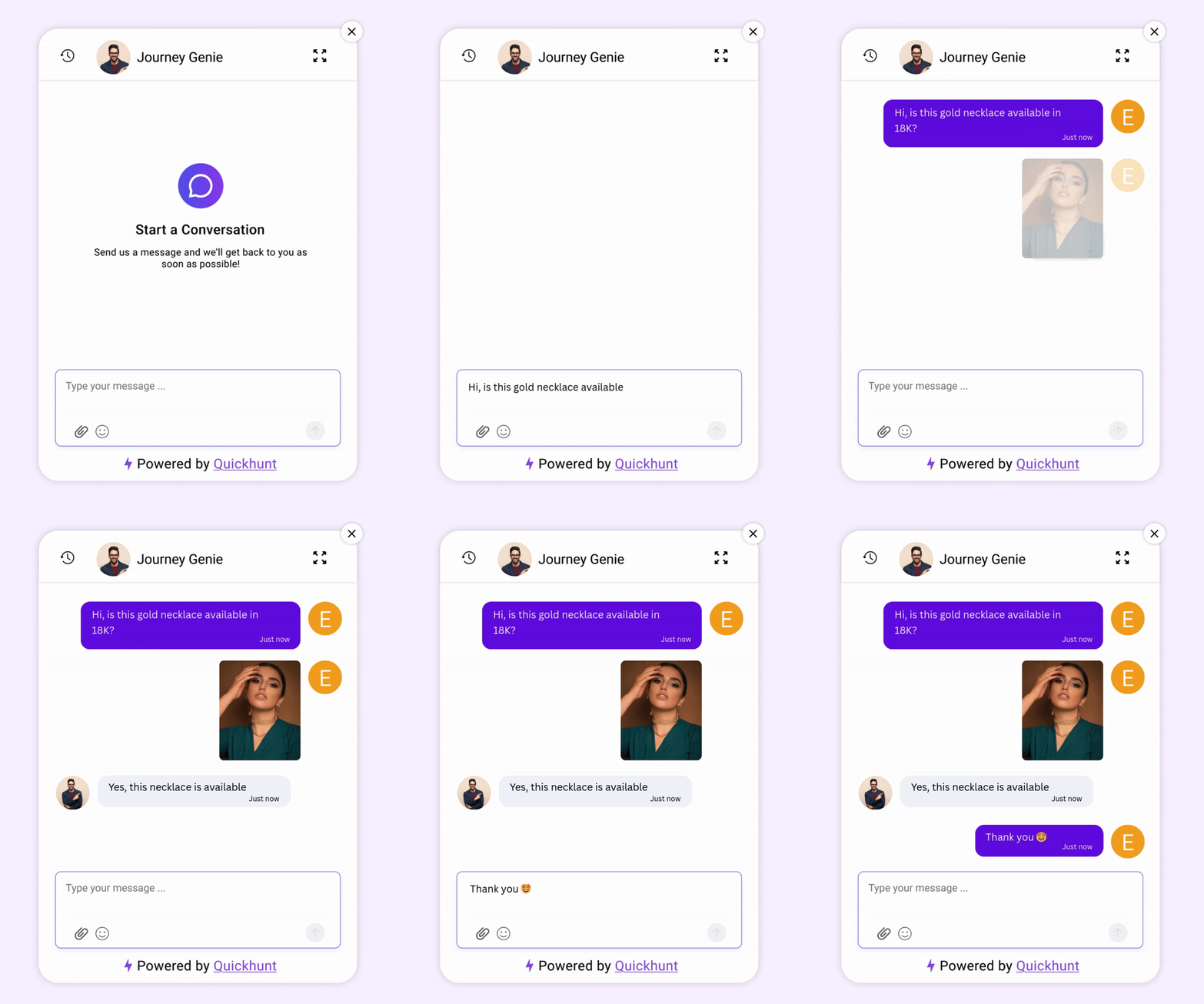
From a visitor’s view, live chat feels simple and friendly. A small chat icon appears in the corner of the screen. One click opens a chat window. The customer types a question and sends it.
Messages move fast. Replies arrive within minutes. This speed builds confidence and reduces stress. Because of quick answers, users stay on the page and continue shopping or exploring features.
Customers can send text, emojis, links, and files. They can also view images, guides, or URLs shared by the support team. This smooth flow explains why many people choose live chat customer service over email or phone support.
Many online stores and SaaS products also offer free live chat during the early stages. This option helps startups support users without extra cost while still delivering a premium experience.
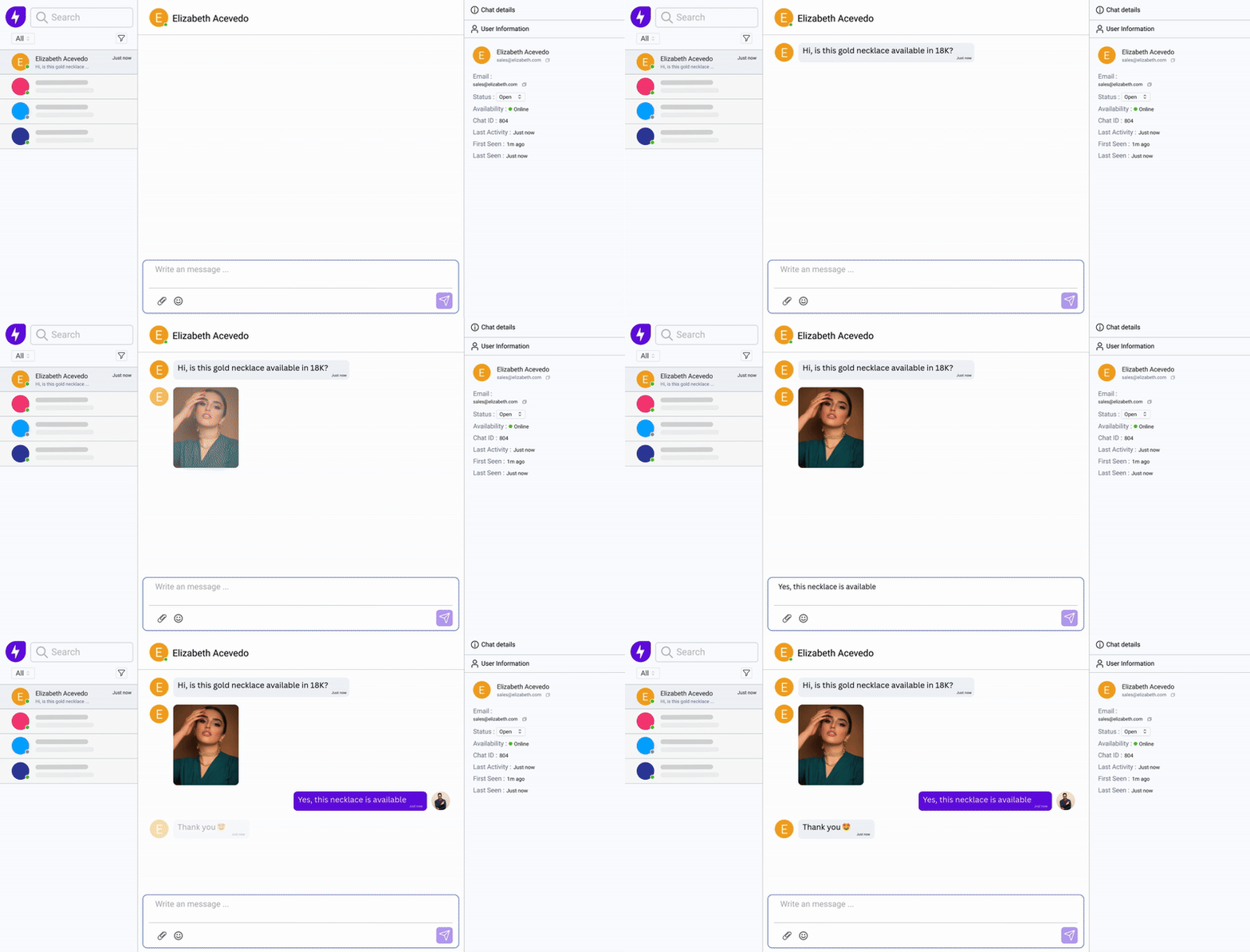
On the business side, live chat unlocks powerful tools. Support teams see incoming messages instantly and reply without delays. Agents handle multiple chats at the same time, which saves time and effort.
A strong live chat tool also shows visitor activity. Support teams see visited pages, time spent, and current actions. This context helps agents give better answers without asking repeated questions.
Teams also create saved replies for common questions. These replies speed up conversations and keep answers consistent. Over time, support quality improves while response time drops.
Live chat software also stores chat history. Teams review past conversations, track trends, and improve customer experience based on real insights. This data helps businesses grow smarter with every chat.
Why Live Chat Feels Better Than Other Support Options
Live chat wins because it feels human and immediate. Email feels slow. Phone calls feel tiring. Live chat keeps things light and fast.
Customers stay on the website while chatting. They do not pause their journey. This flow increases conversions and reduces drop-offs. For this reason, many brands choose live chat as their primary support channel.
Live chat also supports AI-powered replies. AI answers common questions using help docs and saved knowledge. Customers receive instant help even during off-hours. Meanwhile, human agents focus on complex issues.
This balance makes live chat customer service efficient and scalable.
Key Live Chat Features Customers Notice First
Customers value speed, clarity, and ease. The best live chat software for websites focuses on these needs.
A good live chat experience includes:
- Instant message delivery
- Clean and simple chat window
- Friendly welcome message
- Quick replies from agents or AI
- Easy file and link sharing
These features make conversations smooth and stress-free. As a result, users trust the brand and return again.
Benefits of Live Chat for Websites
Faster Help Without Page Switching
Live chat lets users ask questions on the same page. Visitors stay on the website during conversations. This smooth experience keeps users focused and reduces drop-offs. A good live chat tool gives quick replies and keeps users engaged.
Better First Impression for New Visitors
Live chat welcomes first-time visitors with friendly messages. Simple greetings encourage users to start conversations. Early conversations build trust and create a helpful experience. Many businesses use free live chat tools for easy customer communication.
Higher Sales Through Quick Replies
Live chat customer service helps users clear doubts before purchases. Fast replies remove confusion around pricing, features, and setup. Users make decisions faster after clear conversations. Many businesses choose the best live chat software for websites to support sales.
Better Understanding of User Needs
Live chat helps teams understand visitor questions and problems. Support teams learn user concerns through daily conversations. These insights help businesses improve products, pages, and offers. The best live chat software turns conversations into useful feedback.
Lower Support Work for Small Teams
Live chat lets support agents handle multiple conversations together. Teams support more users without extra pressure. This setup helps startups and growing businesses save time. Many teams choose free live chat tools to reduce support costs.
Stronger Website Engagement
Live chat encourages users to interact with the website. Visitors ask short questions and continue browsing without interruptions. More conversations increase user engagement and website activity. Smart live chat tools start conversations at the right time.
Clear and Consistent Replies
Live chat customer service helps teams give consistent answers. Saved replies keep messages clear across all pages. Consistent communication improves trust and removes confusion. Many businesses use the best live chat software to maintain reply quality.
Easy Support for Global Users
Live chat helps businesses support users from different countries. Visitors send messages anytime during visits. Quick replies improve communication across different time zones. Reliable live chat tools create smooth conversations for global users.
Stronger Website Trust
Live chat adds a human touch to websites. Visitors feel comfortable during conversations with support teams. Friendly communication increases trust and confidence. Many businesses use the best live chat software for websites to build stronger customer relationships.
Simple Setup and Fast Results
Live chat tools require simple setup steps. Teams add the chat widget and start conversations quickly. Free live chat tools also give fast results for small businesses. Quick setup makes live chat a simple customer support solution.
Live Chat vs Other Support Channels
Why Live Chat Performs Better
Live chat customer service delivers instant help without friction. Users stay on the website and get answers quickly. A strong live chat tool supports sales, onboarding, and support together.
Many businesses start with free live chat and later upgrade to the best live chat software for websites as traffic grows. This approach keeps costs low while improving customer experience.
Because of speed, ease, and scale, live chat continues to outperform traditional support channels for modern online businesses.
How Quickhunt Live Chat Helps Businesses
.png)
Quickhunt Live Chat gives businesses a simple and reliable way to talk with users in real time. It works smoothly for websites, SaaS products, and Shopify apps. Teams use one clean dashboard to manage conversations, support requests, and user questions.
Quickhunt works as a modern live chat tool built for growing teams. Support agents reply faster, handle more conversations, and stay focused without switching platforms. As a result, teams deliver strong live chat customer service without extra effort.
Quickhunt also supports free live chat, which helps startups and small teams support users from day one. Businesses launch live chat without setup stress or hidden complexity. This flexibility helps teams grow support systems at their own pace.
For Shopify merchants, Quickhunt also works as a Shopify live chat app, helping store owners answer pre-purchase questions, recommend products, resolve order inquiries, and provide instant customer support. Real-time conversations reduce cart abandonment, improve customer satisfaction, and increase conversions without leaving the Shopify dashboard.
The platform also combines human support with AI responses. AI handles common questions using help content, guides, and past answers. Meanwhile, agents focus on real conversations that need personal attention. This balance improves efficiency and keeps response times low.
Quickhunt Live Chat connects directly with other product tools. Teams turn chat conversations into feedback, feature ideas, or support insights. Product managers learn user needs directly from real conversations. Because of this, teams build better features and improve user experience faster.
For websites and Shopify apps, Quickhunt stands out as one of the best live chat software for websites. It offers easy setup, smooth design, and strong performance without slowing down the site. The chat widget blends naturally into any product or store.
Businesses also gain long-term value from chat history and insights. Teams review conversations, spot patterns, and improve support flows. These insights help teams grow smarter with every interaction.
Many teams choose Quickhunt as the best live chat software because it goes beyond simple messaging. It connects support, feedback, and product growth in one place. With Quickhunt Live Chat, businesses stay close to users, respond faster, and build lasting relationships.
How to Add Live Chat to Your Website with Quickhunt
Open Live Chat Setup in Quickhunt
Log in to your Quickhunt dashboard first. From the left menu, click Live Chat. This screen helps you set up live chat in a guided and simple way. You manage settings, widgets, and installation from one place. Quickhunt works as a complete live chat tool for modern websites.
Create a New Live Chat Widget
Click the Create Widget button to begin. Quickhunt shows different widget types on the next screen. Choose Live Chat Widget to enable real-time conversations on your website or app. This option supports live chat customer service for online businesses and Shopify apps.
Customize Your Live Chat Widget
Give your widget a clear title like Support Chat or Talk to Us. Match the widget colors with your brand style. Change the header color, chat bubble color, and launcher icon easily.
Place the chat icon in the bottom-right corner or adjust its position based on your layout. Use spacing and visibility options to keep the design clean. The live preview updates instantly, so you see the final look while editing. This step helps you create one of the best live chat software experiences for websites.
Generate the Live Chat Installation Code
After widget creation, Quickhunt shows a confirmation pop-up. This pop-up includes a unique script code for your live chat widget. Copy the full code carefully. This script connects your website with Quickhunt live chat and activates real-time support.
Add Live Chat Code to Your Website
Paste the script inside your website code before the closing </body> tag. Add the code to every page where you want live chat access.
For Shopify, open theme settings and paste the code into the custom code section. Save and publish the changes. The live chat widget starts working immediately after deployment.
Start Using Live Chat Customer Service
After installation, all conversations appear inside the Quickhunt Live Chat inbox. Your team replies in real time, assigns chats, and tracks messages from one dashboard. This flow supports fast support and strong customer engagement.
Quickhunt combines feedback, help docs, and live chat in one platform. Many teams choose Quickhunt as the best live chat software because it supports growth without complexity.
The Last Line
Live chat plays a key role in modern online businesses. It helps teams talk with users in real time and solve problems faster. A strong live chat tool builds trust, improves support quality, and keeps customers engaged during their journey.
Quickhunt makes live chat easy to set up and simple to manage. Teams use one platform for live chat customer service, feedback, help docs, and product updates. This setup saves time and keeps communication clear.
Many businesses start with free live chat and scale as their needs grow. Quickhunt supports this growth with flexible features and a clean interface. For websites, SaaS products, and Shopify apps, Quickhunt stands out as one of the best live chat software for websites.
If your goal includes better conversations, faster support, and happier users, live chat delivers real value. With Quickhunt, teams connect with customers, learn from every message, and build stronger products through better communication.
Frequently Asked Questions
What is live chat?
Live chat is a real-time messaging tool for websites and apps. It helps businesses talk with visitors instantly through a chat widget. Customers ask questions, get support, and receive quick answers without leaving the page.
How does live chat help online businesses?
Live chat helps businesses talk with users in real time. Teams answer questions faster, guide users instantly, and reduce drop-offs. Live chat also improves conversions and builds trust during key moments.
How do customers use live chat on a website?
Customers click the chat icon on a website and start typing. They do not install apps or create accounts. This simple flow explains why users prefer live chat customer service over email or phone support.
How does a live chat tool differ from email support?
Live chat delivers instant replies while email creates delays. Users stay on the page and continue their journey. Teams also handle multiple chats at once, which improves efficiency.
Why do teams choose Quickhunt over other live chat tools?
Quickhunt combines live chat, feedback collection, help docs, and product updates in one platform. This setup saves time and simplifies workflows. Many teams choose Quickhunt as the best live chat software for websites.


.svg "footer-logo")




.svg "fecebook")
.svg "linkdin")
.svg "twitter")



.png)