

Table of content
Growing SaaS teams handle daily questions from users. Customers search for quick answers. Support teams manage high volume. Product teams need clear guidance. Knowledge base software brings all help content into one clear space.
A strong knowledge base platform helps users learn faster and feel confident. It cuts support tickets and builds trust from day one. Teams share guides, FAQs, and step-by-step help without delay. As products scale, clear self-service support becomes essential for every SaaS business.
Modern knowledge software turns help content into a growth asset. Teams stay focused. Users stay informed. The right knowledge base management system supports smooth and steady SaaS growth.
What is Knowledge Base Software?
Knowledge base software gives teams one place to store, manage, and share helpful information. Teams use it to create guides, FAQs, tutorials, and clear workflows. Users read these articles to solve problems on their own.
This type of knowledge database software helps customers find answers fast. Strong search and clean categories guide users to the right page. As a result, support teams save time and handle fewer repeat questions.
A good knowledge management system software also supports SaaS growth. New users learn faster. Existing users stay confident. Teams update content anytime and keep information accurate. One source of truth removes confusion and improves the user experience.
How Knowledge Base Software Supports SaaS Growth
Reduces Support Tickets
The best knowledge base software gives users clear answers in one place. Users fix issues on their own. Support teams handle fewer tickets and focus on real problems.
Improves User Onboarding
New users follow clear guides from day one. They learn features faster and gain confidence. As a result, activation increases and churn drops.
Saves Team Time
Teams stop answering the same questions daily. One article helps hundreds of users. This saves time and keeps teams productive.
Builds Customer Trust
Clear help content shows care and transparency. Users trust products that explain things clearly. Trust drives long-term relationships.
Scales Support Without Hiring
A growing knowledge base online supports thousands of users with the same content. Teams control costs while scaling support.
Improves Product Adoption
Helpful guides explain advanced features. Users explore more and gain more value from the product.
Keeps Information Consistent
A knowledge management system software keeps answers consistent. Every user sees the same correct information.
Supports Global Users
Teams publish content in multiple languages. A global knowledge center software experience becomes easy and effective.
Key Features to Look for in Knowledge Base Software
- Easy editor for writing and updating articles fast
- Clean layout that helps users read without effort
- Strong search that shows the right answer instantly
- Clear categories to keep content well-organized
- Public help pages for customers and private pages for teams
- Mobile-friendly design for all screen sizes
- AI search or AI assistant for quick answers
- In-app widget to show help inside the product
- Image and video support for better understanding
- Version history to track content changes
- Analytics to see popular and missing articles
- Integrations with support, chat, and product tools
These features define the best knowledge base platforms for SaaS teams.
12 Knowledge Base Software That Help SaaS Teams
Growing SaaS teams need a reliable knowledge base tool. Below are the top knowledge base software options that support growth at every stage.
Quickhunt
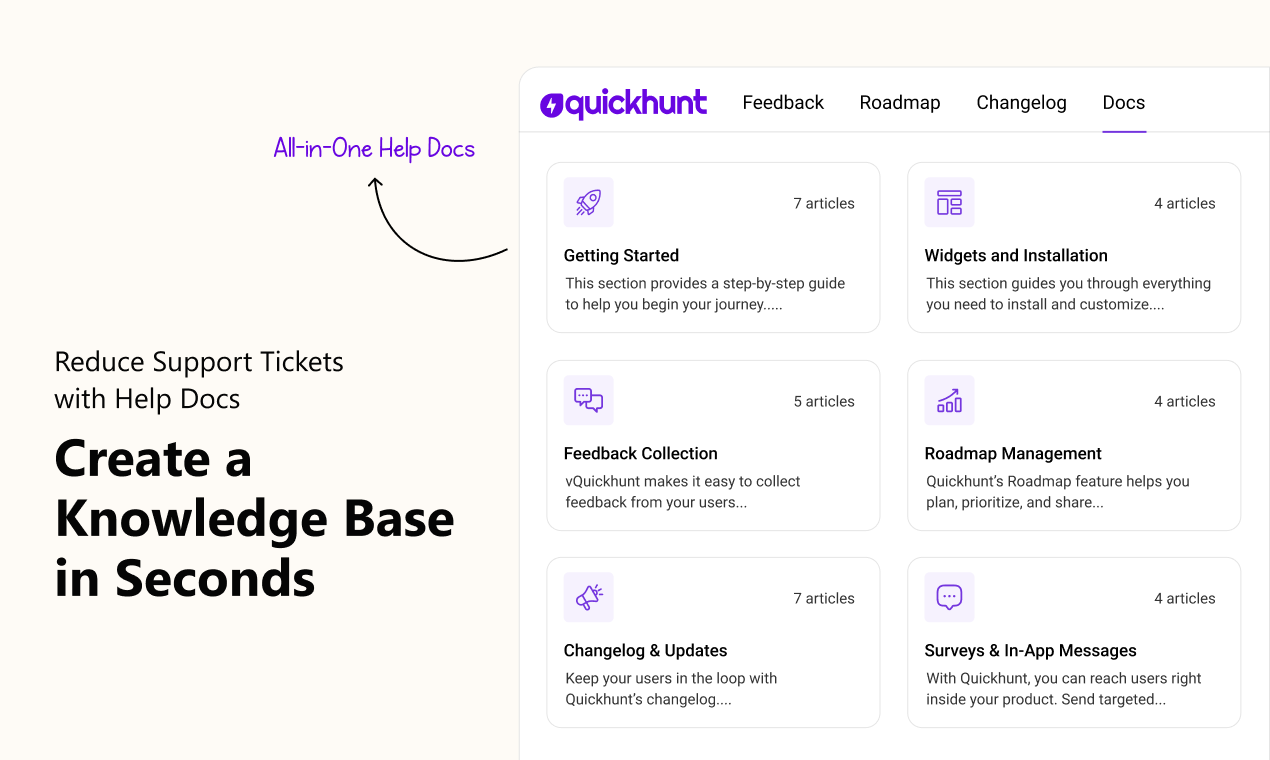
Quickhunt builds an all-in-one product hub for SaaS teams. Teams collect feedback, publish a public help center, and add an in-app docs widget. The AI assistant answers user questions using your articles, so support teams handle fewer repeat tickets. Quickhunt links docs with roadmap, changelog, and in-app messages to keep product and support work in one place.
Key features
- AI Assistant for instant answers
- In-app docs widget and public help center
- Tight integration with feedback, roadmap, and changelog
- Simple editor with images and embeds
- Basic analytics for article views and searches
Pricing
Quickhunt works well as both free knowledge base software for starters and a scalable solution for growing teams.
Notion
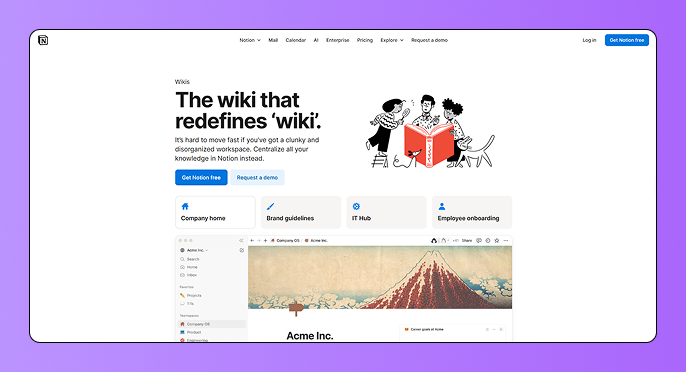
Notion serves as a flexible workspace for notes, SOPs, and team docs. Teams write guides with a simple editor and organize pages into clear databases. Many startups use Notion for internal knowledge and share selected pages as a public help site. Notion works best when teams want one flexible tool for docs and planning. However, if you need stronger feedback management, roadmap visibility, and structured customer collaboration, you may want to explore a Notion alternative built specifically for product teams.
Key features
- Fast, block-based editor
- Page templates and databases
- Publish pages to the web as public docs
- Team permissions and page history
- Integrations with calendars and other apps
Pricing
Notion offers a free tier for individuals and paid plans for teams and enterprises. Team and business tiers scale per user.
Help Scout Docs
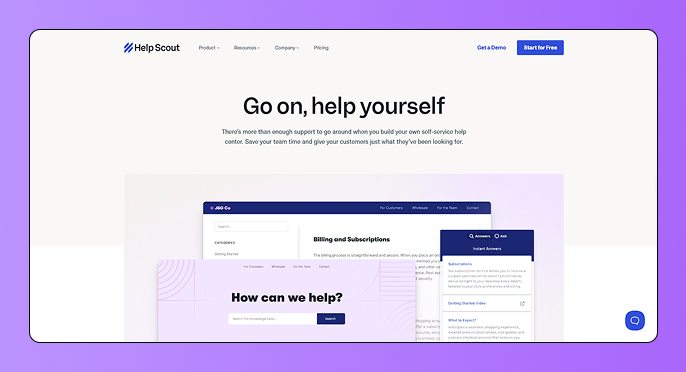
Help Scout Docs provides a clean public help center and a focused article editor. Teams combine Docs with the Help Scout inbox to share articles inside replies. The tool keeps support and self-service tight, so teams answer fewer repeat questions and keep conversations useful.
Key features
- Clean article layout and editor
- Easy article linking from support replies
- Basic analytics on article views and searches
- Multi-site support for different brands or products
- Simple publishing and permissions
Pricing
Help Scout includes Docs in its paid plans and offers add-ons for extra Docs sites. The plans and add-on costs appear on Help Scout’s pricing pages.
Zendesk Guide
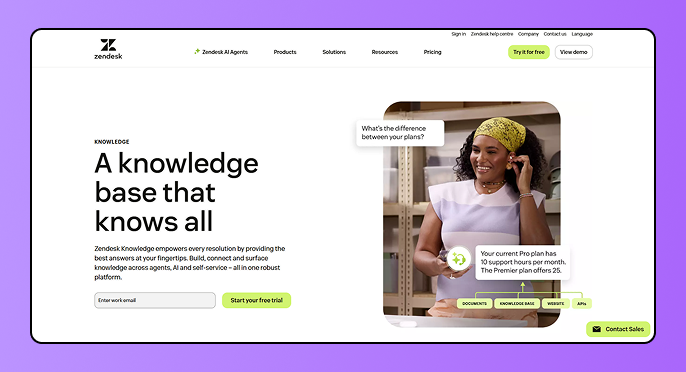
Zendesk Guide fits support teams that need an enterprise-grade knowledge base. The product offers robust customization, multi-language support, and deep analytics. Teams that already use Zendesk ticketing can extend the same platform into a public help center and internal knowledge base.
Key features
- Multilingual articles and themes
- Role-based permissions and content blocks
- AI-powered suggestions (with Zendesk AI add-ons)
- Deep reporting and search analytics
- Tight integration with Zendesk Support
Pricing
Zendesk sells Guide as part of Zendesk Suite and support plans. Suite prices vary by tier and agent count; see Zendesk pricing for current per-agent numbers.
Freshdesk Knowledge Base
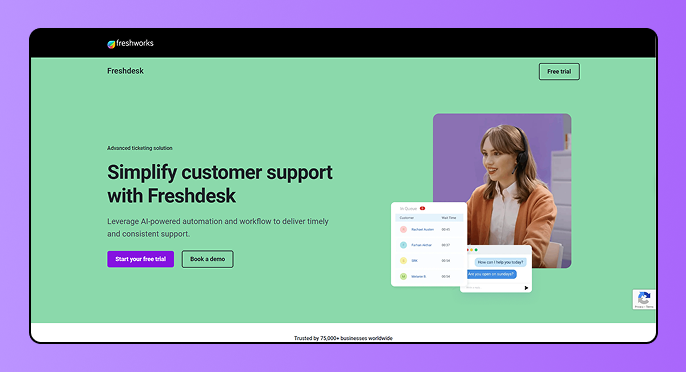
Freshdesk bundles a knowledge base inside its support suite. Teams create public portals, private internal docs, and multilingual articles. Freshdesk ties articles to tickets so agents can add links quickly and reduce repeat work. Freshdesk offers built-in knowledge base software free for small teams and scalable paid plans for growing SaaS businesses.
Key features
- Public support portal and private docs
- Multilingual content support
- Integrated with ticketing and automation
- Freddy AI features for search and replies (on higher plans)
- Article categories, tags, and macros
Pricing
Freshdesk offers a free plan for small teams and paid tiers starting at entry-level monthly rates. Full pricing and AI add-on details are shown on the Freshdesk pricing pages.
Confluence

Confluence focuses on internal knowledge and team collaboration. Product teams store specs, runbooks, and SOPs in structured spaces. The editor supports attachments, templates, and page versioning, which helps technical teams keep content current and searchable.
Key features
- Space and page structure for team docs
- Templates for product and engineering workflows
- Page history and version control
- Strong search across pages and attachments
- Admin controls and permissions for large teams
Pricing
Atlassian offers a free tier for small teams and paid plans per user for larger teams. Confluence Cloud lists per-user monthly rates by plan.
Document360
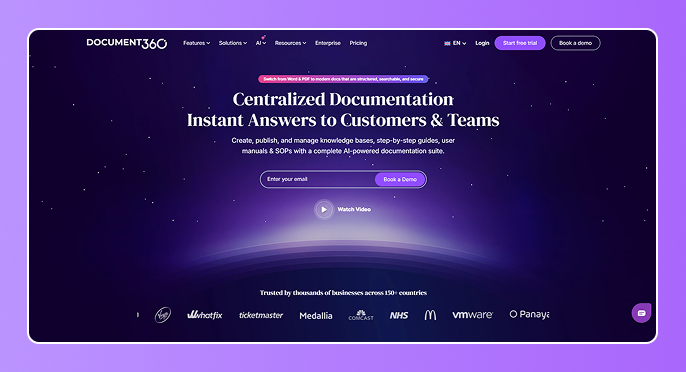
Document360 targets teams with large documentation needs. The product provides structured article categories, versioning, and a help center that scales. Teams use Document360 when they must manage many guides, API docs, and user manuals with clear revision control. Teams use it as the best internal knowledge base software for product and engineering teams.
Key features
- Article versioning and rollback
- Advanced categories and tags
- AI search and content suggestions (on select plans)
- Role-based access for public and private content
- Strong analytics on article performance
Pricing
Document360 uses tiered plans that scale by features and seats. The vendor lists plan details and offers demos for custom enterprise needs.
Helpjuice
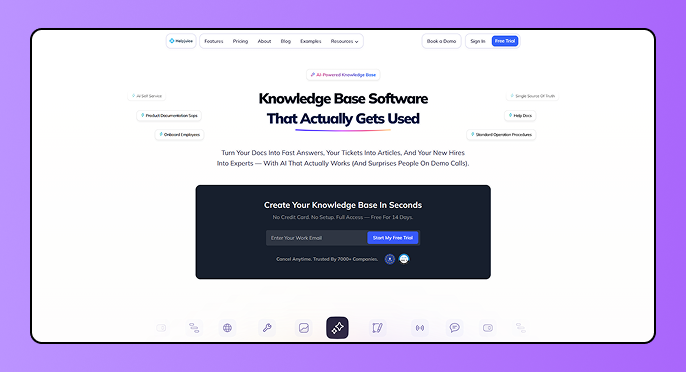
Helpjuice focuses on analytics-driven knowledge base platform design. Teams craft branded help sites and measure article impact with clear metrics. The platform supports teams that rely on self-service and want deep insight into search success.
Key features
- Powerful site search and search tuning
- Deep analytics and article performance reports
- Custom branding and design control
- Collaboration and workflow tools for editors
- Large-user support and storage options
Pricing
Helpjuice sells flat-rate plans and tiered packages for growing knowledge bases. Pricing tiers appear on the Helpjuice pricing pages and scale by users and features.
Slab
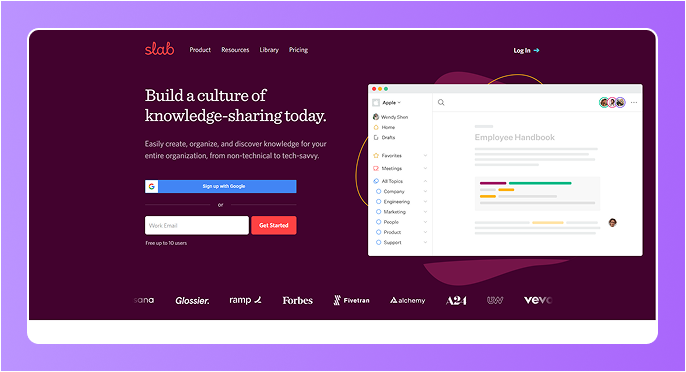
Teams use it as lightweight knowledge software for onboarding and internal guides. The product offers a modern editor and unified search that helps teams find answers inside daily tools. Slab works well for teams that want a clean wiki for onboarding and internal guides.
Key features
- Simple, fast editor for team docs
- Unified search across posts and topics
- Templates and real-time collaboration
- Integrations with Slack, GitHub, and the tools teams use
- Tiered support levels for larger teams
Pricing
Slab provides a free tier for small groups and paid tiers for larger teams with extra features. See Slab’s pricing page for exact per-user numbers.
GitBook
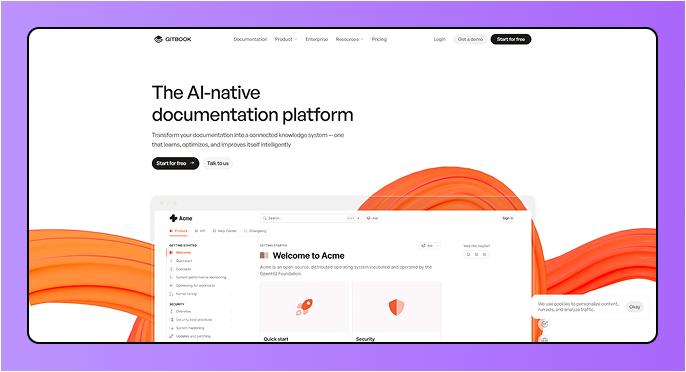
The product supports markdown, versioning, and a fast public help center. Teams use GitBook to host developer guides and keep docs in sync with product releases. It supports API docs and technical guides through a fast knowledge base online setup.
Key features
- Markdown-friendly editor and version history
- Public docs hosting and custom domains
- Search insights and analytics
- Team permissions and review workflows
- Export to PDF and HTML
Pricing
GitBook offers site-based plans, including a free plan for small projects and paid site plans for teams. Pricing depends on the chosen site plan and any per-user add-ons.
Guru
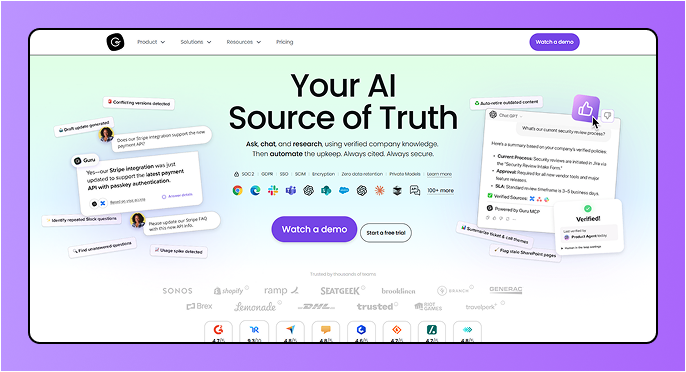
Guru blends internal knowledge with AI and verification. Teams store facts, playbooks, and short answers in a verified knowledge base. Browser and Slack extensions surface answers inside daily work so agents and sales reps keep the correct info at hand. It works well as a knowledge management system software.
Key features
- Verified cards for quick answers
- Browser and chat integrations for in-flow access
- AI-powered search and knowledge agents
- Content verification workflow to keep facts current
- Usage analytics and access controls
Pricing
Guru lists subscription tiers starting with per-seat pricing and options for AI usage. The vendor offers self-serve plans and enterprise deals for larger teams.
Zoho Desk Knowledge Base
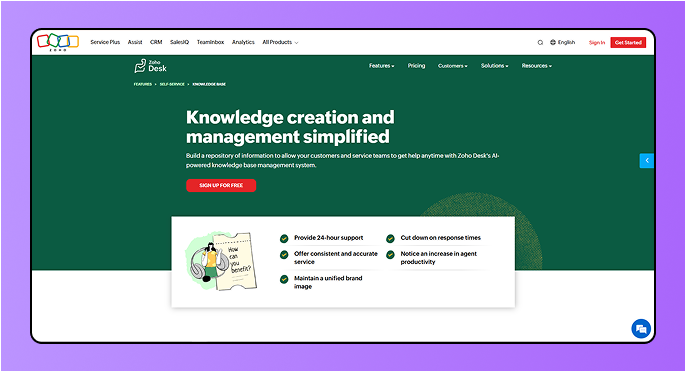
Zoho Desk bundles a knowledge base inside its support suite. Teams create public help centers and private articles. Zoho Desk includes a built-in knowledge base management system connected to tickets and chat. It suits teams already using Zoho products.
Key features
- Public and private help center portals
- AI assistant for search and suggestions (Zia)
- Integration with Zoho CRM and other Zoho apps
- Multi-channel support linking articles to tickets
- Role-based access and analytics
Pricing
Zoho Desk offers a free plan for small teams and paid plans per agent. The product page gives plan comparisons and per-agent pricing.
Why Quickhunt Is the Right Knowledge Base Tool for Your SaaS
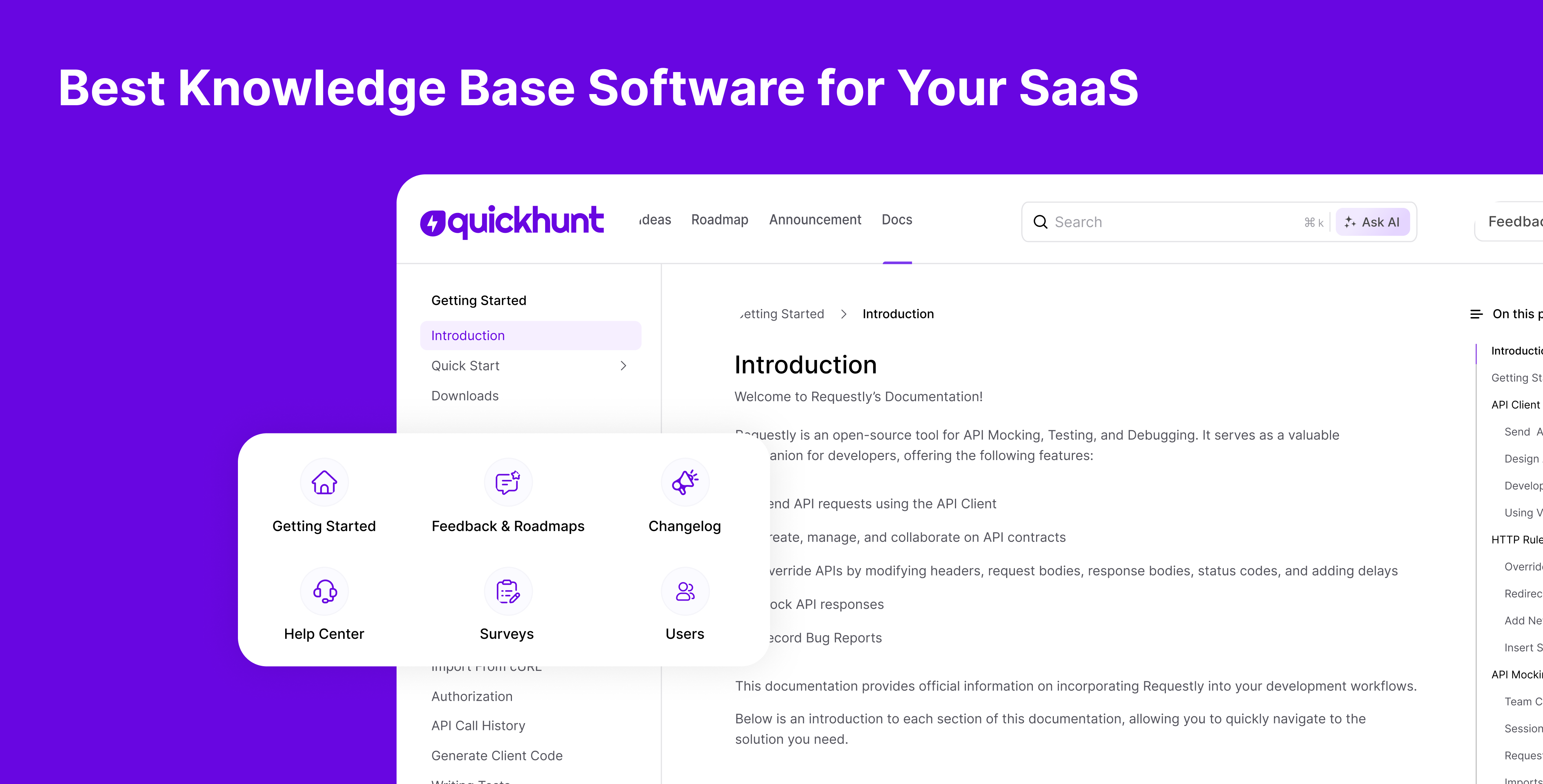
Quickhunt gives SaaS teams a simple and powerful way to manage help content. Teams create clear guides, FAQs, and tutorials in minutes. Users find answers fast without waiting for support. As a result, support teams save time and focus on real problems. Quickhunt fits perfectly inside SaaS products. Teams show the knowledge base inside the app using widgets. Users read help articles without leaving the product. This flow improves user experience and keeps users engaged at every step.
Quickhunt includes an AI Assistant that answers user questions using your help content. Users ask questions in simple language and get instant replies. This reduces repeated support questions and improves customer satisfaction every day.
Quickhunt grows with your SaaS team. Small teams start fast, and larger teams scale without friction. Teams manage public help docs and private internal guides in one place. A clear structure keeps content easy to update and easy to find.
Quickhunt connects knowledge base content with product feedback, roadmaps, changelogs, and live chat. Teams keep users informed and supported from one platform. This setup removes tool switching and keeps workflows smooth.
Quickhunt helps SaaS teams build trust through clear and honest communication. Users see updates, learn features, and solve issues on their own. Strong self-service support leads to happier users and faster growth.
Final Thoughts
A strong knowledge base helps SaaS teams grow with confidence. It gives users clear answers and reduces support pressure. Teams save time and stay focused on building better products. Clear help content also builds trust and improves user satisfaction.
The right knowledge base software supports daily work and long-term growth. It helps teams share updates, guide users, and solve problems faster. Simple tools with search, AI, and in-app access create the best experience for users and teams. A smart choice today leads to smoother growth tomorrow.


.svg "footer-logo")




.svg "fecebook")
.svg "linkdin")
.svg "twitter")



.png)