

Table of content
Every SaaS company grows faster when it listens to its users. Feedback from customers shows how people use your product, what they like, and what needs improvement. It gives your team clear direction and helps build features that solve real problems. When users feel heard, they stay longer and recommend your product to others. In short, strong feedback creates strong growth.
A customer feedback management tool helps teams collect and organize opinions, ideas, and suggestions from users. It keeps everything in one place, so product managers and developers can act quickly. With the right tool, SaaS teams can turn user thoughts into product changes that matter. It keeps your team focused and helps you build a product that users truly love.
What Is a Customer Feedback Management Tool?

A customer feedback management tool helps teams collect, organize, and act on user feedback efficiently. It gathers input from multiple channels, like in-app forms, emails, surveys, and chat messages, in one place. Teams can track suggestions, vote on features, and see trends easily.
This tool also helps teams prioritize tasks based on user needs, plan product updates, and communicate progress back to customers. By using it, SaaS companies save time, improve product decisions, and strengthen user trust. Feedback turns into clear actions that drive growth and user satisfaction.
Key Features to Look for in a Feedback Management Tool
- Centralized Feedback Collection: Collect feedback from emails, in-app forms, chats, and surveys in one place.
- Roadmap and Prioritization: Organize requests and focus on features that matter most.
- Integrations with SaaS Tools: Connect with Slack, Jira, Intercom, HubSpot, and more.
- Analytics and Insights: Track trends, sentiment, and popular requests for smarter decisions.
- Changelog and Communication: Share updates with users and show how feedback drives changes.
Top 15 Best Customer Feedback Management Tools
Strong customer feedback helps every SaaS company grow faster. Teams can understand user needs, fix issues quickly, and plan better updates. Each tool below offers a clear way to manage feedback and improve products.
1. Quickhunt: All-in-One Feedback, Roadmap, and Changelog Tool
.png)
Best for: SaaS teams that want to combine customer feedback, live chat, roadmaps, changelogs, in-app communication, and knowledge management.
Quickhunt helps SaaS teams collect feedback, plan roadmaps, and share changelogs in one place. Teams can run surveys, collect ideas, and keep users informed about every update. The best customer feedback management tool also includes AI suggestions to help teams focus on features that bring the most value.
Instead of waiting for users to visit a feedback board, teams can capture customer insights across different stages of the user journey. Feedback boards help collect ideas and feature requests, while live chat lets teams communicate directly with customers and capture insights from real conversations.
This is particularly useful because some of the most valuable feedback doesn't start as a formal feature request. It often begins with a customer asking a question, describing a problem, or explaining what they're trying to accomplish.
Quickhunt helps teams bring these conversations into the product feedback process.
Teams can then organize requests, prioritize ideas, plan them on a roadmap, and announce completed improvements through a changelog.
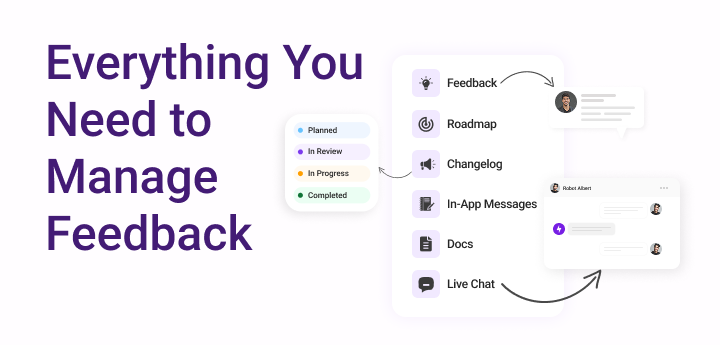
Key Features of Quickhunt
Feedback Boards
Create feedback boards where customers can submit ideas, suggest improvements, vote on requests, and participate in product discussions.
Live Chat
Communicate with website visitors and customers in real time. Teams can answer questions, provide support, understand customer problems, and turn useful conversations into actionable feedback.
Quickhunt's live chat also supports AI-powered capabilities that help teams respond and manage conversations more efficiently.
Product Roadmap
Turn customer requests into planned product improvements and show users what your team is considering, building, or has completed.
Changelog
Publish product updates and release announcements so customers can see how their feedback contributes to the product.
In-App Messages
Reach users inside your product through messages, surveys, banners, posts, and other communication formats.
Knowledge Base
Create help documentation that gives customers quick answers and reduces repetitive support questions.
AI-Powered Feedback Management
Use AI to help summarize feedback, identify similar requests, find useful insights, and reduce the manual work involved in processing large volumes of customer input.
Integrations
Connect Quickhunt with popular tools used across product, development, support, and customer success workflows.
Pros
- Combines customer feedback and customer communication
- Live chat provides another valuable source of user insights
- Feedback boards support feature requests and voting
- A roadmap and changelog help close the feedback loop
- Multiple tools are available within one platform
- Suitable for startups and growing SaaS teams
- AI features reduce manual feedback management
Cons
- Teams looking only for a basic feedback board may not need every feature
- Some advanced functionality may require a paid plan
Why Choose Quickhunt?
Quickhunt is particularly useful when customer feedback comes from more than one place.
A customer can start with a question in live chat, share a product need, and give your team valuable context about the problem they're trying to solve. Your team can then organize that insight alongside other feedback, connect it with product planning, and communicate the final update through a roadmap or changelog.
2. Canny: Simple Feedback and Voting Boards
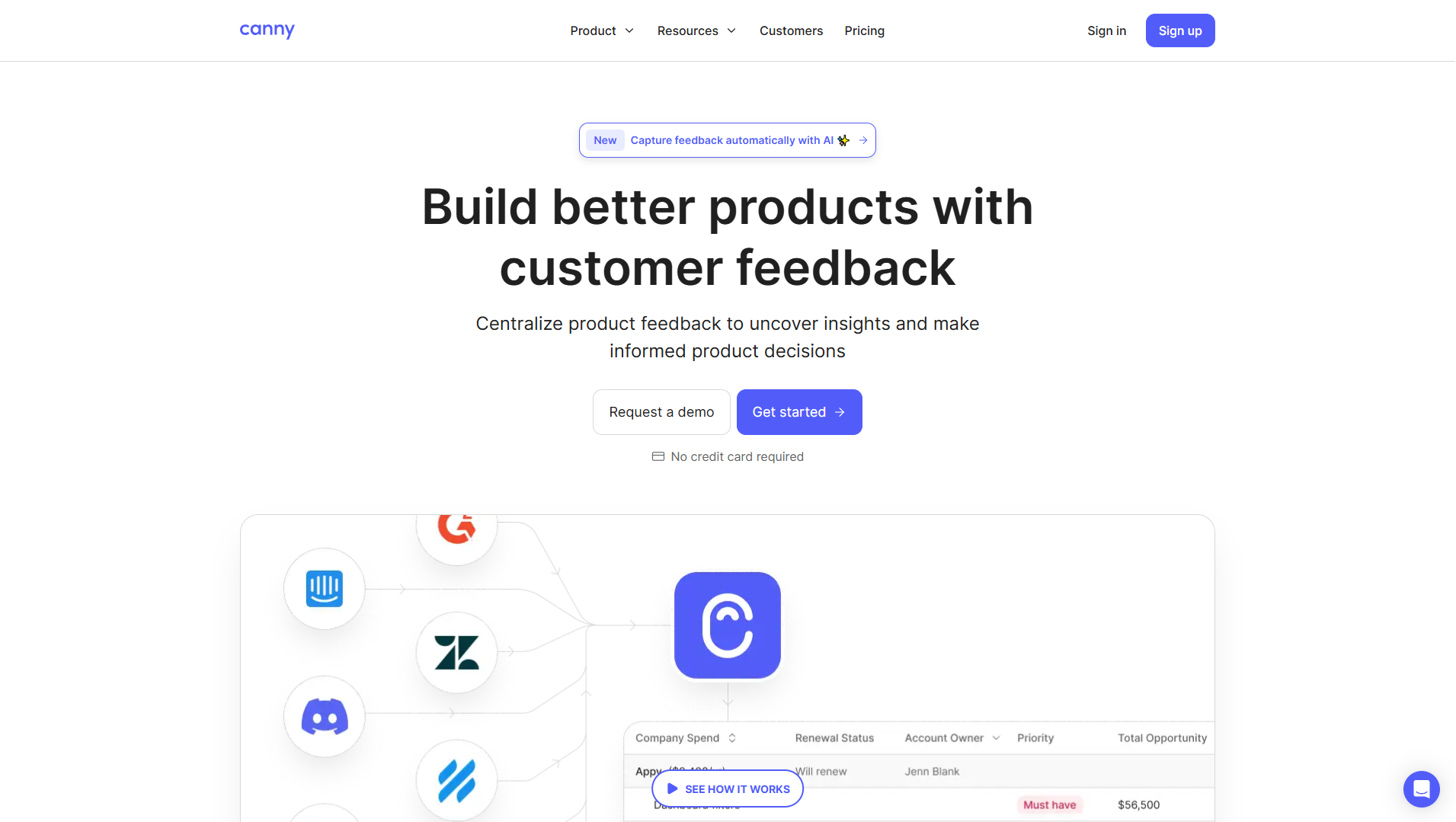
Canny allows users to share ideas and vote for new features easily. Teams can see popular requests, plan updates, and share progress with users. The platform works well for teams that want a simple and structured feedback process. If you’re looking for a more flexible and affordable Canny alternative, you can try other modern feedback and roadmap tools that help you collect ideas, manage updates, and engage users effortlessly.
Key Features:
- The voting system helps teams identify the most requested ideas.
- The roadmap displays progress in a simple format.
- Teams can send update emails to users who requested a feature.
- The tool integrates with Slack, Trello, and Jira for a smooth workflow.
Pros:
- The interface looks simple and easy to navigate.
- The voting feature keeps users active and involved.
- The roadmap makes product progress clear to everyone.
Cons:
- The platform includes limited analytics options.
- Teams cannot customize the roadmap deeply.
3. Frill: Lightweight Feedback and Announcement Tool
Key Features:
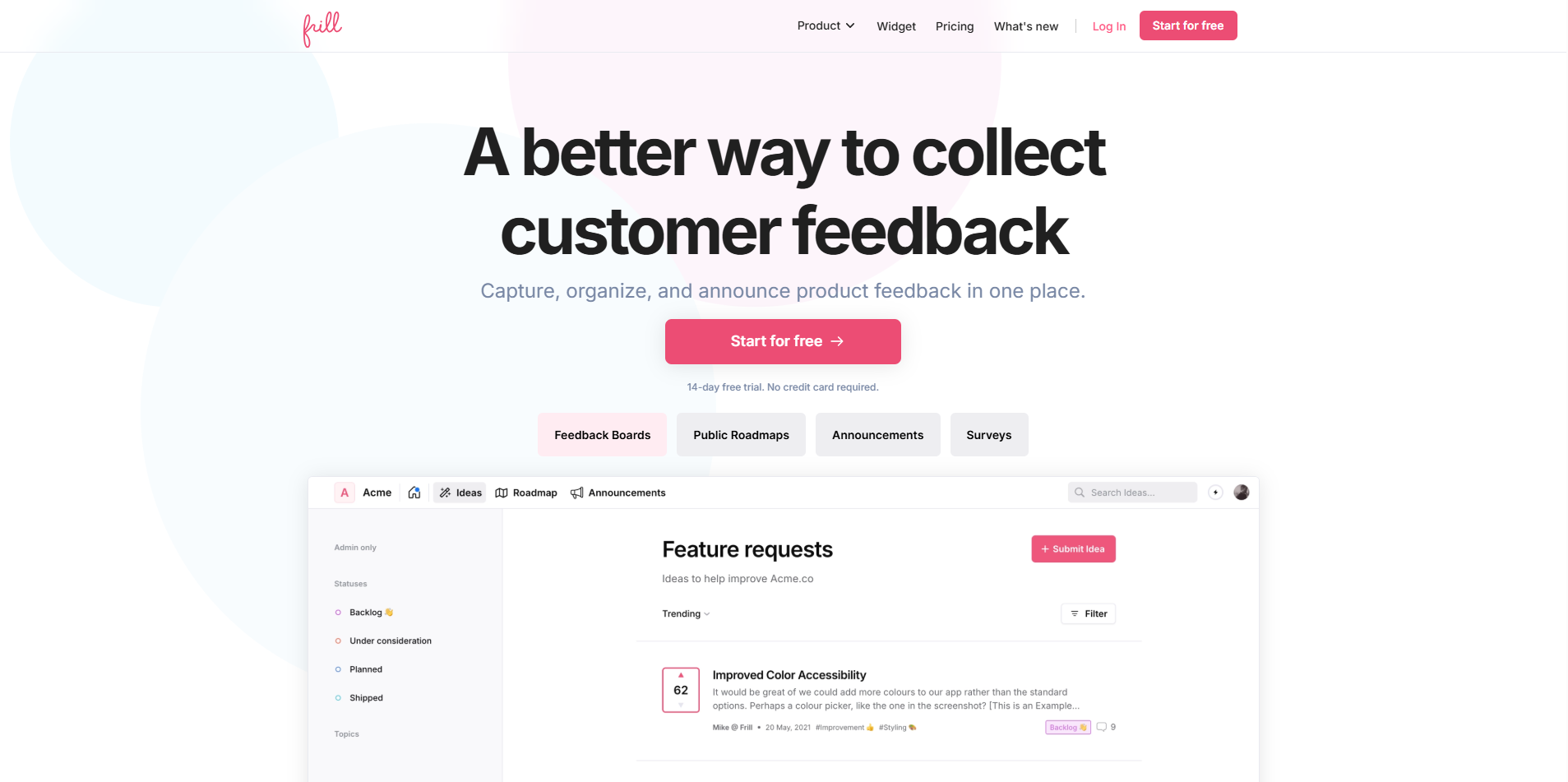
- The feedback board gathers user ideas in a clean layout.
- The roadmap displays what the team plans to build next.
- The changelog helps teams share product updates quickly.
- The interface loads fast and requires no setup training.
Pros:
- The platform stays lightweight and quick to use.
- Teams can start collecting feedback within minutes.
- The pricing works well for small SaaS teams.
Cons:
- The tool lacks deep analytics and reporting features.
- It offers fewer integrations than larger tools.
4. UserVoice: Enterprise-Grade Feedback Management
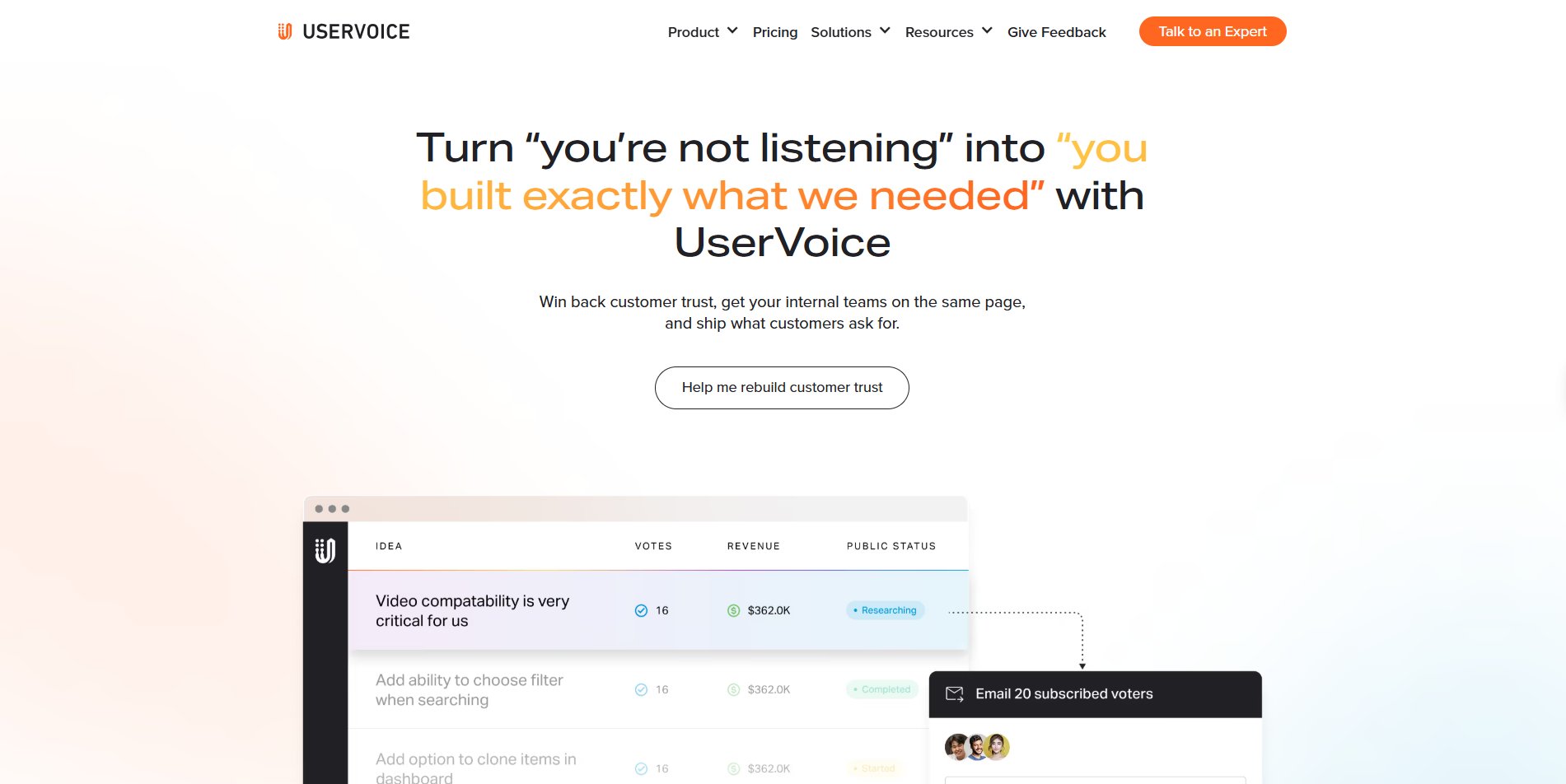
UserVoice supports large SaaS companies that need structured feedback systems. It connects feedback from different channels and provides detailed reports to help teams make data-based decisions.
Key Features:
- The tool collects feedback from emails, forms, and CRM systems.
- It tracks user sentiment and request volume easily.
- It connects with Salesforce, Zendesk, and Jira for seamless workflow.
- Reports help teams see trends and plan features clearly.
Pros:
- The system fits well for enterprise-scale operations.
- Teams can access detailed reports and customer insights.
- The integration options support complex workflows.
Cons:
- The price runs high for small teams.
- The setup process may take longer for new users.
5. ProdPad: Feedback and Product Roadmap Software
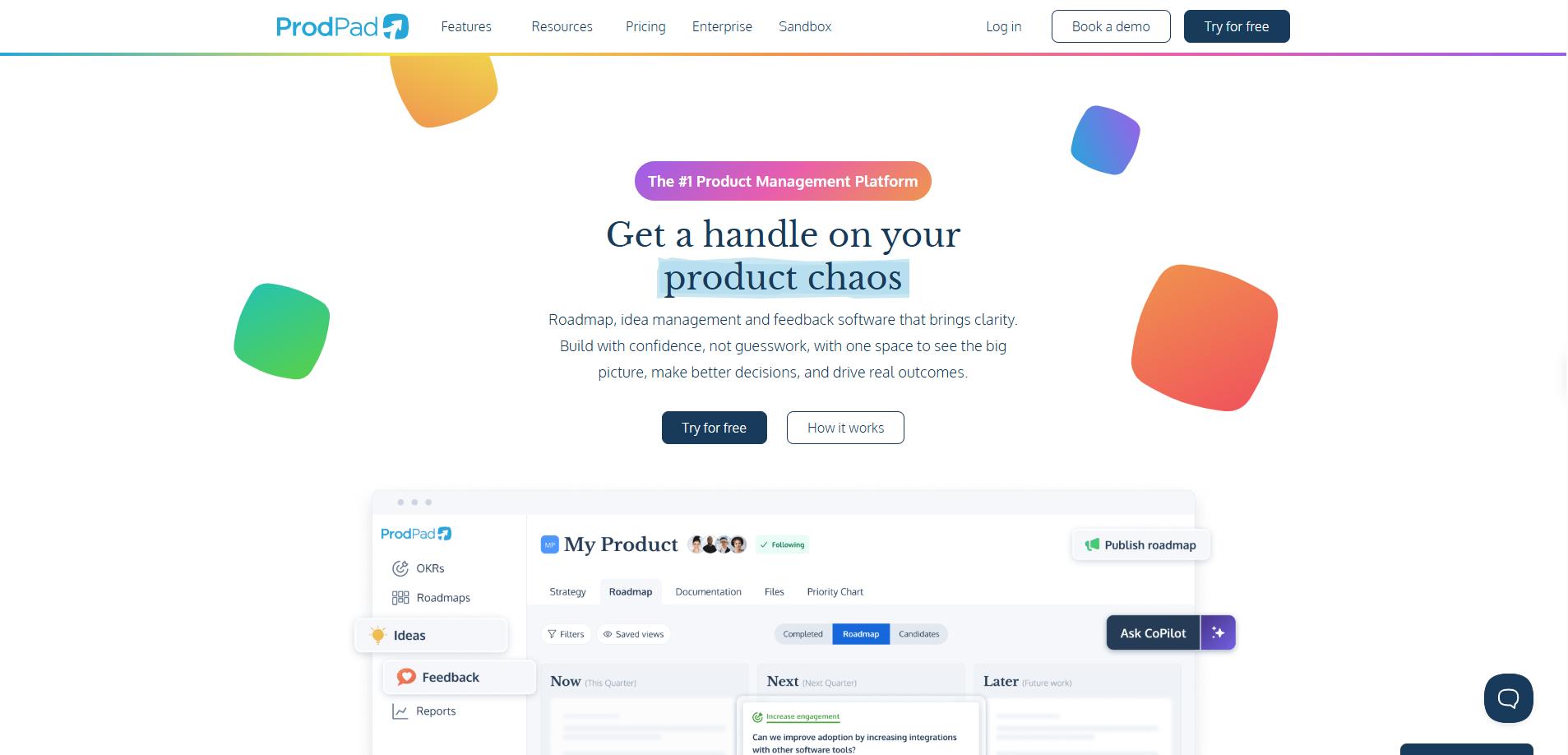
ProdPad combines idea management, feedback collection, and roadmap planning. SaaS teams use it to link user ideas to product goals and track development progress.
Key Features:
- The tool organizes ideas and connects them to roadmap items.
- The visual roadmap helps teams share progress with stakeholders.
- The workspace allows multiple team members to collaborate easily.
- The feedback inbox stores suggestions from different sources.
Pros:
- The platform aligns ideas with the business strategy clearly.
- Teams can manage long-term product goals with structure.
- The visual roadmap improves team communication.
Cons:
- The setup process can feel heavy for small startups.
- The cost runs higher than simpler tools.
6. Featurebase: Public Feedback Boards and Changelog
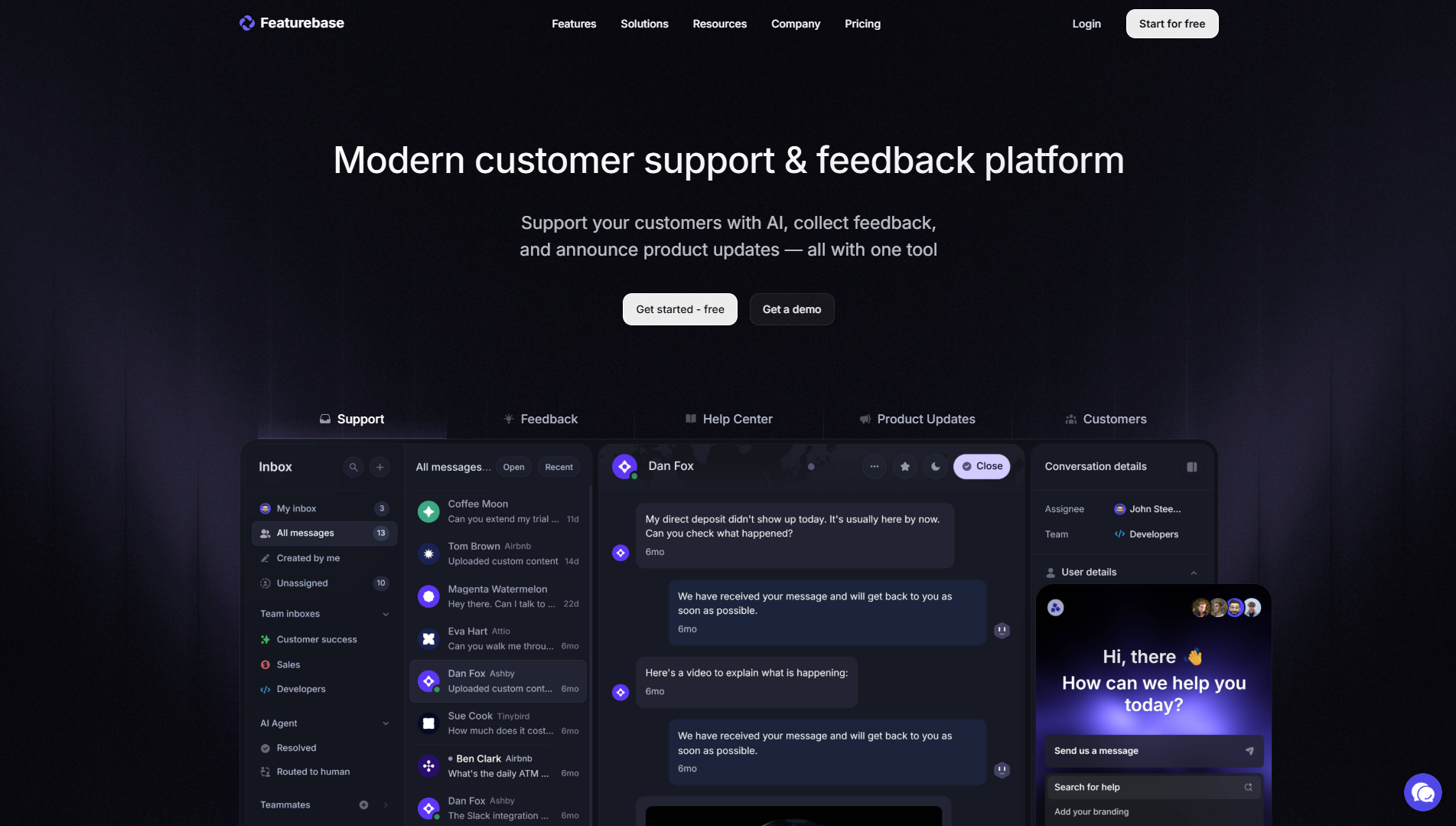
Featurebase helps teams collect customer feedback through public boards. Users can share suggestions, vote on features, and read changelogs to track product updates.
Key Features:
- The feedback board collects and displays user ideas.
- The voting feature shows which features matter most to users.
- The changelog highlights every new release and update.
- The layout keeps everything clear and easy to use.
Pros:
- The public boards create full transparency.
- The voting system helps teams focus on key requests.
- The interface stays clean and simple.
Cons:
- The analytics options remain limited.
- The integration list stays shorter than enterprise tools.
7. Nolt: Easy Feedback Board for SaaS Teams
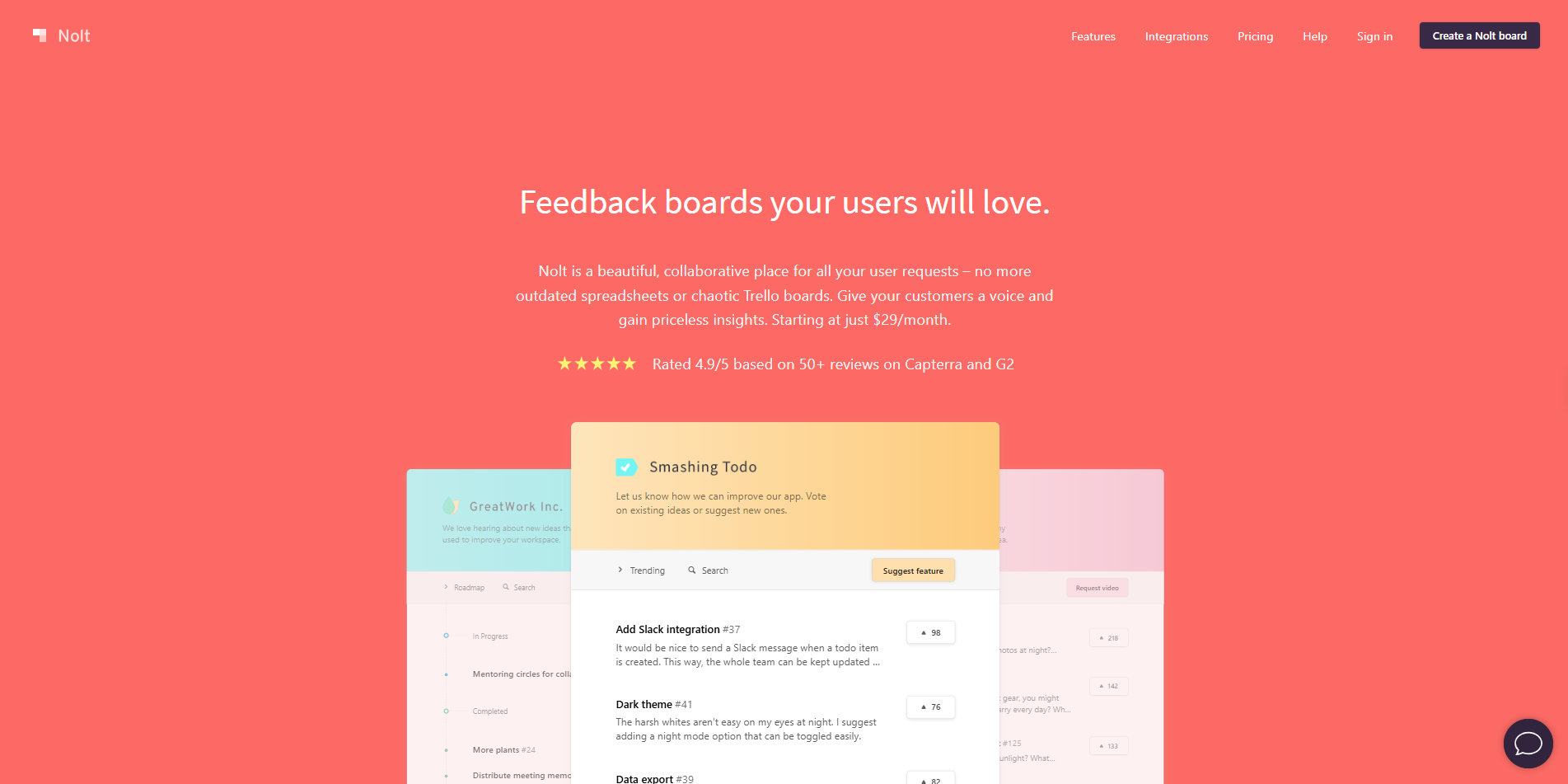
Nolt gives SaaS teams a fast and easy way to collect feature requests and ideas. The tool uses simple boards and voting to help teams plan priorities quickly.
Key Features:
- The board layout organizes requests neatly.
- Users can vote and comment on each suggestion.
- The roadmap keeps users informed about development plans.
- Teams can set it up in minutes without training.
Pros:
- The platform stays easy for both teams and users.
- The setup takes little time.
- The pricing works well for small SaaS products.
Cons:
- The analytics options stay basic.
- The tool lacks complex automation or reporting features.
8. Upvoty: Collect and Prioritize Feature Requests
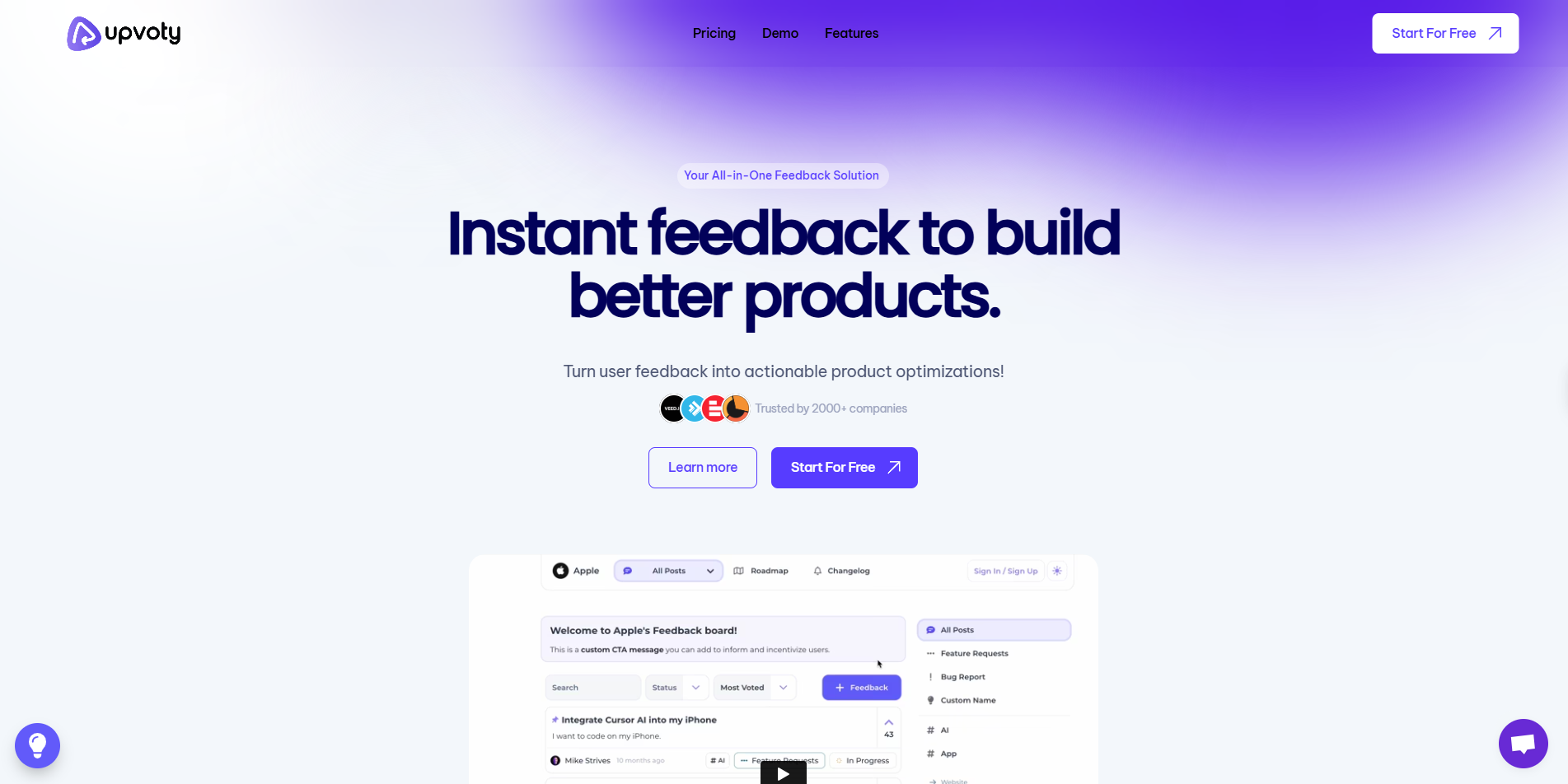
Upvoty helps teams gather feature requests, collect votes, and share progress. The tool creates clear communication between users and the product team.
Key Features:
- Users can add new ideas to public boards easily.
- The roadmap highlights active and upcoming features.
- The voting system identifies important user needs quickly.
- Teams can customize boards with branding.
Pros:
- The interface stays simple and neat.
- The tool builds trust by showing visible progress.
- The price suits small and mid-sized teams.
Cons:
- The analytics section lacks depth.
- Some integrations stay limited.
9. Rapidr: Modern Feedback Collection Platform
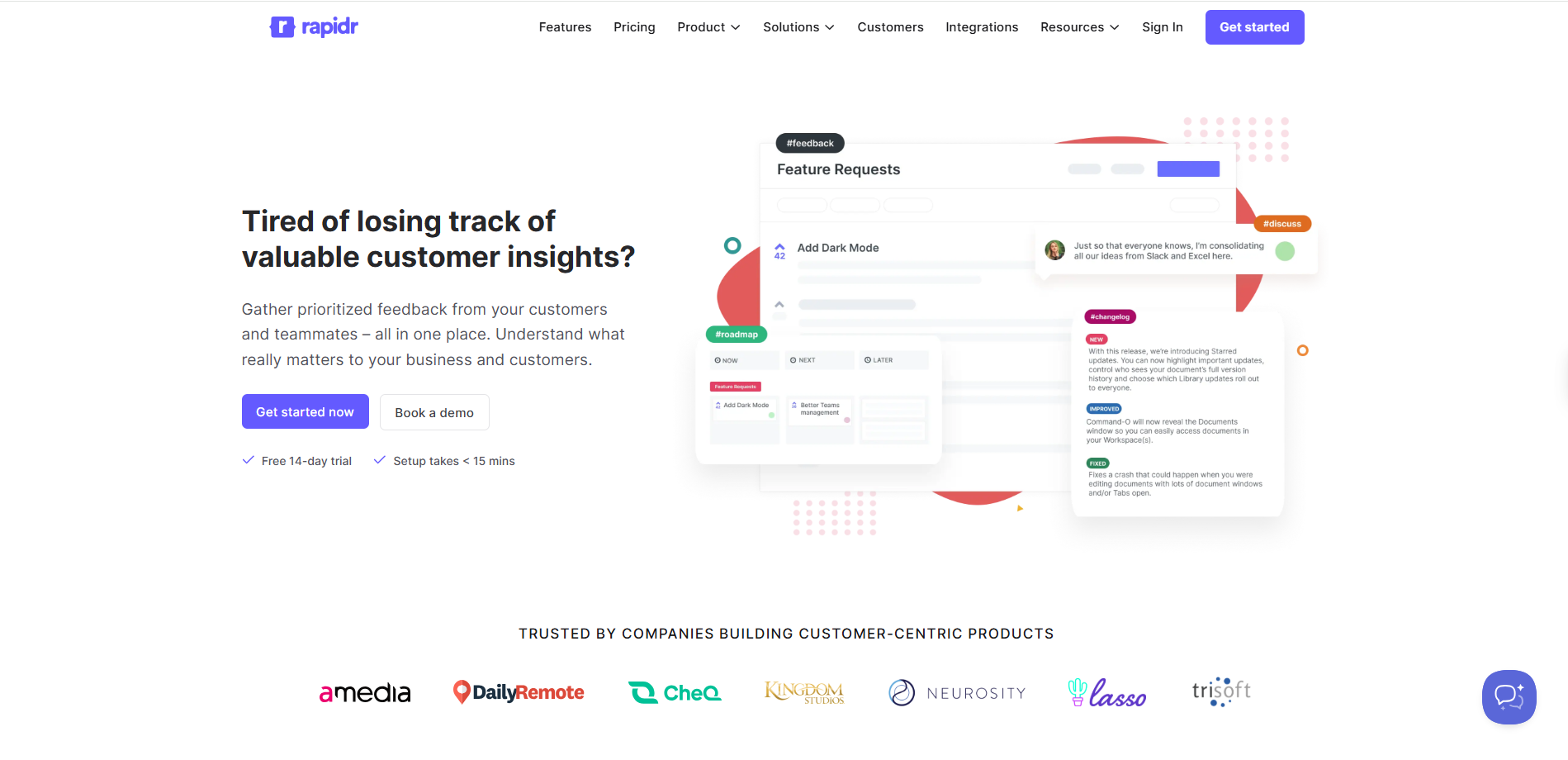
Rapidr provides a modern way to collect and manage customer ideas. It allows SaaS teams to capture, track, and organize requests in one clean dashboard.
Key Features:
- Teams can collect ideas through custom feedback boards.
- The analytics section shows user patterns and popular requests.
- The roadmap connects ideas to real features easily.
- The layout supports smooth navigation.
Pros:
- The design looks clean and easy to understand.
- Teams can identify trends quickly.
- The voting feature helps organize feature demand.
Cons:
- The free plan includes limited features.
- Teams need paid plans for full access.
10. Userback: Visual Feedback for SaaS and Web Apps
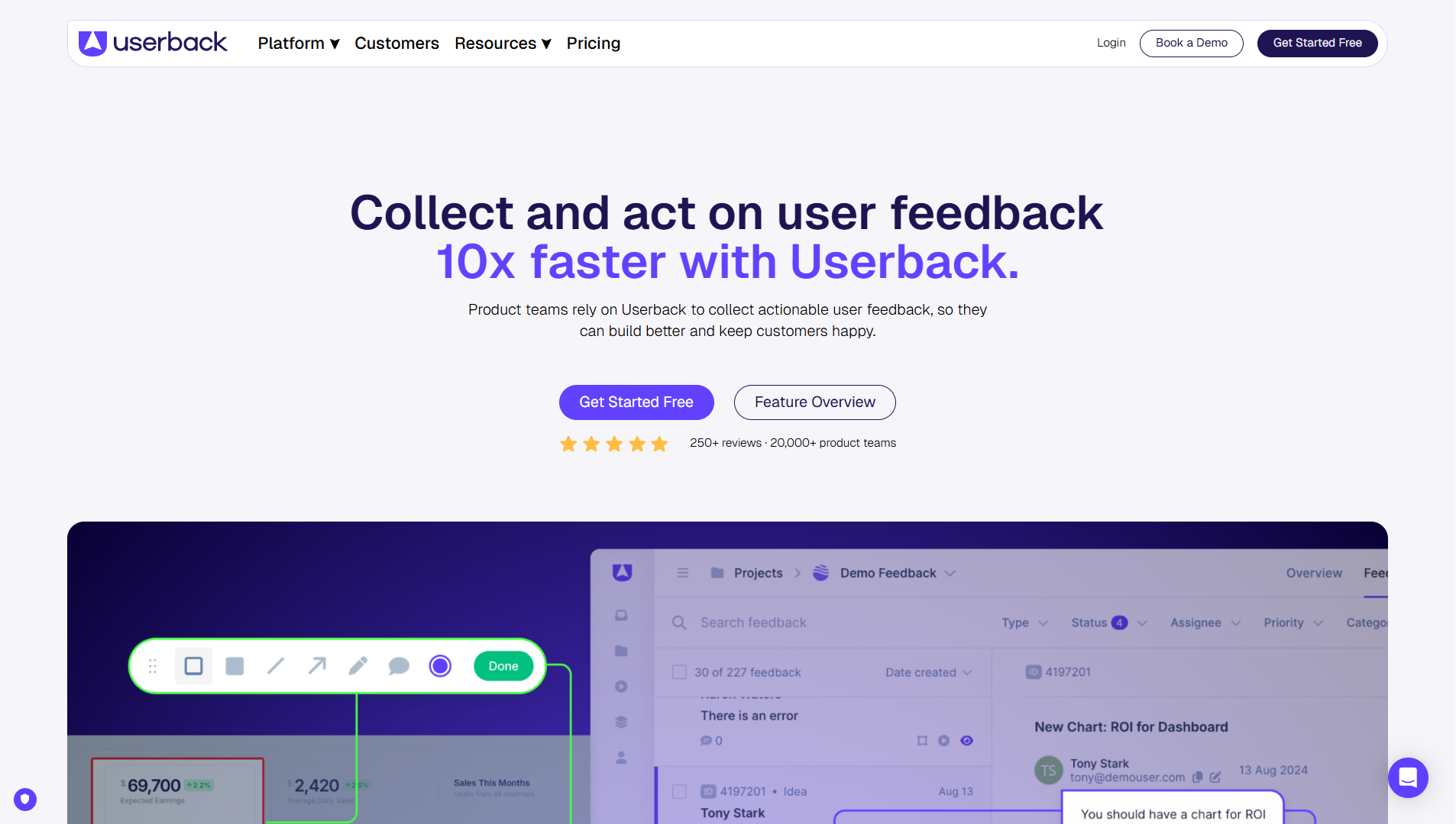
Userback focuses on visual feedback. Users can record issues or suggestions with screenshots and videos, which helps development teams understand context clearly.
Key Features:
- The feedback system accepts images and videos.
- Users can write notes and highlight issues visually.
- The tool connects with Jira, Trello, and Slack.
- The feedback dashboard tracks every submission.
- The visual format improves clarity for developers.
- The workflow connects easily to project tools.
- The feedback stays detailed and actionable.
Cons:
- The tool focuses more on visuals than text feedback.
- The full version needs a paid plan.
11. FeatureOS: Feedback and Roadmapping Tool

FeatureOS helps SaaS teams collect user ideas, organize them, and plan releases. The platform connects feedback with roadmaps and changelogs for complete visibility.
Key Features:
- The tool gathers feedback through a simple interface.
- The roadmap tracks development status.
- The changelog informs users about new releases.
- Teams can engage users through public updates.
Pros:
- The design combines feedback and roadmap in one place.
- The tool improves communication with users.
- It suits both small and medium teams.
Cons:
- The analytics section remains basic.
- New users may need time to explore features.
12. Aha!: Idea and Roadmap Management for Large Teams
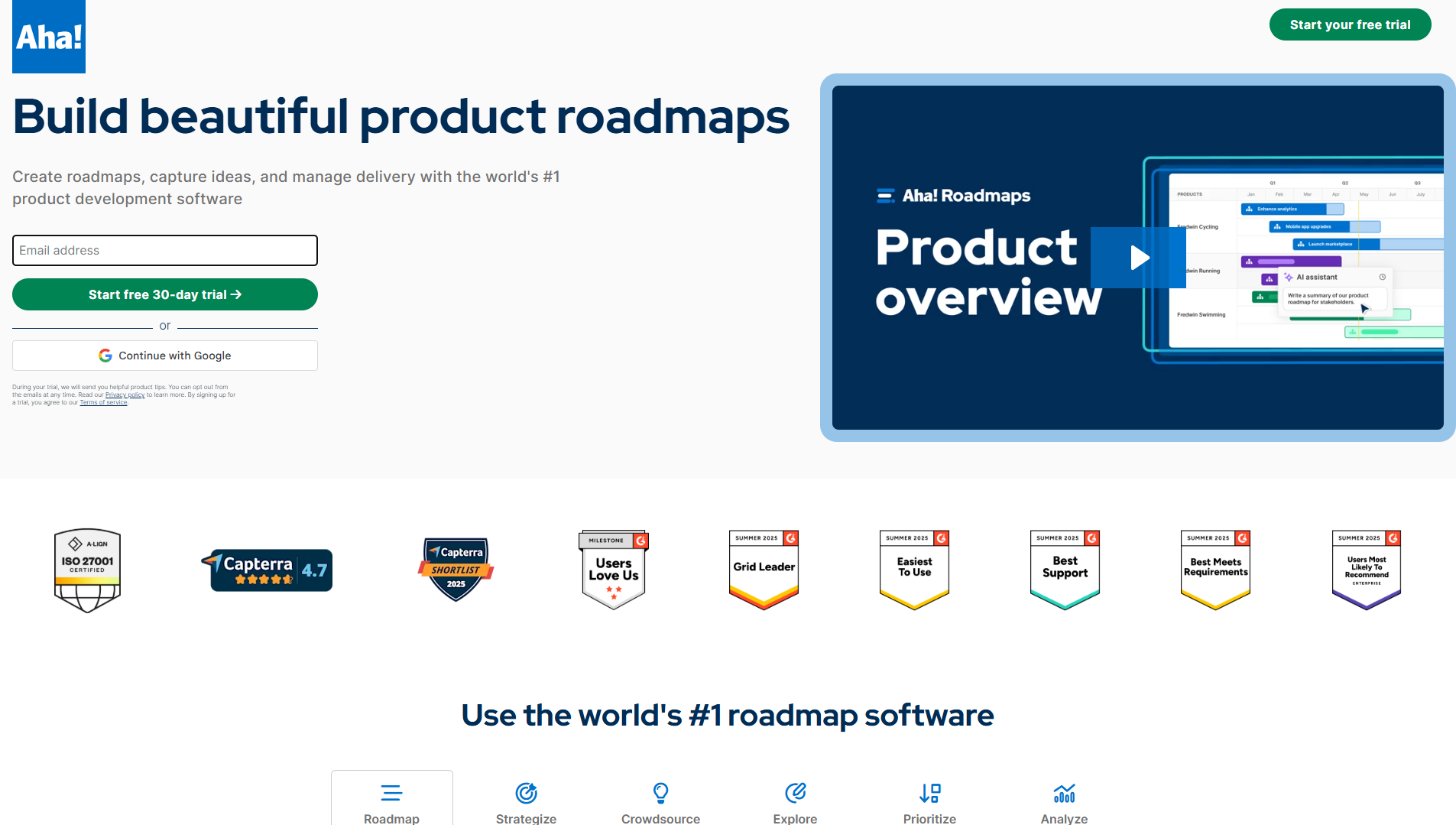
Aha! supports large teams that plan strategy and manage ideas at scale. The platform links feedback with business goals and roadmap progress.
Key Features:
- Teams can collect and review ideas easily.
- The tool supports strategy and goal setting.
- The roadmap tracks releases and timelines.
- The workspace supports team collaboration.
Pros:
- The system fits enterprise-level planning.
- The visual roadmap improves clarity for big teams.
- The strategy link helps teams stay focused.
Cons:
- The pricing suits larger organizations.
- The interface includes many layers for new users.
13. Productboard: Product Discovery and Feedback Analysis
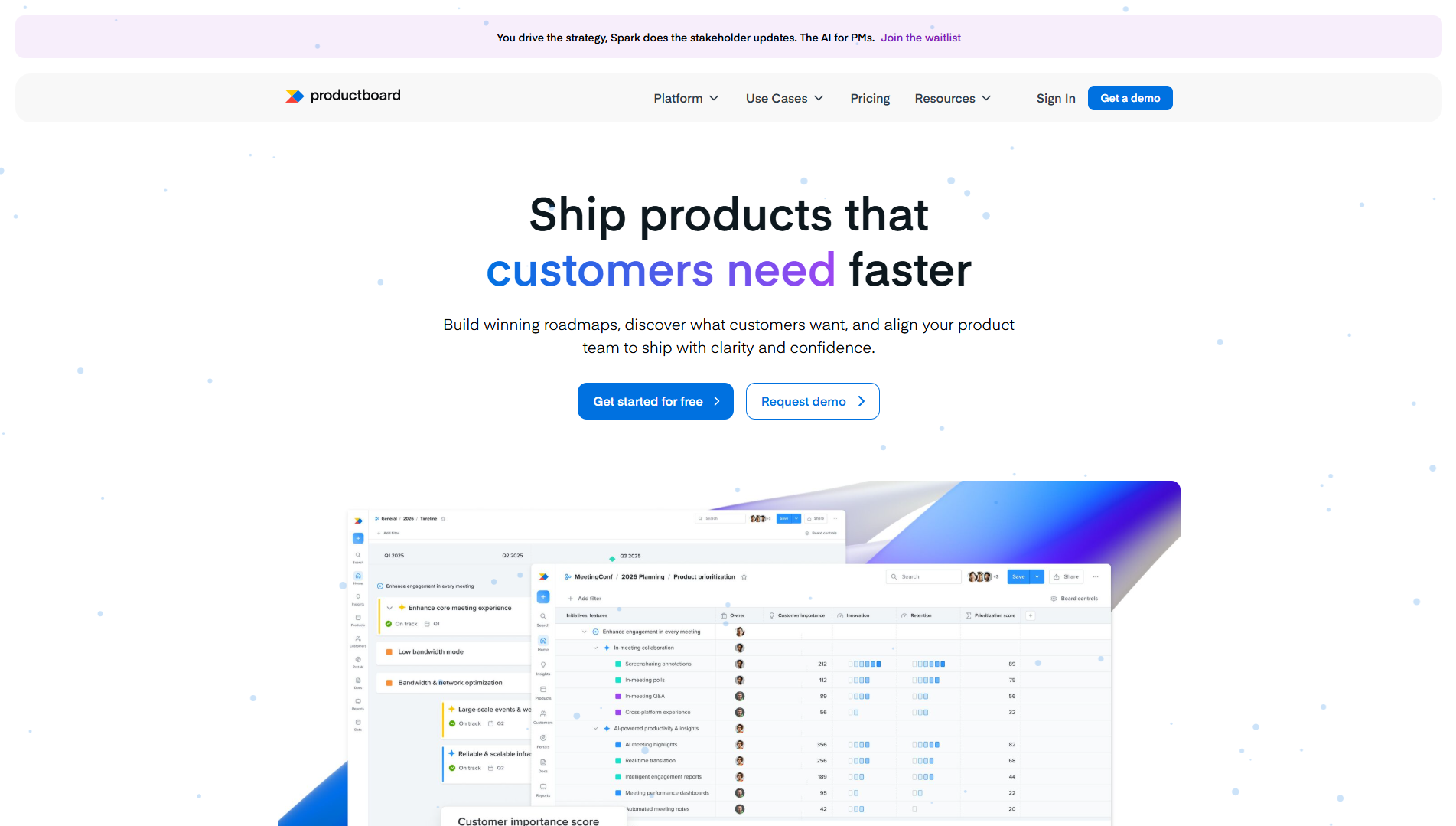
Productboard helps teams collect insights, find patterns, and connect them to the roadmap. It fits SaaS teams that focus on product discovery.
Key Features:
- Teams can collect feedback from multiple channels easily.
- The analytics page shows trends and user needs.
- The roadmap connects data with upcoming features.
- Teams can make decisions with clear evidence.
Pros:
- The insights help teams understand users deeply.
- The roadmap supports goal-based planning.
- The analytics guide smarter product choices.
Cons:
- The learning curve takes some time.
- The price increases with more team members.
14. Pendo: In-App Feedback and Product Insights
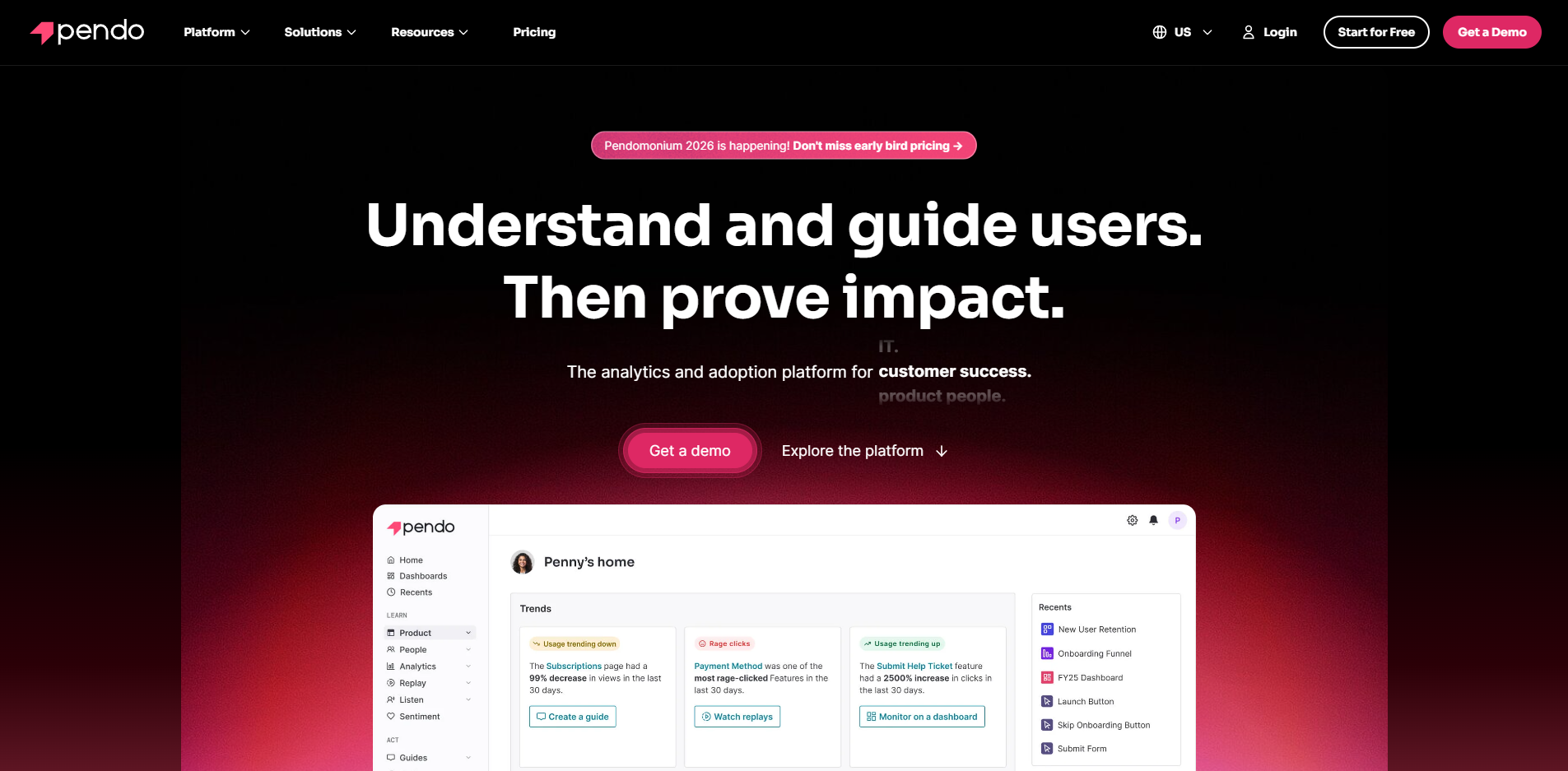
Pendo combines in-app feedback with behavior tracking. Teams can see how users interact with features and collect opinions directly from the product.
Key Features:
- The tool collects feedback through in-app surveys.
- The analytics show how users engage with features.
- Teams can track user behavior in real time.
- The system improves onboarding and engagement.
Pros:
- The in-app surveys feel natural for users.
- The analytics help teams improve product experience.
- The setup supports better user retention.
Cons:
- The price fits larger teams more than startups.
- The setup process requires time and effort.
15. Hotjar: Behavior Analytics and Feedback Insights
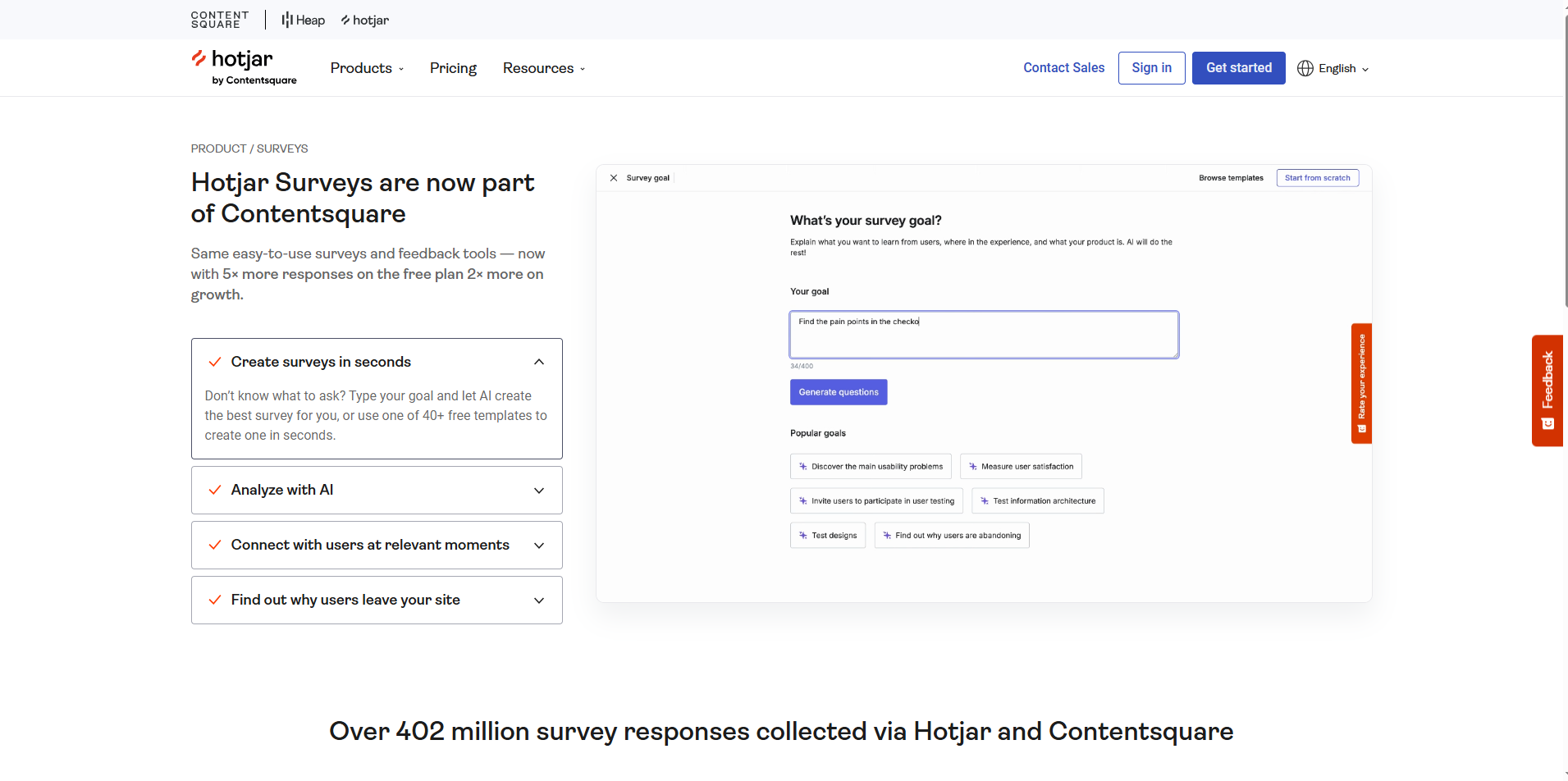
Hotjar helps SaaS teams understand user behavior through heatmaps, recordings, and surveys. It connects visual data with real user feedback to improve the product experience.
Key Features:
- The heatmaps show where users click and scroll.
- The session recordings help teams study user actions.
- The surveys collect user opinions instantly.
- The feedback widgets gather quick reactions from visitors.
Pros:
- The tool helps improve design and user experience.
- The reports stay easy to read and understand.
- The setup takes only a few minutes.
Cons:
- The tool focuses more on analytics than full feedback management.
- It lacks roadmap and changelog features.
How to Choose the Right Feedback Tool for Your SaaS Business
Every SaaS company grows faster when it listens to its users. A customer feedback management tool helps your team hear users clearly and act on their ideas quickly. Still, not every tool fits every team. The right choice depends on your goals, workflow, and stage of growth. Follow these steps to find the perfect fit for your business.
Set Clear Goals First
Start by knowing your purpose. Some teams need to collect feature requests; others focus on user experience or bug reports. Define your main goal before exploring tools. When you know your purpose, you avoid distractions and pick a tool that solves your real problem.
Check How It Fits into Your Workflow
A great tool fits right into your daily work. Make sure it connects smoothly with tools your team already uses, like Slack, Jira, or Intercom. Integrations reduce extra steps, keep communication fast, and help your team act on feedback without losing time.
Think About Growth
Pick a tool that grows with your company. Startups often begin with simple features, but as customers and feedback grow, the tool must handle more data, more users, and deeper insights. A scalable tool supports you through every stage of growth.
Keep It Simple
Your team should enjoy using the tool. Complicated dashboards and long learning curves slow everyone down. Choose a tool that feels easy to navigate. The best tools help users share ideas quickly and let your team respond just as fast.
Look for Tools That Turn Feedback into Clarity
Collecting feedback is easy. Acting on it is what creates real value. A strong tool doesn’t just gather ideas; it helps you see patterns, spot trends, and focus on what users care about most. Clear insights guide smart product decisions and lead to happier customers.
Test Before You Commit
Try a few tools before making the final choice. Most platforms offer free trials or free plans. Use that time to see how it feels for your team. If everyone finds it easy, flexible, and useful, you’ve found the right match.
Conclusion
A customer feedback management tool helps SaaS teams understand users, improve features, and grow faster. Every successful product team listens to users daily and makes decisions based on feedback. When you use the right feedback software, you collect ideas, prioritize improvements, and build strong user trust.
Quickhunt makes this process simple. You can collect feedback, manage roadmaps, create changelogs, and share updates — all in one place. It works as the best customer feedback management software for SaaS companies that want clarity, speed, and better product decisions.
Start using Quickhunt today and turn every customer opinion into real product growth.
FAQs
1. Why do SaaS teams use a customer feedback management tool?
SaaS teams use a customer feedback management tool to listen to users and make better product choices. It keeps all feedback in one system for faster decisions.
2. How does feedback software improve the user journey?
Feedback software helps teams find problems early and fix them quickly. Every update improves user experience and builds stronger loyalty.
3. Can small startups use a feedback tool easily?
Yes. Small teams can start fast with tools like Quickhunt. The setup stays simple, and the dashboard feels easy to use.
4. Why do many SaaS founders prefer Quickhunt?
Quickhunt gives everything in one place — feedback board, roadmap, changelog, in-app messages, and help docs. Teams save time and stay focused on user needs.
5. How does feedback management software support business growth?
The tool helps teams act on real data, build features users love, and increase customer satisfaction. Better products always drive higher growth.


.svg "footer-logo")




.svg "fecebook")
.svg "linkdin")
.svg "twitter")



.png)