

Table of content
A customer lands on your site with a question. Maybe it's about pricing, a feature, an order, or a setup step they got stuck on. What they almost never want to do is dig through a help page or fire off an email and wait half a day for a reply. They want an answer while the problem is still in front of them.
Live chat software solves exactly that. It lets you talk to customers in real time, right inside your website, web app, or product. And the newer tools do a lot more than drop a message box in the corner of a page. Many now fold in AI, automation, knowledge bases, ticketing, analytics, and customer feedback, all in one place.
The payoff is straightforward: quicker replies, less repetitive work for your team, and a smoother experience for the person on the other end.
Below, we break down the 10 best live chat software options for customer support in 2026, along with where each one shines, where it falls short, and who it fits best.
What is Live Chat Software?
Live chat software lets you talk with website visitors and customers in real time. It adds a chat window to your site, app, or online store. A visitor opens it, types a message, and reaches your support team without ever leaving the page.
Email makes people wait. Chat gives them a direct way to start a conversation, and an agent replies in the same window to sort out an issue, walk through a product, or point them to the right resource.
Most tools go well beyond simple messaging. You'll find AI assistants, chat automation, customer profiles, shared inboxes, canned replies, knowledge bases, analytics, and full conversation history. All of it exists to help a support team juggle more chats at once without letting the experience get messy.
Picture a visitor on a SaaS site who needs help with one specific feature. Rather than clicking through five pages, they open the widget and ask. The agent answers, shares a quick guide, or loops in the right person. Done.
There's a second benefit that's easy to miss. Every chat is a record of a real customer need. Review enough of them, and patterns surface: the questions people keep asking, the features they keep requesting, and the spots where they keep getting stuck. Your product team turns those signals into actual improvements.
AI adds another layer. It answers routine questions, suggests replies, and summarizes long threads so a human can jump in for the tricky stuff that genuinely needs a person.
So live chat software works both directions. Customers get fast access to help, and your team gets a simple way to run conversations and learn from them.
Why Use Live Chat Software for Customer Support?
It gives customers a fast, low-effort way to reach you, and it gives your team a faster way to help.
Instead of waiting on an email thread, a customer asks a question and gets an answer straight from your site. Your agents move quicker too, leaning on saved replies, customer details, help articles, and AI to skip the repetitive back-and-forth.
That speed shows up in satisfaction scores. A quick answer often solves a problem before it turns into frustration, or worse, a cancellation.
Sales feels it as well. A visitor weighing a purchase can ask about pricing, plans, or features and get a real answer in the moment, which is frequently the nudge that closes the deal.
And every conversation doubles as feedback. Recurring complaints, feature requests, and sticking points all show up in chat, ready to feed back into a better product and a better support experience.
10 Best Live Chat Software for Customer Support in 2026
Every business needs something a little different here. A five-person SaaS team might just want a clean shared inbox. A large support department needs routing, reporting, ticketing, and AI. An online store cares most about order details and fast replies. So instead of a flat list with no context, here's what each option does well and who it fits.
1. Quickhunt: Best for Customer Support, Live Chat, and Customer Feedback
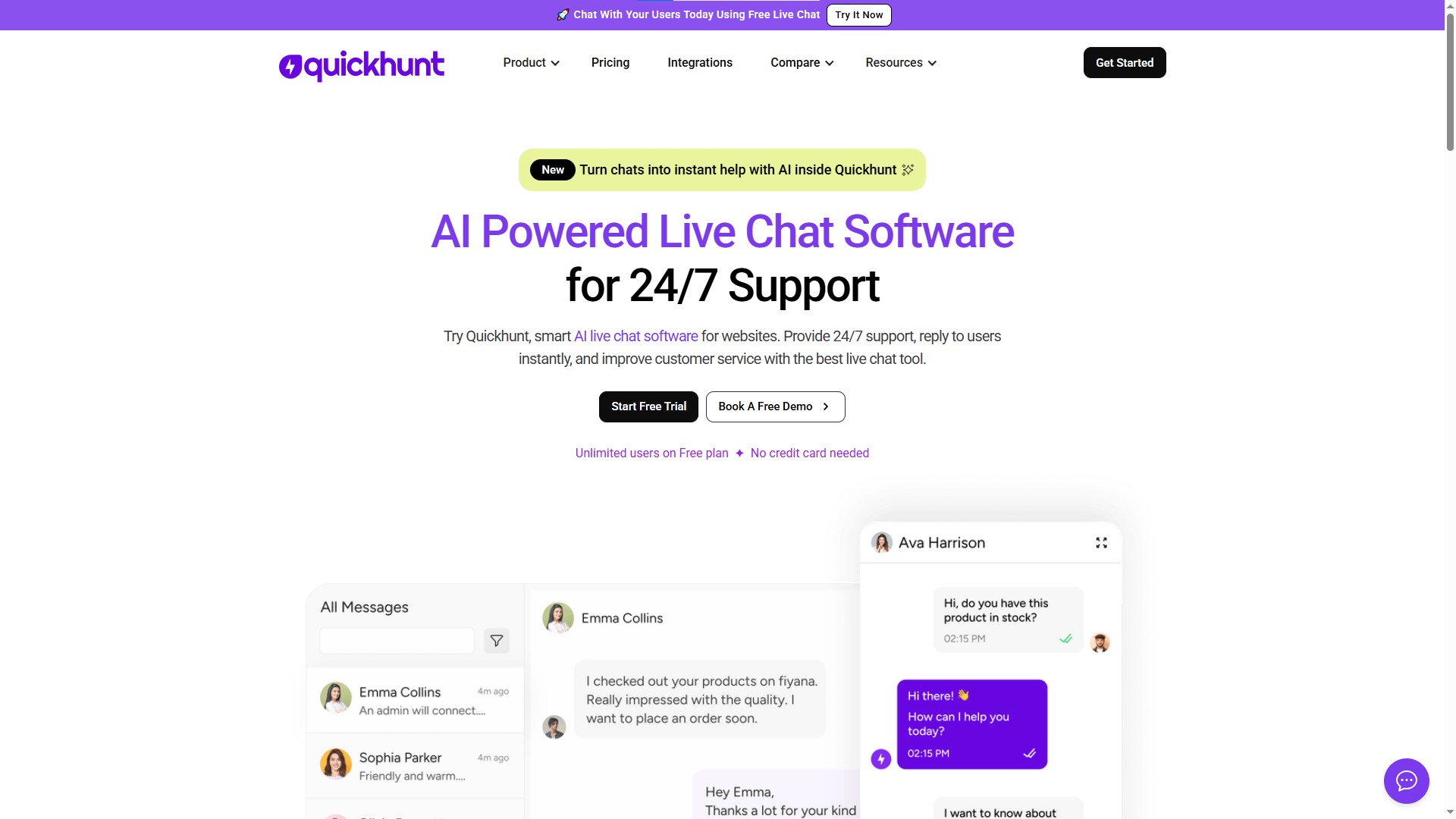
A customer gets stuck inside your SaaS product. With Quickhunt, they don't open a new tab or hunt for an email address. They open Quickhunt Live Chat, send a message, and reach your team without leaving the page.
Everything lands in one support workspace. Your team sees incoming messages, searches past conversations, filters chats by status, manages tickets, fires off saved replies, and assigns each chat to the right agent. Quickhunt also works as a live chat app for Shopify stores, helping merchants answer customer questions, handle support requests, and guide shoppers through their buying journey.
Help customers the moment they need it
Someone asks about a feature, reports a bug, needs a hand with setup, or wants clarity before upgrading. Your team handles all of it in live chat, replying personally and keeping the thread going without hopping between tools.
Give agents real context
A good answer starts with knowing who you're talking to. Quickhunt surfaces customer details, conversation history, and page-visit history, so agents understand the situation before asking the customer to re-explain it. Conversations feel more personal, and both sides save time.
Keep everything organized
As your customer base grows, so does your inbox. Quickhunt keeps it manageable with a central inbox, fast search, status filters for active, pending, and completed chats, tickets that turn problems into trackable tasks, saved replies for repeat questions, shared agent access, and customizable chat settings.
Let AI take the routine questions
Not every chat needs a person. Quickhunt's AI answers common questions, pulls information from your help content, summarizes threads, and assists agents with replies. Customers get answers faster, and your team focuses on what actually needs a human.
Turn conversations into product feedback
This is where Quickhunt pulls ahead of a plain chat tool. A customer opens a chat asking for a missing feature. Instead of that request dying in the inbox, your team turns it into product feedback, organizes it, adds it to the roadmap, and keeps customers posted through the changelog. One conversation moves through the whole journey: question to live chat to customer feedback to roadmap to product update.
Built for more than SaaS
Quickhunt fits SaaS products, Shopify apps, e-commerce stores, and startups alike. A SaaS company uses it for product support and feature requests. A Shopify live chat app uses it to help merchants through install and setup issues. A store uses it to answer product questions and clear up buying hesitation. Same goal every time: an easy path to help, and the tools to turn each chat into a better experience.
2. Intercom: Best for AI-Powered Customer Support
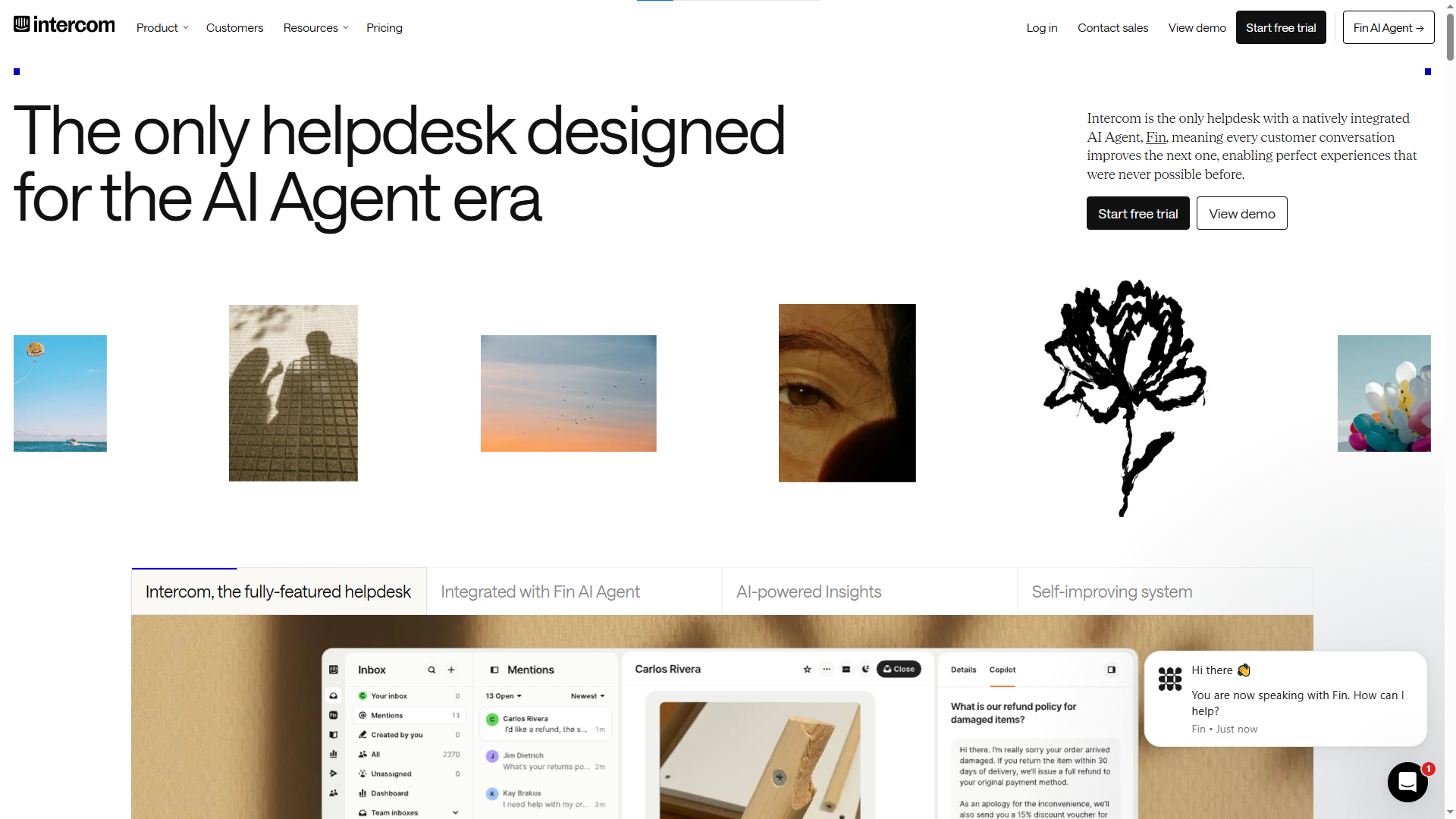
Intercom holds a strong spot in customer communication, especially with SaaS and product-led companies. The platform blends messaging, support, help content, ticketing, automation, and AI.
Its AI agent, Fin, resolves plenty of common questions before a human ever joins the thread. Intercom also ties conversations to its help center and broader support workflows, which cuts down on agents answering the same basic question fifty times a week. It's a solid fit for teams that want to talk to customers right inside their product.
Pros:
- Strong AI support
- Combines live chat
- Help content, and ticketing
- Great for SaaS and product-led teams
- Supports in-app messaging
- Solid automation
Cons:
- Can feel complex for a small team
- Costs climb as you add users and AI usage
- Simpler operations may get more features than they'll use.
Best for: SaaS companies and growing support teams that want AI-driven communication and automation.
3. Zendesk: Best for Large Support Teams
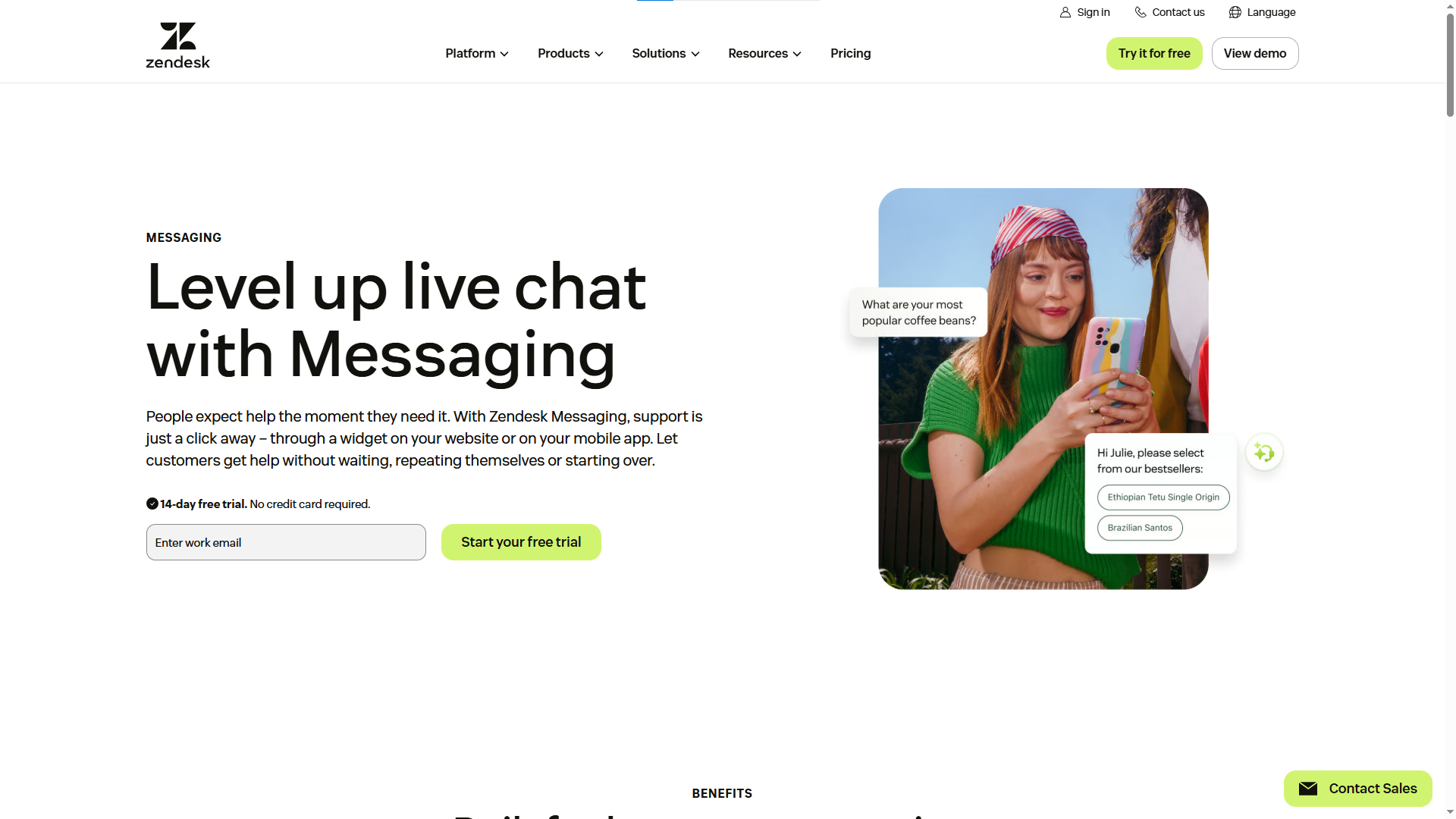
Zendesk aims at customer service at scale. It pairs messaging with ticketing, reporting, automation, AI, and support across several channels.
Big teams need structure a simple inbox can't give them: routing, ticket priorities, agent workflows, detailed reporting, and customer records. Zendesk is built around exactly that. The trade-off is heft. A small team probably doesn't need a system this large.
Pros:
- Strong ticketing
- Built for large teams
- Solid AI and automation
- Multichannel support
- Detailed reporting
Cons:
- Heavy for small businesses
- Setup takes planning
- Broader feature sets push costs up
Best for: Mid-size and enterprise teams running complex support operations.
4. LiveChat: Best for Dedicated Live Chat
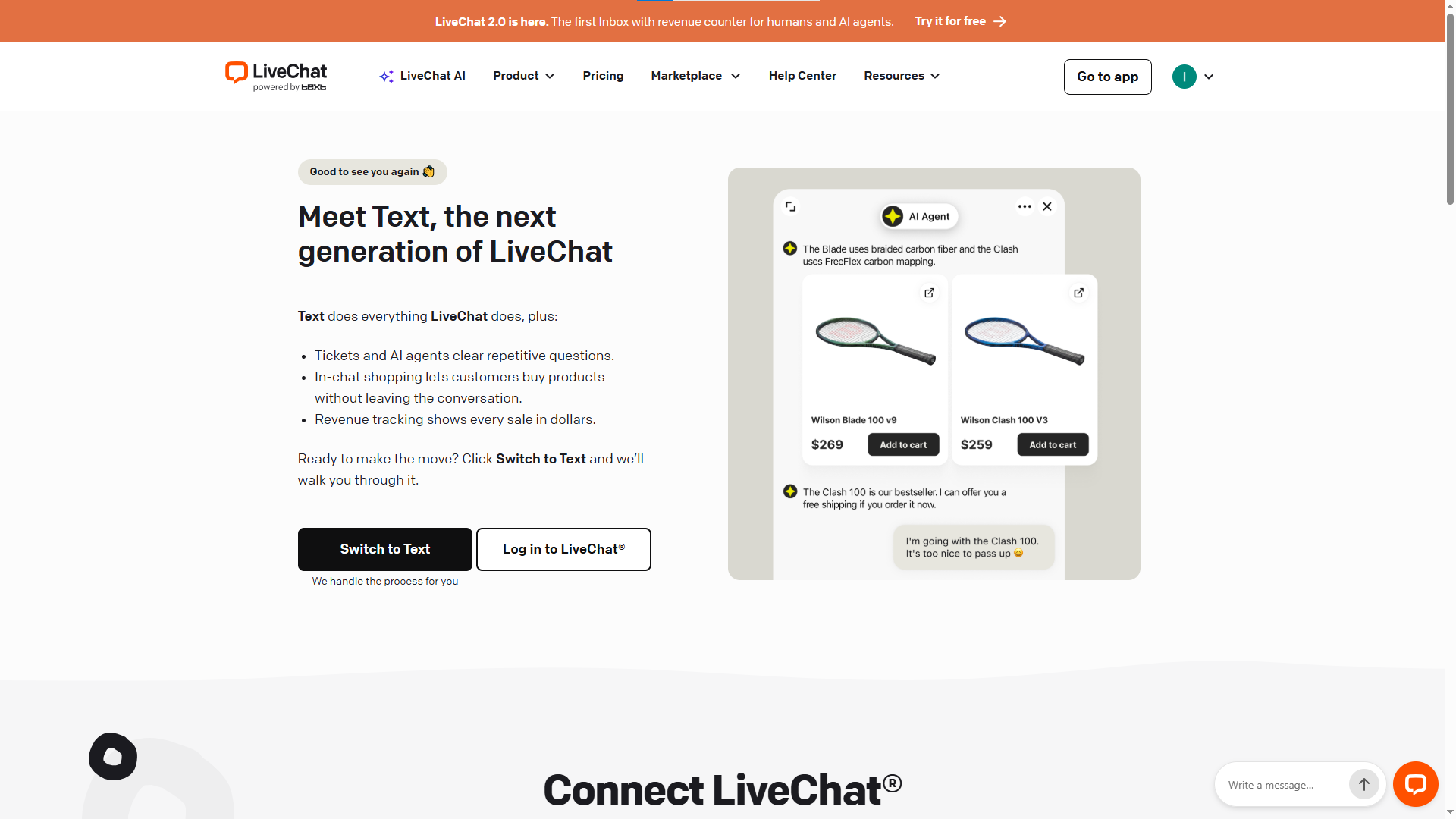
LiveChat leans hard into real-time conversations. You drop a widget on your site and give support or sales a dedicated workspace built around chat.
It includes canned replies, chat history, reports, customer details, chat ratings, and a healthy list of integrations. If chat sits at the center of how you talk to customers, this one fits. If you’re comparing LiveChat alternatives, LiveChat leans hard into real-time conversations. You drop a widget on your site and give support or sales a dedicated workspace built around chat.
Pros:
- Sharp focus on live conversations
- Easy chat history
- Useful reports
- Canned replies
- Lots of integrations
- Works for sales and support alike
Cons:
- You may need extra tools for broader service needs
- AI features can require separate products
- Per-agent pricing adds up for bigger teams
Best for: Businesses that want a dedicated live chat platform for sales and support.
5. Tidio: Best for Small Businesses and E-Commerce
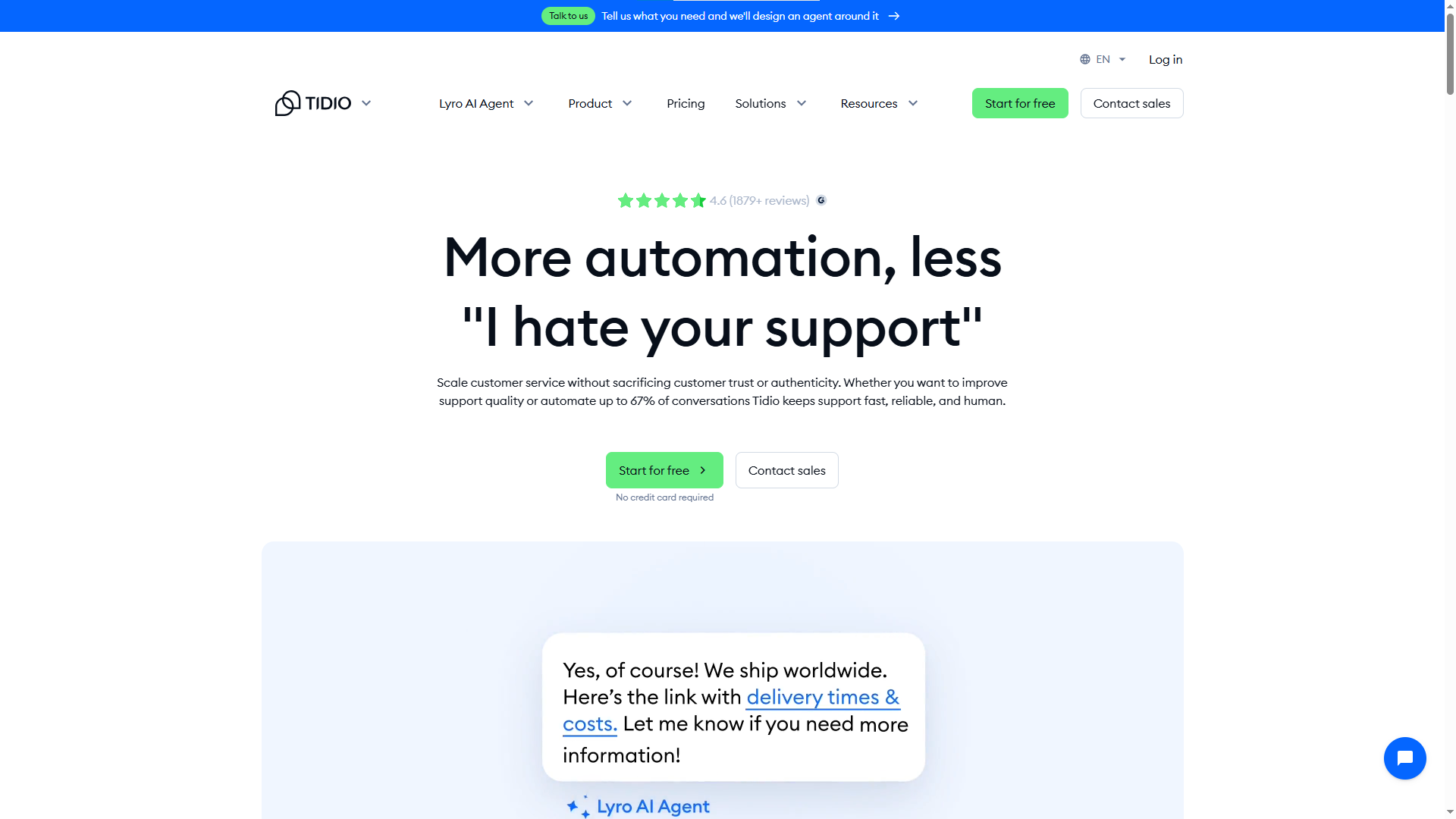
Tidio mixes live chat with AI-powered service and chatbot tools. Small businesses and online stores like it because you start simple and layer on automation as you grow.
Its Lyro AI chatbot fields routine questions, and human agents take over anything that needs a personal touch. It slots neatly into e-commerce workflows too, which helps stores field questions about products, orders, and shipping.
Pros:
- Simple setup
- Live chat plus AI
- Strong e-commerce fit
- Automates repeat questions
- Approachable starting point.
Cons:
- Larger teams may outgrow it
- Costs rise with conversation and AI volume
- Advanced workflows may need other tools
Best for: Small businesses, online stores, and e-commerce teams that want live chat with AI.
6. Crisp: Best for Small and Growing Support Teams
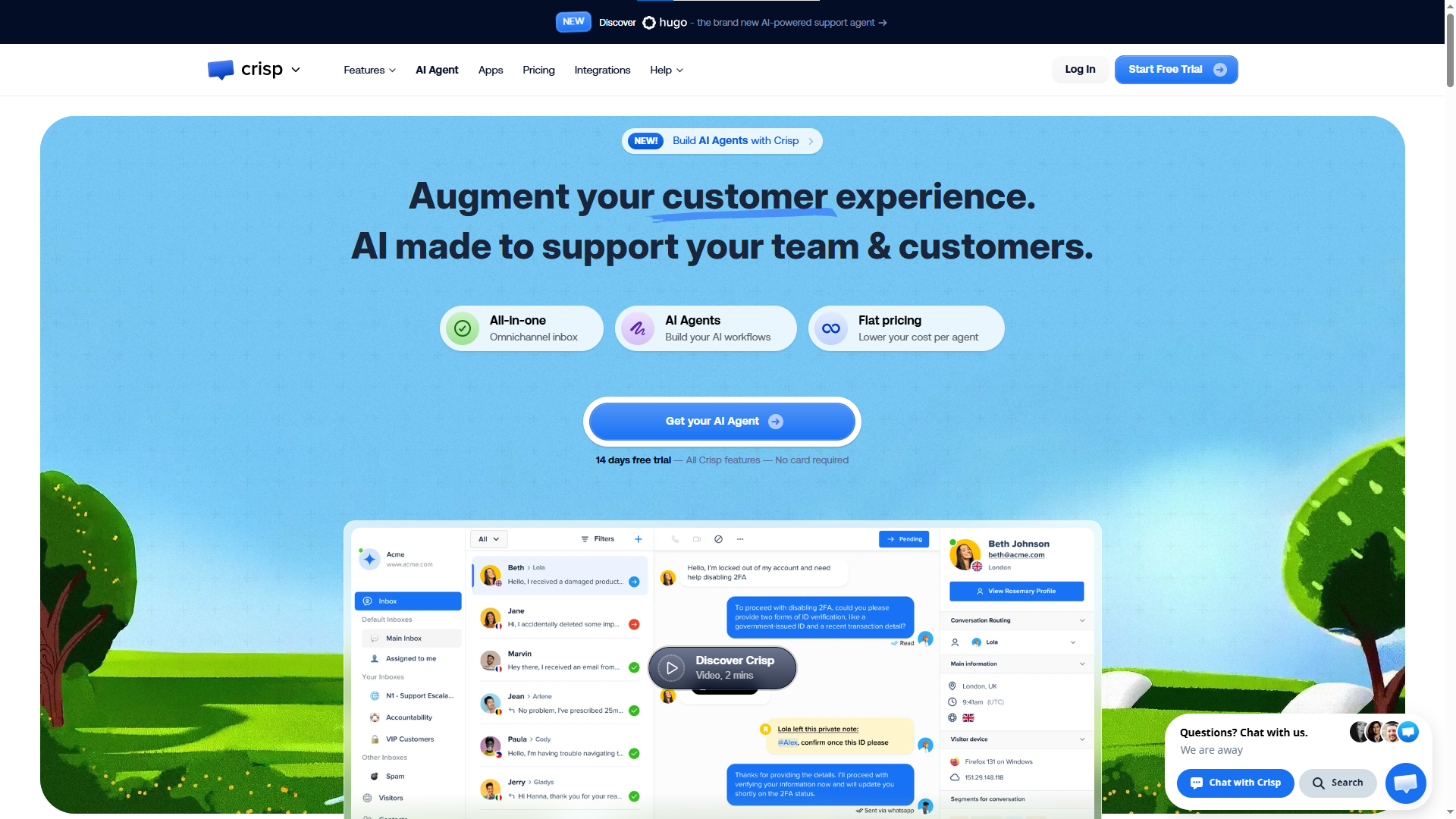
Crisp is built around shared conversations. Its shared inbox lets teammates work together instead of stranding customer messages in separate personal accounts.
That setup keeps small teams organized. One person starts a chat, another picks it up, and the whole history stays in one spot. Crisp also handles automation and broader customer messaging.
Pros:
- A shared inbox makes teamwork easy
- Great for small teams
- Supports messaging and automation
- Simple experience
- Free tier to start
Cons:
- Large enterprises may want deeper ticketing
- Advanced operations may need extra tools
- Complex workflows take more setup
Best for: Startups and small teams that want a shared space for customer conversations.
7. tawk.to: Best Free Live Chat Software
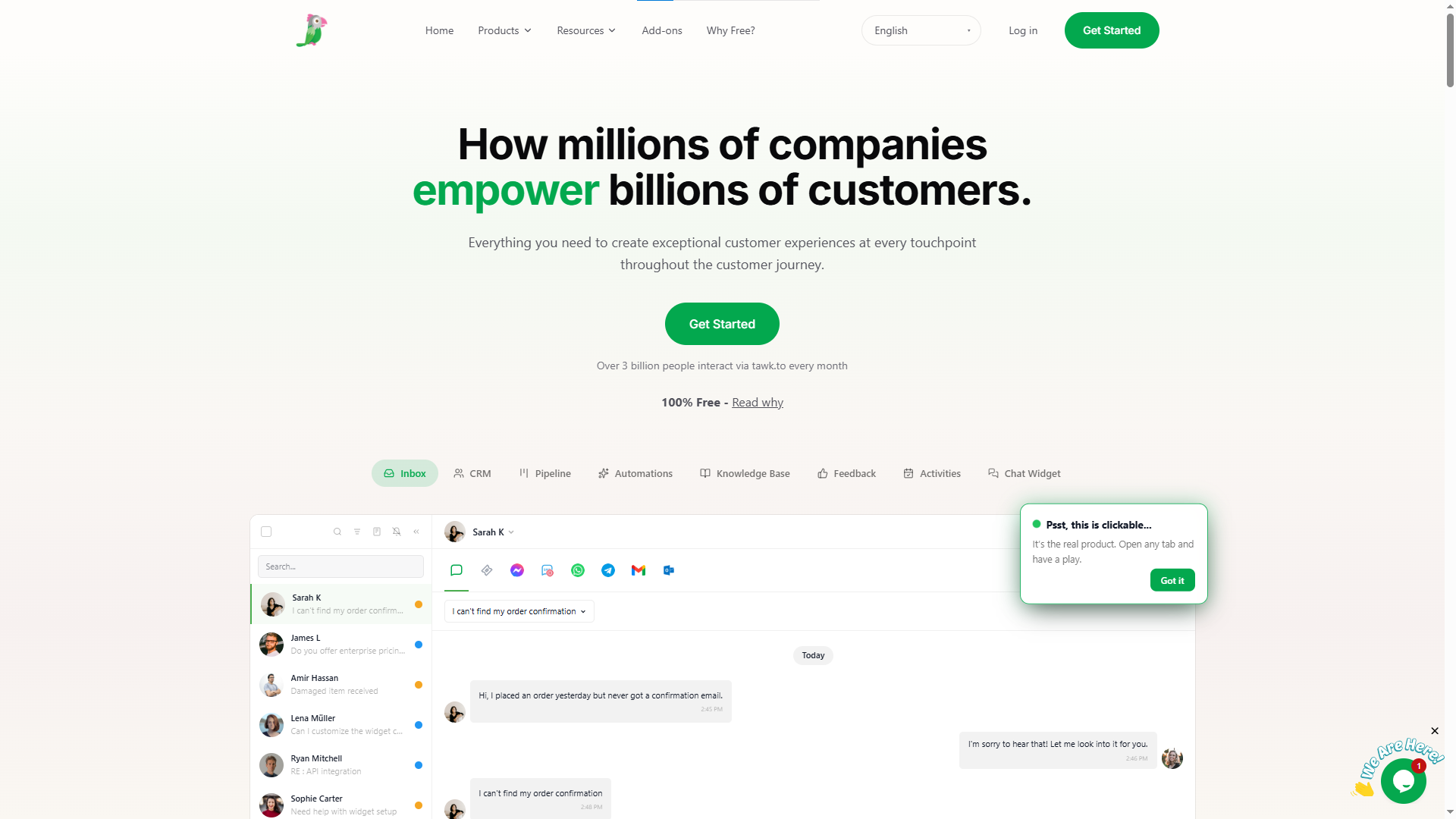
Budget matters, and tawk.to stands out for one reason above all: its core live chat product is free. A small business adds chat to its site and starts talking to visitors without committing a dollar to software.
It also carries more than basic messaging: ticketing, knowledge base features, visitor monitoring, reporting, and team management.
Pros:
- Free core product
- Ideal for startups and small businesses
- Multiple agents; visitor monitoring
- Ticketing and knowledge base
- Reporting and customization
Cons:
- Advanced AI may require add-ons
- Large teams may want deeper enterprise features
- Some may prefer a more polished all-in-one
Best for: Startups, small businesses, and budget-conscious teams that need live chat without the expense.
8. Freshchat: Best for Businesses Using Freshworks
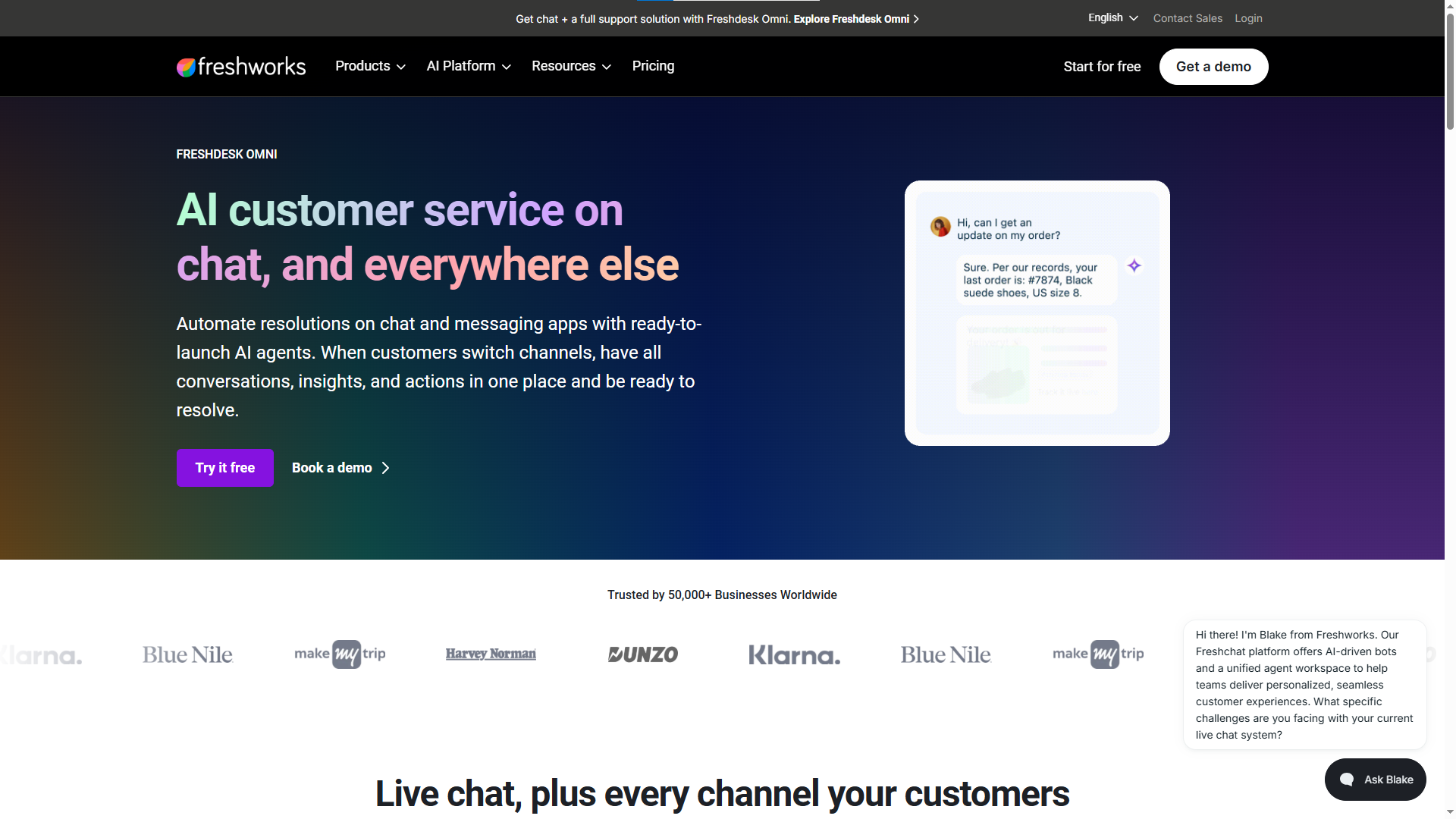
Freshchat comes out of Freshworks and centers on customer messaging and support. It handles website and app messaging and plugs into the wider Freshworks ecosystem.
AI and automation are baked in, giving teams a way to field common questions without leaning entirely on agents. It makes the most sense if you're already inside Freshworks or want a broader service environment.
Pros:
- Connects to Freshworks
- AI-powered conversations
- Automation tools
- Works across web and app
- A fuller support setup than plain chat
Cons:
- Teams outside Freshworks face more setup
- Overkill if you only want basic chat
- Advanced needs push you to higher tiers
Best for: Businesses already on Freshworks and teams that want chat inside a larger support system.
9. Help Scout: Best for Simple Customer Support
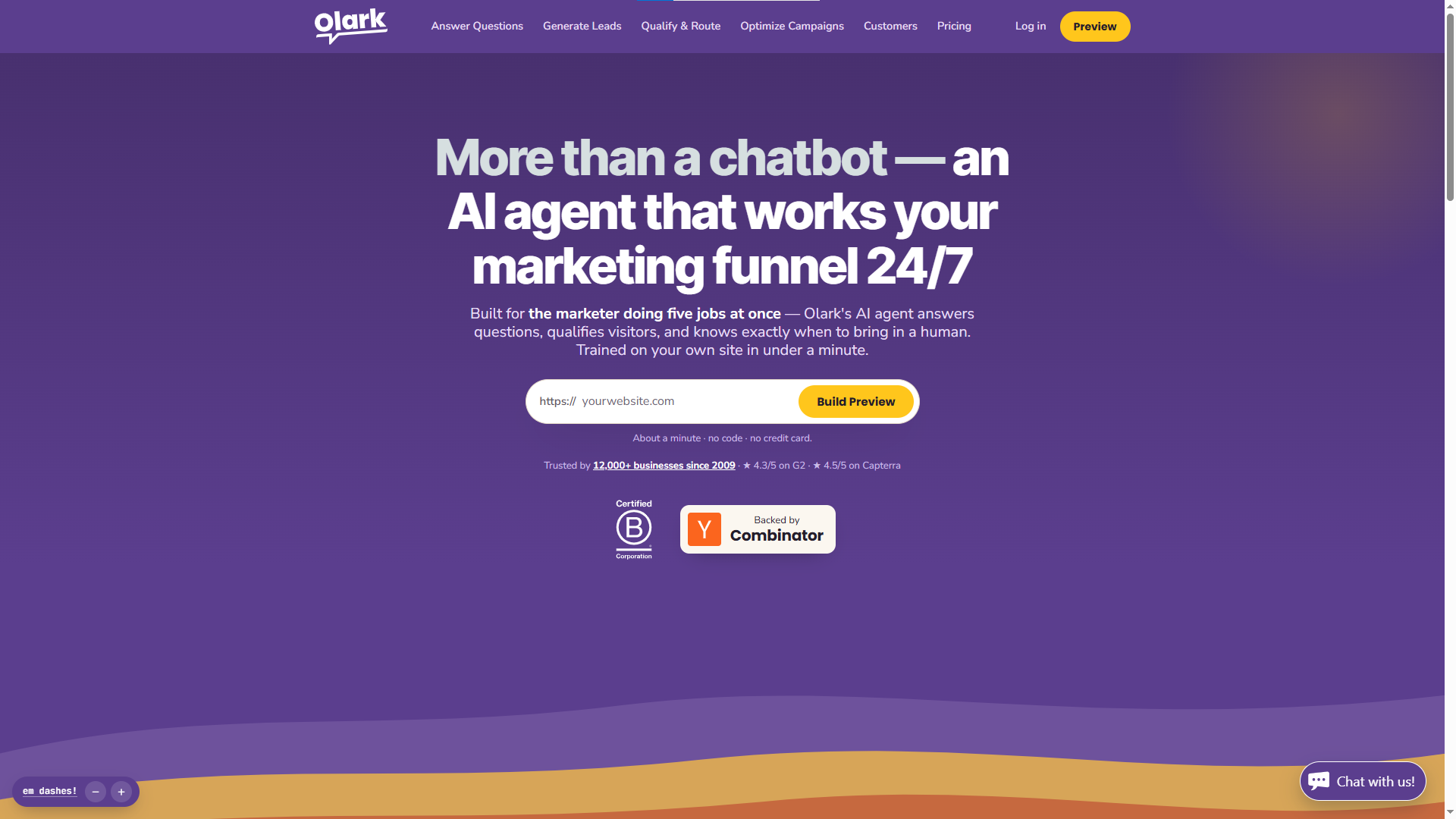
Help Scout is built around simplicity. Its tools cover customer conversations, shared inboxes, help content, and customer profiles, without the weight of a full enterprise platform.
For teams that want a clean process and handle support through a mix of conversations and self-service content, it's a strong pick.
Pros:
- Simple approach
- Shared inbox for teamwork
- Knowledge base for self-service
- Useful customer context
- Great for small and mid-size teams
Cons:
- Enterprise teams may need deeper service features
- Chat-first workflows may prefer a dedicated platform
- Larger operations may want more routing and reporting
Best for: Small and mid-size teams that value simple service workflows.
10. Olark: Best for Simple Website Chat
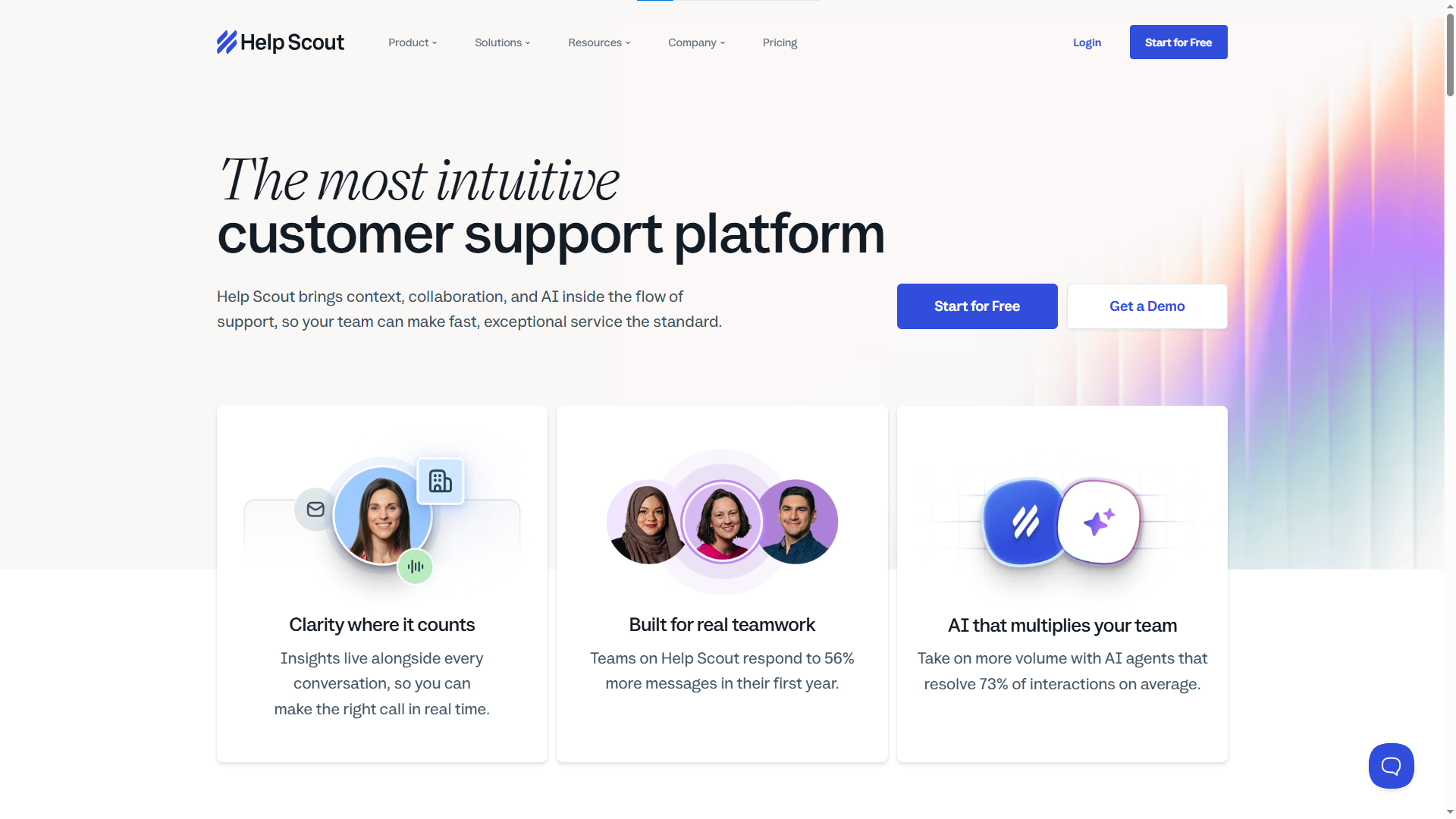
Olark keeps its focus on website chat. You use it to give visitors a direct line to support and sales and not much more, which is the point.
It appeals to businesses that don't want a sprawling service platform and would rather just start conversations, help visitors, and review chat activity.
Pros:
- Simple setup
- Website-focused
- Good for small teams
- Chat history and reporting
- Customizable experience
Cons:
- Narrower feature range
- Advanced ticketing or AI may need other tools
- Large teams may prefer a broader platform
Best for: Small businesses that want straightforward website chat without a heavy system.
Which Live Chat Software Is Right for Your Business?
Benefits of Using Live Chat Software for Customer Support
Customers want help without jumping through extra steps. Live chat software gives them a direct line to your support team, right from your website or app.
Give Customers Help Right Away
A customer can open the chat window, ask a question, and start a conversation with your team. Quick answers can reduce frustration and help customers continue using your product.
Make Support Feel More Personal
Chat creates a direct conversation between your customer and your team. Agents can ask questions, understand the problem, and guide the customer step by step.
Help More Customers With Less Effort
Support teams often answer the same questions again and again. Saved replies, FAQs, automation, and AI can handle many simple requests. Agents can then spend more time on complex issues.
Turn Questions Into Sales Opportunities
A visitor may hesitate before buying because they need more information. Live chat gives your team a chance to answer questions about pricing, products, plans, features, or services.
A helpful conversation can remove doubt and encourage the customer to complete the purchase.
Find Problems Before They Grow
Customer conversations can reveal repeated problems. If many people ask about the same feature or face the same issue, your team can spot the pattern and take action.
This insight can help product teams improve the product and reduce future support requests.
Keep Customers Longer
Poor support can push customers away. Fast and helpful conversations can build trust and make customers feel valued.
For SaaS businesses, this can help reduce frustration and improve customer retention.
Connect Support With Other Customer Tools
Modern live chat software can connect chat with knowledge bases, tickets, feedback, AI, roadmaps, and other support tools.
For example, a customer can report a feature request in chat. Your team can turn it into feedback, add it to the product roadmap, and later share the update through a changelog.
Give Customers a Simple Way to Reach You
Customers should not need to search for help. A visible chat button gives them an easy path to your team.
The result is simple: faster answers, easier support, better customer conversations, and more opportunities to improve your business.
What Are the Different Types of Live Chat?
Businesses mostly run two kinds: human live chat and AI-powered live chat. Both get customers quick answers, but they work differently.
1. Human Live Chat
Human chat connects a customer straight to an agent. They open the widget, explain the problem, and get help from a real person.
It works best when a question needs judgment, understanding, or a personal response. A billing issue, a rough product setup, a bug report, or a pre-purchase question: an agent asks follow-ups, reads the situation, and walks the customer through it. People explain things in their own words and get a reply tuned to their specific case.
Best for: Complex questions, technical issues, sales conversations, billing problems, and anyone who needs personal help.
2. AI-Powered Live Chat
AI chat uses artificial intelligence to answer questions and provide support. Instead of waiting for an agent, a customer types a question and gets an instant reply.
AI handles the common stuff: pricing, features, account setup, policies, basic troubleshooting. It searches help content, suggests resources, summarizes threads, and steers people toward the right answer. That lets a team manage high chat volume without adding a person for every question, and customers get help outside business hours.
Some conversations still need a human, though. A good AI system recognizes a complex issue and hands it off to an agent.
Best for: FAQs, instant answers, repeat questions, self-service, and high-volume support.
Conclusion
The right live chat software makes support faster, easier, and more useful. Customers get help while they browse or use your product, and your team runs conversations, solves issues, and learns from every question.
Which tool wins depends on your needs. A small store may want simple chat. A growing SaaS company may need AI, automation, tickets, a knowledge base, and customer feedback in one platform.
For teams looking past basic chat, Quickhunt brings live chat together with customer feedback, AI assistance, a knowledge base, in-app messages, a roadmap, and a changelog. That combination helps you support customers, understand what they need, and turn conversations into product improvements.
Pick the software that helps your team reply faster, keeps customers engaged, and grows with your business.
Frequently Asked Questions
1. What is live chat software?
Live chat software lets businesses talk with website visitors and customers through real-time messaging, so people ask questions and get help directly from a site or app.
2. What are the main types of live chat?
Human live chat and AI-powered live chat. Human chat connects customers with agents; AI chat gives instant answers to common questions.
3. How does live chat software improve customer support?
It helps teams reply faster, manage several conversations at once, handle common questions, and give customers a simple way to get help.
4. Can live chat software increase sales?
Yes. Agents answer questions about products, pricing, features, and plans while a customer is deciding, and quick answers reduce hesitation and lift conversions.
5. Which is the best live chat software?
It depends on your needs, team size, and goals. Quickhunt fits SaaS companies, Shopify apps, and e-commerce stores well, since it pairs live chat with AI assistance, tickets, saved replies, customer feedback, a knowledge base, in-app messages, a roadmap, and a changelog in one platform.


.svg "footer-logo")




.svg "fecebook")
.svg "linkdin")
.svg "twitter")



.png)