

Table of content
Product teams ship new features, fix bugs, improve performance, and update products every week. Users expect clear communication after every update. Many companies use changelogs and release notes for this purpose. However, many people confuse these two terms.
A changelog shares product updates in a simple and quick format. Release notes explain updates in more detail. Both help users stay informed, but both serve different goals.
Quickhunt release notes can explain the same update with more details, benefits, screenshots, and setup instructions.
Clear product communication helps users understand new improvements faster. It also builds trust and improves the customer experience. SaaS companies, Shopify apps, software teams, and startups now use changelog and release notes as an important part of product growth. Many companies also use a dedicated changelog tool to publish updates in a more organized way.
In this guide, you will learn the difference between changelogs and release notes, including examples, benefits, use cases, and best practices. You will also learn how tools like Quickhunt help teams create and manage product updates in one place.
What Is a Changelog?
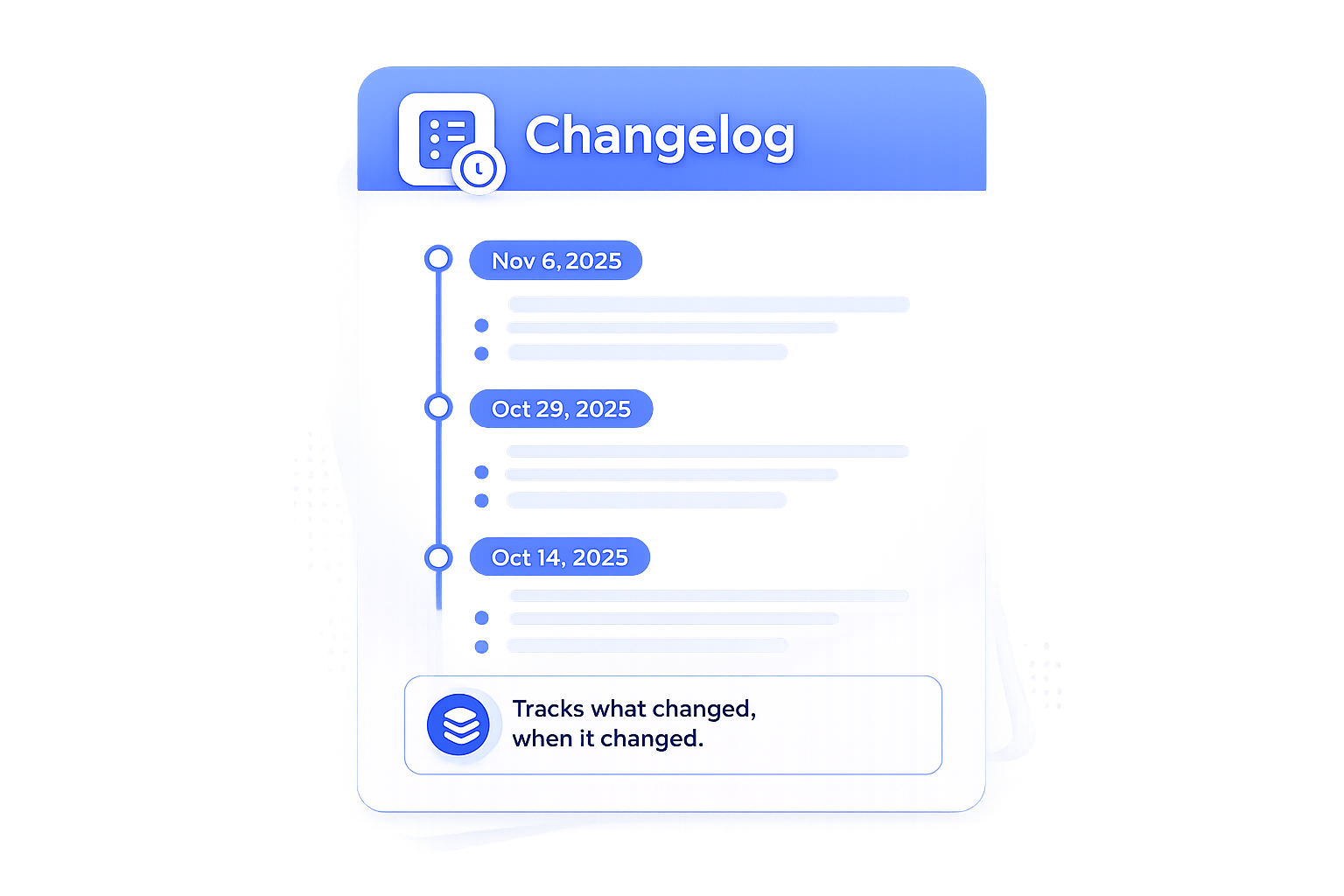
A changelog is a record of product updates, improvements, bug fixes, and new features. Companies use changelogs to inform users about product changes in a clear and simple way. Most SaaS companies, software teams, Shopify apps, and startups publish changelogs after every update.
A changelog usually includes short update summaries with dates. Teams keep the format simple so users can quickly understand new improvements. Many companies add screenshots, videos, or feature links to improve the user experience.
A changelog improves communication between product teams and users. It helps users stay updated, builds trust, and shows active product development. Many companies also use changelogs to increase feature adoption and reduce support questions.
What Are Release Notes?
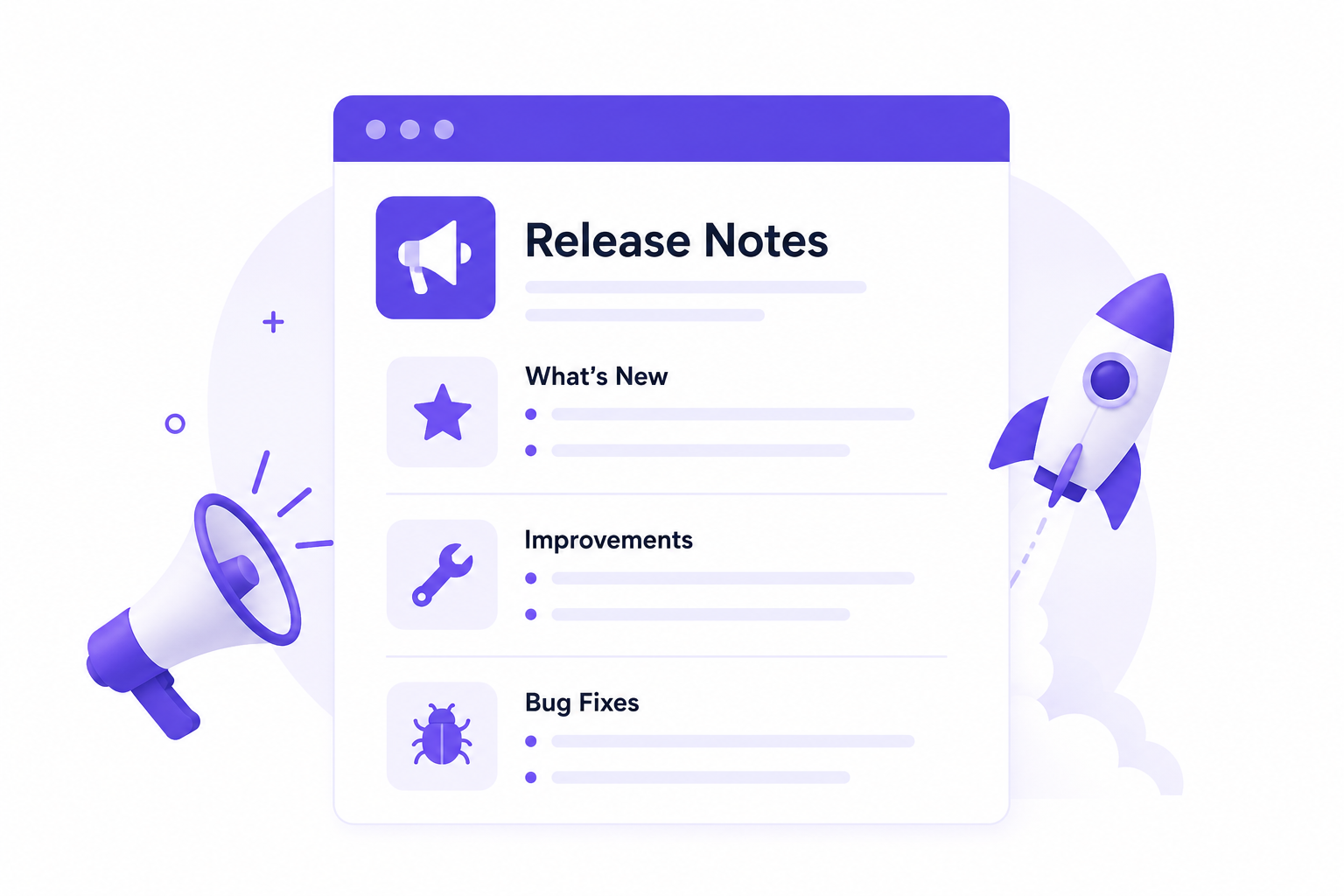
Release notes explain product updates, improvements, bug fixes, and new features after a software release. Companies use release notes to inform users, customers, developers, and teams about recent changes in a product or app.
Release notes usually include more details than a changelog. They explain how a feature works, why a company added it, and how users can use it. Many SaaS companies, Shopify apps, and software teams publish release notes after every major update.
For example, a project management platform can publish release notes for a new AI feature. The release notes can explain how users can organize tasks faster, automate workflows, and improve team collaboration. The notes can also include screenshots, setup instructions, compatibility updates, and performance improvements.
Clear release notes help users understand product updates without confusion. They also reduce support requests and improve the customer experience. Many product teams use release notes to keep users informed and engaged after every release.
Changelog vs. Release Notes: Which One Fits Your Product Updates Better?
Choosing between a changelog and release notes depends on your product, users, and communication style. Both formats help users stay informed, but both serve different purposes.
A changelog works well for companies that release updates often. It gives users a fast overview of product improvements without too much detail. Users can quickly check new features, bug fixes, and improvements in one place.
Release notes work better for bigger product changes. Teams use release notes to explain feature benefits, setup steps, technical updates, and important changes. This format helps users understand how updates improve their workflow.
Many SaaS companies use both together. A changelog provides quick updates, while release notes provide full explanations for major releases. This combination creates better communication and improves the customer experience.
Who Should Use a Changelog?
SaaS companies, startups, Shopify apps, product teams, and software businesses should use a changelog. A changelog helps teams share product updates in a fast and simple format. Companies can publish feature launches, bug fixes, UI improvements, and performance updates without long explanations.
A changelog works best for products with regular updates. Users can quickly check recent improvements and stay informed about product growth. Product-led companies also use changelogs to build trust and improve transparency with customers.
Many customer feedback tools, project management platforms, CRM software, and AI tools use changelogs to keep users engaged after every update.
Who Should Use Release Notes?
Software companies, SaaS platforms, developer tools, enterprise products, and technical teams should use release notes. Release notes help companies explain updates in more detail and improve communication with users.
Release notes work best for major releases, advanced features, integrations, API updates, and workflow improvements. Teams can explain feature benefits, setup steps, compatibility updates, and technical changes in a clear format.
Developers, support teams, IT teams, and enterprise customers often read release notes before using a new feature or update. Clear release notes help users understand product changes and reduce confusion after a release.
Real Changelog Examples for SaaS Products
SaaS companies use changelogs to share product updates, bug fixes, feature launches, and improvements in a simple format. A good changelog helps users understand recent changes quickly.
Here are some real changelog examples for SaaS products.
Quickhunt
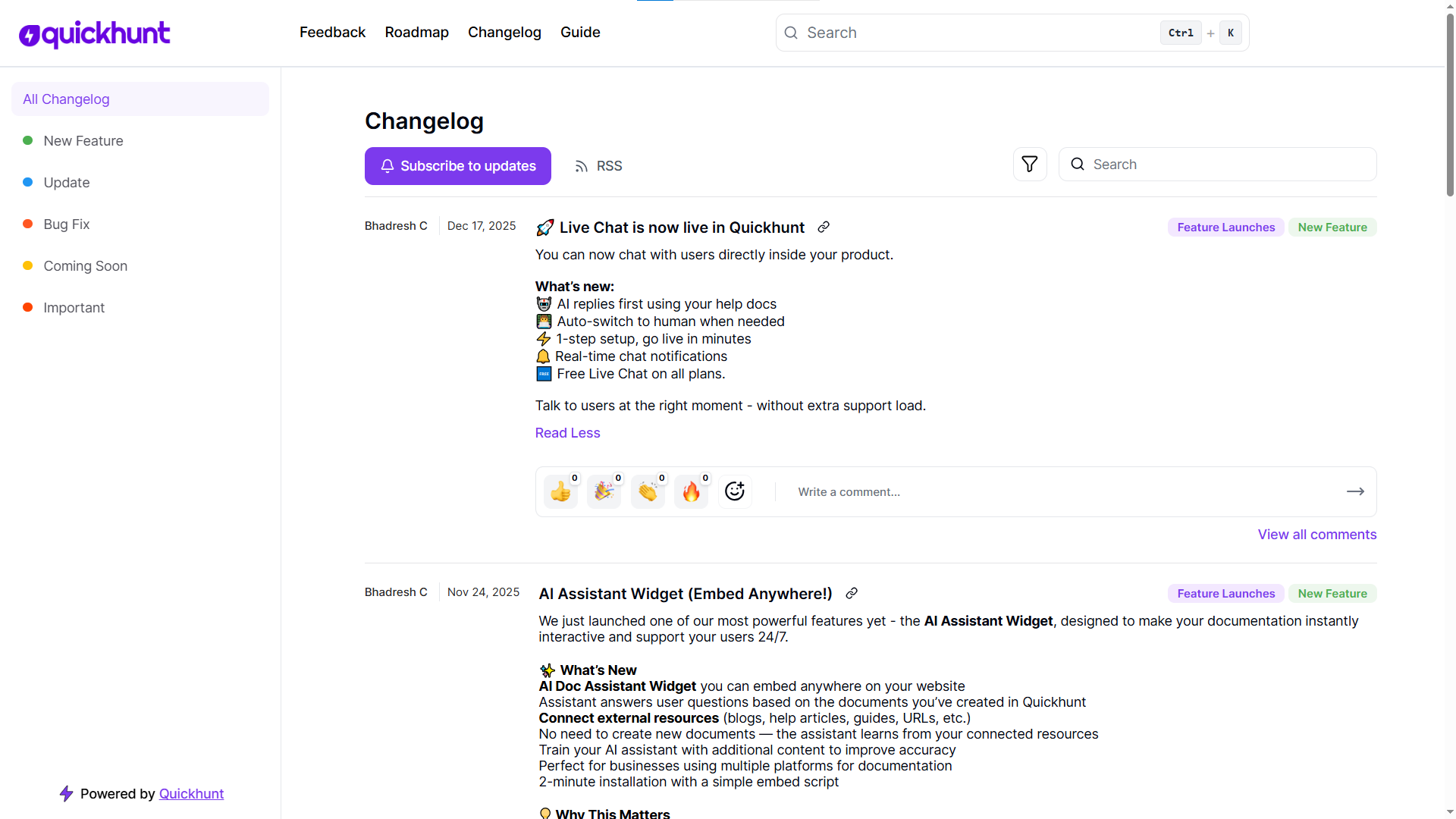
Quickhunt uses a simple and organized AI changelog tool to share new features, customer feedback updates, roadmap improvements, AI enhancements, bug fixes, and product performance updates with users.
Notion
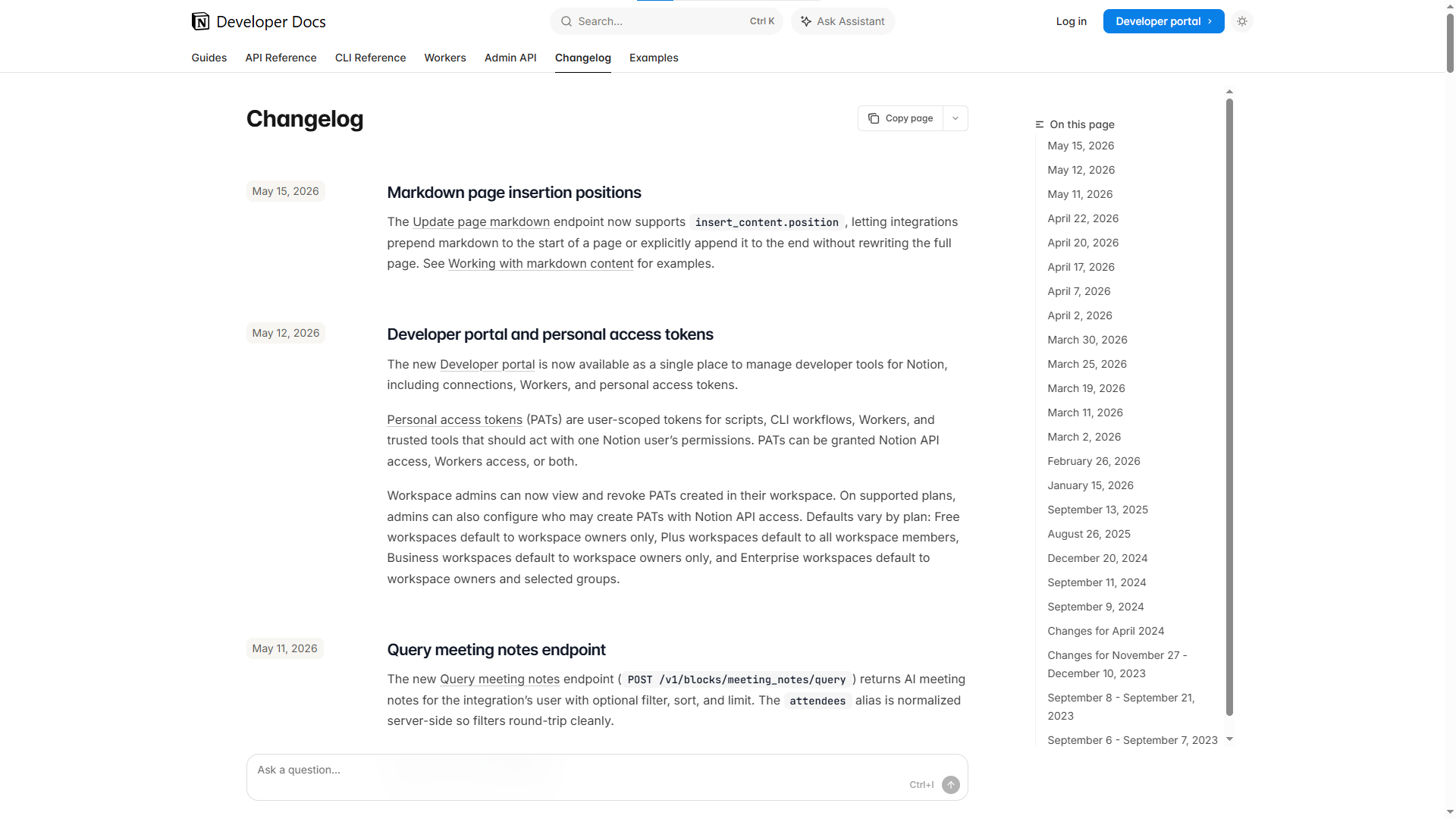
Notion shares workspace improvements, key features, and collaboration updates through changelog announcements.
ClickUp
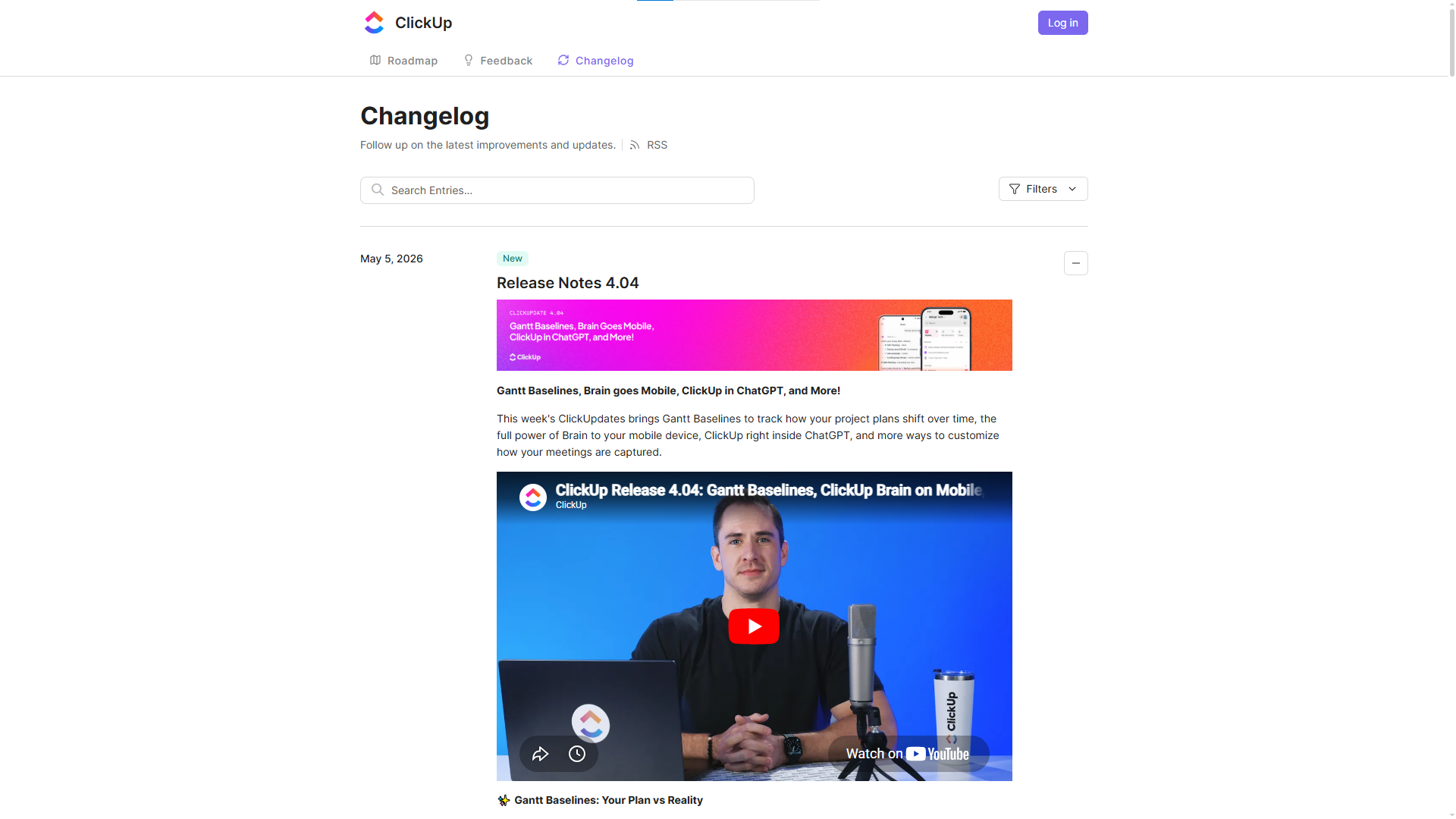
ClickUp publishes regular changelog updates for productivity features and workflow improvements.
Real Release Notes Examples for SaaS Products
Slack
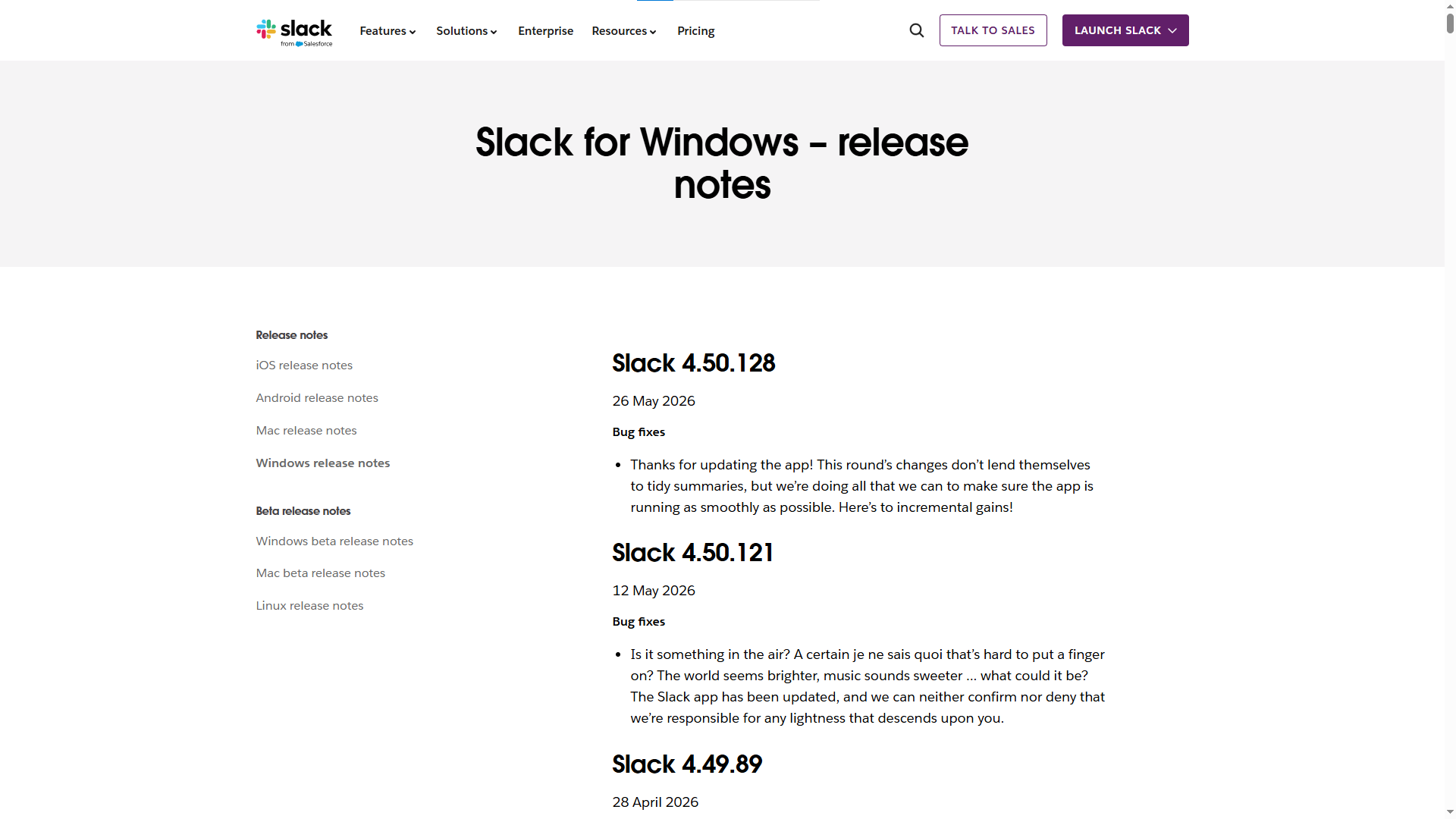
Slack publishes release notes for messaging improvements, workflow features, integrations, and performance updates. Their release notes use simple language and focus on productivity improvements for teams.
Airtable
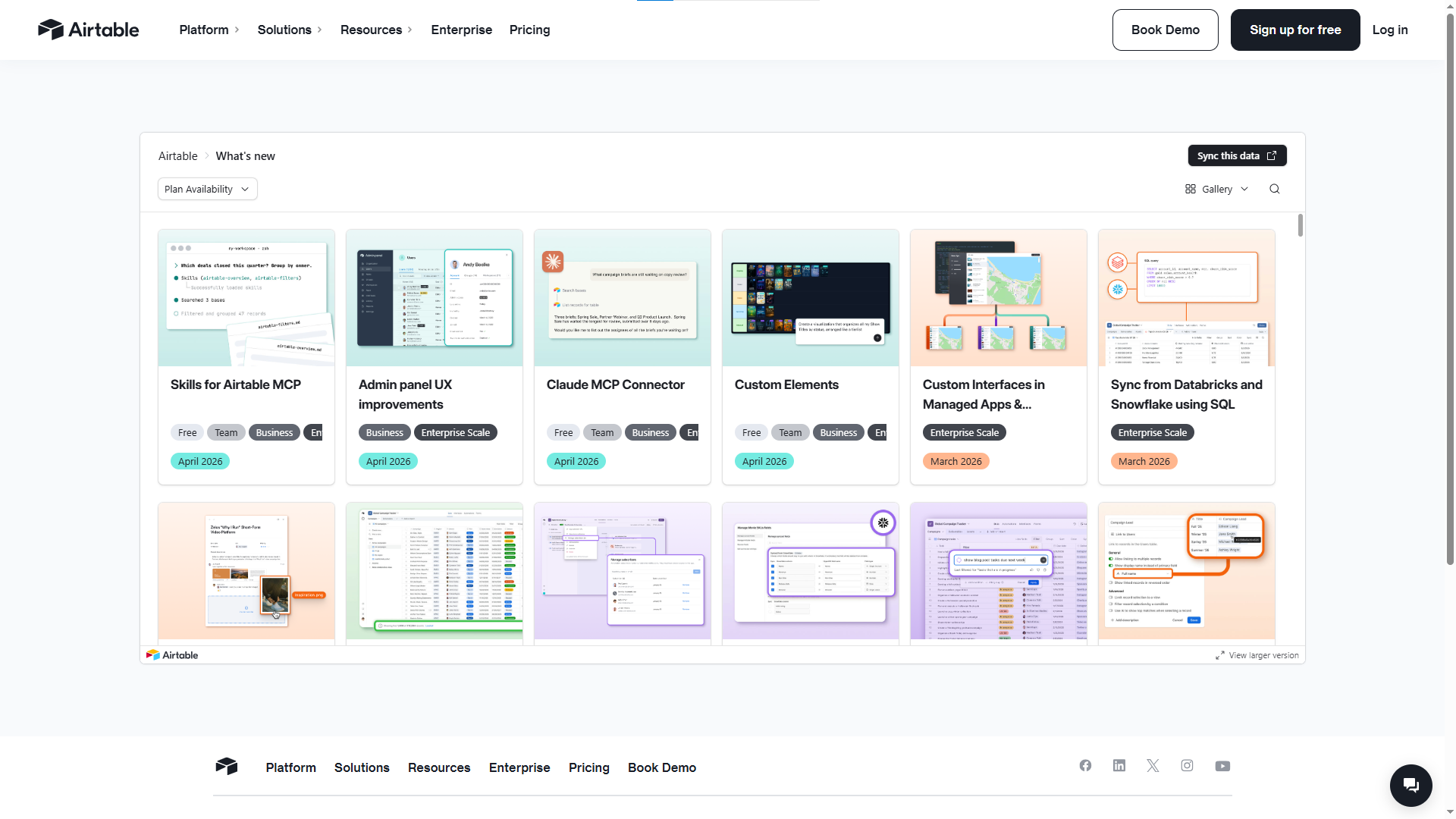
Airtable shares release notes for database features, automation tools, interface updates, and collaboration improvements. Their team explains feature benefits with clear examples and simple instructions.
Jira
.png)
Jira publishes release notes for project tracking features, developer tools, workflow updates, and performance improvements. Their release notes help teams understand product changes and system improvements quickly.
How Quickhunt Helps Teams Share Product Updates Clearly
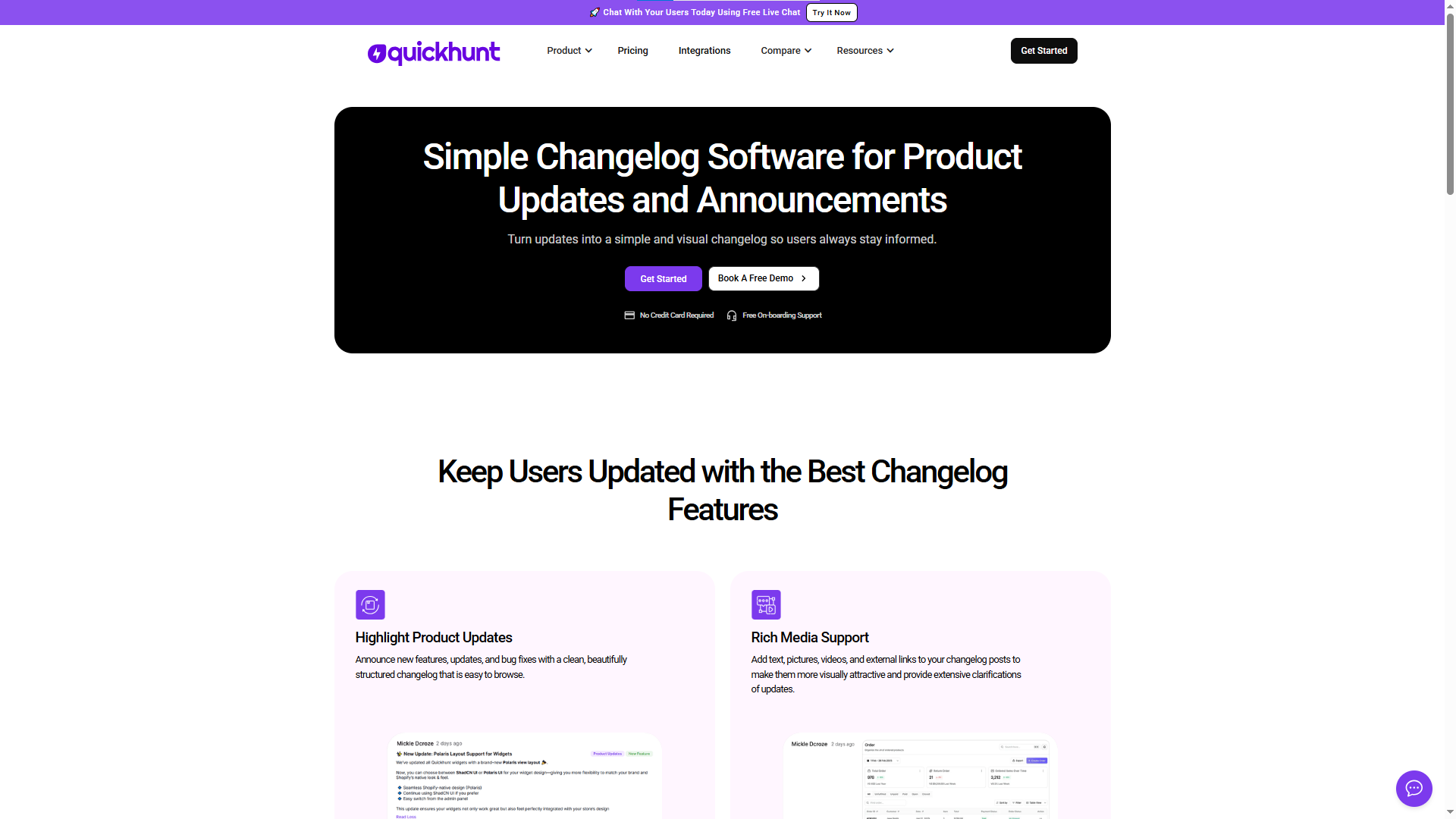
Quickhunt helps product teams create and publish changelogs & release notes, collect feedback, and build roadmaps in one place. Teams can share product updates with users in a simple and organized format.
Many SaaS companies release new features, improvements, and bug fixes every week. Without clear communication, users can miss important updates. Quickhunt helps teams publish updates quickly and keep customers informed after every release.
Teams can create public changelogs for feature launches, bug fixes, UI improvements, and performance updates. Users can check recent changes without confusion. Product managers can also write detailed release notes for major updates and explain feature benefits more clearly.
Quickhunt also helps teams collect customer feedback, manage feature requests, and connect updates directly with user suggestions. This process improves transparency and helps customers feel involved in product development.
Product teams can organize updates with categories, labels, images, and status changes. Companies can also share roadmaps and show upcoming features in a clean interface. This approach improves communication and builds stronger customer trust.
Quickhunt also includes in-app surveys, knowledge base tools, and live chat support. Teams can collect user opinions inside the product, create help docs and FAQs, and support customers with real-time communication from one platform.
Many SaaS teams use Quickhunt to reduce support questions, improve feature adoption, and create a better product experience for users.
Conclusion
Changelogs and release notes both play an important role in product communication. A changelog helps users quickly view recent updates, bug fixes, and improvements. Release notes help users understand features, product changes, and technical updates in more detail.
Many SaaS companies use both formats together to improve communication and keep users informed after every release. Clear product updates improve transparency, increase customer trust, and help users discover new features faster.
A simple update process also improves the customer experience and reduces confusion after product releases. Teams can share updates more efficiently with tools like Quickhunt and manage changelogs, release notes, feedback, and roadmaps in one place.
FAQs
Which is better: changelog or release notes?
Both formats provide different benefits. A changelog works better for quick product updates, while release notes work better for detailed feature explanations and major releases.
Do SaaS companies use both changelogs and release notes?
Yes. Many SaaS companies use both formats together. Changelogs provide short updates, while release notes provide detailed information about features and improvements.
How often should companies publish changelogs?
Many SaaS companies publish changelogs weekly or after every product update. Regular updates help users stay informed about product improvements.
Can small startups use release notes?
Yes. Startups can use release notes to explain product updates, feature launches, integrations, and important improvements for users and customers.
Which tools help create changelogs and release notes?
Many product teams use dedicated tools to manage product communication, customer feedback, and roadmaps. Platforms like Quickhunt help teams publish changelogs and release notes more easily.


.svg "footer-logo")




.svg "fecebook")
.svg "linkdin")
.svg "twitter")



.png)