

Table of content
Every product changes over time. Teams launch new features, improve existing tools, fix bugs, and make updates regularly. However, many users never notice these improvements because they skip reading release notes.
Most companies create release notes only to announce updates. They often publish long lists, technical terms, and complicated explanations. As a result, users lose interest within seconds. They open the update page, scan a few lines, and leave.
Users want quick and useful information. They want clear answers. They want to know how an update helps them save time, solve problems, or improve their experience. Therefore, good release notes focus on benefits instead of technical details.
Strong release notes help users discover new features faster. They also increase product usage, reduce confusion, and build trust. In addition, they create better communication between companies and customers.
This guide explains simple ways to write release notes that people enjoy reading. You will learn practical tips, common mistakes, examples, and a simple format you can use for every product update.
What Are Release Notes?
.png)
Release notes tell users about new updates in a product. Companies publish release notes after they launch a new feature, improve an existing feature, or fix a problem. A changelog helps users understand product changes in a quick and simple way.
Most users open release notes because they want clear answers. They want to know if a company added a new feature, fixed an issue, or improved the product experience. Users also want to understand how an update helps them in their daily work. They do not want long technical explanations or difficult words.
Good release notes focus on user needs. Instead of listing technical changes, they explain the value behind an update. Users care more about results than technical details. They want to know if an update saves time, improves work, or solves a problem.
For example, a company can write, "Improved backend performance and optimized infrastructure." Most users may not understand this update.
A better approach says, "Your dashboard now loads faster, so you can find reports and finish tasks more quickly." This version explains the benefit in simple words.
Clear release notes help users discover new features and understand updates without confusion. They also increase product engagement because users can quickly see how changes improve their experience.
Release notes explain new features and improvements in simple language, while a changelog provides a chronological record of every product update. If you're unsure which one your product needs, read our guide on Changelog vs. Release Notes.
Which Team Should Create Release Notes?
Many companies ask who should create release notes. The best release notes come from people who understand both the product and the users. Different teams can help create clear and useful updates.
- Product Managers – Product managers often create release notes because they understand feature goals and customer needs. They can explain updates in simple words and show how a feature helps users.
- Marketing Teams – Marketing teams know how to write clear and engaging content. They focus on customer benefits and turn product updates into easy-to-read messages.
- Customer Support Teams – Support teams talk with users every day. They understand common questions, user problems, and feature requests. This knowledge helps create release notes users actually want to read.
- Customer Success Teams – Customer success teams know how customers use the product. They can explain updates based on real user needs and experiences.
- Developers – Developers provide technical details and explain product changes. However, teams should convert technical information into simple language before publishing release notes.
- Best Approach: Team Collaboration – Many successful companies use teamwork. Developers share update details, product managers organize information, and marketing teams improve the content. This process creates release notes that feel clear and helpful.
How to Write Release Notes Customers Actually Read
Many companies release new features, improve existing tools, and fix bugs every week. However, many users never read the updates. Some users open release notes for a few seconds and leave. This problem happens because most release notes feel too technical, too long, or too difficult to understand.
Customers do not want a long list of changes. They want quick answers. They want to know how an update helps them and how it improves their experience. They also want clear information in simple words. Therefore, if you want people to read your updates, you need to write release notes for customers instead of writing them for developers.
Good release notes help users discover features, understand improvements, and feel excited about product updates. They also increase feature adoption and build stronger customer trust. Here are simple ways to create release notes customers actually enjoy reading.
Start With Customer Benefits First
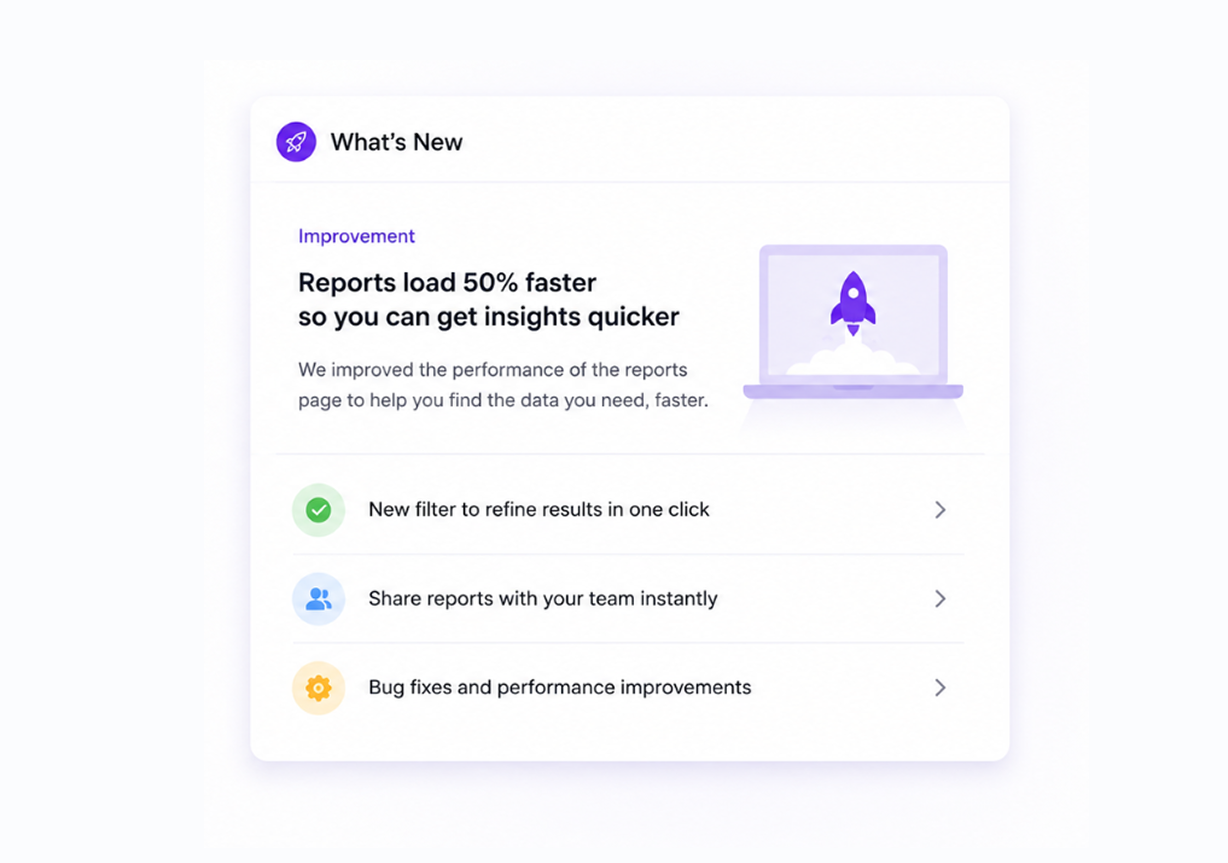
Customers care about value. They want to know how an update improves their work, saves time, or solves a problem. Therefore, start every release note with a benefit instead of beginning with feature details.
Many teams introduce updates with technical descriptions. However, users often skip technical information because they cannot quickly understand the value.
For example, avoid writing the following:
"Added advanced report filters."
Instead, write:
"Find reports faster with new filter options and save time during daily work."
The second example tells users why the update matters. Users immediately understand the purpose and benefit. As a result, they feel more interested in trying the feature.
Before writing release notes, ask a simple question:
How does this update improve the customer experience?
Use the answer at the beginning of the release note.
Use Simple, Clear Language
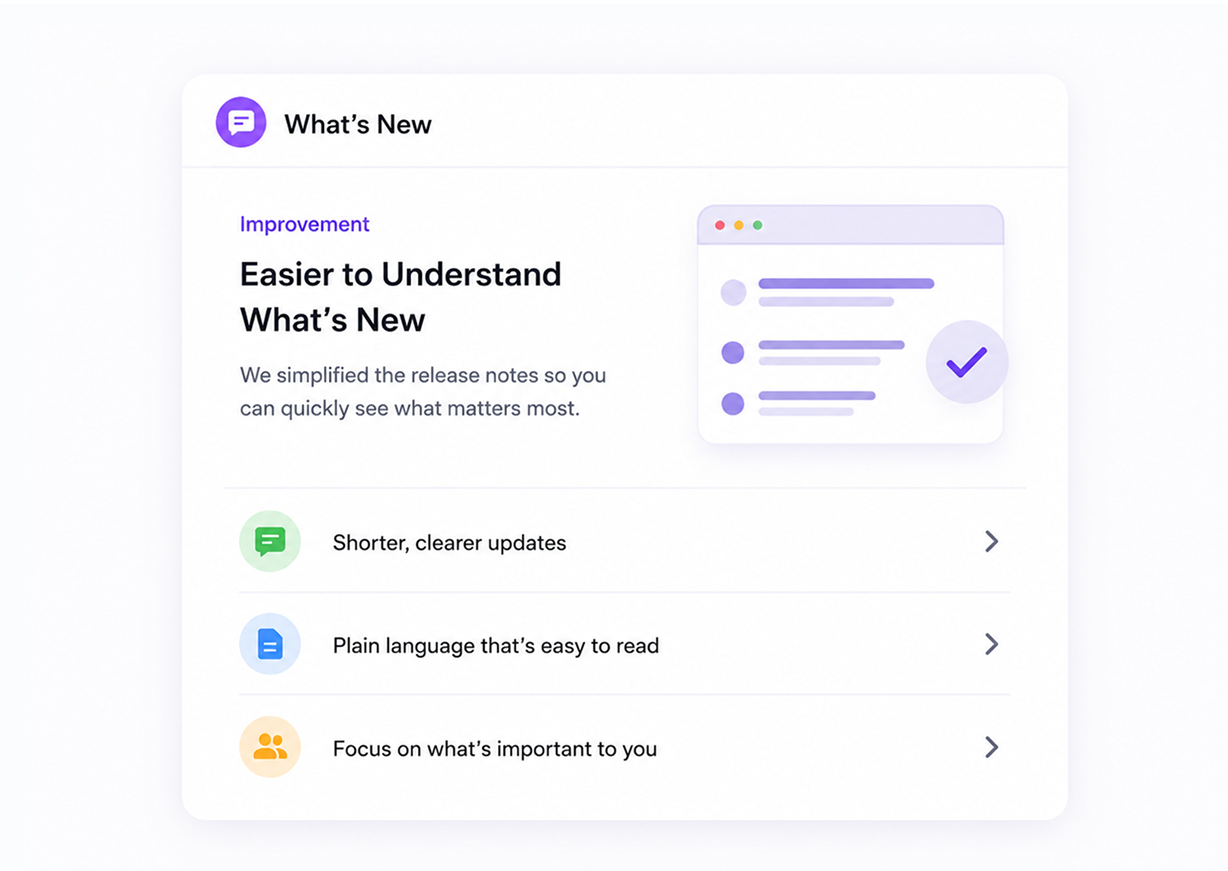
Simple writing keeps readers engaged. Many companies use technical terms and difficult words in release notes. Complex language creates confusion and makes users lose interest quickly.
Customers should understand updates without extra effort.
Avoid writing:
"Improved asynchronous synchronization architecture."
Write:
"Your data now updates faster across all devices."
Simple language improves communication because users understand information immediately. Easy words also create a better reading experience.
Clear writing helps users, search engines, and AI systems understand content more easily. Therefore, simple language improves readability and visibility at the same time.
Focus on Outcomes, Not Features
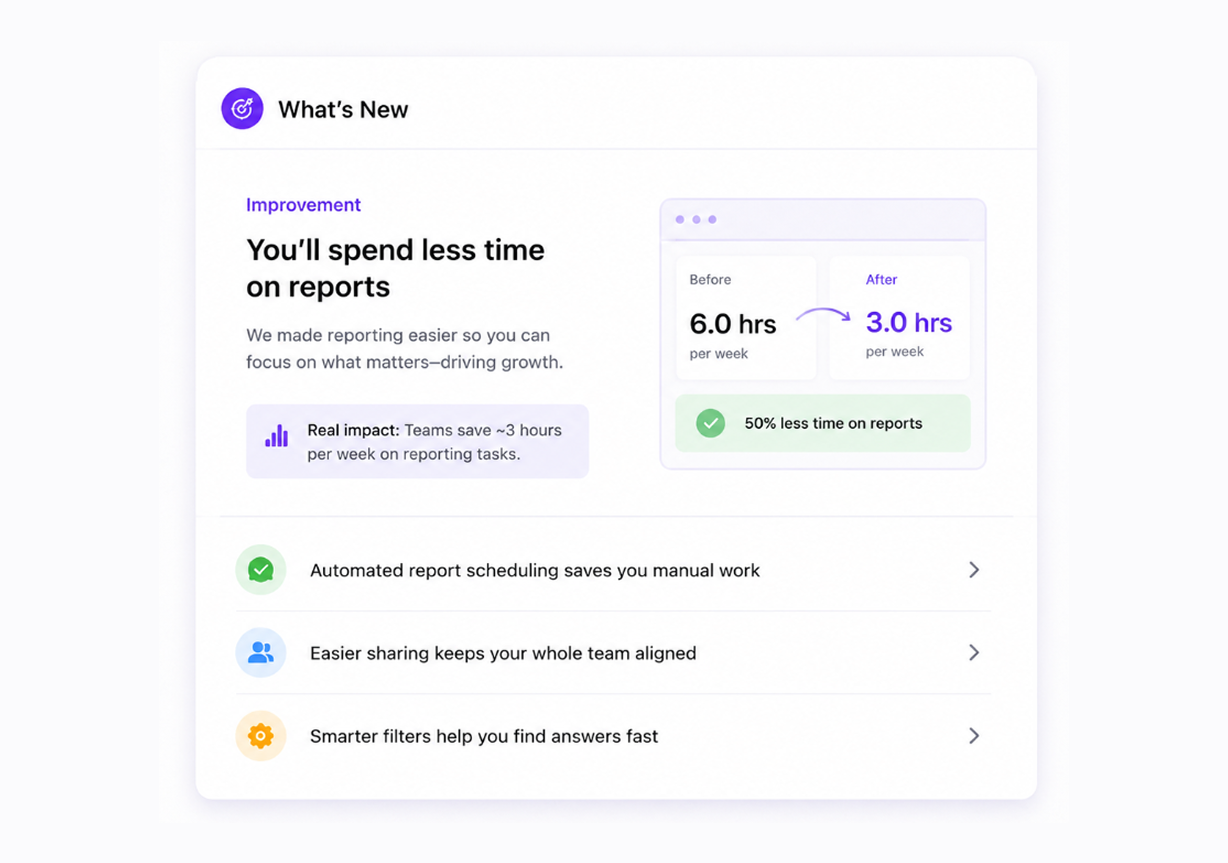
Features explain product changes. Outcomes explain value.
Customers care more about results than product functionality. Therefore, explain the outcome before describing the feature itself.
For example:
"Added dark mode."
This sentence gives very little information.
Now look at this:
"Work more comfortably during late-night sessions with our new dark mode."
The second example creates a stronger connection because users immediately understand the benefit.
Every feature solves a problem or improves an experience. Therefore, explain the result first.
Users often think:
- Will this save time?
- Will this improve my workflow?
- Will this make work easier?
- Will this solve a problem?
Good release notes answer these questions quickly.
Keep Updates Short and Easy to Scan
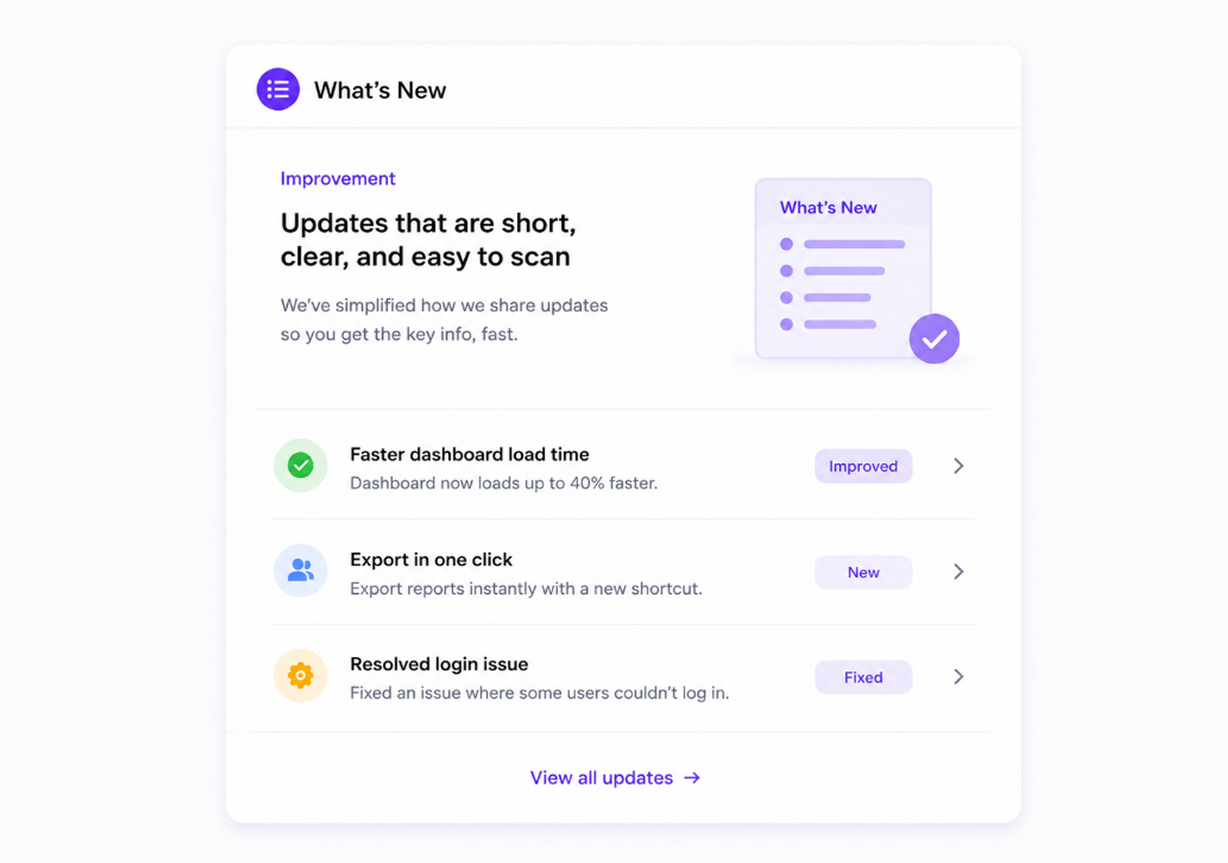
People scan online content very quickly. Most users search for important information instead of reading every line. Therefore, long blocks of text reduce engagement.
Short content keeps readers interested.
Use:
- Short paragraphs
- Clear sections
- Bullet points
- Simple formatting
- Extra spacing
Users should understand updates within seconds.
Many successful SaaS companies use shorter release notes because users prefer fast and simple communication.
Think about user behavior. Most people check release notes between tasks. They want quick information without spending extra time.
Simple and shorter updates create a better experience.
Organize Content With Headings
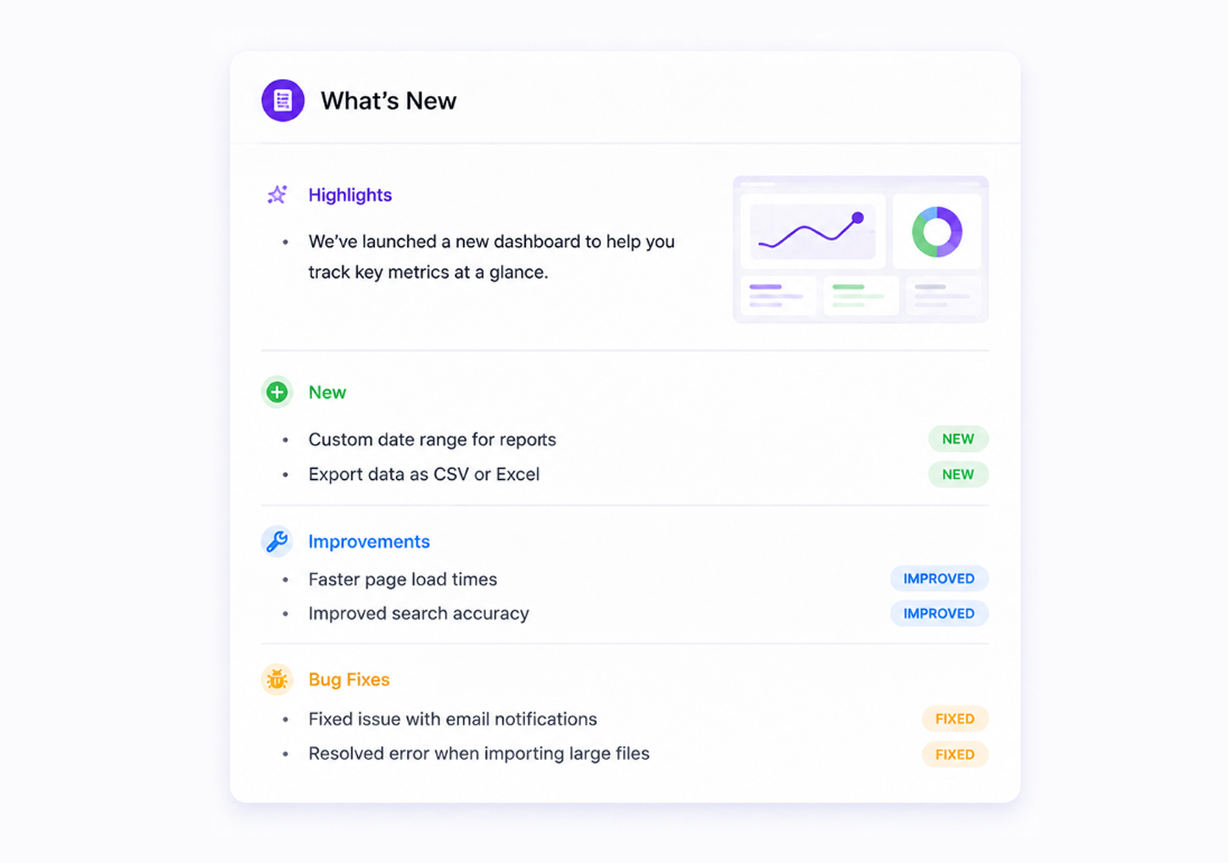
Structure improves readability.
Without headings, release notes often look messy and difficult to scan. Large text sections create confusion and reduce user engagement.
Headings guide readers and help users find information faster.
You can organize release notes with sections like:
New Features
Improvements
Bug Fixes
Coming Soon
Some users care about bug fixes. Others want feature updates. Clear sections help users find the information they need quickly.
Organized content also improves SEO performance and helps AI systems understand content structure more easily.
Add Visuals and Screenshots
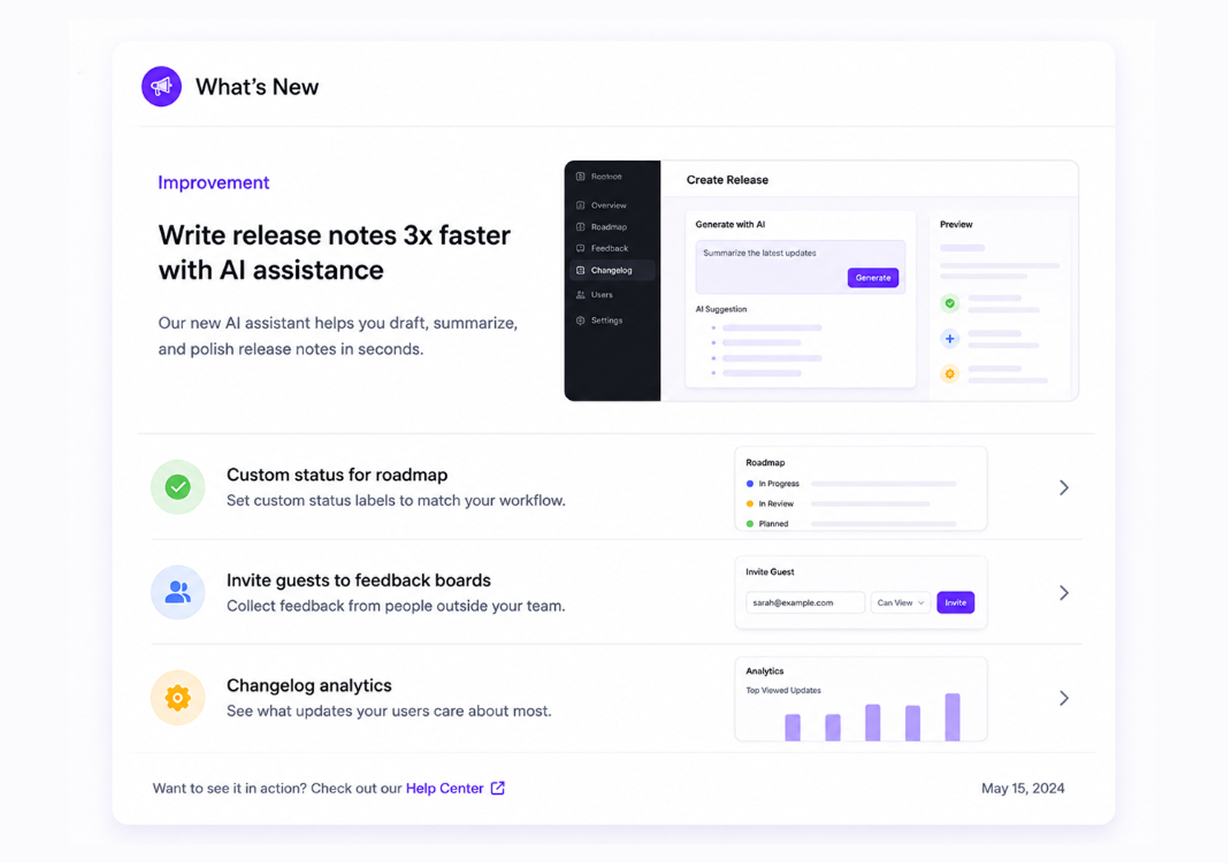
Images explain ideas faster than text.
Many users understand product updates immediately after seeing screenshots. Visual content removes confusion and creates excitement.
You can include:
- Product screenshots
- GIF demonstrations
- Feature walkthroughs
- Before-and-after images
- Product examples
For example, if you launch a new dashboard layout, include a screenshot beside the explanation.
Users can instantly see changes instead of imagining them.
Visual content also improves engagement and increases time on page.
Highlight Important Updates
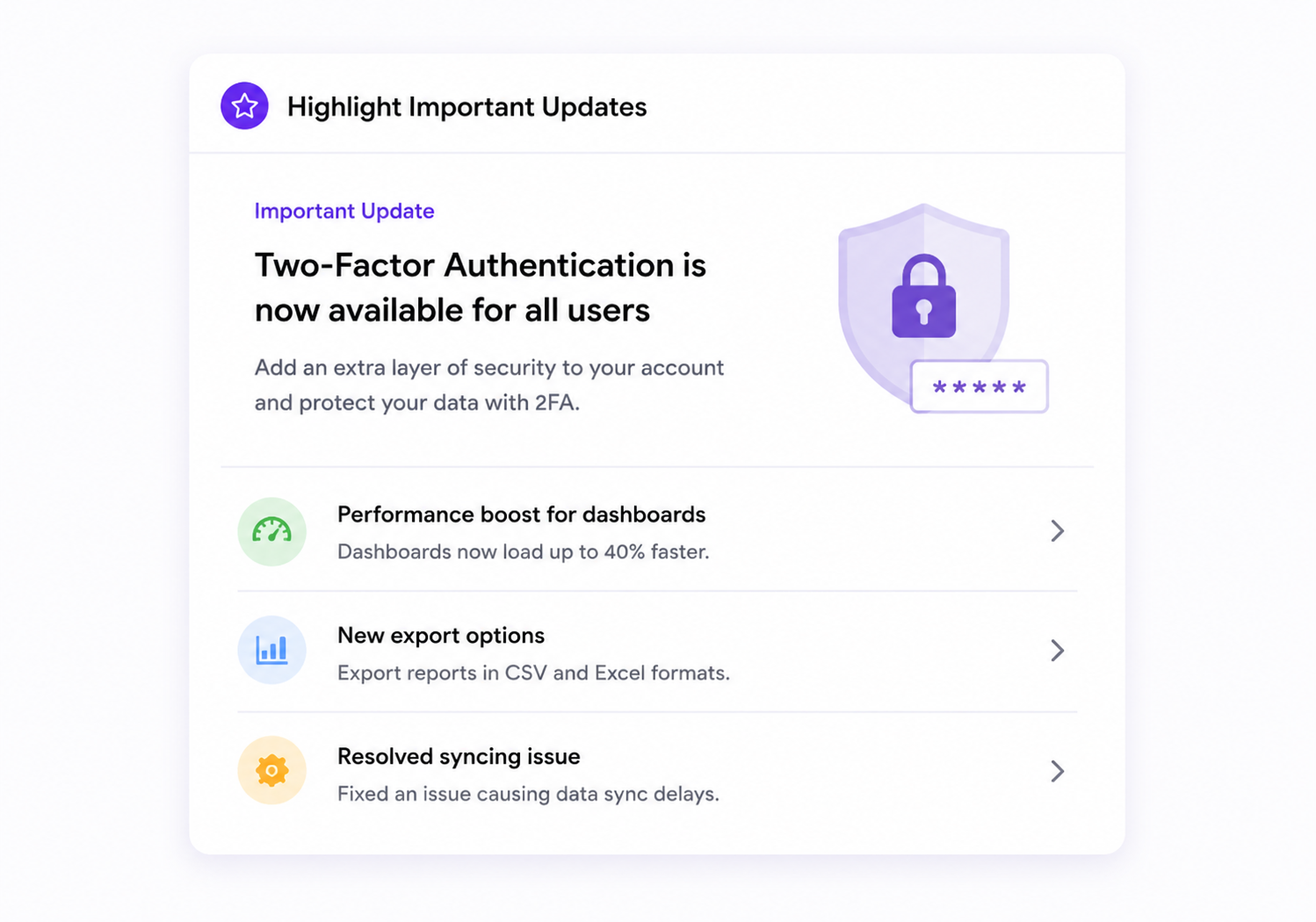
Not every product update carries the same value.
Some updates deserve extra attention. Therefore, highlight major changes so users notice them immediately.
You can use labels like:
🚀 Major Feature
⭐ New Update
🔧 Improvement
🐞 Bug Fix
Small visual elements guide readers and create a cleaner reading experience.
Many users scan release notes quickly. Clear labels help them focus on important updates first.
Major changes should always appear near the beginning of release notes.
Include a Clear Call-to-Action
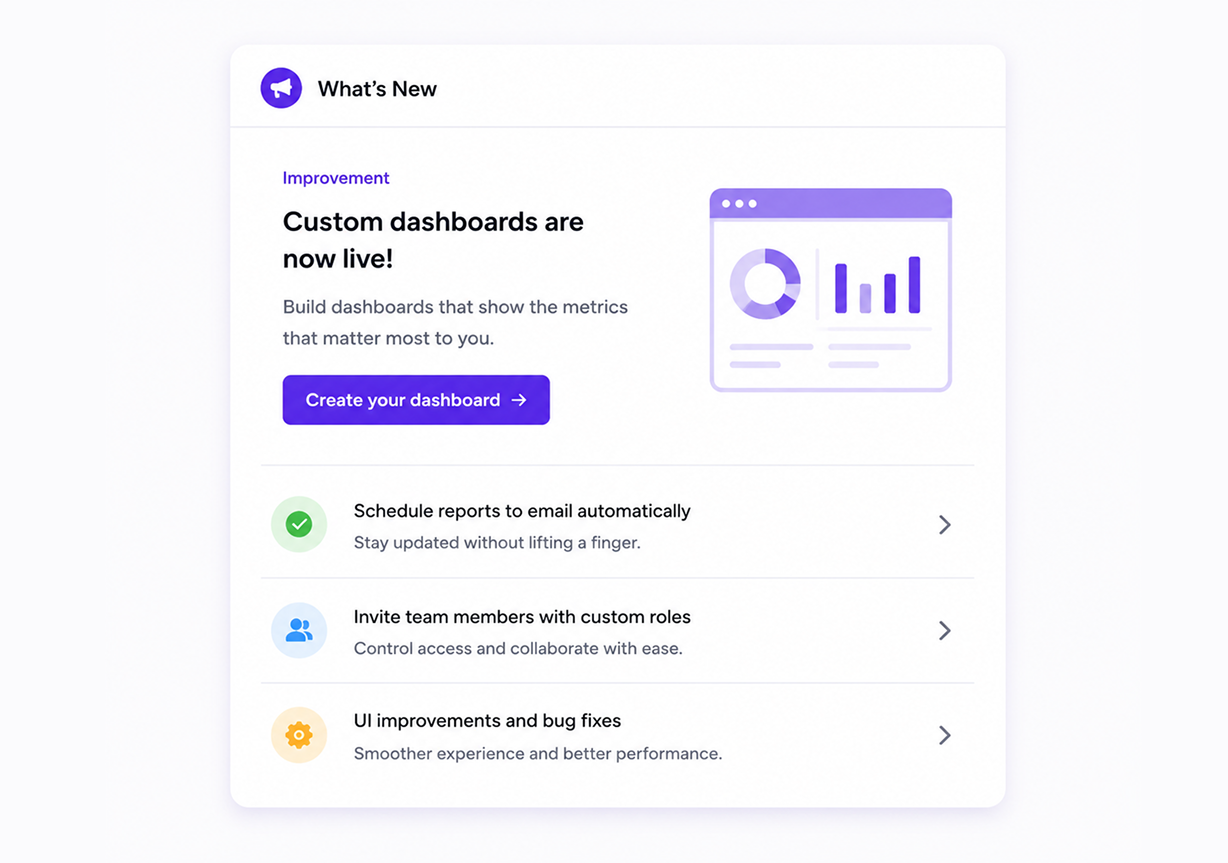
Release notes should encourage action.
Many companies announce updates and stop there. However, users often need direction after reading.
Tell users exactly what they should do next.
Examples include:
- Try the new feature today
- Explore your dashboard
- Share feedback
- Watch a quick tutorial
- Start using new filters
Clear calls-to-action improve engagement because users know where to go next.
Even a short action step increases clicks and feature usage.
Great release notes create excitement, improve communication, and help users understand updates quickly. Simple writing, helpful visuals, and customer-focused messaging turn release notes into content people actually enjoy reading. Customers want useful information in easy words. Therefore, keep every release note clear, short, and focused on customer value.
Release Notes Template You Can Copy
Writing release notes becomes much easier with a simple format. A clear structure helps users understand every update without reading long paragraphs. It also helps your team publish updates faster and keeps every release consistent. Start with the most important feature, explain the benefit, list the improvements, mention bug fixes, and finish with a simple next step.
You can use the template below for every product release.
Release Version
Version Number: [Version Number]
Release Date: [Month Day, Year]
New Feature
Feature Name
Write one or two short sentences about the new feature. Explain how users can use it and how it improves their experience. Keep the language simple and focus on the value.
Benefits
- Save time
- Complete tasks faster
- Enjoy a smoother workflow
Improvements
List the most important improvements in this release.
- Faster page loading
- Better navigation
- Improved mobile experience
- More accurate search results
Add a short explanation if users need more details.
Bug Fixes
Share the issues your team fixed in this release.
- Fixed login issue
- Fixed notification delay
- Fixed image upload problem
- Fixed search filter issue
Keep every point short and easy to understand.
Next Step
Invite users to try the latest update. Encourage them to explore the new feature and share their customer feedback.
Real Release Notes Examples From Popular Companies
Many product teams look for real release note examples before writing their own updates. Successful companies use a simple style because users want clear information, not technical details. Good release notes explain the biggest changes, show the value of the update, and help users start using new features right away.
Here are real release note styles from popular companies.
Quickhunt Release Notes Example
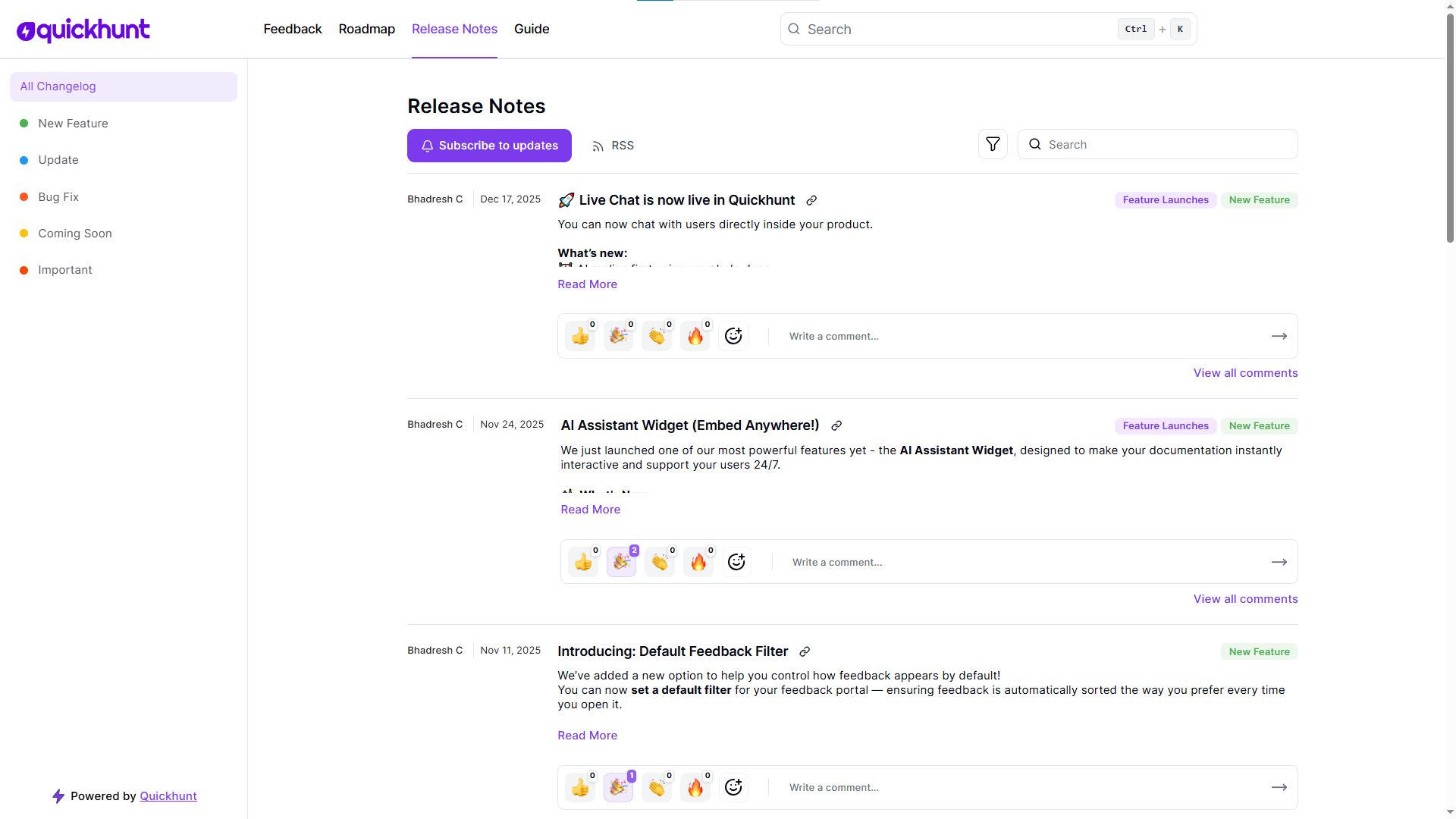
Quickhunt writes release notes with a strong focus on user value. Every update explains how new features help product teams collect feedback, manage roadmaps, and communicate product changes more effectively.
Slack Release Notes Example
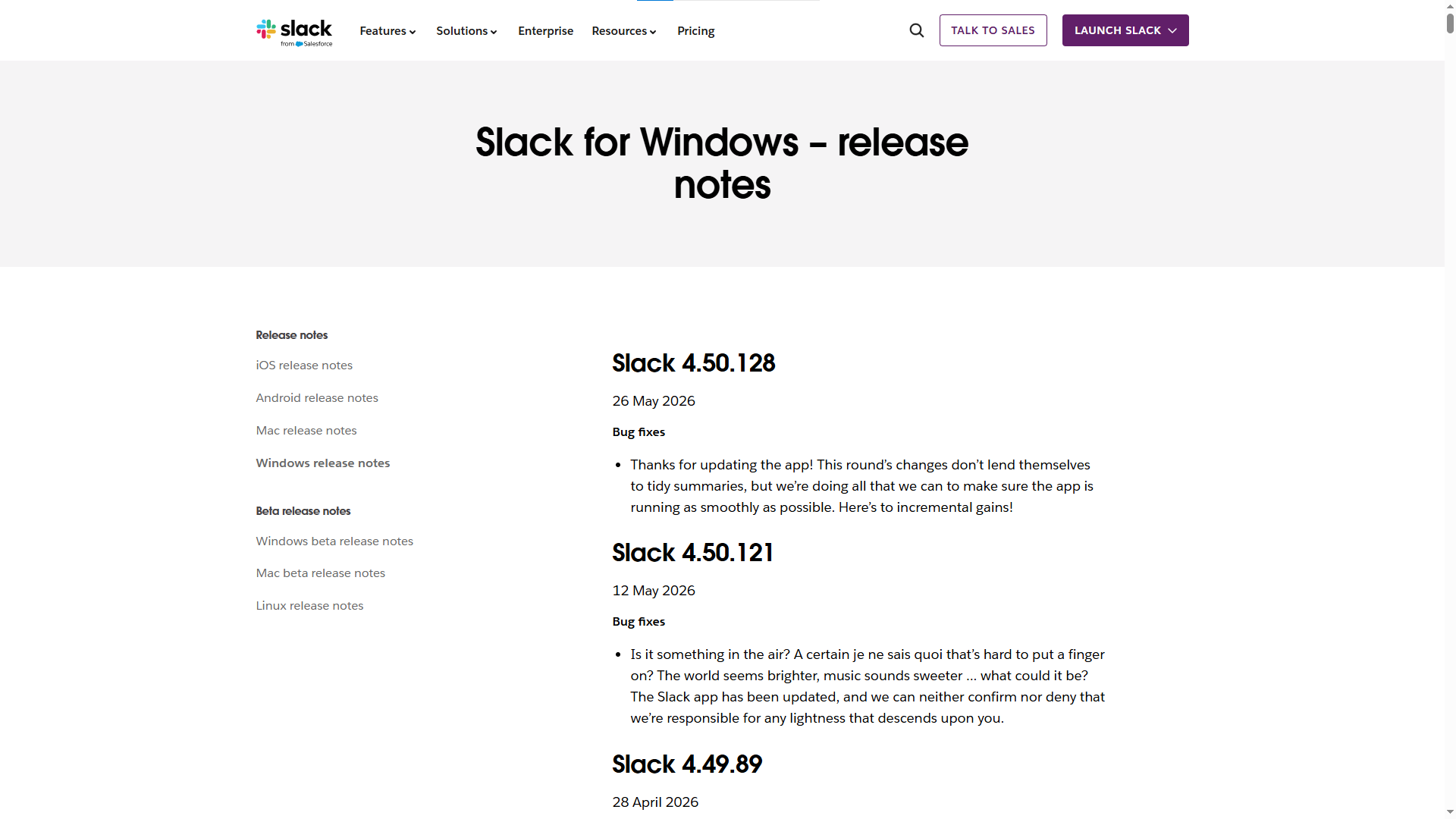
Slack writes release notes in a friendly and simple way. The team focuses on the user experience instead of technical work.
Notion Release Notes Example
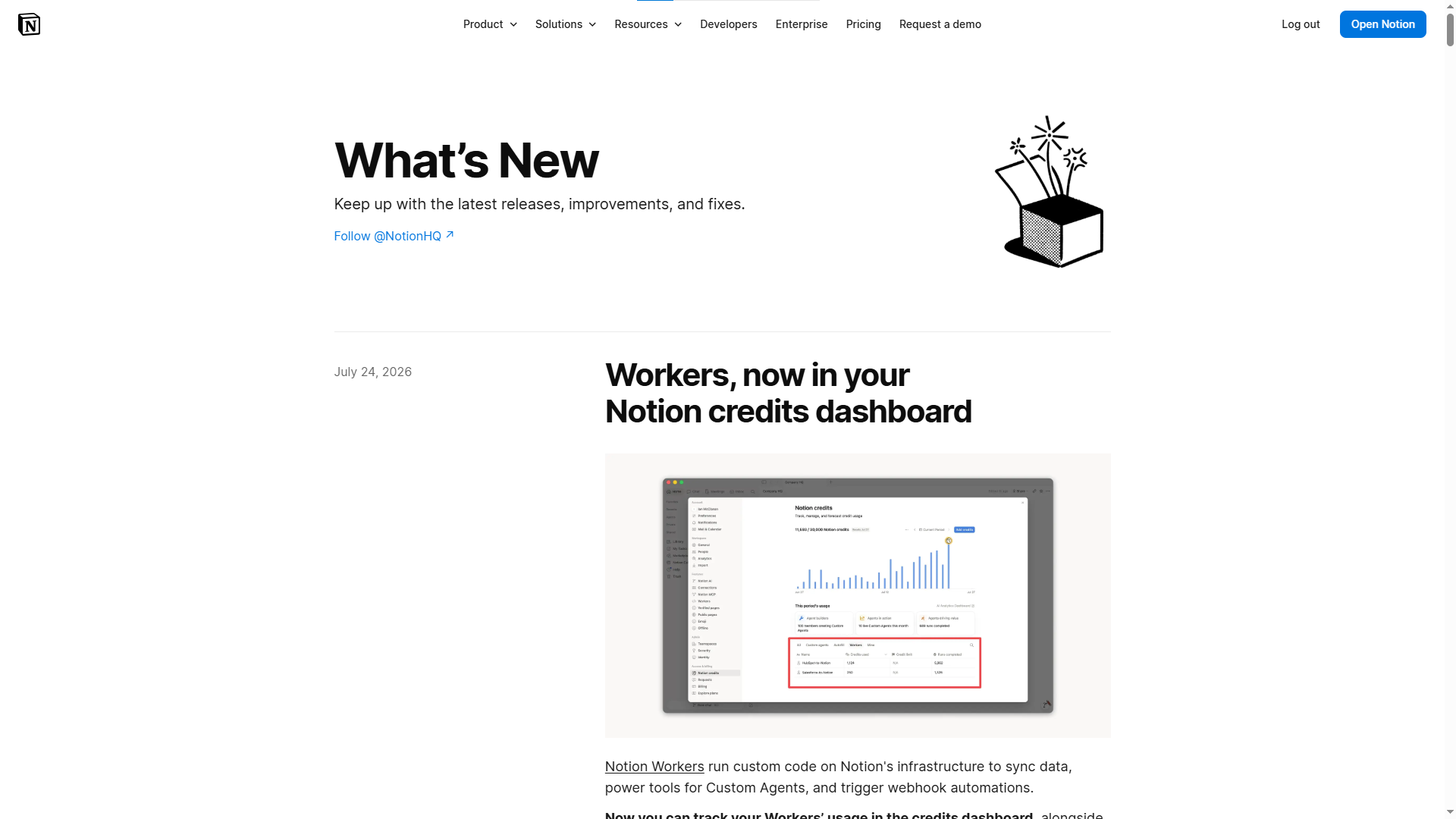
Notion keeps release notes short and focuses on productivity. Every update explains how users can work faster or stay organized.
Canva Release Notes Example
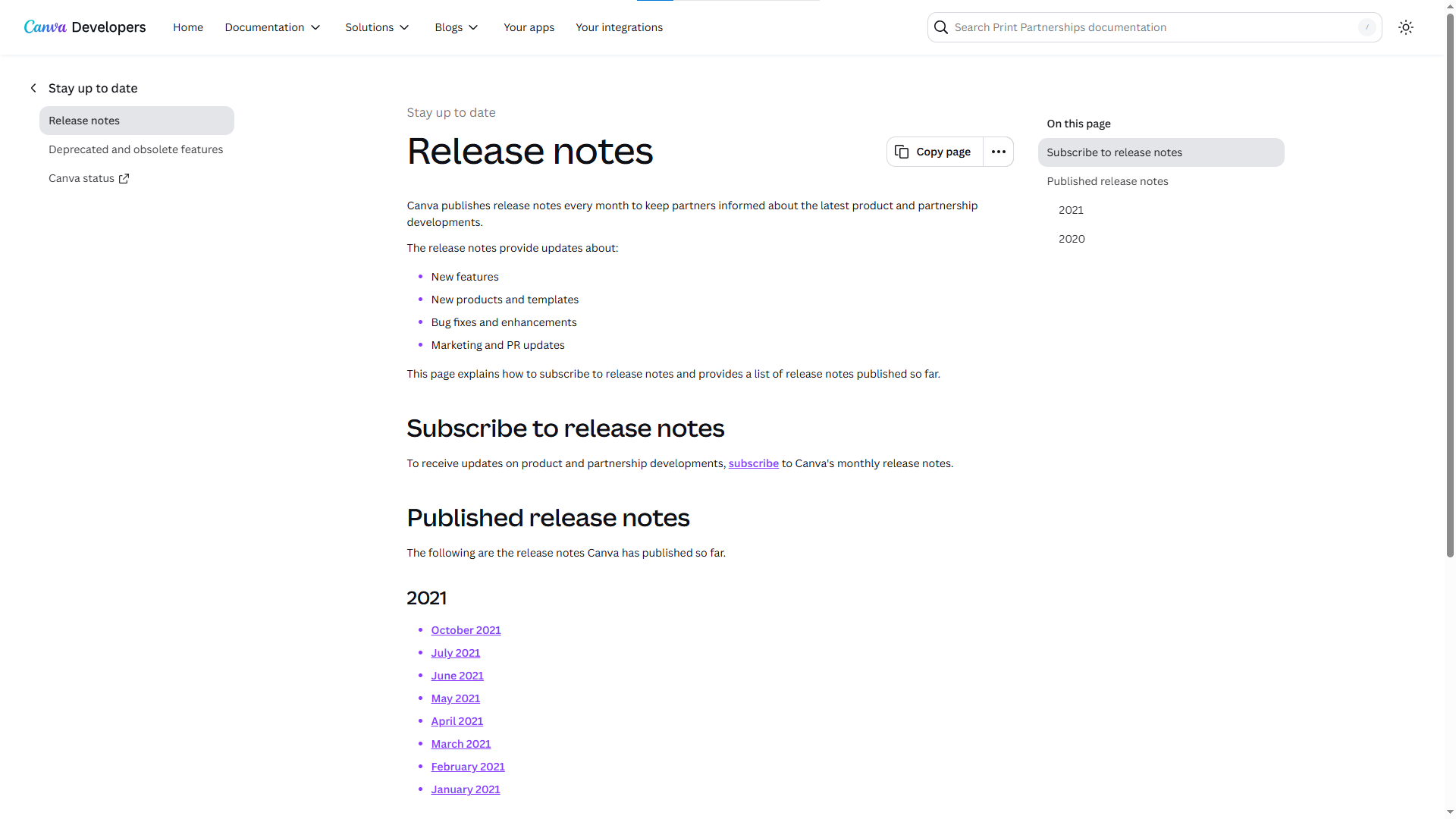
Canva uses simple words and focuses on helping users create designs more quickly.
Spotify Release Notes Example
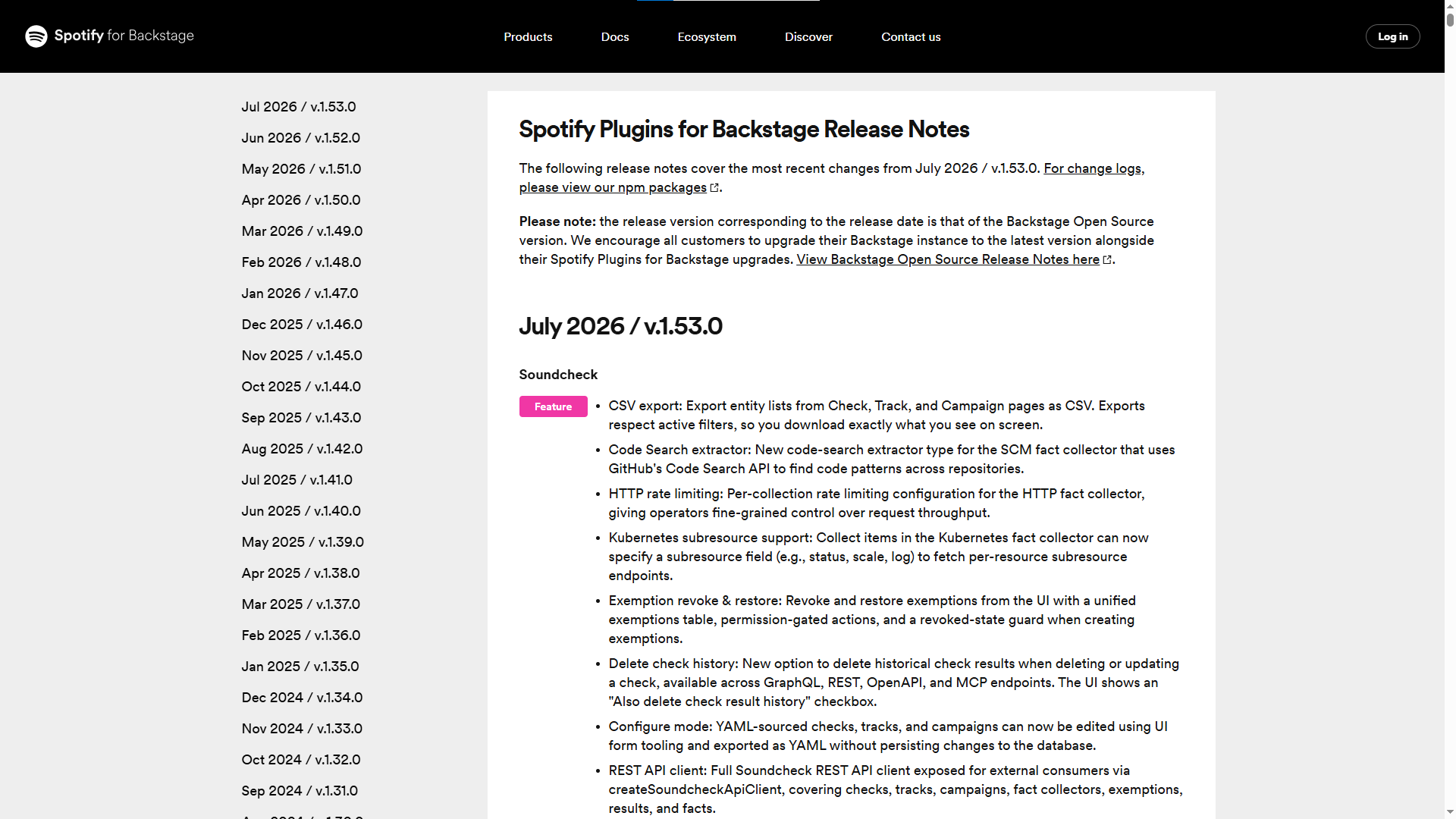
Spotify keeps release notes short and easy to scan. The team explains improvements in a few simple sentences.
Zoom Release Notes Example
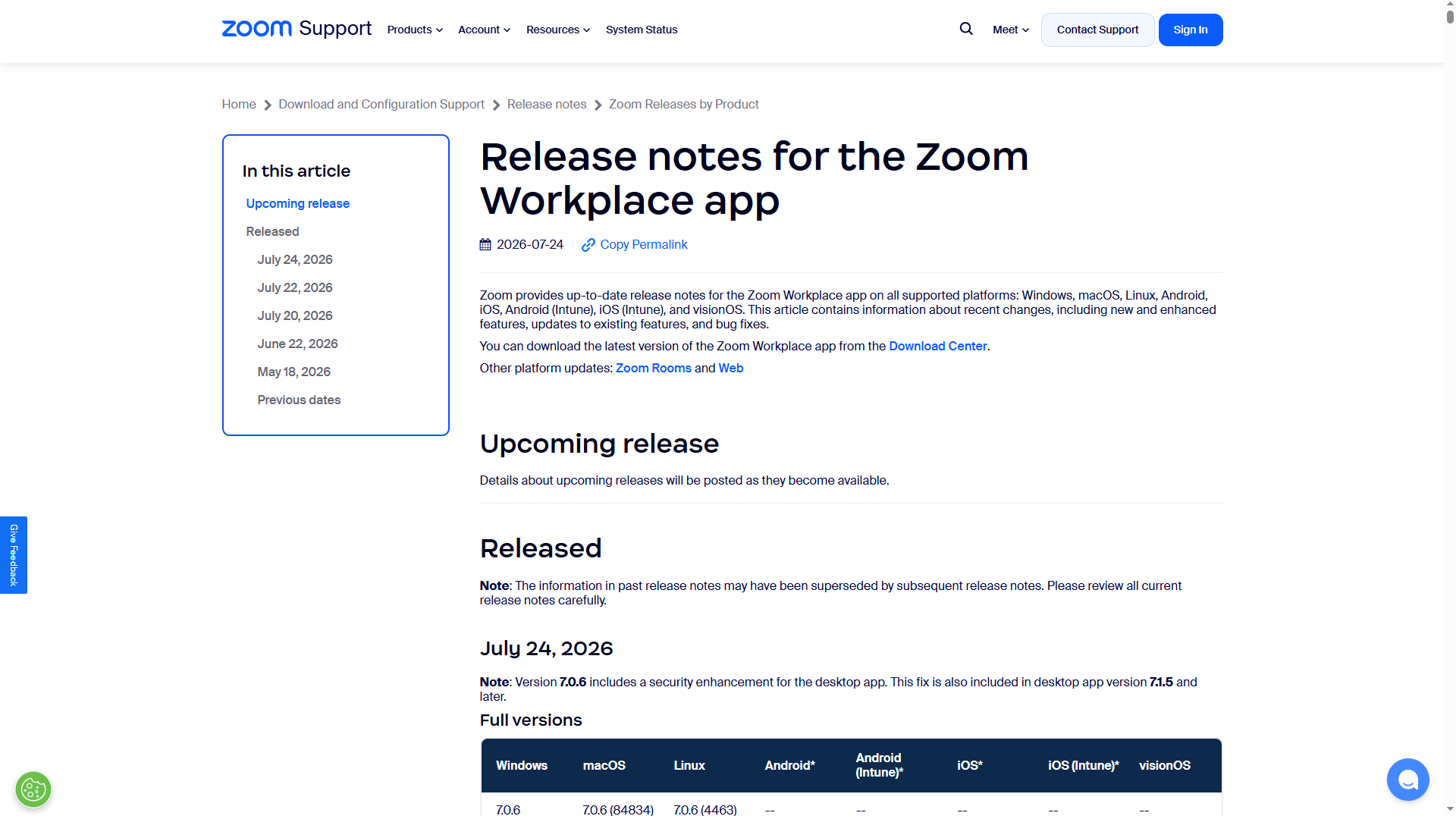
Zoom explains product updates in clear language and focuses on everyday use.
How Quickhunt Helps Teams Manage Release Notes
Quickhunt makes release note management simple for product teams. Instead of using different tools for product updates, customer feedback, and feature planning, you can manage everything from one place. Your team can create release notes in minutes and share them with customers through a clean, public changelog page.
Quickhunt helps you write release notes with a rich text editor, images, videos, GIFs, links, and formatted content. Every update looks clean and easy to read. Customers can quickly understand new features, improvements, and bug fixes without reading long technical updates.
You can schedule release notes before launch and publish them at the right time. This process keeps your team organized and helps customers stay informed after every product update. Every published release note also stays available on your public changelog page, so users can review past updates anytime.
Quickhunt connects customer feedback with product updates. Your team can collect feature requests, review customer ideas, build a roadmap, and publish release notes after every launch. Customers can easily see how their feedback turns into real product improvements. This approach builds trust and encourages more users to share ideas.
The platform also supports team collaboration. Product managers, developers, designers, marketers, and customer success teams can work together on every release. Everyone stays informed, and every update follows the same process from planning to publishing.
Quickhunt also improves customer communication. Instead of sending long emails, your team can publish clear release notes and share one link with customers. Users can quickly learn about new features, improvements, and bug fixes in one place.
As your product grows, Quickhunt keeps every release organized. Customers can browse update history, discover new features, and stay connected with your product journey. Better communication helps customers use more features, stay engaged, and feel confident in your product.
Beyond release notes, Quickhunt includes in-app messages to announce new features inside your product, live chat to provide real-time support and answer questions about recent updates, and a built-in knowledge base where customers can access help articles, tutorials, and documentation whenever they need assistance. By combining release notes, a public changelog, customer feedback, product roadmaps, in-app messaging, live chat, and a knowledge base in one place, Quickhunt helps SaaS teams improve communication, increase feature adoption, and deliver a better customer experience.
Conclusion
Great release notes do more than announce product updates. They help customers understand new features, improvements, and bug fixes in simple words. Clear release notes also help users discover new features faster and enjoy a better product experience.
Every update should focus on the customer. Start with the benefit, use short paragraphs, avoid technical words, and keep the message easy to read. A clear structure, helpful images, and simple language make every release note more valuable.
Consistency also plays a big role. Share release notes after every important update so customers always know how your product grows. Regular communication builds trust, increases feature adoption, and keeps users engaged.
If your team wants an easier way to create, organize, and publish release notes, Quickhunt gives you everything you need in one place. You can manage customer feedback, plan your roadmap, and publish professional release notes without switching between multiple tools.
Start writing release notes your customers enjoy reading, and turn every product update into an opportunity to improve customer engagement.
FAQs
1. What are release notes?
Release notes explain new features, product improvements, bug fixes, and other updates after a software release. They help customers understand every important change in simple language.
2. Why are release notes important?
Release notes keep customers informed about product updates. They increase feature adoption, improve communication, reduce customer confusion, and build trust with every release.
3. How do you write good release notes?
Start with the customer benefit. Use simple words, short paragraphs, and clear headings. Explain how each update improves the user experience instead of listing technical changes.
4. How long should release notes be?
Keep release notes short and easy to scan. Focus on the most important updates and explain each one in a few simple sentences.
5. Who should write release notes?
Product managers, product marketers, developers, customer success teams, founders, and engineering managers often work together to create accurate and customer-friendly release notes.
6. What should release notes include?
Most release notes include new features, improvements, bug fixes, performance updates, security updates, and important announcements. A short introduction and a clear call to action also improve readability.
7. What is the difference between release notes and a changelog?
Release notes explain product updates in customer-friendly language and focus on user value. A changelog records product changes over time and often includes more detailed technical information.
8. Which tool helps create release notes?
Many product teams use dedicated release notes software to publish updates. Quickhunt helps teams collect customer feedback, manage product roadmaps, and publish professional release notes from one platform.



.svg "footer-logo")




.svg "fecebook")
.svg "linkdin")
.svg "twitter")



.png)